
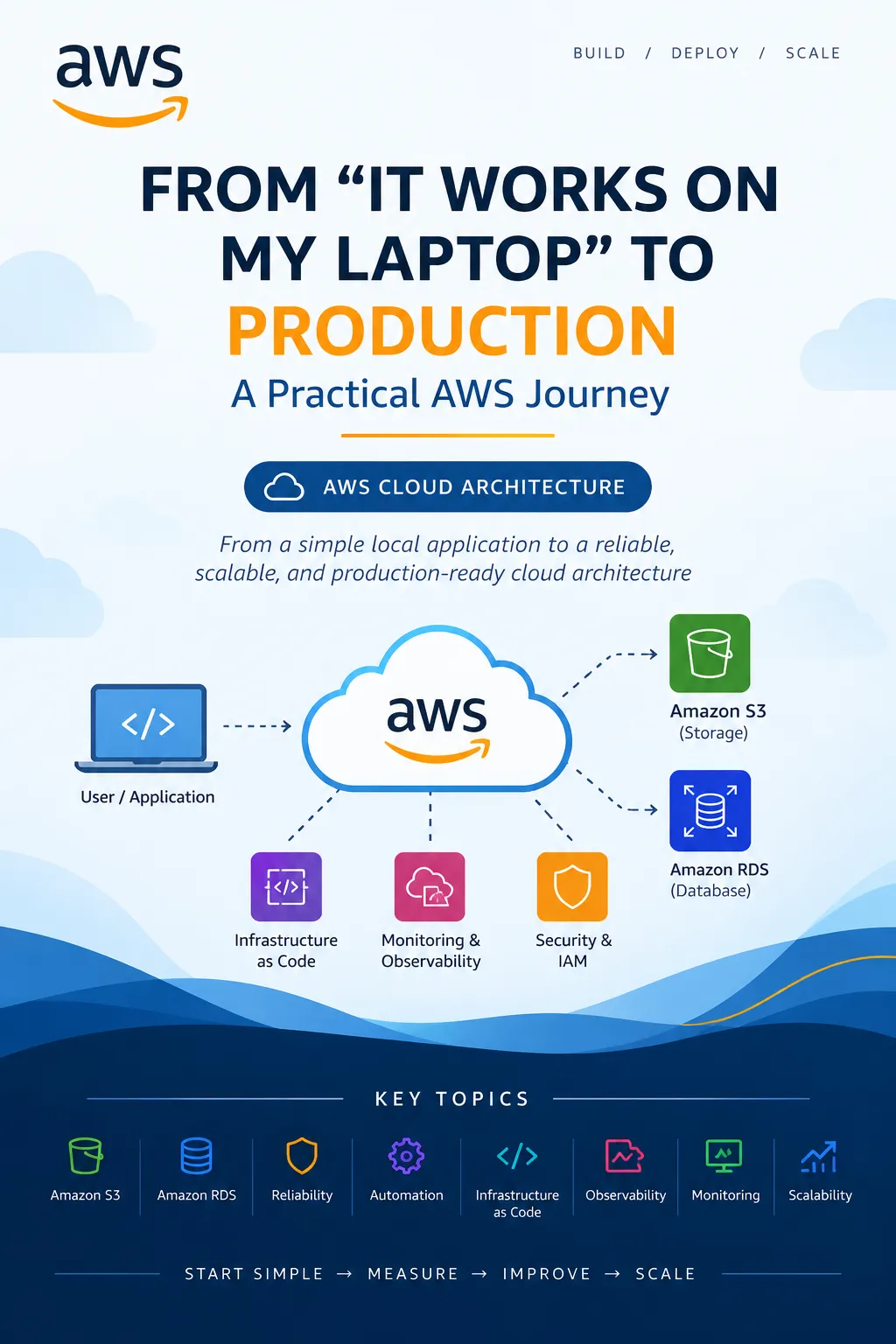
From “It Works on My Laptop” to Production: A Practical AWS Journey
Moving an application from a local machine to the cloud involves more than deploying code. Explore a practical AWS architecture that turns a simple application into a more reliable, scalable, and observable system.

From “It Works on My Laptop” to Production: A Practical AWS Journey
Every developer has heard the phrase:
Every developer has heard the phrase:
“It works on my laptop.”
The application runs perfectly during development, but once it reaches a real environment, unexpected problems appear. Configuration is different, files are stored locally, the database is difficult to manage, and suddenly scaling the application becomes a challenge.
This is where cloud architecture can make a significant difference.
Rather than moving an application to AWS and immediately using dozens of services, we can take a simple application and improve it step by step.
Start with the simplest architecture
Imagine we have built a small application that allows users to upload documents.
Imagine we have built a small application that allows users to upload documents.
Initially, everything might run on a single computer:
User → Application → Local Storage → Local Database
This works for development, but it creates several problems.
What happens if the computer fails?
What happens when hundreds of users access the application simultaneously?
What happens if uploaded files consume all available disk space?
Instead of solving all these problems at once, we can gradually move individual responsibilities into managed AWS services.
Step 1: Separate application data from application servers
One of the first improvements is moving uploaded files away from the application server.
One of the first improvements is moving uploaded files away from the application server.
Amazon S3 can provide durable object storage for documents, images, backups, and other files.
Our architecture becomes:
User → Application → Amazon S3
The application no longer needs to depend on its local disk for permanent file storage.
This also makes it easier to replace or add application servers later.
Step 2: Move the database to a managed service
The next problem is the database.
The next problem is the database.
Running a database manually on the same server as the application can become difficult as the application grows.
Amazon RDS can be used for managed relational database workloads.
Our architecture now looks more like:
User → Application → RDS
** ↘ S3**
The application server handles application logic, while specialized services handle storage and database workloads.
This separation is an important architectural concept.
Step 3: Think about failure
A production system shouldn't assume that everything will always work.
A production system shouldn't assume that everything will always work.
Servers can fail.
Networks can experience problems.
Applications can contain bugs.
Instead of asking “How do I prevent every failure?”, a better question is:
“What happens when something fails?”
This changes the way we design systems.
For example, we can think about:
Multiple application instances
Health checks
Backups
Monitoring
Logging
Appropriate permissions
Recovery procedures
Reliability isn't simply about preventing failures. It's also about preparing the system to recover from them.
Step 4: Introduce automation
Another major difference between a personal project and a production system is how infrastructure is managed.
Another major difference between a personal project and a production system is how infrastructure is managed.
Manually creating resources through a console can be useful while learning, but repeating those steps for every environment quickly becomes inconvenient.
Infrastructure as Code allows infrastructure configuration to be described and reproduced systematically.
This means development, testing, and production environments can follow a consistent process instead of relying on someone remembering every configuration step.
Step 5: Add observability
An application isn't truly production-ready if we cannot understand what is happening inside it.
An application isn't truly production-ready if we cannot understand what is happening inside it.
Suppose users report:
“The application became slow this morning.”
Without monitoring and logs, finding the cause can be difficult.
With proper observability, we can investigate questions such as:
Are requests taking longer than usual?
Is CPU or memory usage increasing?
Are database queries slowing down?
Are errors increasing?
Which component is causing the problem?
Monitoring isn't something to add only after an incident. It should be considered part of the architecture.
The bigger lesson
The interesting part of moving to AWS isn't simply replacing a physical server with a cloud server.
The interesting part of moving to AWS isn't simply replacing a physical server with a cloud server.
The real transformation is separating responsibilities.
Instead of one machine doing everything, different components can have clearly defined jobs:
Application compute handles application logic.
Object storage handles files.
Database services handle structured data.
Monitoring tools help us understand system behavior.
Identity and access controls help protect resources.
This separation makes systems easier to reason about and evolve.
Don't over-engineer the first version
Cloud architecture can become complicated very quickly.
Cloud architecture can become complicated very quickly.
It can be tempting to add containers, queues, functions, multiple databases, caching layers, and dozens of other services immediately.
But complexity has a cost.
A better approach is:
Start simple → Measure → Identify the bottleneck → Improve
If the application doesn't need a particular service yet, don't add it simply because it exists.
Good architecture isn't about using the most AWS services.
It's about choosing the right level of complexity for the problem.
Final thoughts
The journey from “it works on my laptop” to a production-ready application doesn't happen in one giant step.
The journey from “it works on my laptop” to a production-ready application doesn't happen in one giant step.
It's a series of improvements.
Start with a simple application. Move persistent data into appropriate managed services. Think about failure. Automate repeatable infrastructure. Add observability. Then improve the architecture when real requirements demand it.
That mindset is useful far beyond AWS.
The goal isn't to build the most complicated cloud architecture. The goal is to build a system that can evolve as the application and its users grow.
Enjoyed reading this content? Let the author know!
Your likes, comments, shares, and saves help creators reach more builders.

Loading recommendations
Loading article