
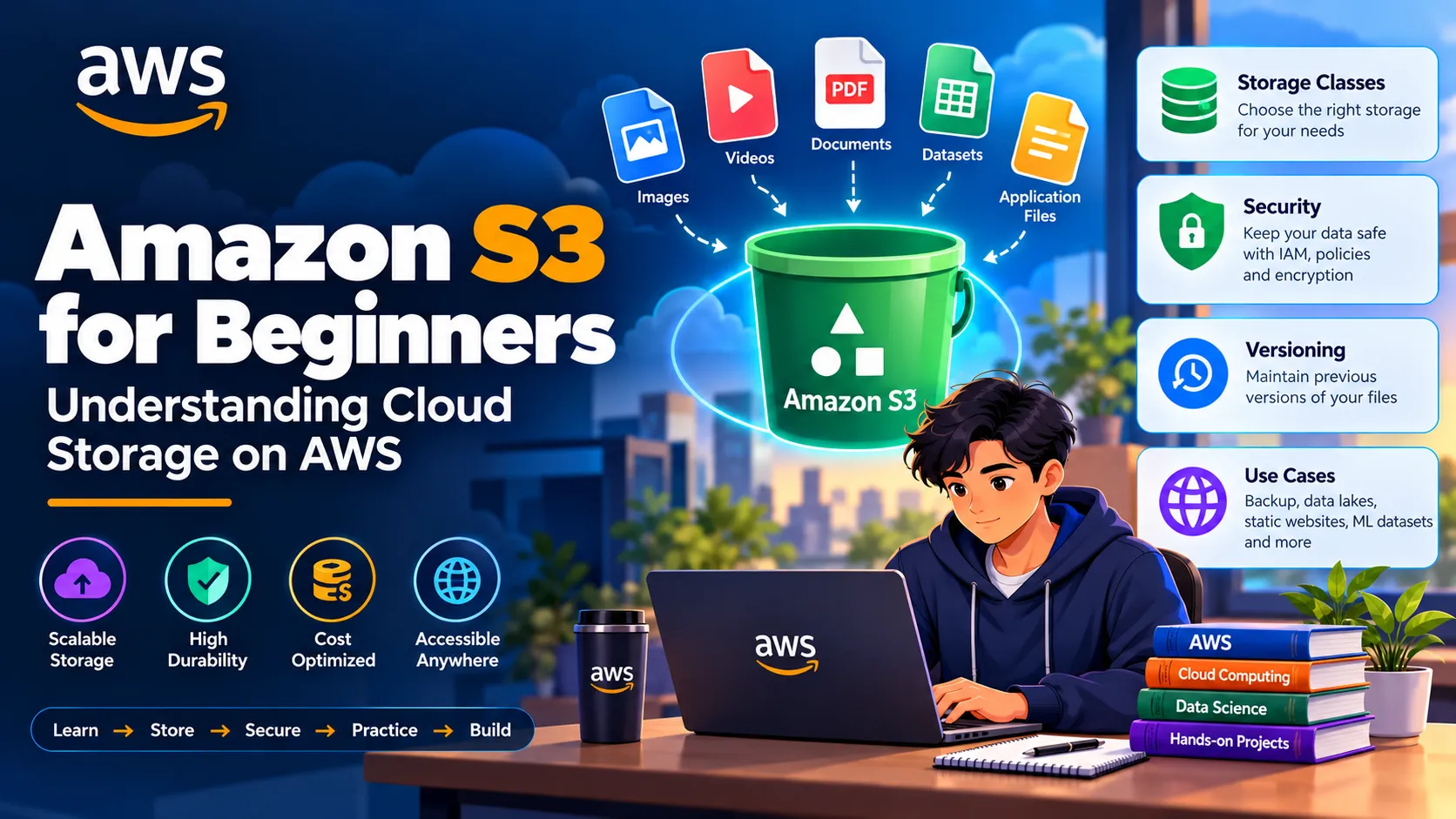
Amazon S3 for Beginners: Understanding Cloud Storage on AWS
A beginner-friendly guide to Amazon S3, covering buckets, objects, storage classes, security, versioning, and practical use cases for students learning AWS Cloud.

Amazon S3 for Beginners: Understanding Cloud Storage on AWS
Cloud storage is one of the fundamental building blocks of modern cloud applications. Amazon Simple Storage Service (Amazon S3) is an AWS service designed to store and retrieve data from anywhere through the internet.
For students beginning their AWS journey, understanding Amazon S3 is important because it introduces key concepts such as object storage, scalability, durability, security, and storage management.
1. What is Amazon S3?
Amazon S3 is an object storage service that allows users and applications to store and retrieve data.
Data stored in S3 can include:
- Images
- Videos
- Documents
- Application files
- Backups
- Logs
- Datasets
- Static website files
S3 is designed to provide highly scalable and durable storage for a wide variety of workloads.
2. Understanding S3 Buckets
An S3 bucket is a container used to store objects.
Before uploading data to S3, a bucket must be created. Each bucket can contain many objects and can be configured with different security and management settings.
For example, a student working on a machine learning project could create a bucket to store datasets, trained models, and project files.
3. Understanding S3 Objects
An object is the actual piece of data stored inside an S3 bucket.
An S3 object generally consists of:
- The data itself
- A key that identifies the object
- Metadata
- Other associated properties
For example, an image named
project-dashboard.png could be stored as an object inside an S3 bucket.4. S3 Storage Classes
Amazon S3 provides different storage classes for different access patterns.
Common storage classes include:
- S3 Standard
- S3 Intelligent-Tiering
- S3 Standard-IA
- S3 One Zone-IA
- S3 Glacier Instant Retrieval
- S3 Glacier Flexible Retrieval
- S3 Glacier Deep Archive
Choosing an appropriate storage class can help organizations balance storage cost, access requirements, and performance.
5. S3 Security
Security is an important part of managing S3 data.
AWS provides several mechanisms to control access to S3 resources, including:
- IAM permissions
- Bucket policies
- Access controls
- Encryption
- Block Public Access settings
By default, sensitive data should not be made publicly accessible unless there is a specific reason to do so.
6. S3 Versioning
S3 Versioning helps maintain multiple versions of an object.
For example, if a file is accidentally overwritten or deleted, versioning can help preserve previous versions depending on the bucket configuration.
Versioning can be particularly useful for important documents, application files, and datasets.
7. Practical S3 Learning
Students can develop their understanding of S3 through simple hands-on activities.
A beginner practice workflow could include:
- Create an S3 bucket.
- Upload a sample file.
- Explore object properties.
- Download the object.
- Review bucket permissions.
- Enable versioning.
- Explore storage classes.
- Delete test resources when finished.
Always avoid uploading sensitive personal information or credentials to test buckets.
8. S3 Use Cases
Amazon S3 can be used for many different workloads.
Common examples include:
- Data backup and archiving
- Data lakes
- Static website hosting
- Application assets
- Media storage
- Log storage
- Machine learning datasets
- Software distribution
For data science students, S3 can be especially useful for storing datasets and other files used in analytics and machine learning workflows.
9. S3 and Data Science
Data scientists often work with large datasets that need to be stored and accessed by different tools.
A typical workflow could look like:
Data Source → Amazon S3 → Data Processing → Analysis → Machine Learning
For example, raw CSV datasets can be stored in S3 and later processed using AWS analytics or machine learning services.
This makes understanding S3 valuable for students interested in both cloud computing and data science.
10. Best Practices for Beginners
When working with Amazon S3, keep the following practices in mind:
- Use meaningful bucket and object names.
- Keep sensitive data private.
- Follow the principle of least privilege.
- Enable versioning when appropriate.
- Choose storage classes based on access patterns.
- Monitor storage usage and costs.
- Delete unused test resources.
- Never expose AWS access keys or secret credentials.
Conclusion
Amazon S3 is one of the fundamental AWS services that every cloud learner should understand. Learning how buckets, objects, storage classes, security, and versioning work provides a strong foundation for working with cloud storage.
For students, the best way to learn S3 is to combine concepts with hands-on practice and gradually explore how S3 connects with other AWS services.
Learn → Store → Secure → Practice → Build
Understanding services such as Amazon S3 is an important step toward developing practical AWS cloud skills.
Enjoyed reading this content? Let the author know!
Your likes, comments, shares, and saves help creators reach more builders.

Loading recommendations
Loading article