
Understanding AWS EC2 Security Groups: A Beginner-Friendly Guide
Learn how Amazon EC2 Security Groups control inbound and outbound network traffic, understand common ports, and discover simple security practices for protecting your cloud instances.

When you launch an Amazon EC2 instance, one of the most important security settings you configure is the Security Group.
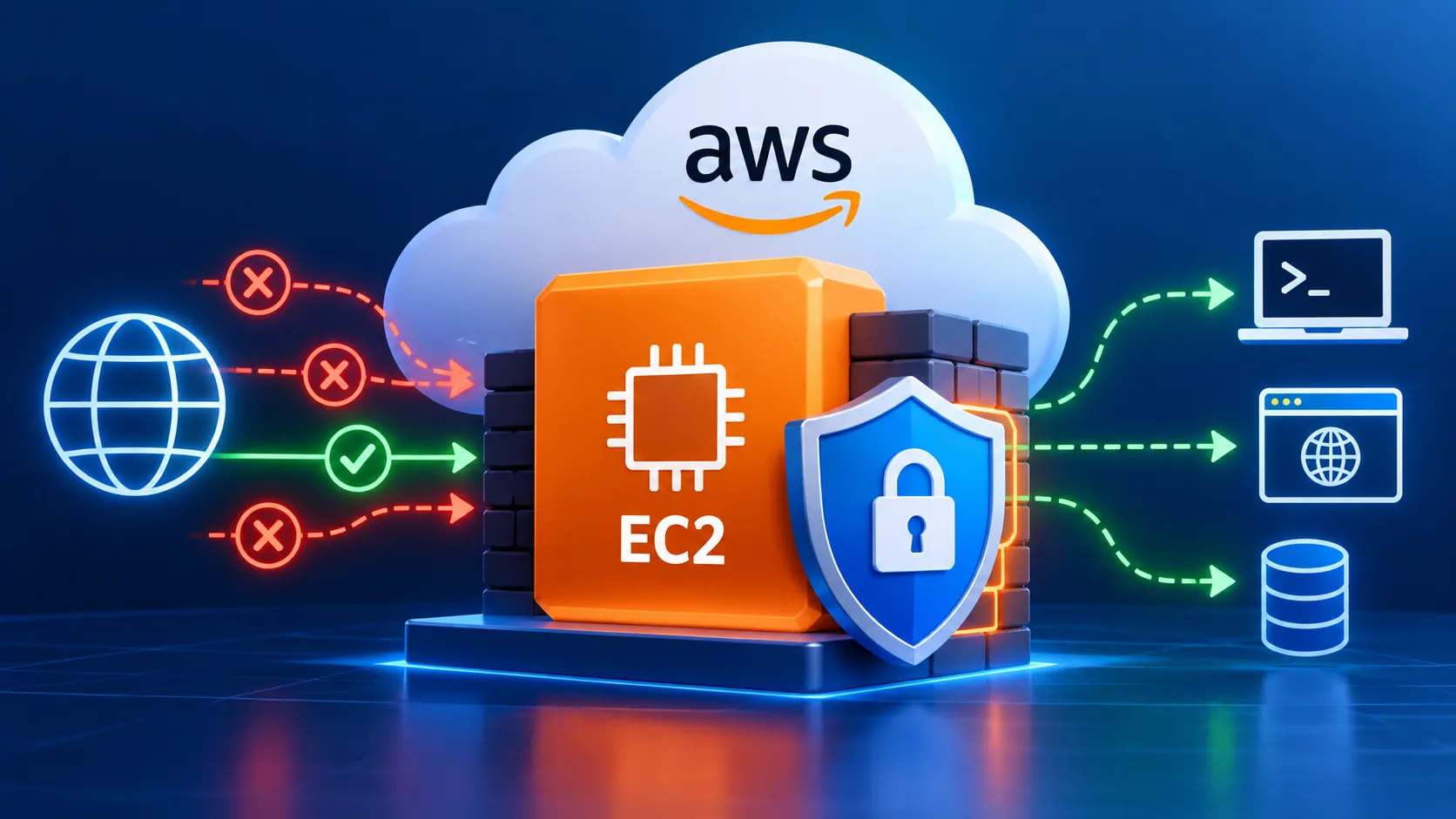
A Security Group acts as a virtual firewall for your EC2 instance. It controls which network traffic is allowed to reach your instance and which traffic can leave it.
If you are new to AWS, understanding Security Groups is an important step toward building secure cloud applications.
What is a Security Group?
A Security Group is a set of network access rules associated with AWS resources such as Amazon EC2 instances.
It contains two main types of rules:
- Inbound rules — control traffic entering the instance.
- Outbound rules — control traffic leaving the instance.
For example, if you want to connect to an Amazon Linux EC2 instance using SSH, you normally allow TCP traffic on port 22.
A typical rule could look like:
1
2
3
4
Type: SSH
Protocol: TCP
Port: 22
Source: My IP
This means that only the specified IP address can attempt to connect to the instance using SSH.
Common Ports You May See
Some common ports used when working with EC2 are:
| Service | Port | Purpose |
|---|---|---|
| SSH | 22 | Remote Linux server access |
| HTTP | 80 | Web traffic |
| HTTPS | 443 | Secure web traffic |
| RDP | 3389 | Remote access to Windows servers |
The ports you allow should depend on what your application actually needs.
Why "My IP" is Better Than "Anywhere"
When configuring SSH access, AWS allows you to specify the source of the connection.
For learning environments, you may sometimes see:
1
0.0.0.0/0
This means traffic is allowed from any IPv4 address on the internet.
For administrative services such as SSH, allowing access from everywhere increases exposure.
A safer option is:
1
My IP
This limits the rule to your current public IP address.
Example: Hosting a Simple Website
Imagine that you launch an EC2 instance to host a website.
You might configure the Security Group with:
1
2
3
SSH
Port: 22
Source: My IP
1
2
3
HTTP
Port: 80
Source: 0.0.0.0/01
2
3
HTTPS
Port: 443
Source: 0.0.0.0/0In this setup:
- SSH administration is restricted.
- Website visitors can access the application using HTTP or HTTPS.
This follows an important security principle: only allow the access that is required.
Security Groups Are Stateful
One useful characteristic of Security Groups is that they are stateful.
If traffic is allowed into an instance through a Security Group rule, the response traffic is automatically allowed back out.
You don't normally need to create a separate rule just for the response.
Security Groups vs Network ACLs
Beginners sometimes confuse Security Groups with Network Access Control Lists.
A simple way to remember the difference is:
1
2
3
Security Group → protects resources such as EC2 instances

Network ACL → controls traffic at the subnet level
Both can be part of the security architecture of an Amazon VPC.
Best Practices
When configuring Security Groups:
- Allow only the ports your application requires.
- Restrict administrative access such as SSH and RDP.
- Avoid unnecessarily exposing services to the entire internet.
- Remove unused Security Group rules.
- Review your Security Groups regularly.
- Use HTTPS instead of HTTP for production applications whenever appropriate.
Final Thoughts
Security Groups may look like a small configuration step when launching an EC2 instance, but they play an important role in cloud security.
Understanding the relationship between:
1
2
3
4
5
6
7
Internet
   ↓
Security Group
   ↓
EC2 Instance
   ↓
Application
makes it much easier to understand how AWS controls network access.
When learning AWS, don't simply copy Security Group rules from tutorials. Try to understand why each port is open and who actually needs access to it.
That simple habit can help you build safer AWS environments as your cloud projects become more advanced.
Enjoyed reading this content? Let the author know!
Your likes, comments, shares, and saves help creators reach more builders.

Loading recommendations
Loading article