
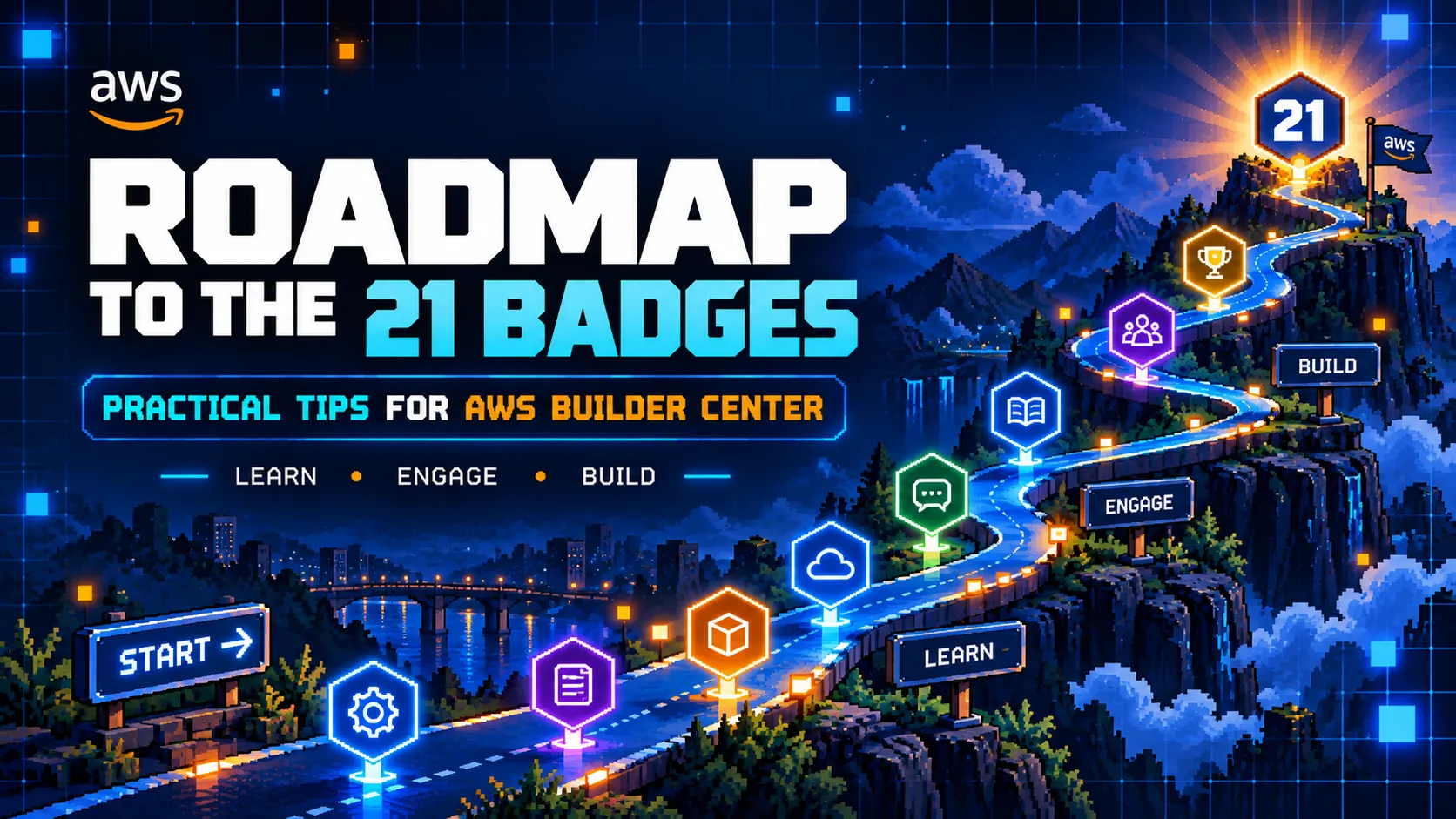
21 AWS Builder Center Badges: Tips and a Simple Roadmap
Trying to unlock the 21 AWS Builder Center badges? This guide shares practical tips and a simple roadmap for staying consistent, engaging with the community, tracking progress, and moving through the badge journey with more clarity and strategy.

21 AWS Builder Center Badges: Tips and a Simple Roadmap
The 21 AWS Builder Center badges can seem overwhelming at first.
There are multiple actions, different engagement paths, and several ways to participate on the platform. Without a clear approach, it is easy to stay active without making structured progress.
This guide focuses on practical tips to help students and learners move through the badge journey with more clarity, consistency, and strategy.
1. Understand the Badge Categories First
Before trying to complete everything, take a few minutes to understand how the badge system works.
Some badges are related to:
- posting content
- commenting
- receiving engagement
- following people
- completing profile or platform actions
- staying active over time
A better understanding of the categories makes it easier to plan progress.
2. Start with the Easy Wins
The best first step is to complete the badges that depend mostly on direct action rather than external engagement.
Examples may include:
- completing profile-related actions
- publishing posts
- commenting consistently
- following relevant people
- staying active over multiple weeks
This creates momentum early.
3. Focus on Consistency, Not Random Activity
Trying random tasks without structure usually creates confusion.
A better system is:
- post regularly
- comment consistently
- reply to interactions
- support other learners
- track progress weekly
Consistency usually matters more than intensity.
4. Use One Action to Support Multiple Badges
A single action can often contribute to multiple goals.
For example, one useful post can help with:
- publishing content
- staying active that week
- receiving likes
- receiving comments
- generating profile visibility
- building new connections
The same applies to thoughtful comments and community interaction.
This is more efficient than treating every badge as a completely separate task.
5. Leave Better Comments
Low-effort comments do very little.
Stronger comments usually include:
- a useful observation
- a sincere compliment
- a practical insight
- a relevant question
- encouragement
Good comments improve visibility, increase the chances of conversation, and create better community relationships.
6. Publish Simple Content Regularly
A post does not need to be perfect to be useful.
Good topics include:
- AWS concepts being studied
- small projects
- weekly learning progress
- helpful tools
- learning roadmaps
- platform tips
- useful questions
Simple, clear, consistent content is often more effective than trying to publish something overly complex.
7. Track Badge Progress
Do not rely only on memory.
Use a simple tracker in:
- Notion
- Obsidian
- Google Sheets
- a text file
- a notebook
Track:
- completed badges
- badges in progress
- weekly posts
- useful comments
- content ideas
- pending actions
Tracking progress reduces confusion and makes the journey easier to manage.
8. Create a Weekly Rhythm
A repeatable routine helps a lot.
A simple weekly structure could be:
Monday
- publish one post or article
During the week
- comment on other posts
- reply to comments
- support other learners
- follow relevant profiles
End of the week
- review progress
- update the tracker
- prepare the next post
This makes the process more organized and sustainable.
9. Ask for Support Respectfully
There is nothing wrong with asking for support, but it should be done clearly and respectfully.
A better approach is:
- support others first
- ask politely
- be specific
- offer reciprocity naturally
- avoid sounding desperate or transactional
Example:
“If this post helped you, feel free to like, comment, or follow. Support for fellow learners is always appreciated.”
Simple and professional is better than overexplaining.
10. Use the Journey Itself as Content
The badge journey can generate content ideas by itself.
Useful post topics include:
- lessons learned so far
- tips for new users
- favorite badges
- what has been easier or harder
- strategies for staying consistent
- useful AWS study topics connected to the journey
The process itself can become part of the value shared with the community.
A Simple Roadmap
Phase 1: Foundation
Focus on:
- profile setup
- understanding the platform
- exploring the badge system
- following people
- writing first comments
- publishing the first post
Phase 2: Consistency
Focus on:
- posting every week
- engaging with other learners
- replying to interactions
- building platform presence
Phase 3: Momentum
Focus on:
- improving post quality
- writing stronger comments
- encouraging more interaction
- tracking unfinished badges
Phase 4: Compounding
Focus on:
- combining posting + engagement
- helping others
- revisiting remaining badges
- using experience to support newer users
This makes the 21-badge journey feel more manageable.
Final Tips
To make steady progress toward the 21 badges:
- understand the system
- start with easy wins
- stay consistent
- post regularly
- write better comments
- track progress
- support the community
- repeat the process
The badge journey becomes much easier when it is treated like a system instead of a collection of random tasks.
Final Thoughts
The 21 AWS Builder Center badges may look intimidating at first, but they become much more manageable with a clear roadmap.
Progress does not require perfection.
It requires structure, consistency, and community participation.
If this guide was useful, feel free to share your own tips, favorite badge, or progress in the comments.
If this article helped, drop a like and follow @miguelgomescy for more AWS, cloud, learning, and builder content.
Learn. Build. Share. Repeat.
Enjoyed reading this content? Let the author know!
Your likes, comments, shares, and saves help creators reach more builders.

Loading recommendations
Loading article