
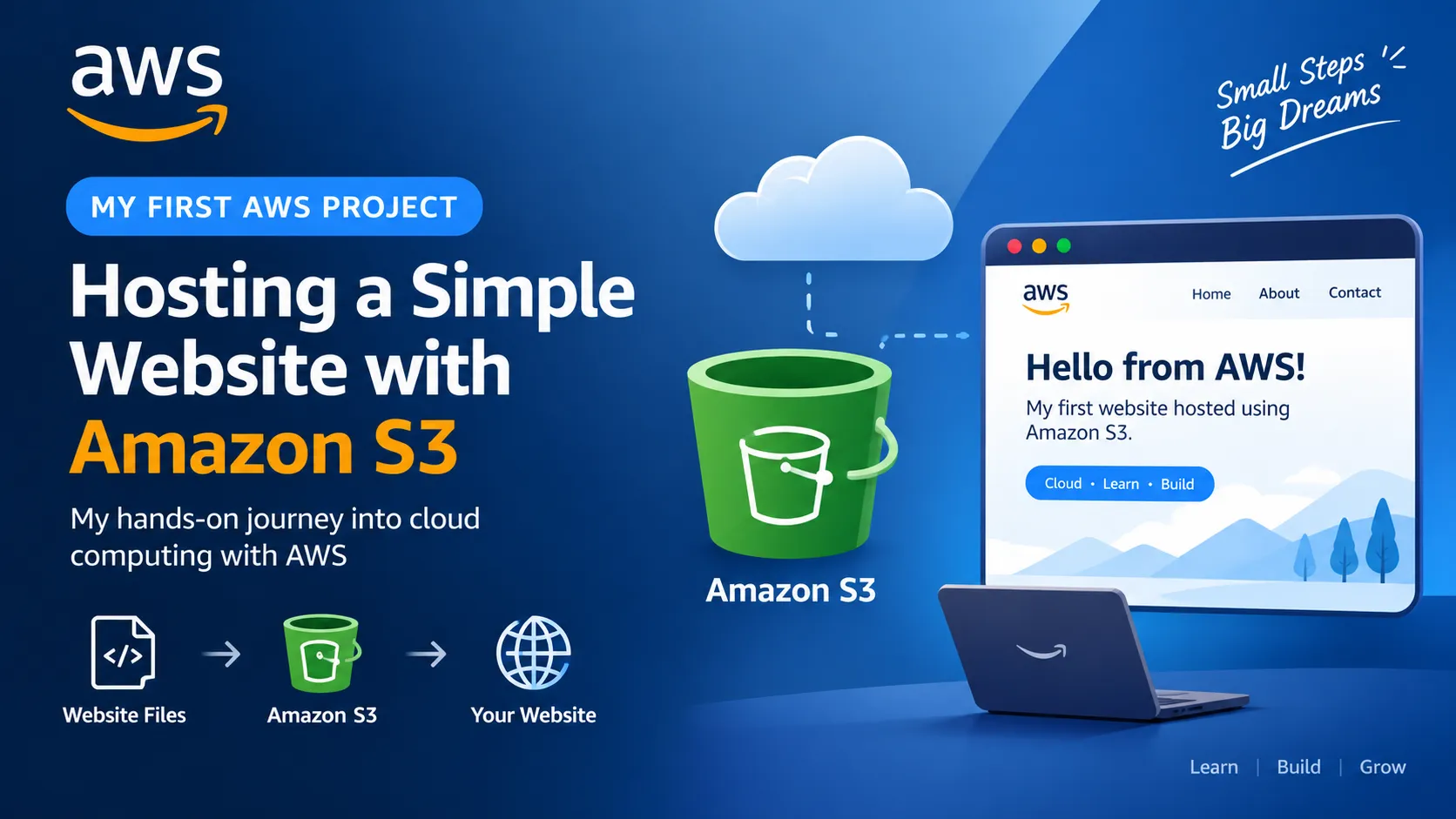
My First AWS Project: Hosting a Simple Website with Amazon S3
In this article, I share my first hands-on experience with AWS by hosting a simple website using Amazon S3. I explain what I learned, the steps I followed, and some important lessons about cloud storage and security.
Series: AWS Learning Journey: From Beginner to AI (1 article)
- 1My First AWS Project: Hosting a Simple Website with Amazon S3 This article


My First AWS Project: Hosting a Simple Website with Amazon S3
Introduction
When I first started learning AWS, I was surprised by the number of services available.
As a beginner, I did not want to start with a complicated application. Instead, I wanted to build something small that would help me understand how AWS works.
So, I decided to start with a simple project: hosting a basic website using Amazon S3.
This was my first hands-on step into AWS, and it helped me understand cloud storage, buckets, objects, permissions, and website hosting.
What is Amazon S3?
Amazon Simple Storage Service (Amazon S3) is an object storage service provided by AWS.
In simple terms, S3 allows us to store files in the cloud.
These files can include:
- Images
- Videos
- Documents
- HTML files
- CSS files
- JavaScript files
- Datasets
- Videos
- Documents
- HTML files
- CSS files
- JavaScript files
- Datasets
Instead of keeping files only on my computer, I can store them in an S3 bucket and access them through AWS.
A simple way to understand it is:
My laptop → Local storage
Amazon S3 → Cloud storage
What Did I Build?
For my first project, I created a simple website.
The website contains a heading, some text, and basic information about my AWS learning journey.
The purpose of this project was not to create a complicated website.
The purpose was to understand how a website can be stored and hosted using AWS.
The basic idea is:
Website files → Amazon S3 → Website
How Amazon S3 Organizes Files
S3 uses two important concepts: buckets and objects.
A bucket is a container where objects are stored.
An object is a file stored inside a bucket.
For example:
S3 Bucket
- index.html
- style.css
- images/
- image.jpg
- style.css
- images/
- image.jpg
For my website, the main files are:
- index.html
- style.css
- images
- style.css
- images
Step 1: Create an S3 Bucket
I started by opening the AWS Management Console and searching for Amazon S3.
Then I selected "Create bucket".
I gave my bucket a unique name and selected the AWS Region I wanted to use.
The bucket name needs to be unique, so another name may be required.
[ADD YOUR S3 BUCKET SCREENSHOT HERE]
Step 2: Upload the Website Files
After creating the bucket, I opened it and selected "Upload".
I uploaded my website files, such as:
index.html
style.css
I could also upload images if my website required them.
After uploading the files, they appeared as objects inside my S3 bucket.
[ADD YOUR UPLOADED FILES SCREENSHOT HERE]
Step 3: Create the Website
For the basic website, I created an index.html file.
A simple example is:
<!DOCTYPE html>
<html>
<head>
<title>My First AWS Website</title>
</head>
<html>
<head>
<title>My First AWS Website</title>
</head>
<body>
<h1>Hello from AWS!</h1>
<p>This is my first website hosted using Amazon S3.</p>
<p>I am learning AWS and cloud computing.</p>
</body>
</html>
</html>
I saved this file as index.html and uploaded it to my S3 bucket.
Step 4: Configure Website Hosting
I configured my S3 bucket to serve the website content.
I selected index.html as the index document.
The basic flow is:
Browser
↓
Amazon S3
↓
index.html
↓
Website
↓
Amazon S3
↓
index.html
↓
Website
[ADD YOUR S3 WEBSITE CONFIGURATION SCREENSHOT HERE]
Step 5: Open the Website
After configuring the website, I opened the website endpoint in my browser.
If everything is configured correctly, the browser displays the HTML page stored in the S3 bucket.
This was an important moment for me because I had moved from:
"I have a website file on my computer."
to:
"My website files are stored in AWS and can be accessed through the cloud."
[ADD YOUR WEBSITE SCREENSHOT HERE]
What I Learned
This small project helped me understand several AWS concepts.
1. Cloud Storage
I learned that cloud storage allows files to be stored outside my local computer and accessed through AWS.
2. S3 Buckets
I learned that a bucket acts as a container for objects.
3. S3 Objects
The HTML, CSS, and image files uploaded to S3 are stored as objects.
4. Permissions
I learned that storing a file and allowing users to access it are two different things.
Permissions determine who can access AWS resources.
5. AWS Management Console
Before this project, the AWS Management Console looked complicated because there were so many services.
After completing this project, I became more comfortable navigating the AWS Console.
An Important Security Lesson
One important lesson I learned is that making something accessible on the internet should not mean making everything public.
AWS permissions and security should always be considered carefully.
For a production website, a more secure architecture can use Amazon CloudFront together with Amazon S3.
This taught me that it is not enough to make an application work.
We also need to think about how it should be secured.
What I Would Improve Next
This is only my first AWS project, so there are many things I can improve.
In the future, I would like to:
- Improve the website design
- Add CSS animations
- Create a personal portfolio section
- Add my projects
- Add GitHub links
- Learn Amazon CloudFront
- Learn more about HTTPS
- Learn AWS IAM
- Explore serverless applications
- Learn AWS services related to AI and Machine Learning
- Add CSS animations
- Create a personal portfolio section
- Add my projects
- Add GitHub links
- Learn Amazon CloudFront
- Learn more about HTTPS
- Learn AWS IAM
- Explore serverless applications
- Learn AWS services related to AI and Machine Learning
My long-term goal is to explore AWS for Artificial Intelligence, Machine Learning, and Data Science.
What Comes Next?
This project helped me understand one AWS service through a practical example.
My next goal is to learn how different AWS services can work together.
For example:
Amazon S3
↓
AWS Lambda
↓
API Gateway
↓
Application
↓
AWS Lambda
↓
API Gateway
↓
Application
I want to follow a simple learning approach:
Learn one service → Build something small → Understand it → Combine it with another service.
Key Takeaways
The most important lessons from my first AWS project are:
1. Start small.
2. Build something instead of only reading documentation.
3. Understand the purpose of each AWS service.
4. Learn about permissions and security.
5. Document what you build.
6. Improve your project step by step.
2. Build something instead of only reading documentation.
3. Understand the purpose of each AWS service.
4. Learn about permissions and security.
5. Document what you build.
6. Improve your project step by step.
For me, this project was not about building a production-scale application.
It was about taking my first step from learning AWS theoretically to actually using AWS.
Conclusion
Hosting a simple website with Amazon S3 was my first hands-on AWS project.
Although the project was simple, it helped me understand important cloud concepts such as buckets, objects, storage, permissions, and website hosting.
More importantly, it gave me the confidence to start exploring AWS beyond theory.
This is just the beginning of my AWS learning journey.
Next stop: building something more advanced! 🚀
Series: AWS Learning Journey: From Beginner to AI (1 article)
- 1My First AWS Project: Hosting a Simple Website with Amazon S3 This article
Enjoyed reading this content? Let the author know!
Your likes, comments, shares, and saves help creators reach more builders.

Loading recommendations
Loading article