
Proactive Incident Response: Integrating Amazon DevOps Guru with CloudWatch and AWS Lambda
In complex cloud environments, system outages and performance degradation rarely happen without warning. Suboptimal configuration changes, memory leaks, and sudden traffic spikes usually leave distinct telemetry traces before triggering full-scale incidents. However, traditional static alarms often flood operations teams with noise or trigger too late to prevent downtime.

Achieving Proactive Incident Response requires moving from reactive threshold alerting to intelligent, automated remediation. By combining Amazon DevOps Guru for machine learning-driven anomaly detection, Amazon CloudWatch and EventBridge for event routing, and AWS Lambda for automated execution, cloud teams can identify and resolve operational issues before they impact end users.
- The Core Architecture: How the Triad Works Together
Building an automated, self-healing cloud infrastructure relies on three distinct layers: detection, routing, and execution.
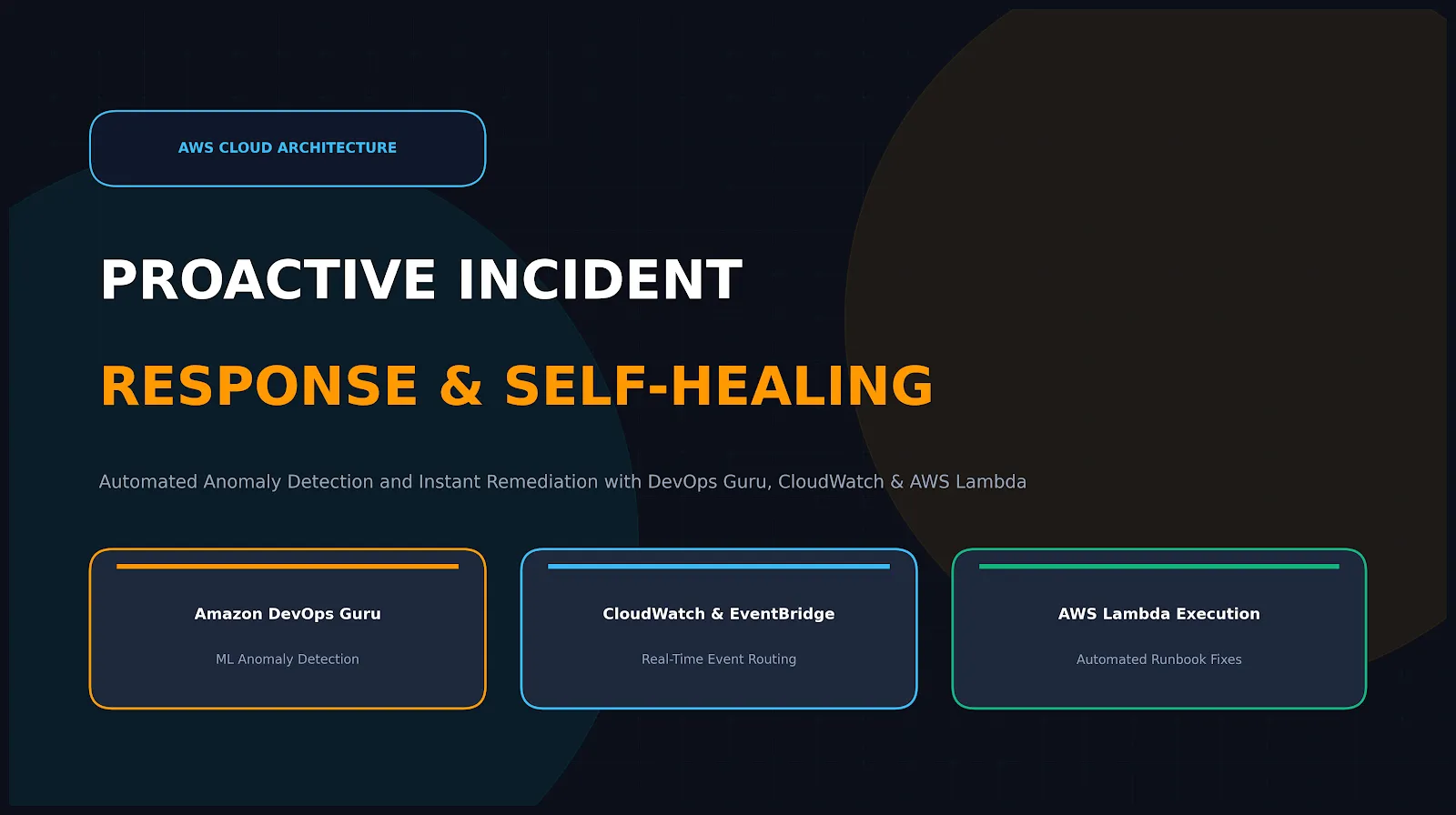
Amazon DevOps Guru (ML Detection Layer): DevOps Guru continuously analyzes operational data from metrics, logs, and traces. Using pre-trained machine learning models based on years of Amazon.com operational experience, it establishes normal behavior baselines and detects anomalies—such as unusual latency spikes, database connection exhaustion, or elevated error rates—without manual threshold configuration.
Amazon CloudWatch & EventBridge (Routing Layer): CloudWatch collects performance metrics and log groups across infrastructure. When DevOps Guru generates a new "Reactive" or "Proactive" Insight, it publishes an operational event state change to Amazon EventBridge. EventBridge evaluates event patterns in real time and routes the payload to the appropriate targets.
AWS Lambda (Remediation Execution Layer): Lambda serves as the automated response engine. Upon receiving the insight event payload from EventBridge, a serverless Lambda function parses the resource ARN, anomaly type, and recommendations, then executes predefined corrective logic instantly.
- Step-by-Step Implementation Workflow
Transitioning from manual incident handling to automated response follows a four-step lifecycle:
Step 1: Enable DevOps Guru Scope Analysis
Define the boundary of monitored resources by selecting specific CloudFormation stacks or tagging strategies (e.g., Environment=Production). DevOps Guru automatically scans resources within this scope—such as DynamoDB tables, ECS services, Lambda functions, and RDS databases—to construct baseline behavior profiles.
Define the boundary of monitored resources by selecting specific CloudFormation stacks or tagging strategies (e.g., Environment=Production). DevOps Guru automatically scans resources within this scope—such as DynamoDB tables, ECS services, Lambda functions, and RDS databases—to construct baseline behavior profiles.
Step 2: Capture DevOps Guru Events with EventBridge
Configure an EventBridge rule that filters for DevOps Guru Insight Open or DevOps Guru Insight Updated event notifications. This ensures that every time an operational anomaly crosses the confidence threshold, a structured JSON payload containing resource metadata and anomaly details is immediately generated.
Configure an EventBridge rule that filters for DevOps Guru Insight Open or DevOps Guru Insight Updated event notifications. This ensures that every time an operational anomaly crosses the confidence threshold, a structured JSON payload containing resource metadata and anomaly details is immediately generated.
Step 3: Orchestrate Remediation via AWS Lambda
Design Lambda functions tailored to handle common operational failure modes:
Design Lambda functions tailored to handle common operational failure modes:
Database Connection Pools: If DevOps Guru identifies elevated RDS connection exhaustion, Lambda can trigger a dynamic scale-up of connection pool sizes or restart non-essential background worker tasks.
Auto Scaling Bottlenecks: When containerized tasks experience memory leak degradation, Lambda can initiate a graceful rolling restart of failing tasks before application health checks fail.
API Gateway Throttling: If upstream service latency degrades downriver dependencies, Lambda can dynamically apply temporary rate-limiting or adjust cache TTL settings.
Step 4: Validate and Feedback Loop
Send execution summaries and remediation outcomes to centralized communication channels (such as Slack or Microsoft Teams via AWS Chatbot) or ticketing systems (such as Jira or ServiceNow). This maintains visibility while keeping human intervention purely supervisory.
Send execution summaries and remediation outcomes to centralized communication channels (such as Slack or Microsoft Teams via AWS Chatbot) or ticketing systems (such as Jira or ServiceNow). This maintains visibility while keeping human intervention purely supervisory.
- Key Operational Benefits
Drastic Reduction in MTTR (Mean Time to Resolution): Replacing manual triage and runbook execution with serverless Lambda triggers reduces incident response windows from hours or minutes down to seconds.
Elimination of Alert Fatigue: Instead of firing dozens of disconnected CloudWatch alarms during a cascade failure, DevOps Guru correlates related metrics into a single unified Insight, reducing operational noise.
No Machine Learning Expertise Required: Cloud engineers do not need to train custom algorithms or manage complex data science pipelines; DevOps Guru delivers production-ready operational intelligence out of the box.
Architectural Takeaway: Proactive incident response shifts operational management from reactive firefighting to intelligent automation. Integrating DevOps Guru, CloudWatch, and Lambda transforms raw telemetry into immediate corrective action, creating resilient, self-healing cloud applications.
Enjoyed reading this content? Let the author know!
Your likes, comments, shares, and saves help creators reach more builders.

Loading recommendations
Loading article