
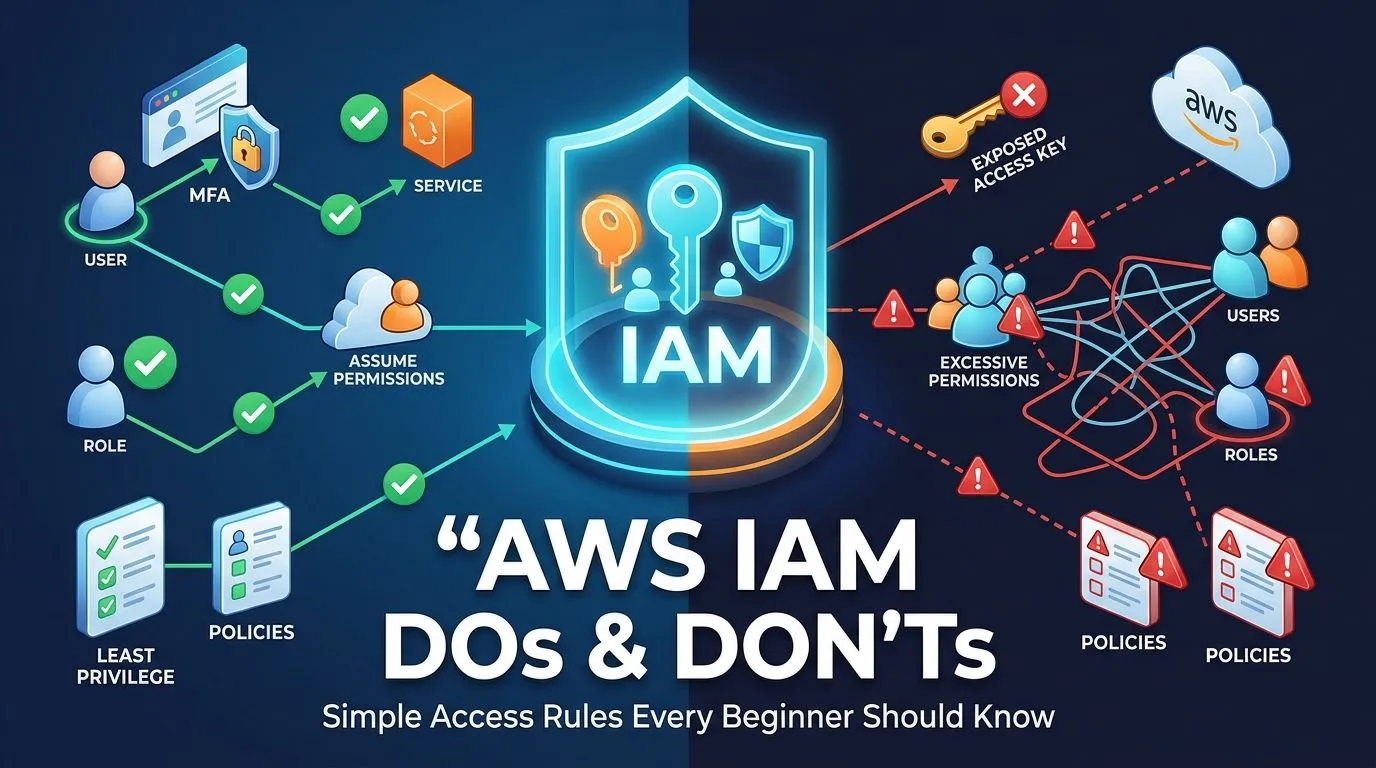
STOP GIVING AWS ADMIN ACCESS 🚨
When you start using AWS, IAM can feel confusing. Users, roles, policies, permissions, access keys… there are a lot of new concepts. But you don't need to become an IAM expert to start using AWS safely. Here are some simple DOs and DON'Ts that every AWS beginner should know

AWS IAM: What You Should and Shouldn’t Do as a Beginner
When you start using AWS, IAM can feel confusing.
When you start using AWS, IAM can feel confusing.
Users, roles, policies, permissions, access keys… there are a lot of new concepts.
But you don't need to become an IAM expert to start using AWS safely.
Here are some simple DOs and DON'Ts that every AWS beginner should know.
✅ DO: Give Only the Permissions You Need
If someone only needs to read files from S3, they probably don't need full access to every AWS service.
If someone only needs to read files from S3, they probably don't need full access to every AWS service.
Start with the permissions required for the job.
Simple rule:
Give the minimum access needed to get the job done.
❌ DON'T: Give Everyone Administrator Access
Giving AdministratorAccess can feel convenient when you're learning.
Giving AdministratorAccess can feel convenient when you're learning.
You don't have to worry about permission errors.
But it's a dangerous habit to build.
If those credentials are compromised or you accidentally delete something, the impact can be much bigger.
Convenient doesn't always mean safe.
✅ DO: Use IAM Roles When Possible
When an AWS service needs to access another AWS service, IAM roles are usually a better choice than putting long-term access keys somewhere in your application.
When an AWS service needs to access another AWS service, IAM roles are usually a better choice than putting long-term access keys somewhere in your application.
For example:
EC2 → IAM Role → S3
Instead of:
EC2 → Access Key + Secret Key → S3
Keep credentials out of your code whenever possible.
❌ DON'T: Put AWS Access Keys in GitHub
This sounds obvious, but it is still an easy mistake to make.
This sounds obvious, but it is still an easy mistake to make.
Never do this:
AWS_ACCESS_KEY_ID = "..."
AWS_SECRET_ACCESS_KEY = "..."
AWS_SECRET_ACCESS_KEY = "..."
inside code that you might accidentally push to a public repository.
A leaked credential can become a very expensive mistake.
✅ DO: Turn On MFA
Your AWS account is powerful.
Your AWS account is powerful.
Adding Multi-Factor Authentication gives you another layer of protection if your password is compromised.
It's one of those things that takes a few minutes to set up but can save you from a much bigger problem.
❌ DON'T: Share One AWS User With Everyone
If you're working on a project with other people, don't simply give everyone the same AWS username and password.
If you're working on a project with other people, don't simply give everyone the same AWS username and password.
Individual identities make it easier to:
Control permissions
Remove access
Understand who performed an action
Manage a team
Everyone doesn't need to have the same keys to the cloud.
✅ DO: Remove Access You Don't Need Anymore
Finished a project?
Finished a project?
Changed teams?
Stopped using an IAM user?
Don't leave old access sitting around forever.
Review your users, roles, permissions, and credentials from time to time.
The simple IAM rule I follow
You don't need complicated security rules to get started.
You don't need complicated security rules to get started.
Just remember:
Less access is usually better than more access.
Roles are usually better than storing long-term credentials.
MFA is better than no MFA.
Individual access is better than shared credentials.
And most importantly:
Don't give AWS permissions you don't actually need.
What was your first IAM mistake?
Mine was realizing that having permission to do something and actually needing that permission are two very different things.
Mine was realizing that having permission to do something and actually needing that permission are two very different things.
If you're learning AWS, what's one IAM concept that confused you at first?
Drop it in the comments — it might help someone else who's learning too. 👇
Enjoyed reading this content? Let the author know!
Your likes, comments, shares, and saves help creators reach more builders.

Loading recommendations
Loading article