
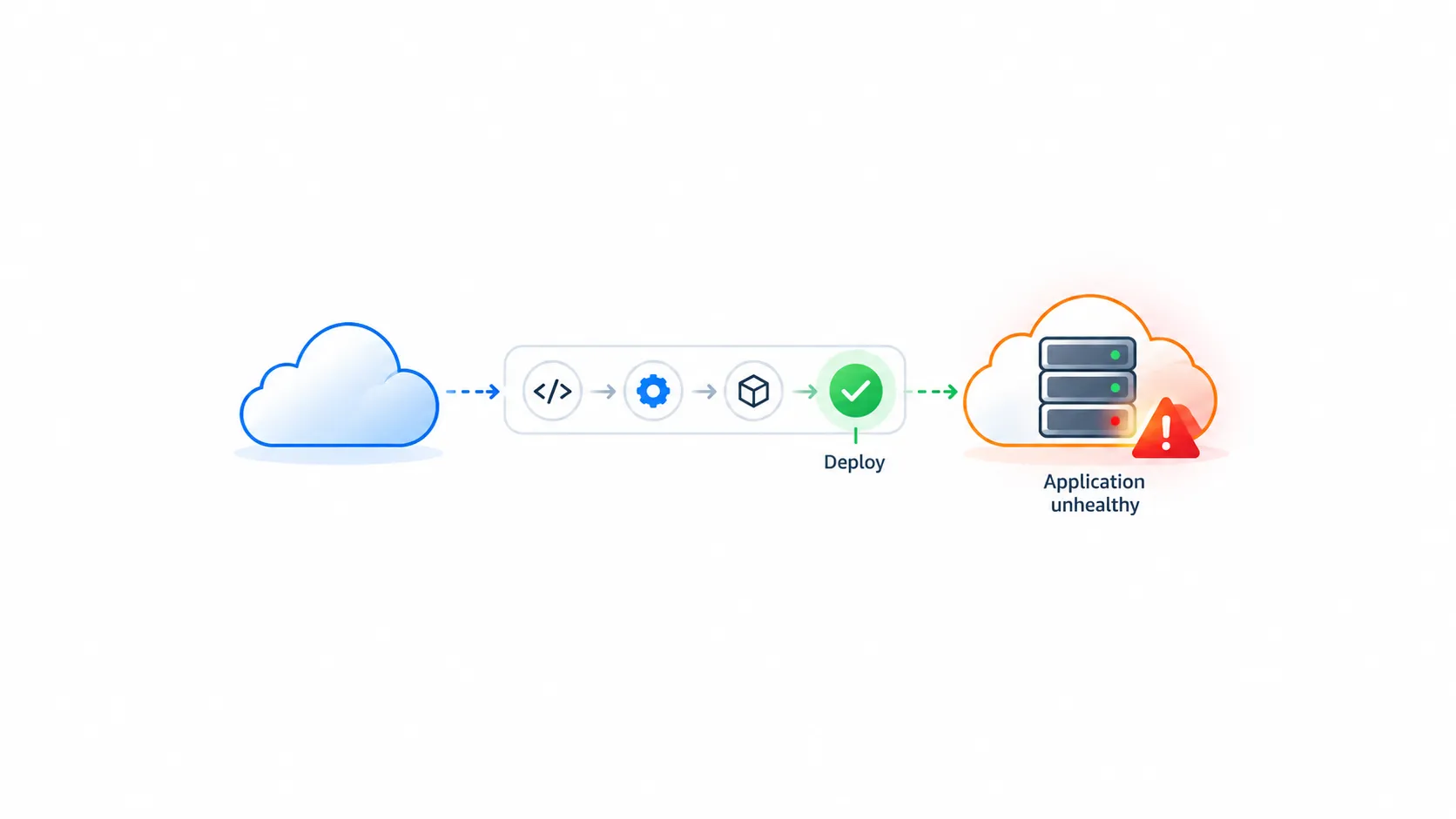
Your Deployment Is Green. So Why Is Your Application Failing?
A successful deployment doesn’t always mean a healthy application. Explore practical DevOps practices for monitoring, reliability, security, recovery, and better deployments

Imagine this.
You push your code.
Your CI/CD pipeline completes successfully.
All deployment steps show green.
Your application is running in the cloud.
You push your code.
Your CI/CD pipeline completes successfully.
All deployment steps show green.
Your application is running in the cloud.
You think the job is done.
Then a user reports that the application is slow. Another user cannot log in. Meanwhile, your monitoring dashboard shows no obvious errors.
Your deployment succeeded. But did your application actually succeed?
This is one of the most important differences between simply deploying an application and operating it reliably.
A successful deployment is not the same as a healthy application.
Here are seven practical checks that can make a real difference to your cloud and DevOps workflow.
1. Don't trust a green pipeline alone
A CI/CD pipeline verifies the checks you've configured. If your tests don't cover a particular failure, the pipeline may still pass.
Try this: Include automated tests, application health checks, and a post-deployment verification step.
For example, after deploying an API, verify that a real endpoint returns the expected response — not just that the server has started.
2. Know what's happening inside your application
When something fails, you need evidence to understand why.
Three observability tools help you investigate different aspects of a system:
- Logs: What happened?
- Metrics: How is the system performing?
- Traces: Where is a request spending its time across different services?
On AWS, Amazon CloudWatch can help you collect logs, monitor metrics, and configure alarms.
Practical tip: Monitor error rates, response latency, and resource utilization instead of checking only whether an instance is running.
3. An alert is useful only if someone can act on it
Collecting metrics is not enough if nobody knows when those metrics indicate a problem.
For example, a sudden increase in failed requests may indicate a broken deployment, a dependency failure, or an application bug.
Configure meaningful alerts with clear thresholds and actionable notifications. Avoid sending notifications for every minor event, or important alerts may get lost in the noise.
4. Always have a rollback plan
Let's say your new release introduces a database connection issue.
What happens next?
If the answer is "I'll investigate and figure it out," you may be unprepared for a production incident.
Before deploying, know how to return to a previous working version. Test your rollback procedure and understand whether database changes are backward-compatible.
For higher-risk releases, consider gradual deployment strategies such as canary releases or blue-green deployments.
A rollback plan is not a sign that you expect to fail. It's preparation for when something unexpected happens.
5. Treat security as part of deployment
A working application can still be an insecure application.
Before releasing, check:
- Are secrets stored outside source code?
- Do workloads have only the permissions they need?
- Are public access settings intentional?
- Are dependencies and container images checked for known vulnerabilities?
On AWS, IAM policies, Secrets Manager, and appropriate security monitoring can help address these concerns.
Security should be part of the delivery process, not a task postponed until after deployment.
6. Remember that reliability and cost are connected
Cloud resources can continue consuming money even when nobody is actively using the application.
Unused development instances, oversized resources, forgotten storage, and unnecessary logging can all contribute to avoidable costs.
Set budgets and alerts, review resource utilization, and clean up temporary environments when they are no longer needed.
The goal isn't simply to spend less. It's to understand what you're paying for and whether it delivers value.
7. Verify the user experience after deployment
This is the check that connects all the others.
Your infrastructure may be running. Your pipeline may be green. Your logs may contain no obvious errors.
But can users actually complete the task they came to perform?
Test critical user journeys, verify dependencies, check response times, and review application errors after release.
Where appropriate, use synthetic checks or a small set of controlled post-deployment tests.
The ultimate objective is not just a successful release. It is a release that works for the people using it.
A practical pre-deployment checklist
Before your next cloud deployment, ask yourself:
☐ Have the relevant tests passed?
☐ Have I verified application health, not just deployment status?
☐ Are logs, metrics, and actionable alerts configured?
☐ Can I roll back safely?
☐ Have I checked access permissions and secrets?
☐ Do I understand the likely cost of the resources I'm deploying?
☐ Have I verified the application's critical user journeys?
You don't need a complicated enterprise platform to start applying these principles. Even a small personal project can benefit from basic monitoring, sensible permissions, and a tested recovery procedure.
Final thought
Cloud engineering is not just about making an application run.
DevOps is not just about automating a deployment.
Both involve building systems that people can use, operate, secure, troubleshoot, and improve.
A green pipeline tells you that your configured checks passed. Observability, security, recovery planning, and user validation help you understand whether your application is actually ready.
The next time your deployment turns green, don't stop at asking, "Did it deploy?"
Ask the more important question:
"Would I know what to do if it failed five minutes from now?"
Enjoyed reading this content? Let the author know!
Your likes, comments, shares, and saves help creators reach more builders.

Loading recommendations
Loading article