
🌐 My experience with EC2 and the cloud ☁️
Starting off my AWS journey with EC2 was exciting - I mean creating your own website itself sounds really cool and fun! I had many ups and downs on my way to deploying my first web server, but in the end I managed to create something amazing that I was really proud of!

My journey with AWS kicked off when I had to select between Amazon EC2 and Microsoft Azure. Obviously I wanted whichever one was easier to use, and some of my friends who had done the unit before me had used EC2, so I also decided to pick that and the rest is history! One nice thing is new users and students got $100 free credits, so I didn't need to spend real money (yet).
Part 1 - Brainstorming 🧠
After a couple tutorials I realized that EC2 was easy to use. Now it was time for me to start brainstorming on ideas. Back in school, I used to be that kid who was really good at CS (I'll try to remain humble) which meant I had to teach many of my friends the concepts 🔥.
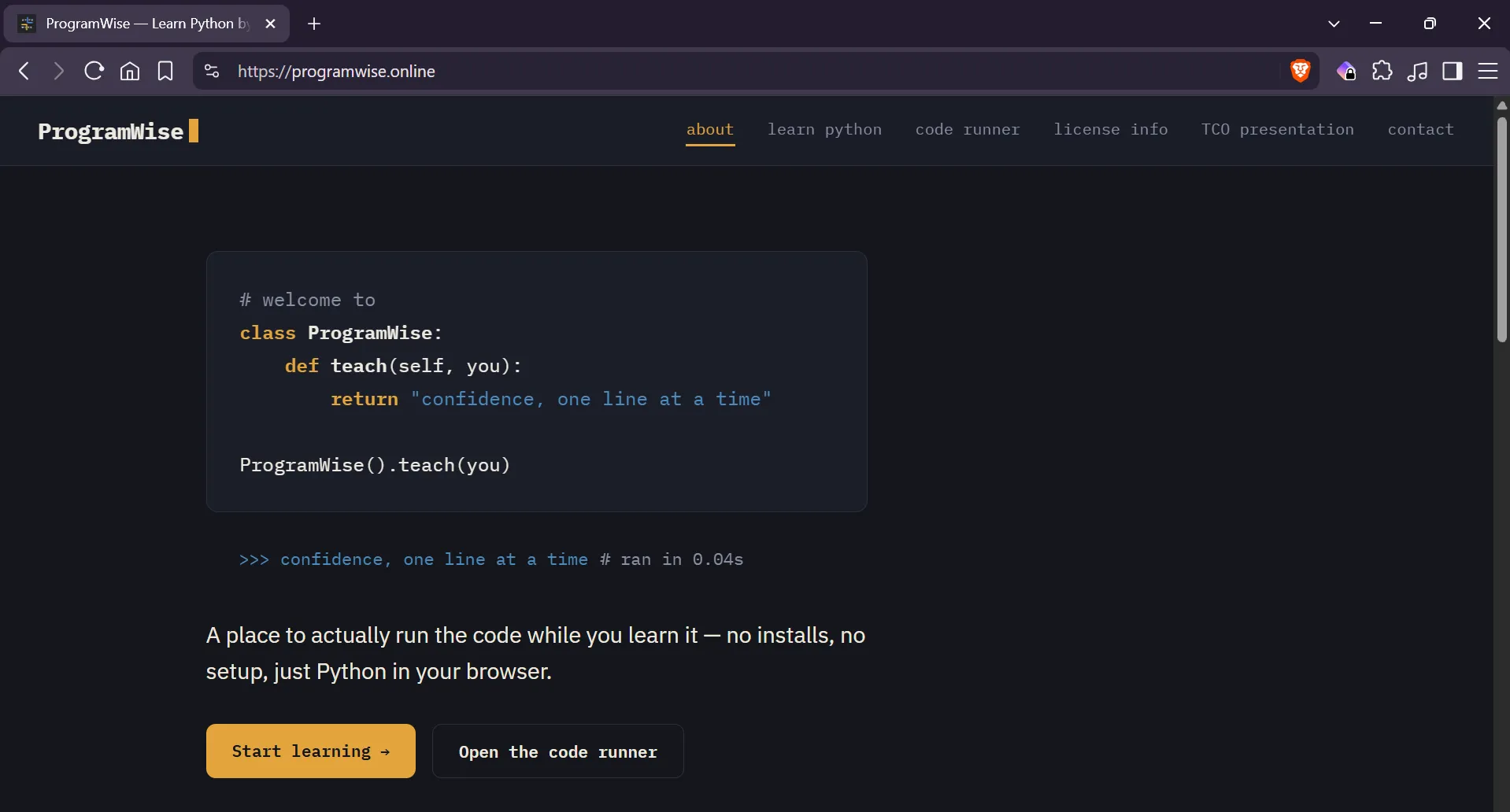
One of my friends and I then decided to create this "startup" where we could provide students some help in learning. We named it ByteWise. We had all the notes for Python done, but what we were missing was a website. But now since I had that opportunity I HAD to grab it. So after brainstorming, I decided it was finally time to create ProgramWise (that's the name of this project if you didn't figure out already).
Part 2 - Exploring 🔍
The AWS Student Builder Group in my university was hosting a hands-on workshop where we could try out EC2, and I wanted to attend that as well. Though I knew a lot of the stuff they were exploring, I still learnt something new - instance termination protection. It's a small but a really smart feature that prevents your instance from being accidentally terminated. I decided to implement this in my project ✌️.
Part 3 - Building 🛠️
I created a
Windows Server 2019 instance, since I was limited on time and I didn't wanna tinker around with Linux terminals and commands. Now it was time to build. One cool feature I wanted to implement was a web-based Python interpreter, which was going to be difficult. But I persevered and after some coding (and a bit of help from Claude), I was done with building my website 🥳.
Part 4 - Securing 🔐
I entered the server via SSH and created an
IIS Web Server. Then I copied my files from my laptop to the server. After this, I bought a domain so you wouldn't have to remember the IP address, and yes unfortunately, I had to pay a small amount for this 🥀. But I wasn't done yet, because my website wasn't secured with an SSL/TLS certificate yet.So naturally, that was the next step. The TLS/SSL certificate was provided for free by
Let's Encrypt using the ACMEv2 client, which also auto-renews the certificate. This took me the longest to figure out, but eventually I was done. Now, my server was secure!Part 5 - Deploying 📢
After verifying that everything was working, I deployed my website. The unit required me to document everything on GitHub, so I worked on that too. This whole project was a learning experience for me, as I learnt how to build a website, how to set up an EC2 instance and an IIS server, how to configure DNS and set up an SSL/TLS certificate, and most importantly, I improved my problem-solving and critical-thinking skills!
Visit my website at https://programwise.online and the GitHub repo . Thank you for reading!
Enjoyed reading this content? Let the author know!
Your likes, comments, shares, and saves help creators reach more builders.

Loading recommendations
Loading article