
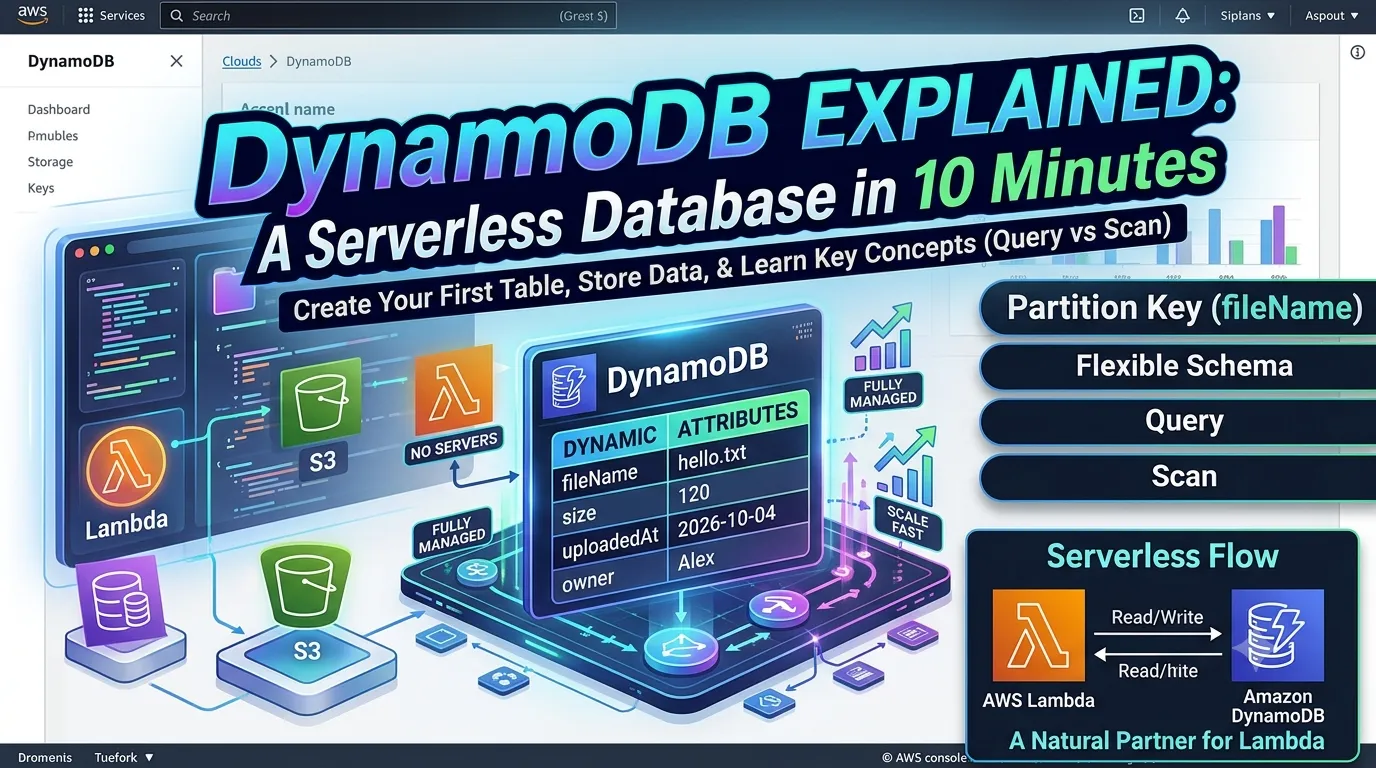
🗄️ DynamoDB Explained: A Serverless Database in 10 Minutes
Lambda runs your code and S3 stores your files, but where do you keep structured data like names, timestamps, and sensor readings? In Amazon DynamoDB. In this beginner guide, you'll create your first table and add data without managing a database server.

🚀 What is DynamoDB?
Amazon DynamoDB is a fully managed NoSQL database from AWS. There are no servers to set up, patch, or scale, and it stays fast as your data grows. That makes it a natural partner for Lambda, since both are serverless.
🆚 If You Know SQL
| SQL World | DynamoDB |
|---|---|
| Table | Table |
| Row | Item |
| Column | Attribute |
| Primary key | Partition key (plus an optional sort key) |
| Fixed schema | Flexible: only the key is required, other attributes can differ per item |
The biggest mindset shift: you design your table around how you'll look up the data, not around joins. DynamoDB has no joins.
🧩 Three Core Concepts
- Table: a collection of items.
- Item: one record, like a row.
- Partition key: the attribute that uniquely identifies an item (e.g., fileName).
DynamoDB uses it to find your data quickly.
🛠️ Create Your First Table
Open the AWS Management Console and search for DynamoDB.
Click Create table.
Open the AWS Management Console and search for DynamoDB.
Click Create table.
Table name: UploadedFiles
Partition key: fileName (type String)
Partition key: fileName (type String)
Choose Customize settings and set the capacity mode to On-demand, so you don't have to think about capacity while learning.
Click Create table and wait for the status to show Active.
Click Create table and wait for the status to show Active.
✍️ Add Your First Items
Open your table → Explore table items → Create item.
Open your table → Explore table items → Create item.
Add:
fileName = hello.txt
Add new attribute → Number → size = 120
Add new attribute → String → uploadedAt = 2026-10-04
fileName = hello.txt
Add new attribute → Number → size = 120
Add new attribute → String → uploadedAt = 2026-10-04
Click Create item, then add a second item with a different file name and one extra attribute (like owner).
Both items were accepted even though their attributes differ. That's the flexible schema in action. ✨
🔍 Read Your Data: Query vs Scan
In Explore table items, try both:
In Explore table items, try both:
Query: finds items by partition key. Fast and efficient.
Scan: reads the entire table. Fine for a tiny table, but slow and costly as data grows.
A good habit: design for Query, avoid Scan in real applications.
💰 A Word on Cost
DynamoDB has a free tier, and on-demand mode charges per read and write. Check the current limits on the AWS pricing page before experimenting, and delete the table when you're done.
DynamoDB has a free tier, and on-demand mode charges per read and write. Check the current limits on the AWS pricing page before experimenting, and delete the table when you're done.
🎯 Where Does It Fit?
Lambda → writes and reads → DynamoDB
Lambda is the brain, S3 holds the files, and DynamoDB remembers the details.
Lambda is the brain, S3 holds the files, and DynamoDB remembers the details.
🔮 Next Up
In my next post, I'll connect the pieces: upload a file to S3, let Lambda run automatically, and save the file's details into this UploadedFiles table.
Upload file → S3 → Lambda → DynamoDB
💬 Your turn: Create the table, add two items with different attributes, and try both Query and Scan. What differences do you notice?
Enjoyed reading this content? Let the author know!
Your likes, comments, shares, and saves help creators reach more builders.

Loading recommendations
Loading article