
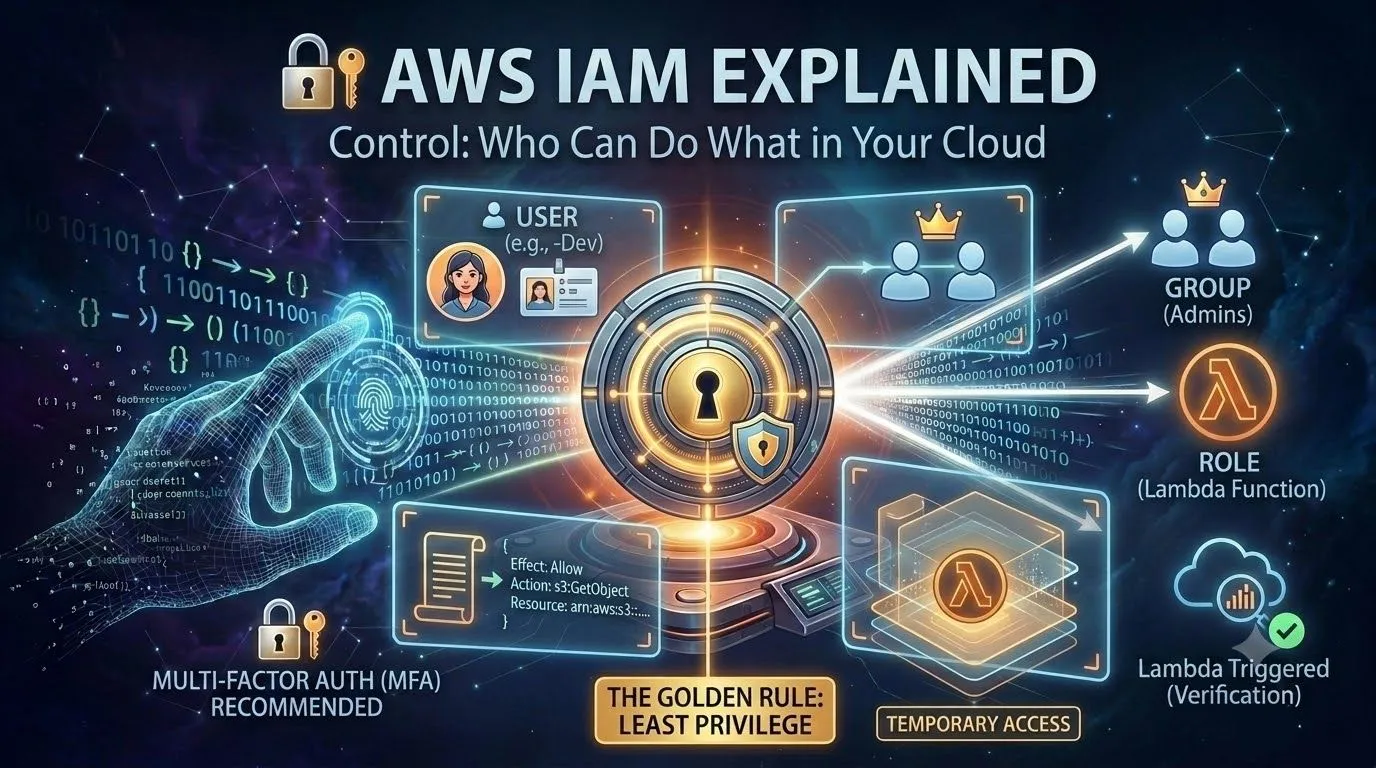
🔐 AWS IAM Explained: Who Can Do What in the Cloud?
In previous article, S3 triggered Lambda automatically. That worked because of permissions. In this beginner guide, we'll understand AWS IAM (Identity and Access Management) and look at the permissions behind your own Lambda function.

🚀 What is IAM?
AWS IAM is the service that controls who can access which AWS resources, and what they can do with them. It answers two questions:
Authentication: Who are you?
Authorization: What are you allowed to do?
Authorization: What are you allowed to do?
🧩 Four Core Concepts
1. User: an identity for a person or application (e.g., ananya-dev).
2. Group: a collection of users that share the same permissions.
3. Role: an identity that a service (or a person) can temporarily assume. Your Lambda function uses one.
4. Policy: a JSON document that defines what is allowed or denied.
1. User: an identity for a person or application (e.g., ananya-dev).
2. Group: a collection of users that share the same permissions.
3. Role: an identity that a service (or a person) can temporarily assume. Your Lambda function uses one.
4. Policy: a JSON document that defines what is allowed or denied.
📜 What Does a Policy Look Like?
This policy allows reading files from one bucket and nothing else:
1
2
3
4
5
6
7
8
9
10
{
  "Version": "2012-10-17",
  "Statement": [
    {
      "Effect": "Allow",
      "Action": "s3:GetObject",
      "Resource": "arn:aws:s3:::your-bucket-name/*"
    }
  ]
}
Effect: Allow or Deny
Action: what can be done
Resource: which resource it applies to
🔍 Hands-On: Find Your Lambda's Role
Action: what can be done
Resource: which resource it applies to
🔍 Hands-On: Find Your Lambda's Role
Remember that AWS created an execution role for your function on Day 1? Let's look at it.
Open your Lambda function → Configuration → Permissions.
Click the role name under Execution role. It opens in IAM.
Look at the attached policy. It's usually AWSLambdaBasicExecutionRole, which only allows writing logs to CloudWatch.
Click the role name under Execution role. It opens in IAM.
Look at the attached policy. It's usually AWSLambdaBasicExecutionRole, which only allows writing logs to CloudWatch.
That's why your function could write logs, but it can't read files from S3 yet. Nobody gave it permission. 🔒
🛡️ The Golden Rule: Least Privilege
Give only the permissions that are needed, and nothing more. A function that only reads one bucket shouldn't have access to your entire account.
✅ Good Habits to Start With
Don't use the root user for daily work. Create an IAM identity instead.
Turn on MFA (multi-factor authentication) for the root user.
Never put access keys in your code or on GitHub.
Prefer roles over long-lived access keys for AWS services.
Don't use the root user for daily work. Create an IAM identity instead.
Turn on MFA (multi-factor authentication) for the root user.
Never put access keys in your code or on GitHub.
Prefer roles over long-lived access keys for AWS services.
🔮 What's Next?
Tomorrow I'll use what we learned today: give the Lambda function permission to read the content of the file uploaded to S3, so it can do more than just print the file name.
Upload file → S3 → Lambda → Read file content
💬 Your turn: Open your Lambda function's execution role. Which policy is attached, and what does it allow?
Enjoyed reading this content? Let the author know!
Your likes, comments, shares, and saves help creators reach more builders.

Loading recommendations
Loading article