
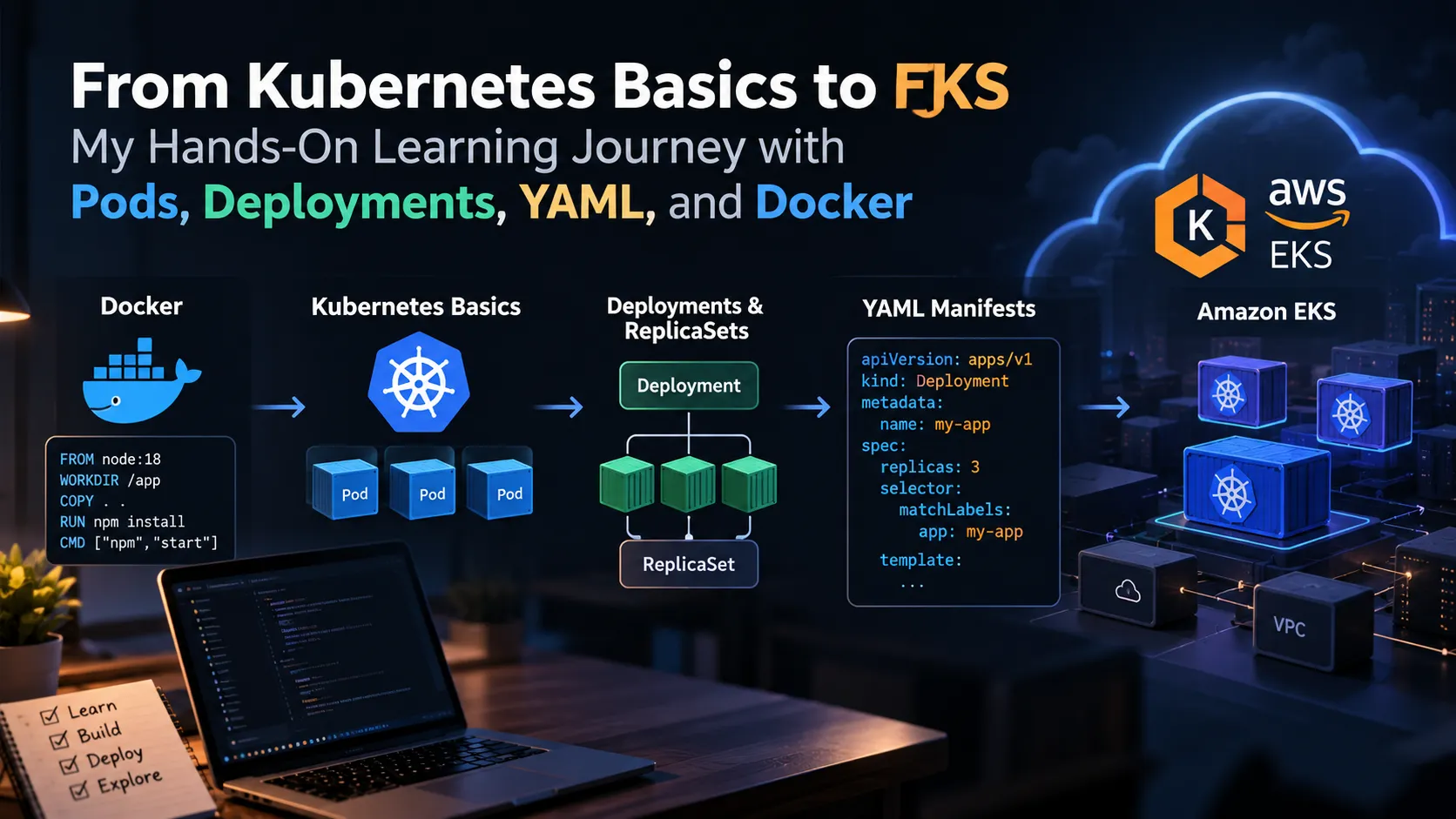
From Kubernetes Basics to EKS: My Hands-On Learning Journey with Pods, Deployments, YAML, and Docker
My practical journey from understanding Kubernetes fundamentals to deploying applications on Amazon EKS. This article covers Pods, Services, Deployments, ReplicaSets, YAML manifests, Docker, and the lessons I learned while working through hands-on examples.

Introduction
When I first started learning Kubernetes, the number of new concepts felt a little excessive. Pods, Services, Deployments, ReplicaSets, YAML files, containers... apparently running an application wasn't complicated enough already.
The easiest way to understand Kubernetes was to stop treating it as a list of commands and start building things.
My learning journey started with Docker and containers, then moved into Kubernetes fundamentals and eventually Amazon Elastic Kubernetes Service (EKS).
Starting with Docker
Before Kubernetes, understanding containers was important.
Docker helped me understand the basic idea of packaging an application together with its dependencies so that it could run consistently across environments.
A simple workflow looked like:
1
2
3
4
5
6
7
Application
    ↓
Dockerfile
    ↓
Docker Image
    ↓
Container
Once this made sense, Kubernetes became easier to understand because Kubernetes is essentially managing and orchestrating containers at a larger scale.
Understanding Pods
The first major Kubernetes concept I worked with was the Pod.
A Pod is the smallest deployable unit in Kubernetes and usually contains one application container.
For example:
1
2
3
4
5
6
7
8
9
10
apiVersion: v1
kind: Pod
metadata:
  name: nginx-pod
spec:
  containers:
    - name: nginx
      image: nginx
      ports:
        - containerPort: 80
Creating the Pod is simple.
Understanding why Kubernetes uses Pods instead of directly managing individual containers is more important.
Deployments and ReplicaSets
Running a single Pod isn't enough for a real application.
What happens if the Pod crashes?
This is where Deployments become useful.
A Deployment manages the desired state of an application and works with ReplicaSets to maintain the required number of Pods.
For example:
1
2
3
4
5
6
7
Deployment
     ↓
ReplicaSet
     ↓
Pod
     ↓
Container
If I specify that three replicas should be running, Kubernetes continuously works toward maintaining that state.
This was one of the first concepts that made Kubernetes feel less like a collection of commands and more like an automated system.
Services: Giving Pods a Stable Address
Pods can be created and removed dynamically, so relying directly on Pod IP addresses isn't practical.
A Service provides a stable way to access a group of Pods.
A simplified architecture looks like:
1
2
3
4
5
6
7
User
 ↓
Service
 ↓
Pod
Pod
Pod
The Service can distribute traffic across the available Pods.
This separation between the application workload and how clients access it is one of the concepts I found particularly useful.
YAML: Describing What You Want
Another major part of Kubernetes is YAML.
Instead of manually telling Kubernetes every individual step, you describe the desired state.
For example:
1
replicas: 3
means the application should have three replicas.
Kubernetes then continuously works to maintain that state.
This concept of declarative configuration is central to Kubernetes.
Moving to Amazon EKS
After understanding the basics locally, the next step was exploring Amazon EKS.
EKS provides a managed Kubernetes control plane on AWS, allowing Kubernetes workloads to run using AWS infrastructure.
The concepts remain largely the same:
1
2
3
4
5
6
7
Docker
   ↓
Kubernetes
   ↓
EKS
   ↓
AWS Infrastructure
The difference is that AWS takes care of important parts of the Kubernetes control plane, while I can focus more on deploying and managing applications.
What I Learned
The biggest lesson from this journey wasn't a particular command.
It was understanding how the pieces connect:
Docker packages the application.
Pods run containers.
Deployments manage application replicas.
ReplicaSets help maintain the desired number of Pods.
Services provide stable networking.
YAML describes the desired state.
EKS provides a managed Kubernetes environment on AWS.
Once these relationships became clear, Kubernetes stopped looking like dozens of unrelated commands and started looking like one connected system.
Conclusion
Learning Kubernetes through hands-on practice made a huge difference compared with simply reading documentation.
Starting with Docker, then moving through Pods, Deployments, Services, YAML, and finally EKS created a much clearer picture of how containerized applications can be deployed and managed in the cloud.
There is still plenty more to explore, including Ingress, autoscaling, monitoring, persistent storage, and CI/CD.
But understanding the fundamentals is what makes those next steps much easier.
Enjoyed reading this content? Let the author know!
Your likes, comments, shares, and saves help creators reach more builders.

Loading recommendations
Loading article