
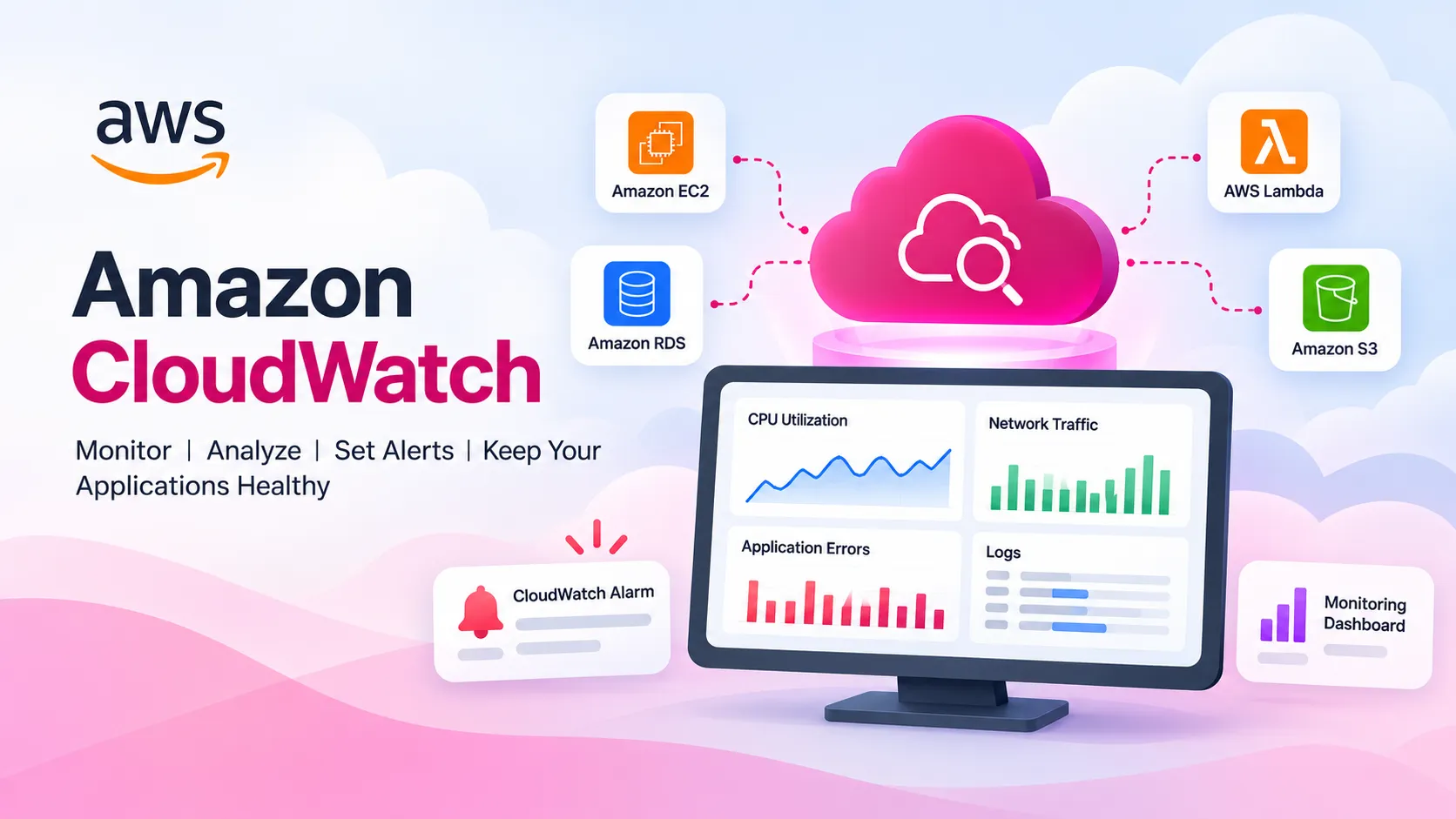
Amazon CloudWatch: Simple Monitoring for AWS Resources
Amazon CloudWatch monitors AWS resources using metrics, logs, and alerts to track performance, detect issues, and improve reliability.

Introduction
When we use AWS services, it is important to know whether our applications and resources are working properly.
Amazon CloudWatch helps us monitor AWS resources and understand what is happening inside our cloud environment.
In simple words, CloudWatch works like a monitoring system for AWS.
What is Amazon CloudWatch?
Amazon CloudWatch is a monitoring service provided by AWS. It collects information from AWS resources such as:
- CPU usage
- Network activity
- Application logs
- Errors
- Request counts
- Performance data
This information helps developers understand the health and performance of their applications.
CloudWatch Metrics
Metrics are numerical values that show how an AWS resource is performing.
For example, an Amazon EC2 instance can provide information about CPU utilization.
If the CPU utilization is 30%, it means the server is currently using around 30% of its CPU capacity.
CloudWatch metrics make it easier to monitor resource performance.
CloudWatch Logs
Applications and servers generate logs while they are running.
Logs can contain information about:
- Application errors
- User activity
- System events
- Requests
- Server problems
CloudWatch Logs allows developers to collect and view these logs in one place.
If an application stops working, developers can check the logs to understand the problem.
CloudWatch Alarms
CloudWatch Alarms help users receive alerts when something unusual happens.
For example, we can create an alarm:
CPU Utilization > 80%
If the CPU usage becomes higher than 80%, CloudWatch can trigger an alarm.
This helps developers identify problems quickly.
CloudWatch Dashboards
CloudWatch Dashboards allow users to see monitoring information in a visual form.
A dashboard can show:
- CPU usage
- Network traffic
- Application errors
- Requests
- Resource performance
Dashboards make it easier to monitor multiple AWS resources from one place.
Simple Example
Suppose a website is running on an Amazon EC2 instance.
Normally, the server CPU usage is around 30%.
Suddenly, many users visit the website and CPU usage reaches 90%.
CloudWatch can monitor the CPU usage.
If we create an alarm for CPU usage above 80%, CloudWatch can notify us when the limit is reached.
The developer can then check the server and find the reason for the high CPU usage.
AWS Services That Work with CloudWatch
CloudWatch can monitor many AWS services, including:
- Amazon EC2
- AWS Lambda
- Amazon RDS
- Amazon DynamoDB
- Amazon ECS
- Amazon API Gateway
Many AWS services automatically send monitoring information to CloudWatch.
Benefits of Amazon CloudWatch
Amazon CloudWatch helps users:
- Monitor AWS resources
- Find application problems
- Check performance
- View logs
- Create alerts
- Build monitoring dashboards
- Troubleshoot applications faster
Conclusion
Amazon CloudWatch is a useful AWS service for monitoring applications and cloud resources.
For beginners, four important CloudWatch concepts are easy to remember:
Metrics — Measure performance
Logs — Record events and errors
Alarms — Notify when something goes wrong
Dashboards — Show monitoring information visually
Learning Amazon CloudWatch helps beginners understand how AWS applications can be monitored, managed, and maintained more effectively.
# aws-community-builders# amazon-cloudwatch-RUM# aws-cloudwatch# aws-student-builders-groups# student-builders
Any opinions in this article are those of the individual author and may not reflect the opinions of AWS.Enjoyed reading this content? Let the author know!
Your likes, comments, shares, and saves help creators reach more builders.

Loading recommendations
Loading article