
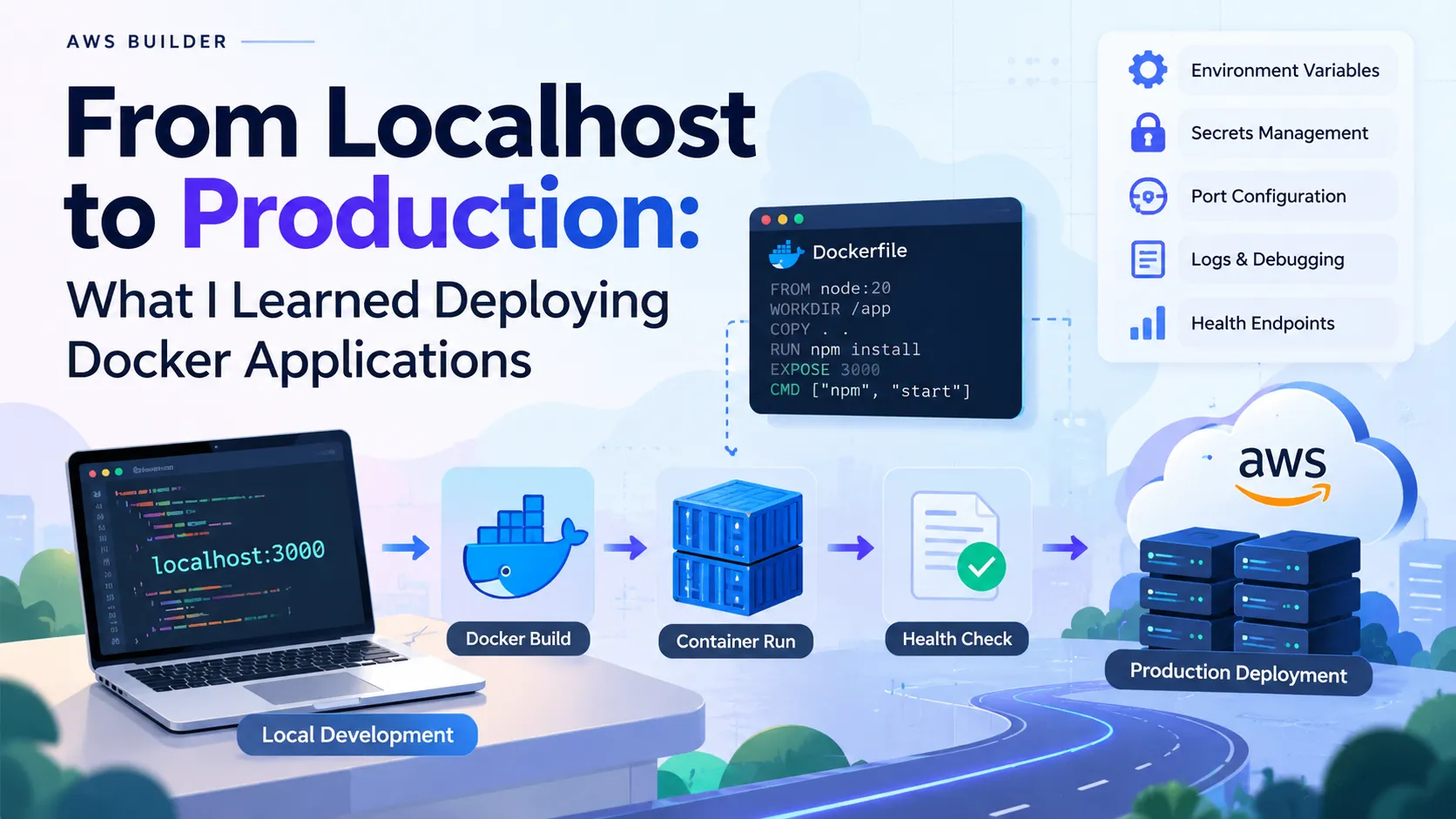
From Localhost to Production: What I Learned Deploying Docker Applications
Moving an application from localhost to production looks simple until you actually deploy it. While working on different projects, I learned that deployment is not just about writing a Dockerfile. Several small details can break an otherwise working application.


1. The Port Matters
Locally, an application might run on:
1
localhost:3000
But production platforms often provide the port through an environment variable.
Your application should listen on the expected production port instead of assuming a fixed one.
2. Environment Variables
Never hardcode:
- Database credentials
- API keys
- JWT secrets
- Cloud credentials
Use environment variables and configure them separately for each environment.
This also makes moving the same Docker image between environments much easier.
3. Build Before You Deploy
A successful Docker build doesn't always mean the application will work.
I learned to test the complete flow:
1
2
3
4
5
6
7
8
9
Code
 ↓
Docker Build
 ↓
Container Run
 ↓
Health Check
 ↓
Production Deployment
Testing the container locally before deployment can save a lot of debugging time.
4. Logs Are Your First Debugging Tool
When something fails in production, don't immediately change the code.
Check:
- Container logs
- Application logs
- Environment variables
- Port configuration
- Database connectivity
- Health endpoints
Many deployment failures are configuration problems rather than code problems.
Final Takeaway
The biggest lesson for me was:
Deployment is part of application development, not something you do after development.
Understanding containers, networking, environment variables, and logs makes troubleshooting production systems significantly easier.
That knowledge becomes especially valuable when moving applications toward AWS infrastructure.
Enjoyed reading this content? Let the author know!
Your likes, comments, shares, and saves help creators reach more builders.

Loading recommendations
Loading article