
How I fixed my broken Google Ads tracking using AWS CloudFront and a direct PostgreSQL connection
Fixed Google Ads tracking with AWS CloudFront and PostgreSQL.

Title: How I fixed my broken Google Ads tracking using AWS CloudFront and a direct PostgreSQL connection
I run an e-commerce store here in Nairobi, and recently I ran into a massive problem. I had set up a Google Shopping campaign, it was running, people were clicking—but Google couldn't detect a single purchase. It was completely blind to what happened after a customer added an item to their cart and checked out.
To prevent ad-blockers and Safari from blocking my tracking tags, I decided to embed my Google Tag through my own AWS CloudFront CDN as a reverse proxy. The idea was that the browser would think the script was coming directly from my website (
/p750/) instead of an external tracker.
It sounded great in theory, but I ended up overcomplicating it, and it broke my entire tracking setup. Here is how I figured out what was actually going on, and how I eventually built a server-side solution that completely bypasses the browser.
The CloudFront Trap (Why the proxy failed)
When you set up a CDN to proxy a script, you have to be really careful about how it handles caching.
When my website loaded, it initialized my base Google Analytics 4 tag. CloudFront cached that script perfectly. But when a customer made a purchase, my code tried to fire a specific Google Ads conversion event (
AW-18391894467). To do that, the Google script dynamically tries to fetch extra dependencies using a query string, like /p750/?id=AW-18391894467.Here was the trap: My CloudFront cache behavior was set to strip query strings to make caching faster. So, when the browser asked for the Ads script, CloudFront just ignored the
?id= part and handed back the plain, cached GA4 script again. The browser ran it, no errors were thrown, but the specific Google Ads conversion logic was completely missing.To fix the frontend, I had to go into AWS, edit the Cache Key settings for that behavior, and allow All Query Strings to pass through. I also had to initialize the Google Ads config right alongside my GA4 config when the page first loaded.
But honestly, this whole struggle got me thinking: Why am I relying on the browser at all?
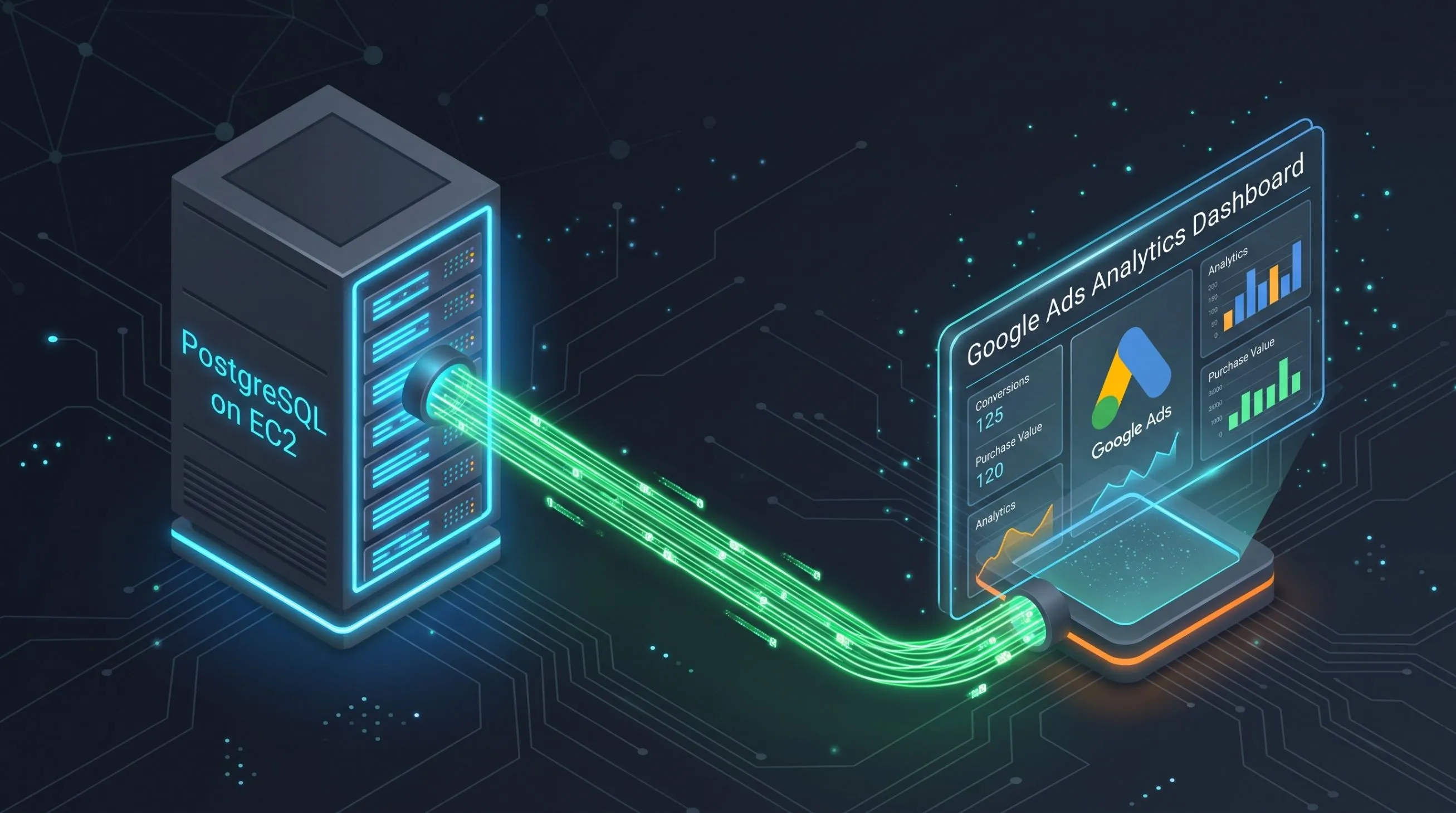
The Real Fix: Connecting Google Ads directly to my EC2 Database
If an ad-blocker is too strict, or a network connection drops right after checkout, that frontend tag will still fail. Since my Spring Boot ERP is the single source of truth, I wanted Google to just talk directly to my database.

It’s actually kind of funny—the exact day I was trying to figure this out, I had an "Introduction to Databases" class for my Data Science degree. And there I was, trying to connect Google's servers directly to my EC2 instance. Man, this technology can feel so complicated and advanced, but it is so exciting when you see how the pieces fit together.
With the help of my AI coding assistant, I set up Google Ads Data Manager to pull offline conversions directly from PostgreSQL.
Here is how we did it securely without exposing my whole server:
- Created a dedicated SQL View: Instead of giving Google access to my raw
orderstable, we created a specific view (google_ads_conversions) that formats the order ID, revenue, and currency exactly how Google needs it.
1
2
3
4
5
6
7
8
9
CREATE VIEW google_ads_conversions AS
SELECT
    order_id AS transaction_id,
    'Purchase' AS conversion_name,
    total_revenue AS conversion_value,
    'KES' AS conversion_currency,
    created_at AS conversion_time
FROM orders
WHERE status = 'PAID' OR status = 'DELIVERED';- Restricted IP Access: I updated my AWS Security Groups so that only Google's specific IP addresses can even reach that database port.
- Read-Only User: We created a database user that literally only has permission to
SELECTfrom that one specific view.
Now, I have a dual-loop system. The CloudFront proxy tries to send the signal immediately from the browser. But if that fails, Google Ads just logs into my server and reads the confirmed purchase directly from the database.
It was a frustrating few days of debugging, but getting this server-side tracking working is a massive technical win. If you are struggling with "Misconfigured" conversion tags, check your CDN query strings—or better yet, just connect your database directly.

Enjoyed reading this content? Let the author know!
Your likes, comments, shares, and saves help creators reach more builders.

Loading recommendations
Loading article