
Upgrading Amazon MQ for RabbitMQ: A Practical Terraform-Based Approach
A practical guide to upgrading Amazon MQ for RabbitMQ when an existing broker instance type reaches end of support. Learn how to assess the current environment, choose a suitable replacement, update Terraform safely, review cost and service impact, and validate the broker and application after the change.

Infrastructure lifecycle changes have a habit of arriving when you already have plenty of other things to do.
Recently, I worked through a scenario where an existing Amazon MQ for RabbitMQ deployment was using an older broker instance type that needed to be replaced. What initially looked like a simple instance-size change turned into a useful exercise in infrastructure discovery, Terraform planning, compatibility checking, cost consideration, and post-change validation.
In this article, I'll walk through a practical approach to handling this kind of Amazon MQ lifecycle change using Terraform and the AWS CLI.
The examples are intentionally generic so you can adapt them to your own AWS environment.
The Scenario
Imagine you have Amazon MQ for RabbitMQ brokers deployed through Terraform.
The existing configuration looks something like this:
1
2
3
4
5
6
7
8
9
10
11
12
13
14
15
16
17
resource "aws_mq_broker" "rabbitmq" {
  broker_name         = "example-rabbitmq-broker"
  engine_type         = "RABBITMQ"
  engine_version      = "3.13"
  host_instance_type  = "mq.t3.micro"
  deployment_mode     = "SINGLE_INSTANCE"

  publicly_accessible = false

  auto_minor_version_upgrade = true

  maintenance_window_start_time {
    day_of_week = "SUNDAY"
    time_of_day = "02:00"
    time_zone   = "UTC"
  }
}
The broker is healthy and the application is working normally.
Then you receive an AWS lifecycle notification indicating that the broker instance type needs to be changed.
At this point, the temptation is to change the Terraform value immediately and run
terraform apply.I prefer to do a little more investigation first.

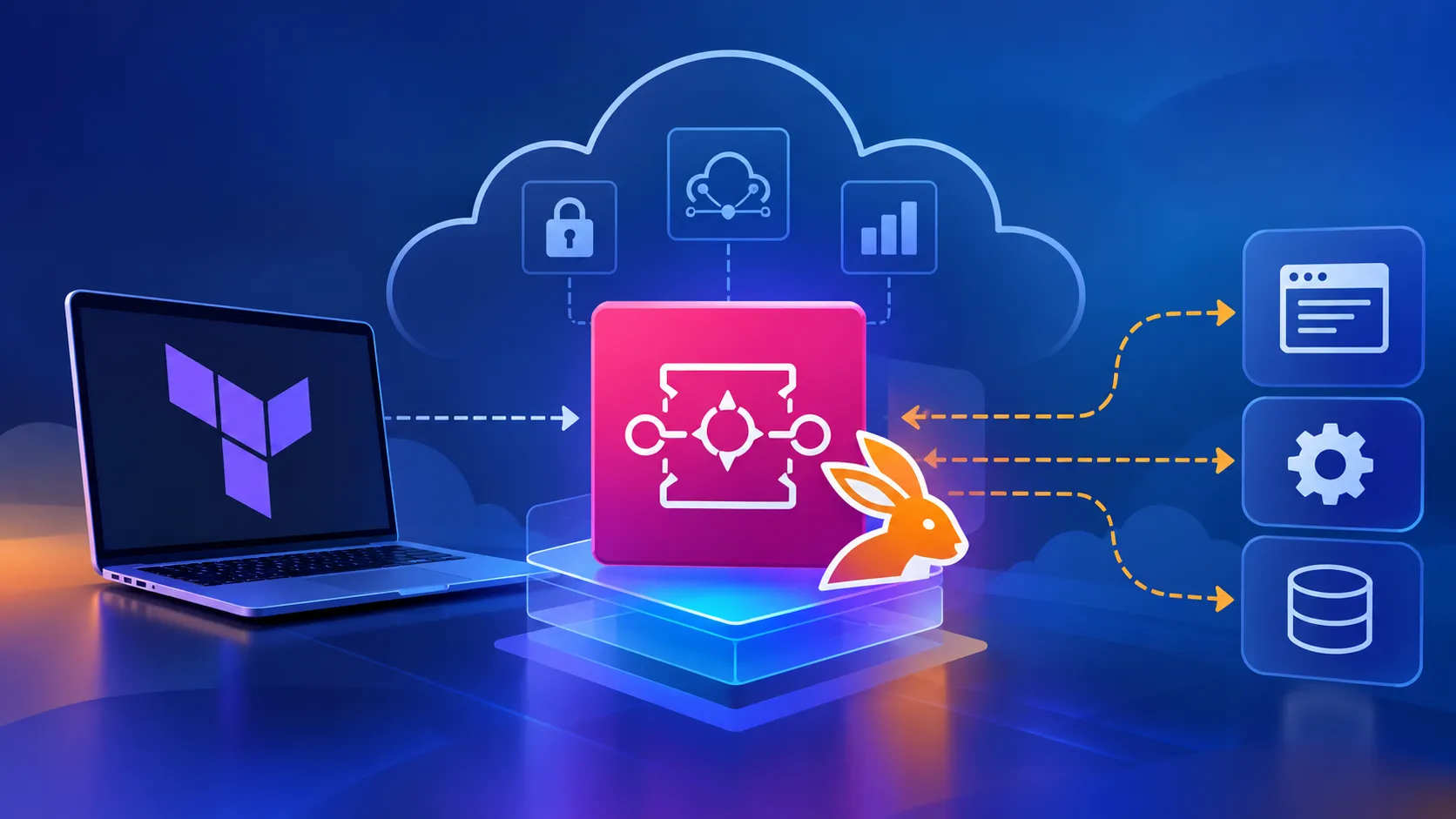
AWS Messaging Architecture with Terraform and RabbitMQ
Step 1: Discover What Is Actually Running
Before changing infrastructure, establish the current state.
You can list Amazon MQ brokers with the AWS CLI:
1
2
aws mq list-brokers \
  --region eu-west-1
Once you have identified the broker, retrieve its configuration:
1
2
3
aws mq describe-broker \
  --broker-id <broker-id> \
  --region eu-west-1
Some of the things I want to establish at this stage are:
- Broker engine
- RabbitMQ version
- Broker instance type
- Deployment mode
- Current broker state
- Public accessibility
- Automatic minor version upgrade configuration
- Maintenance window
- Network configuration
If you only want a concise view, AWS CLI queries can make the output much easier to review:
1
2
3
4
5
6
7
8
9
10
11
12
13
14
aws mq describe-broker \
  --broker-id <broker-id> \
  --region eu-west-1 \
  --query '{
    BrokerName:BrokerName,
    BrokerState:BrokerState,
    EngineType:EngineType,
    EngineVersion:EngineVersion,
    HostInstanceType:HostInstanceType,
    DeploymentMode:DeploymentMode,
    PubliclyAccessible:PubliclyAccessible,
    AutoMinorVersionUpgrade:AutoMinorVersionUpgrade
  }' \
  --output table
This gives you a baseline before making any changes.
That baseline is important. If something behaves differently afterwards, you know exactly what changed.
Step 2: Check the Infrastructure as Code
Next, locate the corresponding Amazon MQ resource in Terraform.
For example:
1
2
3
4
5
6
7
resource "aws_mq_broker" "rabbitmq" {
  broker_name        = var.broker_name
  engine_type        = "RABBITMQ"
  engine_version     = var.rabbitmq_version
  host_instance_type = var.mq_instance_type
  deployment_mode    = "SINGLE_INSTANCE"
}
The instance type may be defined elsewhere:
1
2
3
4
variable "mq_instance_type" {
  type    = string
  default = "mq.t3.micro"
}
Or perhaps through environment-specific variables:
1
mq_instance_type = "mq.t3.micro"
This distinction matters.
Before editing anything, understand where the value actually comes from. Changing a default variable may affect several environments, whereas changing an environment-specific value may affect only one.
It is also worth checking for Terraform drift before making the lifecycle change.
1
terraform plan
If Terraform already wants to change unrelated resources, investigate those differences first rather than bundling everything into one infrastructure change.
Step 3: Evaluate the Replacement Instance Type
Don't treat the replacement as simply:
old instance type → new instance type
Consider what the workload actually needs.
For a non-production or relatively small RabbitMQ workload, a modern Graviton-based Amazon MQ instance type may be appropriate.
For example:
1
host_instance_type = "mq.m7g.medium"
Before selecting it, check several things:
Availability
Confirm that the instance type is supported for Amazon MQ for RabbitMQ in your AWS Region and deployment mode.
Workload requirements
Look at the workload rather than blindly matching the previous specification.
Consider:
- Number of connections
- Message throughput
- Queue depth
- Memory utilisation
- CPU utilisation
- Message size
- Peak traffic
- Availability requirements
Architecture
A lifecycle event can also be a good opportunity to ask whether the existing deployment architecture still makes sense.
For example, development environments may reasonably use:
1
SINGLE_INSTANCE
while a production workload may warrant a highly available deployment depending on its business requirements.
I would avoid changing the architecture purely because an instance type is being replaced, though. Combining unrelated infrastructure changes makes troubleshooting and rollback more difficult.
Keep the scope controlled.
Step 4: Review Cost Before Making the Change
A supported replacement may have different pricing characteristics.
Before applying the change, compare:
1
2
3
4
5
6
7
Current monthly broker cost
        ↓
Proposed monthly broker cost
        ↓
Difference per environment
        ↓
Total annual impact
This becomes especially important when the same Terraform configuration exists across development, test, staging, and production.
A relatively small monthly difference multiplied across several brokers can become meaningful over a year.
It is also worth asking whether every environment needs to run continuously.
For non-production infrastructure, scheduling or consolidating resources may sometimes save more money than selecting the smallest possible instance type.
Step 5: Make the Terraform Change
Once the replacement has been assessed, the actual Terraform modification may be remarkably small.
For example:
1
host_instance_type = "mq.m7g.medium"
That's it.
But a one-line Terraform change can represent a significant infrastructure operation.
Always review the plan.
1
2
3
terraform fmt
terraform validate
terraform plan
Pay particular attention to whether Terraform reports an in-place update or resource replacement.
You want to understand the blast radius before approving the change.
A useful principle here is:
Small code change does not necessarily mean small infrastructure change.
Step 6: Review the Terraform Plan Carefully
Don't just look for the green
+ and red - symbols.Read the actual resource changes.
For example, you may expect something conceptually similar to:
1
2
3
~ resource "aws_mq_broker" "rabbitmq" {
    host_instance_type = "mq.t3.micro" -> "mq.m7g.medium"
}
The important question is whether Terraform intends to modify the existing broker or destroy and recreate it.
If the plan includes unexpected changes to:
- Security groups
- Subnets
- Users
- Engine versions
- Encryption settings
- Logging
- Deployment mode
Stop and investigate. An instance lifecycle change is not the time to casually apply unrelated drift.
Step 7: Plan for Service Impact
Changing the broker instance type isn't just a Terraform event. It affects a messaging service that applications depend on.
Before applying the change, understand:
- Which applications connect to RabbitMQ?
- Can clients reconnect automatically?
- Is connection retry configured?
- Are messages durable?
- Are queues durable?
- What happens if the broker is temporarily unavailable?
- Is there a suitable maintenance window?
- How will you verify message processing afterwards?
This is where application knowledge becomes just as important as AWS knowledge.
Infrastructure can report
RUNNING while an application is still failing to reconnect.Step 8: Apply the Change
Once the plan has been reviewed and the maintenance window agreed, apply the Terraform change using your organisation's normal deployment process.
If running Terraform directly:
1
terraform apply
Avoid making an additional manual instance-type change through the AWS console unless there is a specific operational reason.
If Terraform manages the broker, Terraform should remain the source of truth.
Otherwise you may immediately introduce configuration drift.
Step 9: Monitor the Broker
After deployment, check the broker state:
1
2
3
4
5
6
7
8
9
aws mq describe-broker \
  --broker-id <broker-id> \
  --region eu-west-1 \
  --query '{
    BrokerState:BrokerState,
    HostInstanceType:HostInstanceType,
    EngineVersion:EngineVersion
  }' \
  --output table
Confirm that:
1
BrokerState = RUNNING
and that the expected instance type is reported.
You should also monitor the relevant Amazon CloudWatch metrics.
Depending on the workload, useful signals include:
- CPU utilisation
- Memory
- Connections
- Message acknowledgements
- Messages published
- Messages delivered
- Queue depth
Don't stop at "Terraform succeeded."
Terraform tells you whether the infrastructure operation completed. It does not necessarily tell you whether the application is healthy.
Step 10: Validate the Application
Now test the workload using the broker.
The exact validation depends on your application, but I normally want evidence that:
- Applications can establish connections.
- Producers can publish messages.
- Consumers can receive messages.
- Queues are processing normally.
- Message backlogs are not unexpectedly increasing.
- Application logs contain no new RabbitMQ connectivity errors.
- Monitoring has returned to its expected baseline.
For critical workloads, define these checks before the change rather than deciding afterwards what "healthy" means.
Step 11: Check Terraform Again
One final step that is easy to forget:
1
terraform plan
After the infrastructure has stabilised, the expected result should be:
1
2
No changes.
Your infrastructure matches the configuration.
This provides a useful final confirmation that the deployed AWS resource and your Infrastructure as Code are aligned.
What I Learned
There were a few useful reminders from working through this kind of lifecycle change.
1. Start with discovery
Before changing Terraform, understand what is actually deployed.
AWS CLI, CloudWatch, Terraform state, and the application itself each provide a different part of the picture.
2. Keep lifecycle changes focused
If the requirement is to replace an unsupported instance type, avoid simultaneously redesigning the messaging architecture unless there is a compelling reason.
Smaller changes are easier to understand, validate, and roll back.
3. Infrastructure as Code remains the source of truth
Manual console changes can be tempting when something looks simple.
But when Terraform owns a resource, updating Terraform first keeps configuration history, peer review, and deployed infrastructure aligned.
4. Cost belongs in the technical discussion
A technically valid replacement isn't automatically the most appropriate replacement.
Review workload requirements and cost together.
5. terraform apply is not the end of the change
Successful infrastructure deployment is only one layer of validation.
The broker needs to be healthy, applications need to reconnect, and messages need to flow.
A Reusable Checklist
For future Amazon MQ lifecycle changes, my checklist now looks something like this:
1
2
3
4
5
6
7
8
9
10
11
12
13
14
15
16
17
18
19
20
[ ] Review AWS lifecycle notification
[ ] Identify affected brokers and environments
[ ] Capture current broker configuration
[ ] Review CloudWatch workload metrics
[ ] Locate the Terraform source of truth
[ ] Check existing Terraform drift
[ ] Confirm supported replacement instance types
[ ] Compare capacity and cost
[ ] Review deployment mode and availability requirements
[ ] Update Terraform
[ ] Run terraform fmt and terraform validate
[ ] Review terraform plan
[ ] Confirm expected service impact
[ ] Apply through the approved deployment process
[ ] Verify broker returns to RUNNING
[ ] Validate application connectivity
[ ] Validate message processing
[ ] Review CloudWatch metrics and application logs
[ ] Run a final terraform plan
[ ] Document the outcome
Final Thoughts
AWS infrastructure lifecycle notifications can sometimes feel like routine maintenance, especially when the resulting Terraform change is only one line.
But the interesting part isn't changing:
1
mq.t3.micro
to another instance type.
The interesting part is everything surrounding that line: understanding the existing environment, selecting an appropriate replacement, controlling the scope of the change, assessing cost and availability, maintaining Infrastructure as Code as the source of truth, and proving that the application still works afterwards.
That's what turns a simple infrastructure update into a well-managed cloud engineering change.
If you're facing a similar Amazon MQ lifecycle event, I'd recommend starting with discovery rather than Terraform. Understand the broker, workload, dependencies, and desired end state first.
Then make the smallest safe change you can.
Enjoyed reading this content? Let the author know!
Your likes, comments, shares, and saves help creators reach more builders.

Loading recommendations
Loading article