
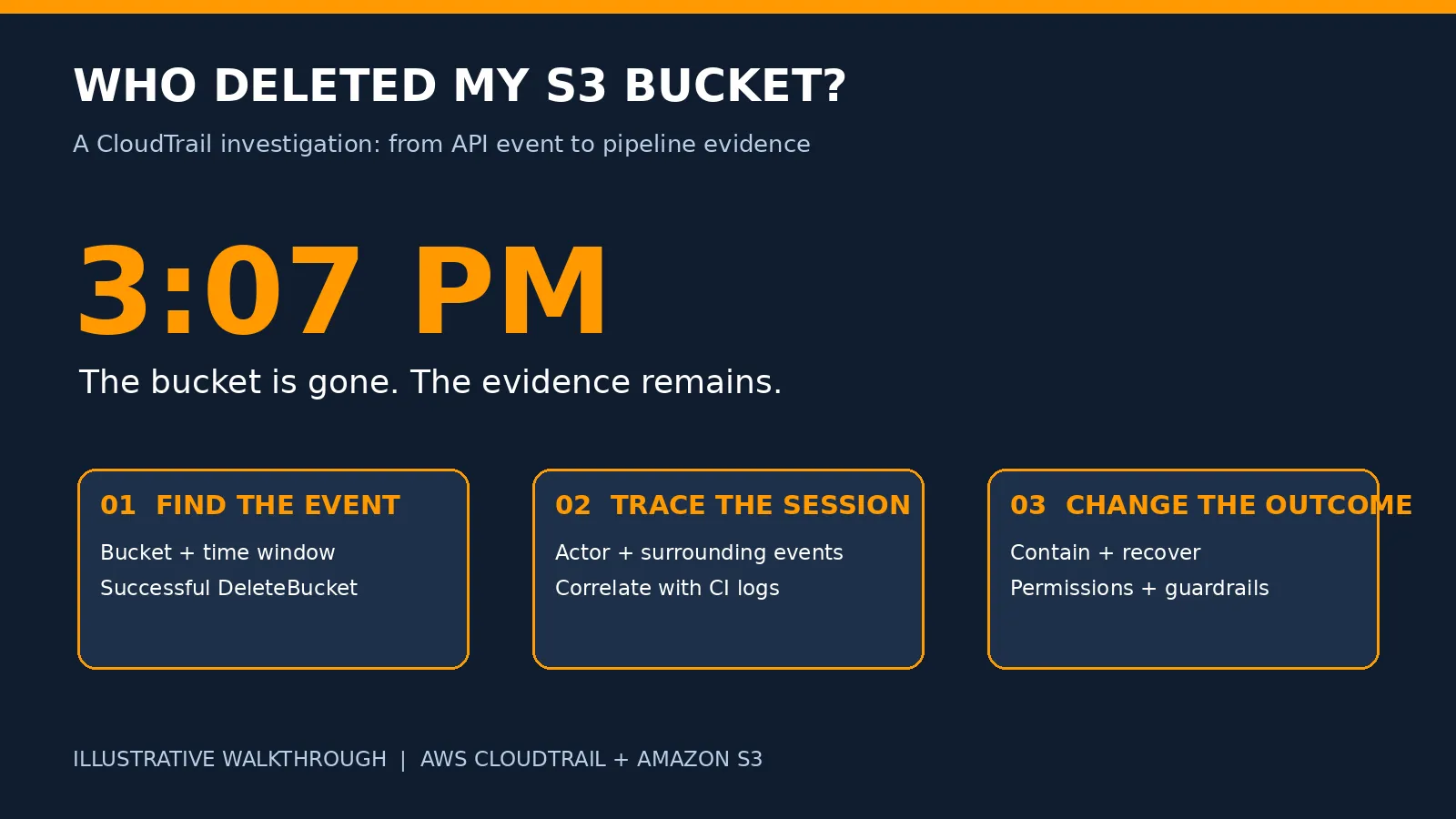
Who Deleted My S3 Bucket at 3:07 PM? Investigating with CloudTrail Lake
🔍 Who deleted your S3 bucket—and how can you trace it? This post walks through an illustrative investigation using AWS CloudTrail Lake to identify the responsible role session, reconstruct the deletion timeline, and correlate events with Terraform pipeline logs. Learn practical SQL queries, recovery considerations, and guardrails to prevent accidental production deletions.

📌 Availability update: AWS CloudTrail Lake is no longer open to new customers starting May 31, 2026. Existing customers can continue using it. This walkthrough is for existing Lake users; new users can investigate CloudTrail trail logs stored in S3 using Amazon Athena, or evaluate Amazon CloudWatch for their logging workflow.
This article uses an illustrative incident, fictional identifiers, and sample results. It demonstrates an investigation method rather than claiming a measured five-minute production recovery.
The message nobody wants to receive
At 3:07 PM IST, a teammate sends a message:
“The production avatars bucket is gone. Did anyone delete it?”
The bucket—prod-user-avatars—previously held thousands of user images. Nobody remembers approving its deletion.
There are three immediate questions:
What happened? Was the bucket successfully deleted, or did an application lose access?
Which identity made the request? A person, an automation role, or an unexpected session?
What happened immediately before it? A single API event rarely tells the whole story.
AWS CloudTrail provides the evidence. CloudTrail Lake lets existing users investigate collected events with SQL.
The goal is to build a timeline before assigning a cause.
Event History or CloudTrail Lake?
Event History is a useful first stop, not something to dismiss as “slow.” It shows the last 90 days of management events in an AWS Region. DeleteBucket is a management event, so check the correct account, Region, time window, and event name.
Lake helps when an investigation needs multiple conditions, identity correlation, or events retained beyond Event History’s window.
| Question | Event History | CloudTrail Lake |
|---|---|---|
| Recent bucket deletion? | Useful first check | SQL investigation |
| Object deletion activity? | Data events are not included | Available only if collected or imported |
| Correlate identity, bucket, and time? | Limited lookup filters | Combine conditions with SQL |
| Older evidence? | 90-day management-event window | Depends on configured retention and ingested evidence |
🔎 Logging must exist before the incident. Enabling Lake afterward does not automatically recover missing events. Existing trail logs can be imported where supported, but events that were never logged cannot be reconstructed by a query.
Step 1: Establish the time window
CloudTrail eventTime is in UTC. For a report between 3:00 PM and 3:15 PM IST on October 2, 2025:
| IST | UTC |
|---|---|
| 3:00 PM | 09:30:00Z |
| 3:07:12 PM | 09:37:12Z |
| 3:15 PM | 09:45:00Z |
Use those exact bounds. A narrow time window makes evidence easier to review and helps control query scan costs.
Step 2: Find the successful bucket deletion
Open CloudTrail → Lake → Query, select the relevant event data store, and use its identifier in the FROM clause. Replace YOUR_EVENT_DATA_STORE_ID below with the value supplied by the query editor; it is a placeholder, not a SQL variable.
SELECT
eventTime,
eventID,
userIdentity.type AS identity_type,
userIdentity.arn AS actor,
userIdentity.sessionContext.sessionIssuer.arn AS issuer_role,
eventName,
element_at(requestParameters, 'bucketName') AS bucket_name,
sourceIPAddress,
userAgent
FROM YOUR_EVENT_DATA_STORE_ID
WHERE eventSource = 's3.amazonaws.com'
AND eventName = 'DeleteBucket'
AND element_at(requestParameters, 'bucketName') = 'prod-user-avatars'
AND errorCode IS NULL
AND eventTime >= '2025-10-02 09:30:00'
AND eventTime < '2025-10-02 09:45:00'
ORDER BY eventTime DESC;
requestParameters is queried as a map using element_at. Checking errorCode IS NULL separates successful calls from recorded failures.
An illustrative result might show:
{
"eventTime": "2025-10-02T09:37:12Z",
"identity_type": "AssumedRole",
"actor": "arn:aws:sts::123456789012:assumed-role/terraform-ci/build-482",
"issuer_role": "arn:aws:iam::123456789012:role/terraform-ci",
"eventName": "DeleteBucket",
"bucket_name": "prod-user-avatars",
"sourceIPAddress": "198.51.100.24",
"userAgent": "illustrative Terraform client"
}
This identifies the recorded role session that made the API call. It does not identify the person who triggered a pipeline. The source IP and user agent are supporting clues, not proof of intent or human identity.
If the query is empty, verify the store, selectors, retention, ingestion delay, account, and Region. Remove the success filter temporarily to look for failed attempts.
Step 3: Reconstruct the session timeline
Search the exact session ARN rather than matching every identity whose name contains terraform-ci.
SELECT
eventTime,
eventSource,
eventName,
eventID,
requestParameters,
errorCode
FROM YOUR_EVENT_DATA_STORE_ID
WHERE userIdentity.arn =
'arn:aws:sts::123456789012:assumed-role/terraform-ci/build-482'
AND eventTime >= '2025-10-02 09:25:00'
AND eventTime < '2025-10-02 09:50:00'
ORDER BY eventTime ASC;

Illustrative deletion timeline
The illustrative sequence is:
| Time, UTC | Evidence | Meaning |
|---|---|---|
| 09:35–09:36 | Multiple DeleteObjects calls | The session emptied objects and, in a versioned bucket, their versions |
| 09:36:44 | DeleteBucketPolicy | A bucket control was removed |
| 09:37:12 | Successful DeleteBucket | The now-empty bucket was deleted |
⚠️ DeleteObject and DeleteObjects are S3 data events. They must have been captured by the event data store, or imported from logs that captured them. Management events alone will not reveal this part of the timeline. One DeleteObjects request can specify up to 1,000 objects; do not describe one call as deleting 12,000 objects.
Next, correlate the session with CI build logs, the Terraform plan, the workspace, AWS account identity, and the commit that triggered the run. A runner can assume multiple sessions, so expand the search if needed.
In this scenario, pipeline logs confirm a destroy operation against the production workspace. The bucket had force_destroy = true, and the CI role had enough permissions to empty and delete it.
CloudTrail explains the API activity. Pipeline evidence explains how that activity was triggered.
Step 4: Contain first, then recover
Stop the pipeline and prevent further destructive requests. Preserve the CloudTrail event IDs, query results, and CI evidence before making recovery changes.
A successful DeleteBucket requires the bucket to be empty—including object versions and delete markers. Versioning helps recover ordinary object deletion, but a sufficiently privileged actor can permanently remove versions and then delete the bucket.
For this illustrative recovery, assume both buckets had versioning enabled, Cross-Region Replication was configured, and verified readable replicas remain in the destination. CRR requires versioning on both buckets. It is not a substitute for independent, tested backups.
Create a replacement bucket with the required Region, encryption, versioning, public-access controls, and policies. Then preview copying the destination’s current readable objects:
aws s3 sync \
s3://prod-user-avatars-backup-us-west-2 \
s3://YOUR_UNIQUE_REPLACEMENT_BUCKET \
--source-region us-west-2 \
--region us-east-1 \
--dryrun
After reviewing the output, repeat without --dryrun. The destination Region here is illustrative; use your actual Region.
This restores current readable objects, not version history or bucket configuration. If the current version is a delete marker, locate and restore the required previous versions instead. Validate replica completeness, object counts, sample reads, KMS permissions, and application configuration before switching traffic.
Replication is asynchronous; some recent objects may be missing. Recovery time depends on object volume, permissions, storage class, and application changes. Do not promise a ten-minute recovery without measuring it.
Step 5: Add deletion alerts

Investigation and alerting architecture
Use two complementary paths:
Investigation: captured events → CloudTrail Lake → SQL and incident evidence.
Alerting: a logging CloudTrail trail → EventBridge’s default event bus → Lambda → a configured Slack integration.
CloudTrail Lake is not required for the EventBridge alert path. An active logging trail is required for CloudTrail-delivered events; capture S3 object data events on that trail if object-deletion alerts are needed.
This complete CloudFormation example connects successful bucket-deletion events to an existing Lambda function. It does not create the trail, Lambda, or Slack integration.
AWSTemplateFormatVersion: '2010-09-09'
Description: Alert on successful S3 bucket deletion through CloudTrail
Parameters:
AlertFunctionArn:
Type: String
Description: ARN of an existing alert Lambda in this account and Region
Resources:
BucketDeletionRule:
Type: AWS::Events::Rule
Properties:
State: ENABLED
EventPattern:
source: [aws.s3]
detail-type: [AWS API Call via CloudTrail]
detail:
eventSource: [s3.amazonaws.com]
eventName: [DeleteBucket]
errorCode:
- exists: false
Targets:
- Id: AlertLambda
Arn: !Ref AlertFunctionArn
AllowEventBridgeInvoke:
Type: AWS::Lambda::Permission
Properties:
Action: lambda:InvokeFunction
FunctionName: !Ref AlertFunctionArn
Principal: events.amazonaws.com
SourceArn: !GetAtt BucketDeletionRule.Arn
In the Lambda handler, CloudTrail fields are inside event['detail']:
def lambda_handler(event, context):
detail = event.get('detail', {})
identity = detail.get('userIdentity', {})
parameters = detail.get('requestParameters') or {}
alert = {
'action': detail.get('eventName'),
'actor': identity.get('arn', identity.get('principalId', 'unknown')),
'bucket': parameters.get('bucketName'),
'event_time': detail.get('eventTime'),
'event_id': detail.get('eventID'),
'account': event.get('account'),
'region': event.get('region'),
}
# Pass alert to your configured notification integration.
return alert
This handler illustrates extraction only; returning a dictionary does not send a Slack message. Implement the notifier, protect its credentials, and handle retries and duplicate deliveries. Test with a disposable bucket and configure target failure handling. There is no guaranteed 30-second notification deadline.
Guardrails that change the outcome

S3 Block Public Access protects against public exposure, not deletion. MFA Delete protects certain versioning and permanent-version-deletion operations; evaluate its root-user setup and automation implications before adopting it.
A reusable query: deletion activity across AWS
SELECT eventTime, eventSource, eventName,
userIdentity.arn AS actor, requestParameters, errorCode
FROM YOUR_EVENT_DATA_STORE_ID
WHERE eventName LIKE 'Delete%'
AND eventTime >= '2025-10-02 00:00:00'
AND eventTime < '2025-10-03 00:00:00'
ORDER BY eventTime DESC;
Replace the dates with your investigation window. These bounds represent a UTC day. Some destructive actions do not begin with Delete, so this is a starting point, not a complete detection rule.
Lake has ingestion, retention, and query costs according to its pricing option. Restrict the time range and select data events deliberately; noisy object logging can be expensive. Query time depends on scanned data and service conditions—SQL is not a promise of a three-second result.
The takeaway
The most useful question was not simply, “Who deleted the bucket?”
It was, “Which session deleted it, what happened around that event, and which controls allowed the sequence?”
CloudTrail turns that question into evidence. Guardrails and tested recovery turn the evidence into a safer system.
Your turn: In a sandbox account, delete an empty disposable bucket, find the event, and correlate its identity and timestamp. If you already use Lake, repeat the lookup with SQL.
Enjoyed reading this content? Let the author know!
Your likes, comments, shares, and saves help creators reach more builders.

Loading recommendations
Loading article