
Securing an AWS Account with IAM: Users, Groups, Roles, and Policies.
A beginner project on protecting an AWS account using AWS Identity and Access Management (IAM). It covers creating users and groups, giving only the permissions people need, and turning on multi-factor authentication (MFA).

Introduction
When you create an AWS account, you start with a root user that has unlimited access to everything. Using it for daily work is risky: if its password leaks, someone could delete your resources or run up a huge bill. IAM lets you control who can access your account and what they can do. In this project, I set up a secure IAM structure for a small team of students.
Architecture
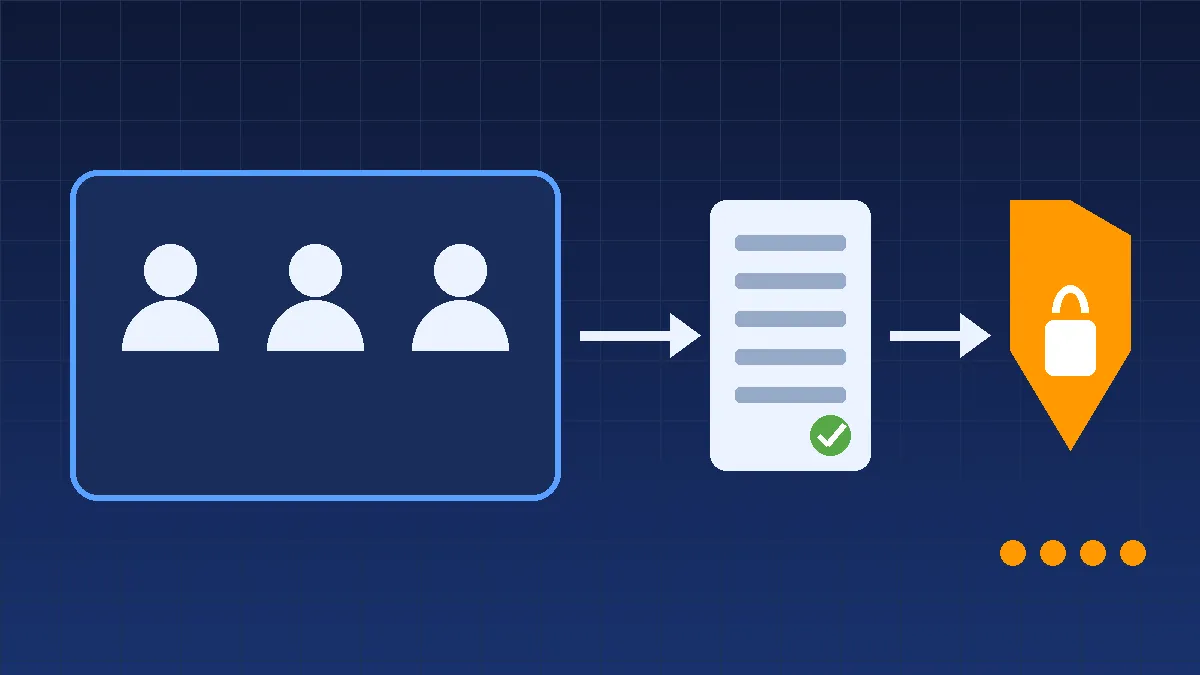
Root user (used only for setup) → IAM Group (Developers) → IAM Users → Policies (permissions) → AWS services (S3, EC2, etc.)
Key Concepts
User: An identity for one person or application.
Group: A collection of users that share the same permissions.
Policy: A JSON document that says what is allowed or denied.
Role: A set of temporary permissions that a service (like EC2) or user can assume, with no permanent password or keys.
MFA: A second verification step, such as a code from an authenticator app.
Implementation Steps
Secure the root user. Sign in once, enable MFA, and then stop using it for daily tasks.
Create a group. In the IAM console, create a group named Developers.
Attach a policy. Give the group a managed policy, such as AmazonS3ReadOnlyAccess, so members can view S3 files but not change them.
Create users. Add a user for each team member and place them in the group.
Enable MFA for every user. Use an authenticator app.
Create a role for EC2. Allow an EC2 instance to read from one S3 bucket without storing access keys on the server.
Test the permissions. Sign in as a user and confirm that allowed actions work and everything else is denied.
Review regularly. Use IAM's Last accessed information to remove permissions nobody uses.
Security Best Practices
Follow the principle of least privilege: give only the access needed.
Enable MFA on the root user and all other users.
Never share credentials or commit access keys to GitHub.
Prefer roles and temporary credentials over long-term access keys.
Rotate or delete unused keys and users.
Use AWS CloudTrail to record who did what in your account.
Cost
IAM is free. You pay only for the AWS resources your users create.
What I Learned
Why the root user should never be used for daily work
The difference between users, groups, roles, and policies
How permissions are written and evaluated in JSON
How MFA greatly reduces the risk of stolen passwords
Why least privilege is the foundation of cloud security
Future Improvements
Use AWS IAM Identity Center for single sign-on across accounts
Add permission boundaries to limit what users can grant
Monitor activity with CloudTrail and alerts in CloudWatch
Use AWS Organizations to manage several accounts
Automate IAM setup with CloudFormation or Terraform
When you create an AWS account, you start with a root user that has unlimited access to everything. Using it for daily work is risky: if its password leaks, someone could delete your resources or run up a huge bill. IAM lets you control who can access your account and what they can do. In this project, I set up a secure IAM structure for a small team of students.
Architecture
Root user (used only for setup) → IAM Group (Developers) → IAM Users → Policies (permissions) → AWS services (S3, EC2, etc.)
Key Concepts
User: An identity for one person or application.
Group: A collection of users that share the same permissions.
Policy: A JSON document that says what is allowed or denied.
Role: A set of temporary permissions that a service (like EC2) or user can assume, with no permanent password or keys.
MFA: A second verification step, such as a code from an authenticator app.
Implementation Steps
Secure the root user. Sign in once, enable MFA, and then stop using it for daily tasks.
Create a group. In the IAM console, create a group named Developers.
Attach a policy. Give the group a managed policy, such as AmazonS3ReadOnlyAccess, so members can view S3 files but not change them.
Create users. Add a user for each team member and place them in the group.
Enable MFA for every user. Use an authenticator app.
Create a role for EC2. Allow an EC2 instance to read from one S3 bucket without storing access keys on the server.
Test the permissions. Sign in as a user and confirm that allowed actions work and everything else is denied.
Review regularly. Use IAM's Last accessed information to remove permissions nobody uses.
Security Best Practices
Follow the principle of least privilege: give only the access needed.
Enable MFA on the root user and all other users.
Never share credentials or commit access keys to GitHub.
Prefer roles and temporary credentials over long-term access keys.
Rotate or delete unused keys and users.
Use AWS CloudTrail to record who did what in your account.
Cost
IAM is free. You pay only for the AWS resources your users create.
What I Learned
Why the root user should never be used for daily work
The difference between users, groups, roles, and policies
How permissions are written and evaluated in JSON
How MFA greatly reduces the risk of stolen passwords
Why least privilege is the foundation of cloud security
Future Improvements
Use AWS IAM Identity Center for single sign-on across accounts
Add permission boundaries to limit what users can grant
Monitor activity with CloudTrail and alerts in CloudWatch
Use AWS Organizations to manage several accounts
Automate IAM setup with CloudFormation or Terraform
Enjoyed reading this content? Let the author know!
Your likes, comments, shares, and saves help creators reach more builders.

Loading recommendations
Loading article