
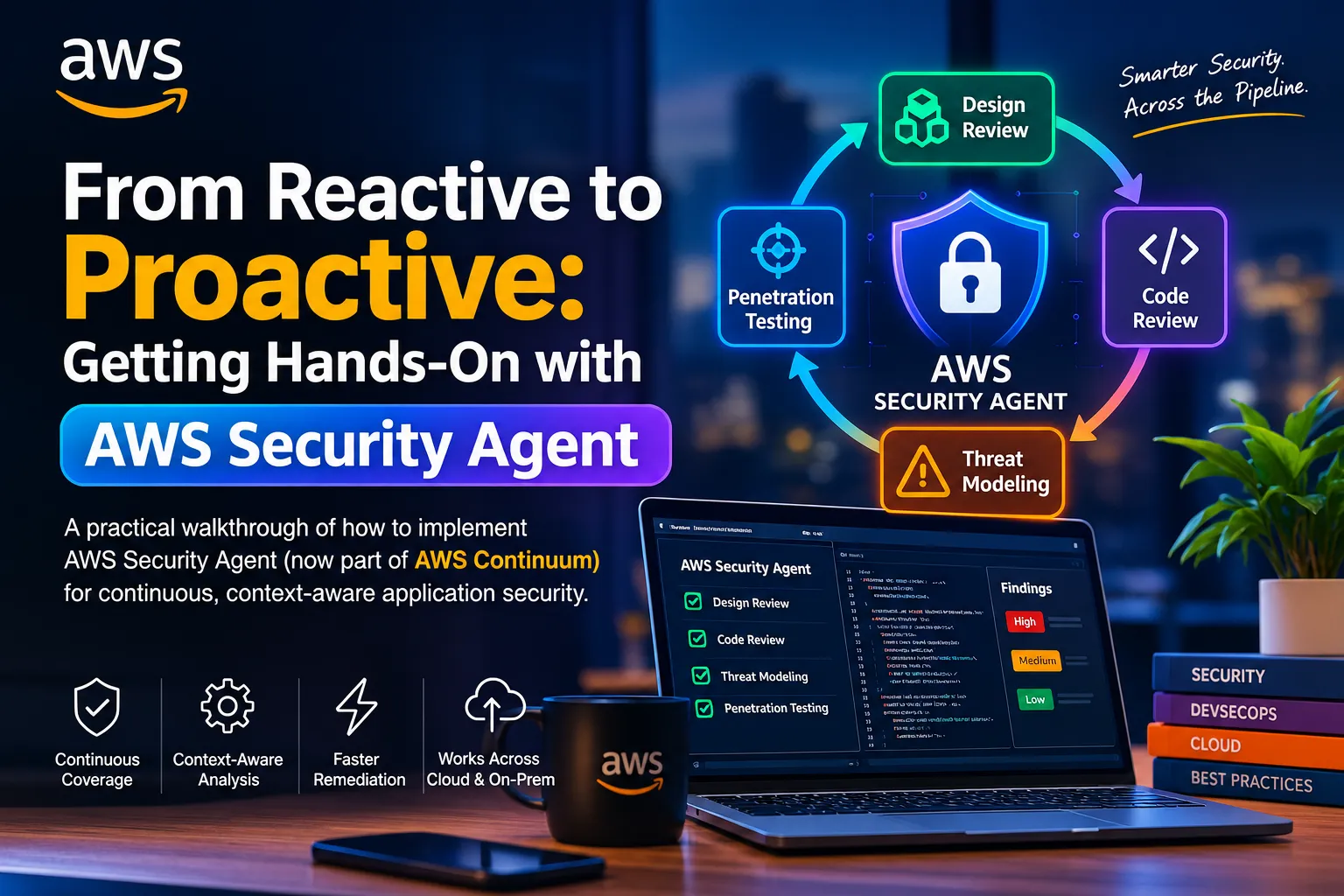
From Reactive to Proactive: Getting Hands-On with AWS Security Agent
Explore how AWS Security Agent brings AI-powered security into every stage of software development, from design reviews and code analysis to threat modeling and penetration testing.

I went to AWS Summit Johannesburg expecting the usual migration case studies and cost-optimization war stories. Instead, the session that stuck with me was a technical one: "Proactive Application Security from Design to Deployment." It tackled a problem every security-minded engineer eventually runs into, how do you keep meaningful security coverage across a growing application portfolio without becoming the thing that slows delivery down?
The answer the session built around was AWS Security Agent (now folded into a broader offering called AWS Continuum). I liked it enough that I didn't want to leave it as conference notes; I went home, read the docs, and actually set it up against a small project. This post is both a technical breakdown of how it works and a walkthrough of what implementing it actually looks like.
The Core Idea: Security as a Continuous Thread, Not a Gate
Traditional AppSec tends to cluster around two points: a design sign-off early on, and a penetration test right before (or worse, right after) release. Everything in between is mostly manual code review, if it happens at all. AWS Security Agent restructures that into a continuous pipeline:
1
Design Review  →  Code Review  →  Threat Modeling  →  Penetration Testing
Each stage feeds context into the next. The agent isn't running four disconnected tools; it's accumulating a working model of your application (architecture, data flows, trust boundaries, coding standards) and reusing that model at every stage. That's the detail that separates this from a traditional SAST/DAST scanner bolted onto a CI pipeline.
Technically, it's one of AWS's frontier agents, a class of autonomous systems (also including AWS DevOps Agent) built to run for extended periods, handle many concurrent jobs, and operate with less human prompting than a typical copilot-style tool. The penetration testing capability in particular combines SAST, DAST, and active exploitation in a single context-aware pass, rather than treating them as three separate tools you have to stitch together.
What Each Stage Actually Does
Design review - You define your organization's requirements once: approved encryption libraries, required auth frameworks, logging standards, and the agent checks architecture documents against them, citing the specific requirement violated rather than a generic "insecure design" flag.
Code review - Connects to GitHub, GitLab, or Bitbucket scans full repos or individual pull requests, and posts findings as PR comments. You can optionally enable automatic remediation, where the agent opens a PR with the fix. You can wire in Confluence as extra context so the agent understands your existing documentation, not just your code.
Threat modeling (preview) - This is the newest piece and the most interesting technically. Point it at design docs, a source repo, or both, and it builds a structured system overview purpose, capabilities, architecture, a component table, and trust boundaries, then produces a threat list classified against all six STRIDE categories (Spoofing, Tampering, Repudiation, Information Disclosure, Denial of Service, Elevation of Privilege). Each threat ships with a severity rating, the affected assets, and a concrete mitigation, not just a category label.
Penetration testing (GA) - Runs autonomous, multi-step attack chains against a verified live target domain; you prove ownership via a DNS TXT record, HTTP route, or one-click if the domain is in Route 53 in the same account. It's generally available in six AWS regions and explicitly supports multicloud and on-prem targets, so you're not limited to workloads hosted on AWS. Pricing for pentest runs is task-hour based (community reports put it around $50/task-hour), while design review, code review, and threat modeling are currently free during preview.
Getting Started: My Implementation Walkthrough
Here's the sequence I actually followed, roughly matching AWS's own quickstarts, adapted for someone doing this solo against a side project rather than a large org.
1. Set up an Agent Space
Everything in AWS Security Agent lives inside an Agent Space, a scoped environment with its own permissions and resources. AWS's own guidance is blunt about this: create one Agent Space per application, not one big shared space. If you're testing a billing service and a task-tracker, that's two Agent Spaces.
- Navigate to
console.aws.amazon.com/securityagent/ - Choose Set up AWS Security Agent
- Name and describe your first Agent Space (name it after the application, not your team; this is what shows up in the web app)
- Choose an access model:
- IAM-only access — fastest to stand up; only IAM principals in the account can reach the web app
- IAM Identity Center (SSO) — needed if non-console users (e.g., developers without AWS console access) need to kick off reviews or pentests themselves
- Configure the service role (a default one with the required permissions is offered — fine for a first run) and, optionally, a CloudWatch log group for visibility into what the agent is doing
- Choose Set up AWS Security Agent; this provisions the Agent Space and a dedicated web application
2. Connect a source
Both code review and threat modeling need something to read. Options: a GitHub/GitLab/Bitbucket repo, or an S3 bucket holding design docs, API specs, or exported architecture diagrams. Design review and threat modeling don't strictly require a connected repo if your team maintains good architecture documentation; uploading that as a "scope doc" is enough to get a useful first threat model, which is a nice on-ramp if your source code access controls are more locked down than your docs.
3. Run your first threat model
From the Agent Space, go to Threat models → Create threat model, choose your service role, optionally add a CloudWatch log group, and hit Start run. Expect this to take real time. My first run against a mid-sized repo took a little over ten minutes, which felt long until I remembered it isn't grepping for patterns; it's building a mental model of the system before reasoning about how to attack it. You can also drive this from the CLI:
bash
1
2
3
4
5
6
7
8
9
# check job status
aws securityagent batch-get-threat-model-jobs \
  --agent-space-id <agent-space-id> \
  --threat-model-job-ids <job-id>

# once COMPLETED, pull the findings
aws securityagent list-threats \
  --agent-space-id <agent-space-id> \
  --threat-job-id <job-id>
When it finishes, the Overview tab gives you the system description and a severity distribution chart across the six STRIDE categories; the Threats tab gives you the individual, actionable findings. If the system overview looks wrong, the agent misunderstood a component or missed a trust boundary, the fix is to feed it more context (additional repos, a fuller scope doc) and re-run, rather than trying to manually correct its model.
4. Wire up code review on pull requests
Under Code reviews → Create code review, name the review after what it scopes (
billing-service-security-review, not q3-review), pick your connected repositories, choose the service role, and decide whether to enable automatic remediation. Once enabled, every new PR against that repo gets scanned, with findings landing as inline comments, meaning developers see security feedback in the same place they see lint failures and CI status, not in a separate portal three days later.5. Verify a domain and run a penetration test
This is the step that requires the most care, since it involves an agent actively attacking a live target. From Agent Spaces → your space → Penetration test tab → Set up penetration test, enter the target domain and verify ownership (DNS TXT record, HTTP route file, or one-click if it's already a Route 53 hosted zone in the account). Only verified domains can be tested, a sensible guardrail, since nothing here should ever be pointed at infrastructure you don't control. Optionally attach the source repo so the agent has code-level context rather than treating it as a black box.
6. Bring it into your actual workflow (IDE / CLI / MCP)
This is the part that made it feel less like "another dashboard" and more like part of my normal toolchain. AWS Security Agent exposes an open MCP (Model Context Protocol) integration, plus a Kiro power and a Claude Code plugin, so you can trigger reviews and threat models from inside your editor or CLI and get results without a context switch. A community-published MCP skill wraps this into a simple conversational workflow: point an agent at your
requirements.md / design.md, it resolves your Agent Space config from a local .security-agent/config.json, kicks off the threat-model job, polls every couple of minutes, and writes a formatted findings report straight into your repo, flagging anything that's a regression from a prior design pass. That last part is what made me an actual convert: it turns threat modeling from a periodic ceremony into something that runs on every meaningful design change, the same way you'd run a test suite.Practical Notes From Actually Doing This
A few things I'd tell someone setting this up for the first time:
- Start with threat modeling or code review, not pentesting. They're currently free in preview, don't require a live verified target, and give you a fast read on whether the agent's understanding of your system is accurate before you let it actively attack anything.
- One Agent Space per application, genuinely. It's tempting to create one shared space to save clicks; don't, permissions and scoping get messy fast.
- The OAuth connection to your Git provider is finicky. Don't close the browser mid-flow, if it drops, you have to uninstall the GitHub App and redo the connection from scratch.
- Documentation quality matters more than you'd think. The system overview the agent produces is only as good as what you feed it. A repo with no README and no architecture docs gives it a much harder time than a repo with even a rough design doc.
Where This Is Heading
What I keep coming back to is that this isn't really "AI finds bugs faster." It's AI accumulating enough organizational and architectural context, your standards, your codebase, your documented design intent, to reason about how your specific system could be attacked, and doing that continuously instead of on a once-a-year calendar. For security teams stretched thin across too many applications, and for developers who'd rather fix a flagged issue in their PR than get a surprise finding from a pentest report six months later, that's a genuinely different operating model, not just a faster version of the old one.
If you're a security engineer or an enthusiast reading this: it's worth setting up against a real repo yourself rather than taking my word for it. The threat modeling preview in particular is free right now, and the STRIDE output alone is a useful sanity check even if you never turn on the pentesting side.
Further Reading
- AWS Security Agent (Preview) — AI agent for proactive app security
- AWS Security Agent on-demand penetration testing is now generally available
- AWS Security Agent adds threat modeling, Kiro power, and Claude Code plugin
- AWS Security Agent User Guide — Quickstarts
- Getting Started | AWS Continuum for penetration testing
Enjoyed reading this content? Let the author know!
Your likes, comments, shares, and saves help creators reach more builders.

Loading recommendations
Loading article