
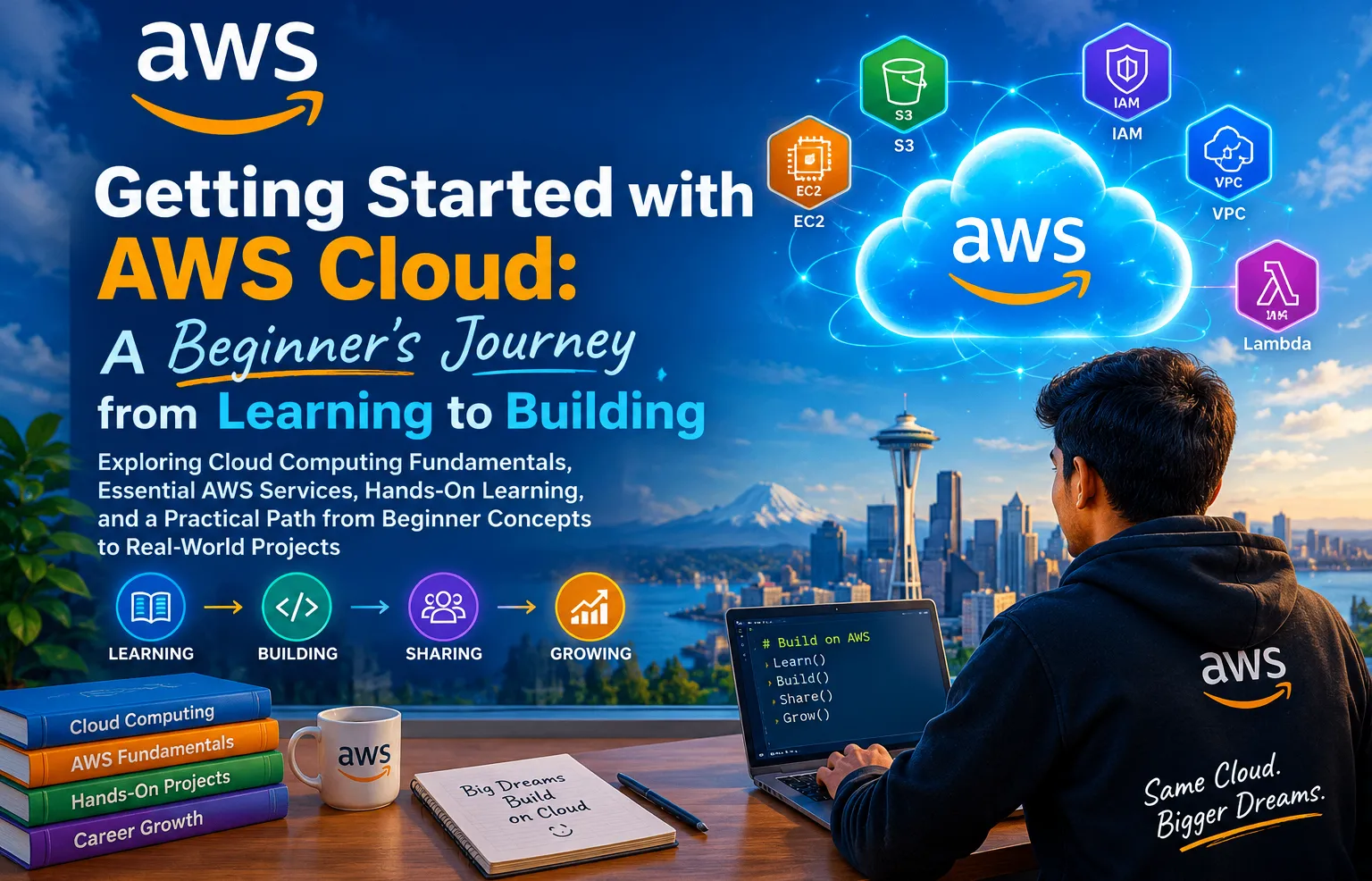
Getting Started with AWS Cloud: A Beginner’s Journey from Learning to Building
Exploring Cloud Computing Fundamentals, Essential AWS Services, Hands-On Learning, and a Practical Path from Beginner Concepts to Real-World Projects

Introduction — Why Start with AWS Cloud?
Cloud computing has transformed the way applications, websites, data, and digital services are built, deployed, and managed. Instead of depending entirely on physical servers and local infrastructure, developers and organizations can use cloud platforms to access computing resources, storage, networking, databases, security services, and many other capabilities on demand.
For beginners, however, the cloud can initially feel overwhelming. There are hundreds of services, new terminology, different architectures, security concepts, and many possible learning paths. The key is not to try to learn everything at once, but to build a strong foundation and gradually move from understanding concepts to gaining hands-on experience.
This is where Amazon Web Services (AWS) can provide a practical environment for learning cloud computing. AWS offers a broad range of cloud services that can help learners understand fundamental concepts such as compute, storage, networking, identity and access management, and serverless applications.
My AWS learning journey is based on a simple progression:
Learn → Explore → Practice → Build → Share → Grow
The goal of this journey is not simply to memorize AWS services. It is to understand why a service is used, how different services work together, how to use them responsibly and securely, and how cloud knowledge can be transformed into practical projects.
For a beginner, the first step is therefore not launching a complicated production architecture. It is developing curiosity, learning the fundamentals, experimenting with small hands-on exercises, and gradually gaining the confidence to build something real.
Cloud learning becomes more meaningful when we move from simply knowing about technology to actually building with it.
In this article, we will explore that journey—from cloud computing fundamentals and essential AWS services to hands-on learning, beginner projects, security, cost awareness, and ultimately becoming a more confident cloud builder.
Understanding Cloud Computing Fundamentals
Before diving into individual AWS services, it is important for every beginner to understand the fundamentals of cloud computing. These concepts provide the foundation for understanding how modern applications and digital services are developed, deployed, and operated in the cloud.
What Is Cloud Computing?
Cloud computing is the delivery of computing resources—such as servers, storage, databases, networking, software, and other IT capabilities—over the internet on demand.
Instead of purchasing and maintaining physical servers for every application, organizations can use cloud infrastructure according to their requirements. This makes it possible to provision resources more quickly and scale them as application needs change.
Traditional IT vs. Cloud Computing :
In a traditional on-premises environment, an organization generally needs to acquire physical hardware, provide a suitable infrastructure, maintain servers, manage networking, and plan capacity in advance.
With cloud computing, many of these infrastructure capabilities can be accessed as services. Resources can be provisioned, configured, scaled, and managed through cloud platforms.
This changes the way developers and organizations approach infrastructure:
Traditional Approach:
Plan → Purchase Hardware → Install → Configure → Maintain
Cloud Approach:
Choose Service → Configure → Deploy → Monitor → Scale
Understanding IaaS, PaaS, and SaaS
Three common cloud service models help explain different levels of responsibility:
Infrastructure as a Service (IaaS)
Provides fundamental infrastructure such as virtual machines, storage, and networking. The customer has greater control over the operating environment and applications.
Platform as a Service (PaaS) :
Provides a managed platform where developers can focus more on building applications without managing as much underlying infrastructure.
Software as a Service (SaaS) :
Provides complete software applications that users can access without managing the underlying infrastructure or application platform.
Understanding these models helps beginners recognize which parts of a technology stack are managed by the cloud provider and which remain the customer's responsibility.
Scalability and Elasticity :
Two important cloud concepts are scalability and elasticity.
Scalability refers to the ability of a system to handle increasing workloads by adding resources or capacity.
Elasticity goes a step further: resources can adjust to changing demand, allowing an environment to expand or contract according to workload requirements.
For example, an application experiencing increased traffic may require additional computing capacity, while unused capacity can potentially be reduced when demand falls.
Regions and Availability Zones :
AWS infrastructure is organized geographically.
An AWS Region is a geographic area containing AWS infrastructure. Within a Region are multiple Availability Zones, which are designed as separate infrastructure locations with independent power and networking.
Understanding Regions and Availability Zones is important when learning about availability, resilience, latency, and application architecture.
Why These Fundamentals Matter
Learning these concepts before exploring individual AWS services makes the AWS ecosystem easier to understand.
When you later work with services such as Amazon EC2, Amazon S3, AWS IAM, Amazon VPC, and AWS Lambda, you will not simply be memorizing service names—you will understand the cloud concepts behind them and how they can contribute to a complete solution.
Getting Started with AWS
Starting with AWS is easier when you approach it step by step rather than trying to learn everything at once.
1. Create and Secure Your AWS Account
Begin by creating an AWS account and understanding the basic account settings. Security should be a priority from the beginning, including protecting the root account and using Multi-Factor Authentication (MFA).
2. Understand AWS Regions
AWS resources are hosted in different Regions around the world. Choosing an appropriate Region can affect latency, service availability, and other project considerations. Beginners should understand Regions before deploying resources.
3. Explore the AWS Management Console
The AWS Management Console provides a web-based interface for accessing and managing AWS services. Spend some time exploring the console and becoming familiar with services, dashboards, settings, and resource management.
4. Learn IAM Early
AWS Identity and Access Management (IAM) controls who can access AWS resources and what actions they can perform. Understanding users, roles, policies, and permissions early helps build secure cloud habits.
5. Be Aware of AWS Costs
Before launching resources, understand the applicable pricing and free-usage options. Monitor your usage and remove resources that are no longer required. Cloud learning should always include cost awareness.
6. Start with Small Experiments
Instead of immediately building a complex application, begin with simple hands-on tasks—such as creating an S3 bucket or deploying a basic Lambda function. Each small experiment builds practical confidence.
Start small, stay secure, understand what you are using, and gradually move from experimenting to building.
Essential AWS Services Every Beginner Should Know
AWS offers hundreds of services, but beginners can start with a few core services that introduce the most important cloud concepts.
Amazon EC2
Amazon Elastic Compute Cloud (EC2) provides virtual servers in the cloud. It helps beginners understand computing, operating systems, and application deployment.
Amazon S3
Amazon Simple Storage Service (S3) provides scalable object storage. It can be used to store files, images, videos, backups, and application data.
AWS IAM
AWS Identity and Access Management (IAM) manages identities and permissions. It helps control who can access which AWS resources and what actions they can perform.
Amazon VPC
Amazon Virtual Private Cloud (VPC) allows you to create a logically isolated network for your AWS resources. It introduces important concepts such as subnets, routing, and security groups.
AWS Lambda
AWS Lambda lets you run code without managing servers. It is useful for event-driven and serverless applications where code runs in response to specific events.
Bringing Them Together
The real power comes from understanding how these services can work together:
IAM → VPC → EC2/Lambda → S3
Learning these core services provides a strong foundation before moving toward more advanced AWS architectures and projects.
How AWS Services Work Together
AWS becomes more powerful when multiple services are combined to build a complete solution. Instead of treating each service as an isolated tool, it is useful to understand the role each one plays within an application architecture.
A Simple Example
Imagine building a basic web application:
User → Application → Storage
Amazon VPC provides the networking environment for your AWS resources.
Amazon EC2 can run the application's backend or web server.
Amazon S3 can store images, documents, backups, and other files.
AWS IAM controls access to these resources through identities, roles, and permissions.
AWS Lambda can handle specific tasks without requiring a continuously running server.
Why Integration Matters
For example, an application running on EC2 might need to access files stored in S3. IAM permissions can control that access, while the resources can operate within an appropriately designed network environment.
This demonstrates an important cloud principle:
A successful cloud solution is not just about choosing individual services—it is about designing how those services securely and efficiently work together.
Understanding these relationships is an important step from learning AWS services to designing real-world cloud applications.
From Learning to Hands-On Practice
Understanding AWS concepts is only the beginning. Hands-on practice helps turn theoretical knowledge into practical cloud skills.
Start with small experiments such as:
🪣 Create an Amazon S3 bucket and upload objects.
🖥️ Launch and explore an Amazon EC2 instance.
🔐 Create basic IAM roles and permissions.
⚡ Deploy a simple AWS Lambda function.
🌐 Explore basic VPC networking concepts.
While practicing, focus on understanding what each service does, why you are using it, and how it connects with other services.
Also, monitor your resources and remove anything you no longer need to maintain good security and cost awareness.
Learn the concept → Try it yourself → Understand the result → Build something with it.
Build Your First AWS Project
After learning the fundamentals and exploring core AWS services, the next step is to build something practical. A small project can help transform theoretical knowledge into real cloud experience.
Start with a Simple Project
A beginner-friendly idea is a Cloud-Based Portfolio Website. It can showcase your skills, projects, achievements, and learning journey.
A simple architecture could include:
User → Website → Amazon S3 → IAM
Amazon S3 can store and serve the website's static files.
IAM can help manage access and permissions securely.
Additional AWS services can be introduced as the project grows.
Build Step by Step
Instead of trying to create a complex architecture immediately:
Plan → Create → Configure → Test → Secure → Deploy
Start with a basic version, test that everything works, and then gradually improve it.
Learn Through the Project
The real value is not only the final application. While building, you learn how AWS services work together, how permissions are managed, how resources are configured, and how cloud applications are deployed.
Your first AWS project doesn't need to be complex—it needs to teach you something you can build upon.
AWS Security and Best Practices
Security should be part of every AWS project from the beginning. AWS IAM helps control who can access resources and what actions they can perform.
Follow essential practices such as:
Enable MFA for stronger account protection.
Apply least-privilege permissions.
Never expose access keys, passwords, or credentials in source code.
Review network access and security groups carefully.
Remove unused resources and credentials.
Regularly review permissions and security configurations.
A good AWS project is not only functional—it should also be designed with security in mind.
Monitor, Optimize, and Grow Your AWS Project
Once your project is running, the journey doesn't stop. Monitoring and optimization help you understand how your AWS resources are being used and where improvements may be needed.
Regularly monitor:
Resource usage and application performance
AWS usage and potential costs
Security and access activity
Resource configuration and efficiency
As your project grows, you can gradually introduce additional AWS services, improve the architecture, and scale resources according to actual requirements.
A simple growth cycle is:
Build → Monitor → Optimize → Improve → Scale
Start small, measure what you build, and improve it continuously.
My Journey as an AWS Student Builder Group Leader — AWS SBGL
My AWS journey has also given me the opportunity to take on a leadership role as an AWS Student Builder Group Leader (AWS SBGL).
As an AWS Student Builder Group Leader, my focus is not only on learning cloud technologies but also on creating opportunities for students to learn, explore, and build with AWS.
Through this journey, I want to:
Encourage students to explore cloud computing and AWS technologies.
Pomote hands-on learning and practical project building.
Share useful AWS learning resources and experiences.
Create a collaborative environment where students can learn from one another.
Help learners move from theory to practical cloud projects.
Continue developing my own technical and leadership skills while supporting other student builders.
Being an AWS Student Builder Group Leader connects closely with the journey described in this article:
Learn → Practice → Build → Share → Lead → Grow
For me, AWS is not only about learning cloud services. It is also about building practical solutions, sharing knowledge, and helping create a stronger student technology community.
My journey as an AWS Student Builder Group Leader is a continuing journey of learning, building, sharing, and growing together.
Conclusion — From Learning AWS to Becoming a Cloud Builder
Starting with AWS is not about learning every service at once. It is about building a strong foundation, gaining hands-on experience, and gradually turning knowledge into practical solutions.
The journey can be simple:
Learn → Explore → Practice → Build → Secure → Monitor → Share → Grow
From understanding cloud fundamentals and exploring core AWS services to building projects and developing secure cloud practices, every step provides an opportunity to learn something new.
My journey as an AWS Student Builder Group Leader (AWS SBGL) has also strengthened my belief that cloud learning becomes more meaningful when knowledge is shared and students are encouraged to build together.
AWS is a continuously evolving ecosystem, so the learning journey never truly ends. The most important step is to start building, keep experimenting, learn from every experience, and continue growing as a cloud builder.
Don't just learn the cloud. Build with it, share what you learn, and inspire others to build too.
Enjoyed reading this content? Let the author know!
Your likes, comments, shares, and saves help creators reach more builders.

Loading recommendations
Loading article