
3 Serverless Cost Traps I Fell Into (And How to Fix Them)
Serverless means paying for what you use but what if you're using it wrong? Discover three common architecture mistakes that inflate your AWS bill (from API Gateway defaults to CloudWatch log hoarding) and the quick fixes to optimize your costs.

When I first started building serverless applications on AWS, I loved the promise of "pay only for what you use." It felt like magic. I deployed my architectures, enjoyed the automated scaling, and didn't think twice about the infrastructure.
Then, I got my first unexpected AWS bill.
It turns out that while serverless scales automatically, your costs scale right alongside it if you aren't careful. Here are three serverless cost traps I fell into during my early builder journey, and the practical steps I took to fix them.
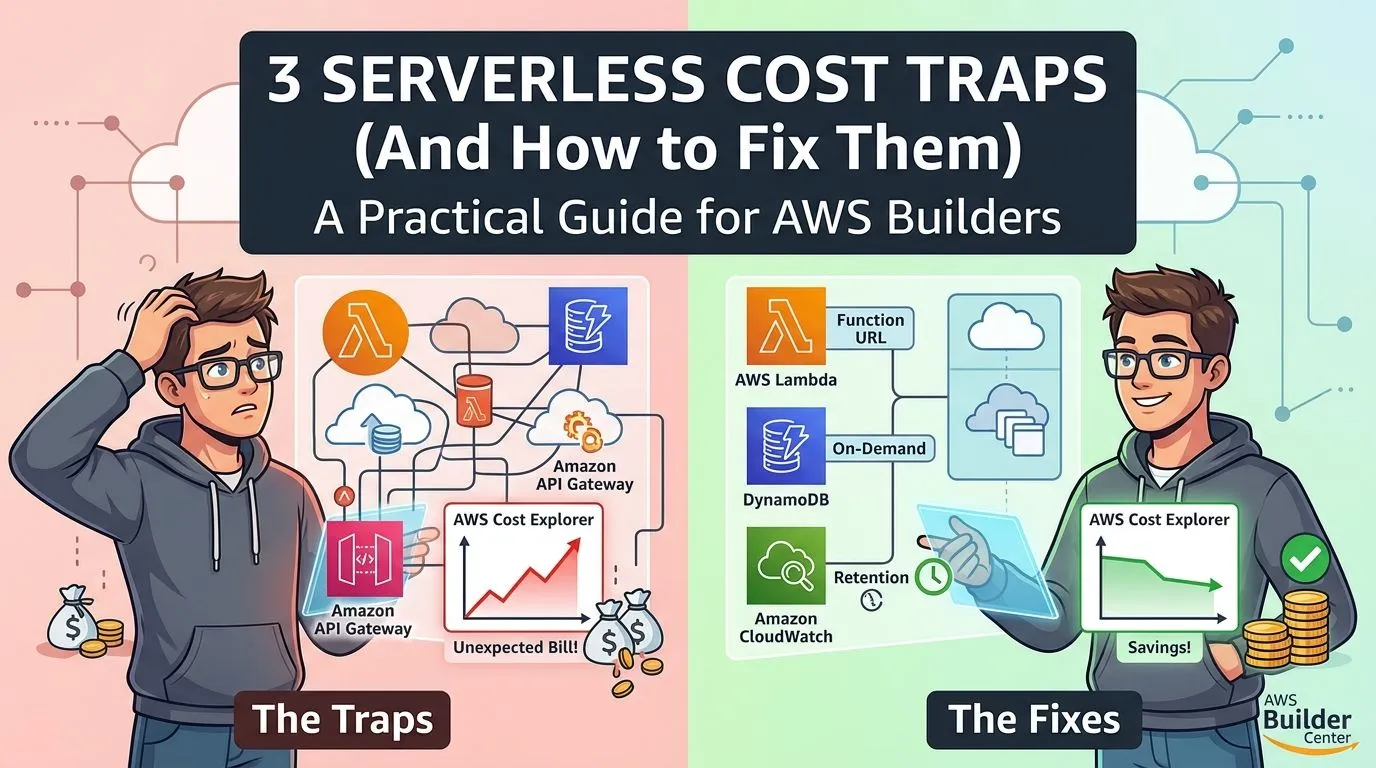
Trap 1: Using API Gateway for Everything
When I built my first few AWS Lambda functions, I automatically put an Amazon API Gateway in front of every single one. It was the pattern I had seen in most tutorials, so I assumed it was mandatory.
As my application traffic grew, I noticed that API Gateway was actually costing me more than the Lambda function executions themselves.
The Fix: I audited my endpoints. For internal microservices or simple webhooks that didn't need API Gateway's advanced features (like request validation, rate limiting, or custom authorizers), I switched to AWS Lambda Function URLs. Lambda Function URLs provide a dedicated HTTP(S) endpoint directly to your function at no additional cost—you only pay for the standard Lambda execution.
Trap 2: DynamoDB Provisioned Capacity on Spiky Workloads
For my database, I chose Amazon DynamoDB and selected the default "Provisioned" capacity mode. I tried to guess my Read/Write Capacity Units (RCUs and WCUs), but my application traffic was highly unpredictable.
During quiet hours, I was paying for capacity I wasn't using. During traffic spikes, my requests were being throttled because my provisioned limits were too low.
The Fix: I switched my unpredictable workloads to DynamoDB On-Demand capacity. With On-Demand, you pay strictly per read and write request. While the per-request cost is slightly higher than fully utilized provisioned capacity, the elimination of idle time meant my overall DynamoDB bill dropped significantly.
Builder Tip: If you have a predictable, steady workload, Provisioned capacity (especially with Auto Scaling) is cheaper. But for new projects or spiky traffic, On-Demand is the safer, more cost-effective starting point.
Trap 3: The "Never-Ending" CloudWatch Logs
Lambda automatically sends execution logs to Amazon CloudWatch. What I didn't realize was that, by default, CloudWatch log groups are set to retain logs Forever.
Six months into my project, I had gigabytes of verbose debugging logs sitting in CloudWatch, quietly accumulating storage charges every month. I was paying to store logs I would literally never look at again.
The Fix: I went into the CloudWatch console and updated the Retention Period on all my log groups.
- For development environments, I set the retention to 3 days.
- For production, I set it to 30 days (routing critical error logs to long-term Amazon S3 storage separately).
To automate this, I now always include a specific log retention policy in my Infrastructure as Code (AWS SAM/CDK) templates so I never have to think about it again.
Conclusion
Serverless is incredibly powerful, but "pay for what you use" means you need to be mindful of exactly what you are using. Start small, review your AWS Cost Explorer weekly when launching a new project, and don't be afraid to refactor your architecture as you learn.
Have you ever had an unexpected AWS bill? What was the culprit? Let me know in the comments!
Enjoyed reading this content? Let the author know!
Your likes, comments, shares, and saves help creators reach more builders.

Loading recommendations
Loading article