
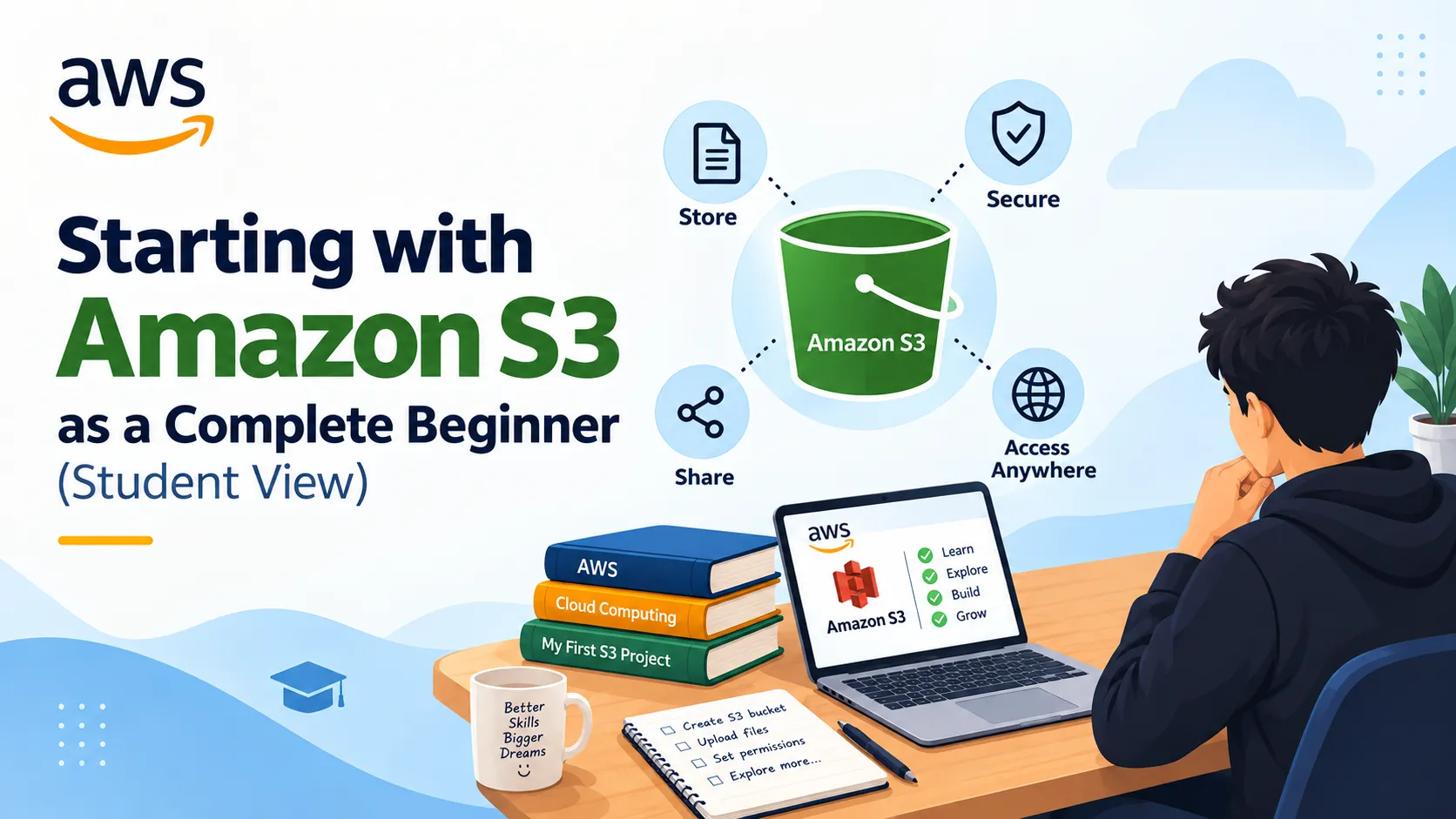
Starting with Amazon S3 as a Complete Beginner (Student View)
I’m a student who recently joined the AWS Builder Center, and I’ll be honest: I haven’t created my first S3 project yet. But after reading docs, watching tutorials, and talking to peers, I now have a clear mental model of what Amazon S3 is and how I plan to use it. This article shares my current understanding and the simple plan I’m following to start safely.

What I understand about S3 so far
From AWS documentation and beginner guides, here’s how I now think about S3:
- S3 is cloud storage for files and data, not a traditional drive with folders
- You store objects (files) inside buckets (containers), and each bucket has a globally unique name
- Buckets live in a specific Region (e.g.,
ap-south-1for Mumbai), which affects latency and sometimes cost - Versioning can keep old versions of a file, so if I overwrite or delete something by mistake, I can recover it
- By default, new buckets and objects are private; public access must be explicitly allowed
I also learned that S3 is used for many real-world scenarios: backups, static websites, datasets for projects, media assets, logs, and more.aws.amazon+1
What I’m careful about before touching S3
As a beginner, I don’t want to create security issues or surprise bills. From AWS security best practices and community discussions, I’ve noted these rules for myself:
- Use an IAM user instead of the root account for daily work
- Keep Block Public Access enabled unless I specifically need a public bucket (and then only for a demo)
- Enable bucket versioning on anything I care about, so I can undo mistakes
- Delete or lock down demo buckets after labs to avoid leaving anything public by accident
My simple plan to create my first S3 project
Instead of jumping into complex architectures, I’m following a small, step-by-step plan:
- Create a private bucket for learning
- Name it something like
first-s3-learning-2026 - Choose a Region close to me
- Enable Block Public Access and Bucket Versioning from the start
- Name it something like
- Upload real files from my coursework
- Start with notes, small PDFs, or code zips
- Practice uploading new versions and viewing version history in the console
- Try a tiny static website in a separate test bucket
- Create a new bucket like
first-s3-website-demo - Upload a simple
index.htmland enable Static website hosting - Temporarily allow public access only for this bucket, test the website endpoint, then re-lock it or delete the bucket
- Create a new bucket like
- Reflect and document
- Note what confused me (regions, policies, endpoints).
- Write down what I’d do differently next time.
- Share my experience as a short article or note for other students.
What I hope other students take from this
If you’re also a student who hasn’t touched S3 yet, you’re not behind. My goal right now is not to build something fancy, but to:
- Understand the basics: buckets, objects, regions, versioning, and security
- Start with one small, safe bucket and real files from my studies
- Learn by doing a tiny project (like a one-page website) and then cleaning up properly
Once I complete these steps, I plan to publish a follow-up article with screenshots, exact clicks, and what went wrong (and how I fixed it). For now, this is my honest starting point as a student in the AWS Builder Center.
Enjoyed reading this content? Let the author know!
Your likes, comments, shares, and saves help creators reach more builders.

Loading recommendations
Loading article