
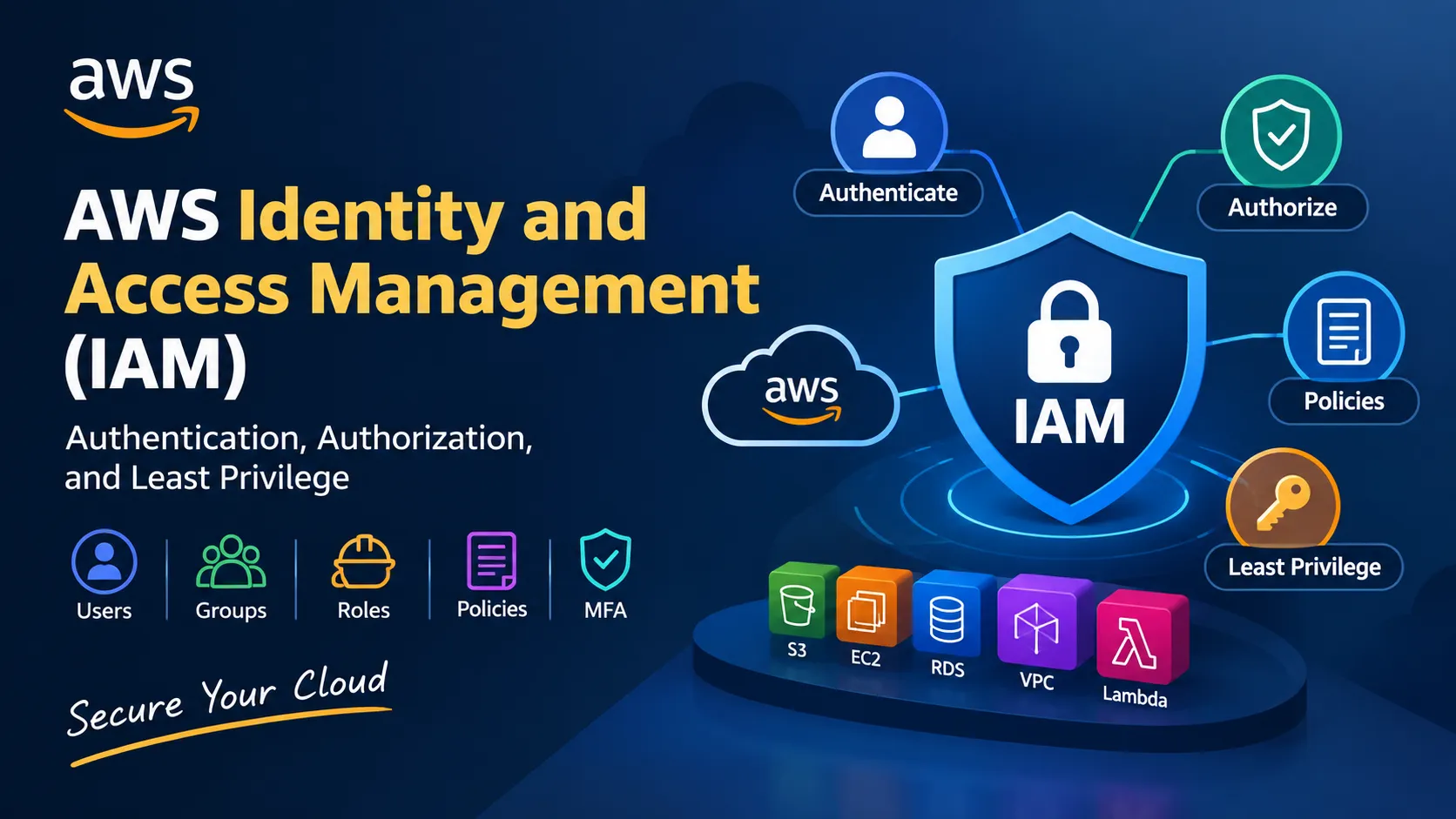
AWS Identity and Access Management (IAM): Understanding Authentication, Authorization, and Least Privilege
A beginner-friendly guide to AWS Identity and Access Management (IAM), covering authentication, authorization, IAM roles, policies, the Principle of Least Privilege, Multi-Factor Authentication (MFA), and IAM security best practices. This article also explores how IAM fits into Cloud Security and DevSecOps.

AWS Identity and Access Management (IAM) is an AWS service that helps control who can access AWS resources and what actions they are allowed to perform.
For cloud environments, identity is one of the most important security boundaries.
Instead of simply asking:“Can this user access AWS?”
IAM allows you to define:
Who → Can access what → Which actions → Under what conditions
Understanding these concepts is essential for anyone working in cloud computing, cybersecurity, Cloud Security, or DevSecOps.
What is AWS Identity and Access Management (IAM)?
AWS Identity and Access Management (IAM) is used to securely manage access to AWS resources.
IAM can control access to services and resources such as:
- Amazon Simple Storage Service (S3)
- Amazon Elastic Compute Cloud (EC2)
- Amazon Relational Database Service (RDS)
- Amazon DynamoDB
- AWS Lambda
- Amazon Virtual Private Cloud (VPC)
IAM follows a permission-based access model.
An identity must have permission before it can perform a particular action on an AWS resource.
Authentication vs Authorization
Two important concepts in IAM are authentication and authorization.
Authentication
Authentication answers:
“Who are you?”
Examples include:
- Username and password
- Multi-Factor Authentication (MFA)
- Access keys
- Federated identity
- Single Sign-On (SSO
Authorization
Authorization answers:
“What are you allowed to do?”
For example, a user may be authenticated successfully but only have permission to read objects from an Amazon Simple Storage Service (S3) bucket.
Authentication → Who are you?
Authorization → What are you allowed to do?
Understanding this distinction is fundamental to cloud security.
IAM Users
An IAM user represents a person or application that requires long-term AWS credentials.
An organization might create IAM users for specific employees who need access to AWS resources.
However, creating individual IAM users for every workload is not always the best approach.
Modern AWS environments generally prefer temporary credentials and IAM roles where appropriate.
IAM Groups
An IAM group is a collection of IAM users.
Groups make permission management easier.
For example, an organization could create groups such as:
- Developers
- Security Analysts
- Cloud Administrators
- Auditors
Instead of assigning the same permissions individually to every user, permissions can be associated with the appropriate group.
This makes access management easier to maintain.
IAM Roles
IAM roles are identities that provide temporary permissions to trusted entities.
Roles are commonly used by:
- Amazon Elastic Compute Cloud (EC2) instances
- AWS Lambda functions
- Applications
- AWS services
- Federated users
- Cross-account access
For example, an Amazon Elastic Compute Cloud (EC2) instance may need permission to read files from an Amazon Simple Storage Service (S3) bucket.
Instead of storing long-term access keys on the server, an IAM role can provide temporary credentials to the EC2 instance.
This reduces the need to store permanent credentials inside applications.
IAM Policies
An IAM policy is a document that defines permissions.
A policy can specify:
- Effect
- Action
- Resource
- Condition
A simplified policy concept looks like:
Effect → Allow
Action → Read an object
Resource → Specific S3 bucket
This allows AWS to determine whether a particular request should be permitted.
Identity-Based vs Resource-Based Policies
AWS permissions can be provided through different types of policies.
Identity-Based Policies
These policies are attached to identities such as:
- IAM users
- IAM groups
- IAM roles
They define what actions the identity can perform.
Resource-Based Policies
These policies are attached directly to resources.
Examples include policies for:
- Amazon Simple Storage Service (S3) buckets
- Amazon Simple Queue Service (SQS) queues
- AWS Key Management Service (KMS) keys
Resource-based policies are particularly useful when controlling access to specific resources or enabling cross-account access.
The Principle of Least Privilege
The Principle of Least Privilege means giving an identity only the permissions required to perform its intended task.
For example, an application that only needs to read objects from an Amazon Simple Storage Service (S3) bucket should not automatically receive permission to:
- Delete objects
- Modify bucket policies
- Create new users
- Access unrelated AWS services
Instead, permissions should be limited to what the application actually requires.
A useful security mindset is:
Start with the minimum required permissions and expand only when necessary.
Multi-Factor Authentication (MFA)
Multi-Factor Authentication (MFA) adds an additional authentication factor to an account.
Instead of relying only on a password, MFA requires another verification method.
Examples include:
- Authenticator applications
- Hardware security keys
- Other supported authentication factors
MFA can significantly reduce the risk associated with compromised passwords.
It is particularly important for protecting highly privileged accounts.
Root User
Every AWS account has a root user.
The root user has extensive access to the AWS account and should not normally be used for everyday administrative activities.
A common security practice is to:
- Enable Multi-Factor Authentication (MFA)
- Avoid using the root user for routine tasks
- Secure the root credentials carefully
- Use IAM identities and roles for normal operations
The root user should be treated as a highly sensitive account.
IAM Access Keys
Access keys provide programmatic access to AWS.
They consist of credentials used by applications, scripts, command-line tools, and other systems.
However, access keys must be protected carefully.
Security practices include:
- Avoid hardcoding credentials in source code
- Never commit credentials to public repositories
- Rotate credentials when necessary
- Remove unused credentials
- Prefer temporary credentials when possible
For applications running on AWS, IAM roles are often preferable to embedding long-term access keys.
IAM and DevOps
IAM is an important component of DevOps because automated systems frequently need permission to interact with AWS resources.
For example, a CI/CD pipeline might need permission to:
Source Code → Build → Test → Push Image → Deploy
The pipeline may need access to services such as:
- Amazon Elastic Container Registry (ECR)
- AWS Lambda
- Amazon Elastic Kubernetes Service (EKS)
- Amazon Simple Storage Service (S3)
- AWS CloudFormation
Instead of giving the pipeline administrator-level permissions, an IAM role can provide only the permissions required for the deployment process.
This follows the Principle of Least Privilege and can reduce the potential impact if the pipeline is compromised.
IAM and Cloud Security
IAM is closely connected to the broader concept of Identity and Access Management in cloud security.
Poor access control can create serious security risks.
Common IAM security problems include:
- Excessive permissions
- Unused credentials
- Shared accounts
- Long-lived access keys
- Missing Multi-Factor Authentication (MFA)
- Overly broad policies
- Poorly controlled privileged accounts
Security teams can use AWS services such as:
- AWS CloudTrail
- AWS IAM Access Analyzer
- AWS Security Hub
- Amazon GuardDuty
to improve visibility, monitoring, and security analysis.
IAM in a Typical Cloud Architecture
A simplified secure architecture might look like:
User
↓
Identity Provider
↓
IAM Role
↓
Temporary Credentials
↓
AWS Resources
For an application:
Application
↓
IAM Role
↓
Temporary Credentials
↓
Amazon Simple Storage Service (S3) / Amazon DynamoDB / AWS Lambda
This approach helps reduce the need for applications to directly store long-term credentials.
IAM Best Practices
Some important IAM security practices include:
- Apply the Principle of Least Privilege
- Enable Multi-Factor Authentication (MFA)
- Prefer IAM roles and temporary credentials
- Avoid using the root user for everyday tasks
- Regularly review permissions
- Remove unused credentials
- Avoid sharing credentials
- Monitor authentication and authorization activity
- Use IAM Access Analyzer where appropriate
- Separate development, testing, and production access
IAM in Modern Cloud Security
As organizations move more workloads to the cloud, identity becomes an increasingly important security boundary.
A secure cloud environment is not simply about protecting servers and networks.
It is also about controlling:
“Who can access what, what they can do, and when they can do it.”
AWS Identity and Access Management (IAM) provides the foundation for implementing these access controls across AWS environments.
Key Takeaways
The core IAM concepts to understand are:
Identity → Authentication → Authorization → Policy → Permission → Role → Least Privilege
Understanding AWS Identity and Access Management (IAM) provides a strong foundation for learning:
- Cloud Security
- DevSecOps
- AWS Security
- Cloud Infrastructure
- Identity and Access Management
- Kubernetes Security
- Secure CI/CD
💭 Discussion
One question I’m curious about:
When securing a cloud environment, which do you think is easier to overlook: excessive permissions or poor credential management? And why?
I’d love to hear how other builders approach IAM security in their projects
# aws-identity-and-access-management# aws-builders# cloud-security# aws-skill-builder# builder-center
Any opinions in this article are those of the individual author and may not reflect the opinions of AWS.Enjoyed reading this content? Let the author know!
Your likes, comments, shares, and saves help creators reach more builders.

Loading recommendations
Loading article