
Getting Started with AWS Lambda: Build Your First Serverless Function
A beginner-friendly introduction to AWS Lambda, how serverless computing works, and how to create and test a simple Lambda function without managing a server.

Getting Started with AWS Lambda: Build Your First Serverless Function
When learning cloud computing, we often start by creating virtual machines and managing servers.
But what if we could run code without creating or maintaining a server at all?
That is where AWS Lambda comes in.
AWS Lambda allows us to run code in response to events without managing the underlying infrastructure.
This approach is commonly known as serverless computing.
What is AWS Lambda?
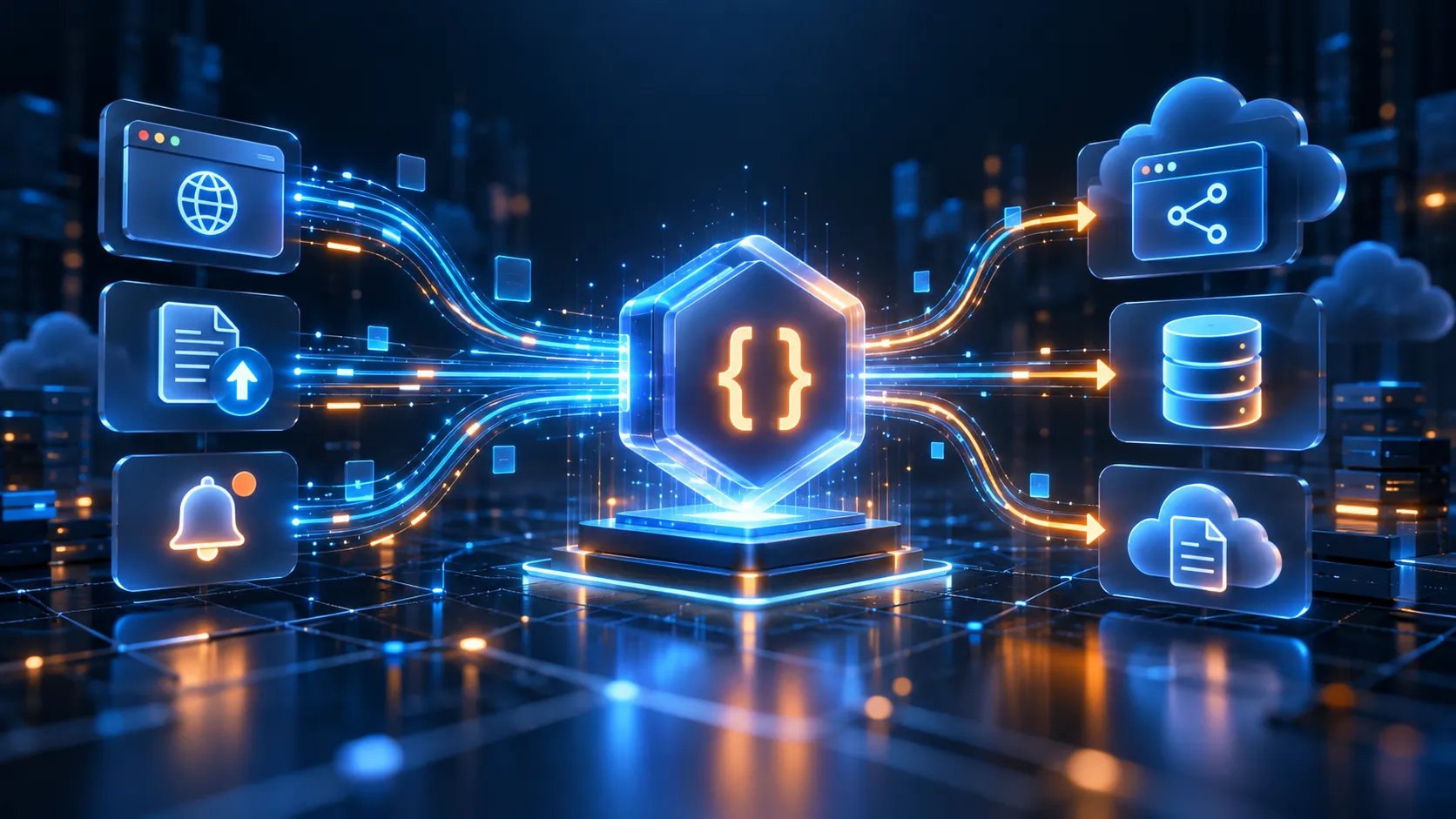
AWS Lambda is a compute service that runs code when it is triggered by an event.
Instead of keeping a server running continuously, Lambda executes the function only when needed.
A simple flow looks like this:
1
2
3
4
5
6
7
8
9
10
Event
  |
  v
AWS Lambda
  |
  v
Run Code
  |
  v
Return Result
For example, a Lambda function could run when:
- A file is uploaded to Amazon S3
- An API request is received
- A scheduled task starts
- A database record changes
- A message arrives in a queue
What Does Serverless Mean?
The word serverless does not mean that servers do not exist.
Servers are still used behind the scenes.
The difference is that AWS manages:
1
2
3
4
5
Infrastructure
Operating System
Scaling
Server Maintenance
Availability
As developers, we mainly focus on our application code.
Why Use AWS Lambda?
Lambda is useful when an application needs to execute small pieces of code based on events.
Some common use cases include:
- Backend APIs
- File processing
- Image resizing
- Data transformation
- Notifications
- Automation tasks
- Scheduled jobs
- Event-driven applications
Step 1: Create a Lambda Function
Open the AWS Management Console and search for:
1
AWS Lambda
Choose:
1
Create function
Then select:
1
Author from scratch
Provide a function name such as:
1
hello-serverless
Next, select a runtime.
For example:
1
Python
AWS provides several supported programming language runtimes.
Step 2: Understand the Lambda Handler
A Lambda function contains a handler.
The handler is the entry point that AWS Lambda calls when the function runs.
A basic Python example looks like:
1
2
3
4
5
def lambda_handler(event, context):
    return {
        "statusCode": 200,
        "body": "Hello from AWS Lambda!"
    }
The function receives two important parameters:
1
2
event
context
What is event?
The
event object contains information about what triggered the Lambda function.For example, if an API request triggered the function, the event may contain:
1
2
3
4
Request method
Headers
Query parameters
Request body
If an S3 upload triggered the function, the event may include information about the uploaded file.
What is context?
The
context object contains information about the Lambda execution environment.It may provide information such as:
- Function name
- Remaining execution time
- Memory configuration
- Request identifier
For simple functions, we may not need to use it directly.
Step 3: Test the Function
AWS Lambda provides a built-in testing feature.
Create a test event and run the function.
If everything works correctly, the Lambda function returns a response such as:
1
2
3
4
{
  "statusCode": 200,
  "body": "Hello from AWS Lambda!"
}
This means the code executed successfully without us creating or connecting to a traditional server.
How Lambda Executes Code
A simplified architecture looks like this:
1
2
3
4
5
6
7
8
9
10
11
12
13
User / Application
       |
       v
     Event
       |
       v
AWS Lambda Service
       |
       v
Your Function Code
       |
       v
    Response
AWS manages the infrastructure required to execute the function.
Lambda and Automatic Scaling
One of the major advantages of AWS Lambda is automatic scaling.
Suppose one user triggers a function.
AWS runs the required function execution.
If many users trigger the function at the same time, AWS can run multiple executions concurrently, subject to configured limits and service quotas.
This removes much of the manual server-scaling work.
Lambda Execution Time
Lambda functions are designed mainly for short-lived workloads.
A function starts, performs its task, and finishes.
Because of this, Lambda works well for event-driven applications rather than applications that require a traditional server running continuously.
Lambda and Amazon S3
One useful combination is:
1
2
3
4
5
6
7
8
9
10
11
12
13
User uploads file
       |
       v
Amazon S3
       |
       v
Triggers Lambda
       |
       v
Process File
       |
       v
Store Result
For example, a Lambda function could process an image after it is uploaded to an S3 bucket.
Lambda and API Gateway
Lambda can also be used as a backend for web APIs.
A typical architecture is:
1
2
3
4
5
6
7
8
9
10
11
12
13
Frontend Application
        |
        v
Amazon API Gateway
        |
        v
AWS Lambda
        |
        v
Business Logic
        |
        v
Database
API Gateway receives the HTTP request and forwards it to Lambda.
Lambda processes the request and returns the response.
This allows developers to build APIs without maintaining a traditional backend server.
EC2 vs Lambda
Amazon EC2 and AWS Lambda both provide compute capabilities, but they are designed for different types of workloads.
Amazon EC2
With EC2, we manage a virtual server.
We usually handle:
- Operating system configuration
- Software installation
- Server updates
- Application deployment
- Scaling configuration
AWS Lambda
With Lambda, AWS manages most of the underlying infrastructure.
We mainly focus on:
1
2
3
4
5
Function
+
Trigger
+
Application Logic
Example Comparison
Imagine we need a program that runs whenever a new image is uploaded.
Using a traditional server:
1
2
3
4
5
6
7
Server stays running
        |
        v
Wait for upload
        |
        v
Process image
Using Lambda:
1
2
3
4
5
6
7
8
9
10
Image uploaded
      |
      v
Trigger Lambda
      |
      v
Process image
      |
      v
Function ends
Lambda can be a simpler approach for this type of event-driven workload.
Important Lambda Concepts
Function
The code that Lambda executes.
Trigger
The event that starts the function.
Runtime
The programming language environment used to execute the code.
Handler
The function Lambda calls when execution starts.
Execution Role
An IAM role that determines which AWS resources the Lambda function can access.
CloudWatch Logs
Lambda can send execution logs to Amazon CloudWatch, which helps with monitoring and debugging.
Permissions Matter
A Lambda function should only have the permissions it actually needs.
For example, if a Lambda function only needs to read objects from one S3 bucket, its IAM permissions should be limited accordingly.
This follows the principle of:
1
Least Privilege
Avoid giving unnecessary permissions to Lambda execution roles.
Common Beginner Mistakes
Some common issues when learning Lambda include:
- Incorrect handler configuration
- Missing IAM permissions
- Incorrect event structure
- Runtime errors
- Dependency problems
- Timeout configuration issues
Checking CloudWatch logs is one of the first steps when debugging a Lambda function.
What I Learned
AWS Lambda changed the way I thought about cloud computing.
Instead of always thinking:
1
Application = Server
serverless computing introduces another approach:
1
2
3
4
5
Event
+
Function
+
Managed Infrastructure
This is especially powerful for applications built around APIs, automation, file processing, and event-driven workflows.
Conclusion
AWS Lambda is a great service for understanding serverless architecture.
It allows developers to execute code without directly managing servers and integrates with many AWS services.
After learning the basics of Lambda, the next useful topics to explore are:
1
2
3
4
5
6
Amazon API Gateway
Amazon S3 Events
Amazon DynamoDB
Amazon EventBridge
Amazon CloudWatch
AWS IAM
Together, these services can be used to build scalable serverless applications.
Enjoyed reading this content? Let the author know!
Your likes, comments, shares, and saves help creators reach more builders.

Loading recommendations
Loading article