
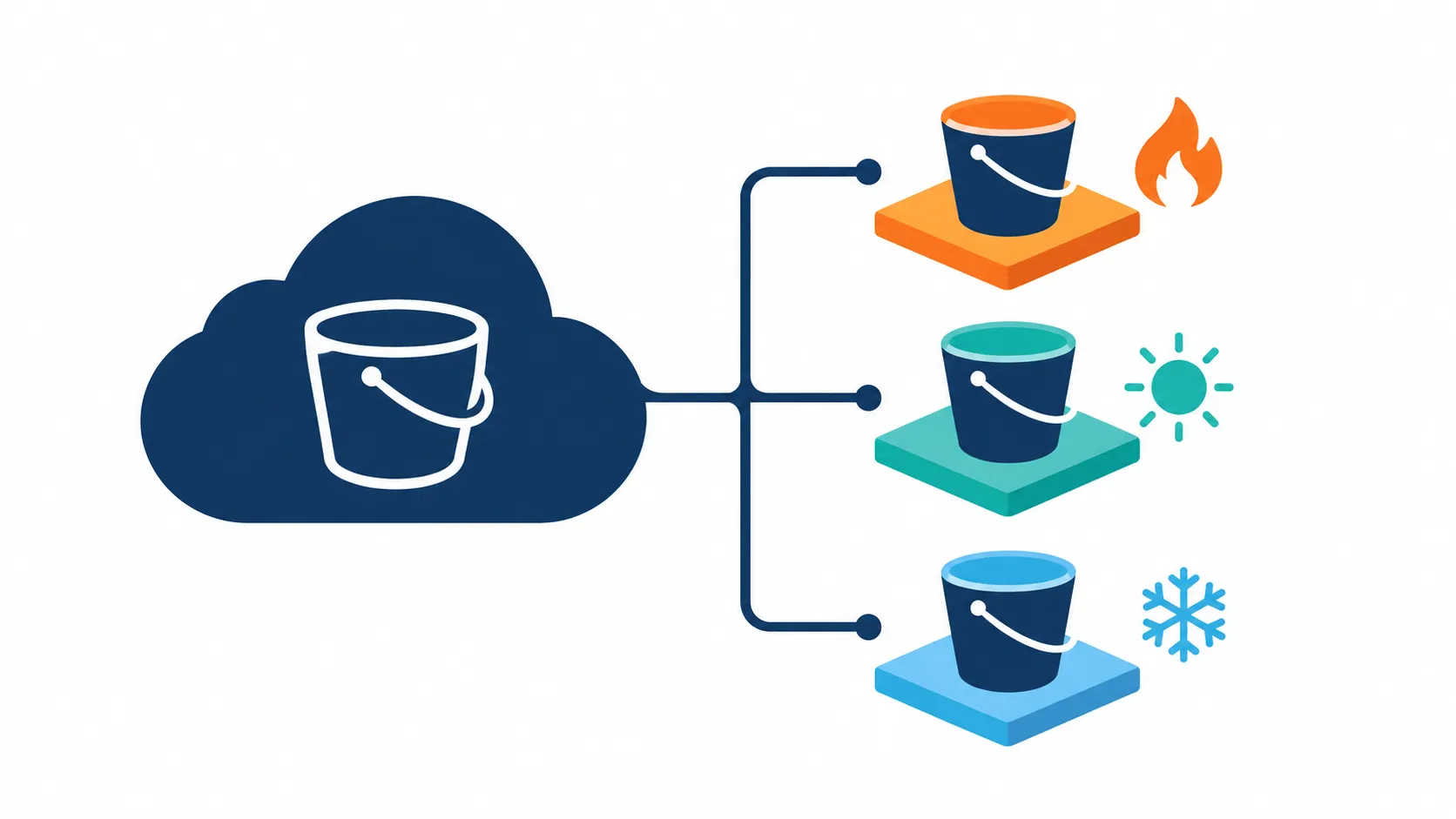
S3 Cost Optimization: Architecture Notes and Practical Experience
Practical ways to cut S3 costs: choose the right storage class, design data transfer paths early, and weigh the true TCO of managed versus self-run storage.

S3 is the storage backbone of a large number of AWS systems. This article pulls together a few architectural perspectives and practical lessons for designing storage that is efficient in both cost and operations.
1. Stable pricing, growing value through storage classes
S3 Standard has stayed at roughly $0.023/GB-month since late 2016.
| Period | Price (USD/GB-month) |
|---|---|
| 2006 | 0.150 |
| 2012 | 0.095 |
| 2014 | 0.030 |
| 2016 to present | 0.023 |
Over the same period, S3 has expanded its options considerably: Intelligent-Tiering, Glacier Instant Retrieval, Glacier Deep Archive (around $0.99/TB-month), and S3 Express One Zone for latency-sensitive workloads. For many systems, choosing the right storage class saves far more than waiting for list prices to change.
Practical tip: start from the data's access pattern. Rarely accessed data should move tiers automatically through lifecycle policies. If the pattern is hard to predict, Intelligent-Tiering is a safe default.
2. The real cost of storage is TCO
When comparing S3 pricing with buying your own drives, both approaches have merit:
| Approach | Key points |
|---|---|
| Self-managed | At large, stable volumes with an experienced team, cost per GB can be lower |
| Managed service | Price includes durability, multi-AZ availability, bitrot protection, versioning, immutability, event triggers, security, and operations |
A fair comparison accounts for redundant hardware, multiple sites, staffing, regular DR testing, and the opportunity cost of engineering time. At small volumes, the difference is negligible. At very large volumes, the math deserves a close look. Most teams sit somewhere in the middle, where integrated features and convenience usually matter more than the price gap.
3. Data transfer: design it in from the start
Internet egress (about $0.09/GB at common tiers) is often the surprise line item on a bill. A few approaches that work well:
- Put CloudFront in front of S3. Transfer from S3 to CloudFront is free, and caching reduces requests to the origin.
- Keep compute and data in the same Region to avoid inter-Region transfer fees.
- Use a VPC Gateway Endpoint for S3 to avoid NAT Gateway charges.
- Compress and batch small files to reduce both storage and request counts.
If data mainly serves end users, a CDN is usually the biggest lever. If it is processed by other AWS services (Athena, EMR, Lambda, SageMaker), keeping data close to compute reduces both transfer cost and latency. For multi-cloud or migration scenarios, factor transfer costs in at the design stage.
4. Tiering and HDD characteristics
One useful engineering principle: HDD capacity has grown quickly while read/write throughput has grown much more slowly, so IOPS per TB keeps shrinking. That is why large-scale storage systems tier between hot and cold data. Tiering is both a cost lever and a design principle that matches the hardware. For users, the takeaway is that cold data is cheaper but comes with retrieval time and cost, so estimate read frequency before choosing a tier.
5. S3 on SSD and what's next
S3 Express One Zone (directory buckets) uses SSDs for workloads that need low latency and high request rates. A few API differences to be aware of: AppendObject and RenameObject are available, and ListObjectsV2 does not guarantee sorted results. The broader trend in modern storage favors writing large objects with little in-place modification, which suits SSD characteristics well. Worth watching if you run analytics, ML training, or workloads with many small requests. Refer to the official documentation for details.
Quick checklist
- Enable S3 Storage Lens and Cost Explorer to see whether cost sits in storage, requests, or data transfer.
- Classify data by access pattern and apply lifecycle rules or Intelligent-Tiering.
- Design the data path: CloudFront, VPC endpoints, same-Region placement.
- Combine versioning, replication (CRR/SRR), and independent backups for critical data. High durability and a DR plan are two different things.
- Always verify figures against the official pricing page before making decisions.
Discussion
In your systems, which part drives the most S3 cost: storage, requests, or data transfer? What optimization has worked best for you? Share your experience in the comments!
Enjoyed reading this content? Let the author know!
Your likes, comments, shares, and saves help creators reach more builders.

Loading recommendations
Loading article