
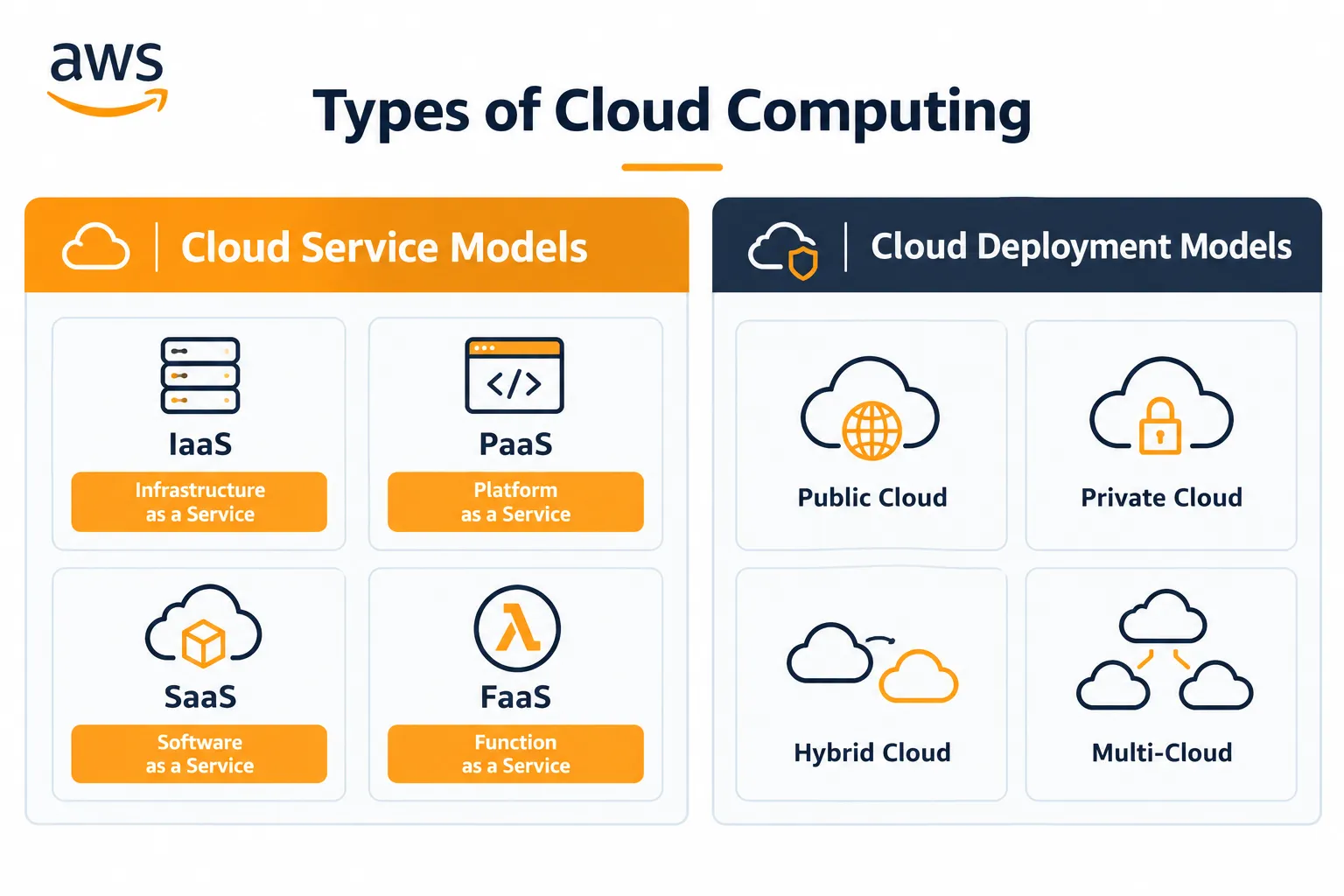
Types of Cloud Computing – Service & Deployment Models
Learn the different types of cloud computing, including IaaS, PaaS, SaaS, FaaS, Public Cloud, Private Cloud, Hybrid Cloud, and Multi-Cloud, with simple explanations, examples, and easy-to-remember points.

Types of Cloud Computing
Cloud computing is a technology that allows us to use computing resources over the Internet instead of buying and maintaining our own physical hardware. These resources can include servers, storage, databases, networking, and software.
For example, instead of buying a physical server for our application, we can rent a server from AWS, Microsoft Azure, or Google Cloud and use it through the Internet.
Cloud computing is mainly divided into two categories:
- Cloud Service Models
- Cloud Deployment Models
1. Cloud Service Models
A service model tells us what type of service the cloud provider gives to the user and how much the user needs to manage.
The main service models are IaaS, PaaS, SaaS, and FaaS.
IaaS – Infrastructure as a Service
IaaS provides basic IT infrastructure through the Internet.
Infrastructure means the basic resources required to run applications, such as:
- Servers
- Storage
- Networking
- Virtual machines
In IaaS, the cloud provider manages the physical hardware, while the user manages things such as the operating system and applications.
Example: Amazon EC2
For example, if I need a server to run my Python application, instead of buying a physical server, I can rent a virtual server from AWS. This is an example of IaaS.
Difficult terms:
- Infrastructure: Basic resources such as servers, storage, and networking.
- Virtual Machine (VM): A software-based computer that runs inside a physical computer.
- Physical hardware: Actual machines such as servers, processors, and hard drives.
Easy way to remember:
IaaS = Rent infrastructure
IaaS = Rent infrastructure
PaaS – Platform as a Service
PaaS provides a ready-to-use platform for developing and deploying applications.
In PaaS, the cloud provider manages:
- Servers
- Operating system
- Runtime environment
- Infrastructure
The developer mainly focuses on writing and deploying application code.
Example: Google App Engine
For example, suppose I have created a Python application and want to deploy it. With PaaS, I do not need to worry much about setting up servers or managing the operating system. I can focus mainly on my application.
Difficult terms:
- Platform: An environment where applications can be developed and run.
- Deploy: To make an application available for users.
- Runtime environment: The environment required to execute a program.
Easy way to remember:
PaaS = Focus on application development
PaaS = Focus on application development
SaaS – Software as a Service
SaaS provides complete software applications through the Internet.
The user does not need to manage the server, operating system, infrastructure, or application maintenance.
Examples of SaaS include:
- Gmail
- Google Docs
- Microsoft 365
- Salesforce
For example, when we use Gmail to send an email, we do not manage the servers or infrastructure behind Gmail. Google manages these things and we simply use the application.
This is SaaS.
Difficult term:
- Maintenance: Managing, updating, and fixing software when required.
Easy way to remember:
SaaS = Use ready-made software
SaaS = Use ready-made software
FaaS – Function as a Service
FaaS allows developers to run individual functions without managing servers.
FaaS is commonly associated with serverless computing.
Example: AWS Lambda
For example, suppose we have a function that should run whenever a user uploads an image. Instead of maintaining a server continuously, we can use AWS Lambda to run the function whenever it is required.
Difficult terms:
- Function: A small piece of code that performs a specific task.
- Serverless: The developer does not manage the servers; the cloud provider manages them.
- Trigger: An event that causes a function to execute.
Easy way to remember:
FaaS = Run individual functions
FaaS = Run individual functions
2. Cloud Deployment Models
A deployment model describes how and where cloud infrastructure is used.
The main deployment models are:
- Public Cloud
- Private Cloud
- Hybrid Cloud
- Multi-Cloud
Public Cloud
A Public Cloud is a cloud environment provided by a cloud provider and used by multiple customers.
Examples include:
- AWS
- Microsoft Azure
- Google Cloud
The physical infrastructure belongs to the cloud provider. Users simply rent and use the required resources.
For example, when I create an EC2 instance on AWS, I do not own the physical AWS server. I am using infrastructure provided by AWS.
Difficult term:
- Cloud Provider: A company that provides cloud computing services, such as AWS, Microsoft Azure, or Google Cloud.
Easy way to remember:
Public Cloud = Provider's infrastructure
Public Cloud = Provider's infrastructure
Private Cloud
A Private Cloud is a cloud infrastructure dedicated to one organization.
It is not shared with other organizations.
For example, a large company may create and manage its own cloud environment for its internal applications and employees.
Difficult term:
- Dedicated: Reserved for a particular person or organization.
Easy way to remember:
Private Cloud = One organization's cloud
Private Cloud = One organization's cloud
Hybrid Cloud
A Hybrid Cloud combines private infrastructure with public cloud services.
For example, a company may keep sensitive information on its private infrastructure while using AWS to handle additional computing requirements.
Therefore:
Private Cloud + Public Cloud = Hybrid Cloud
Difficult terms:
- On-premises: Infrastructure located and managed at the organization's own location.
- Sensitive data: Data that requires special protection, such as confidential business information.
Easy way to remember:
Hybrid Cloud = Combination of private + public
Hybrid Cloud = Combination of private + public
Multi-Cloud
Multi-Cloud means using cloud services from multiple cloud providers.
For example, an organization may use:
- AWS for computing
- Microsoft Azure for another service
- Google Cloud for data analytics
Here, the organization is using more than one cloud provider. This is called Multi-Cloud.
Difficult term:
- Multiple: More than one.
Easy way to remember:
Multi-Cloud = Multiple cloud providers
Multi-Cloud = Multiple cloud providers
Difference Between Cloud Service Models
| Model | What it provides | Main focus |
|---|---|---|
| IaaS | Infrastructure | Manage OS and applications |
| PaaS | Development platform | Develop applications |
| SaaS | Complete software | Use the application |
| FaaS | Individual functions | Run specific functions |
Simple Memory Trick
I → Infrastructure
P → Platform
S → Software
F → Function
P → Platform
S → Software
F → Function
So:
IaaS → Rent infrastructure
PaaS → Develop applications
SaaS → Use software
FaaS → Run functions
PaaS → Develop applications
SaaS → Use software
FaaS → Run functions
Difference Between Deployment Models
| Model | Meaning |
|---|---|
| Public Cloud | Provider's infrastructure used by multiple customers |
| Private Cloud | Cloud dedicated to one organization |
| Hybrid Cloud | Combination of public and private cloud |
| Multi-Cloud | Use of multiple cloud providers |
Simple Memory Trick
Public → Provider
Private → One organization
Hybrid → Combination
Multi → Multiple providers
Private → One organization
Hybrid → Combination
Multi → Multiple providers
Conclusion
Cloud computing provides different ways to use computing resources according to our requirements.
The service models tell us what the cloud provides, such as infrastructure, platforms, software, or functions. These include IaaS, PaaS, SaaS, and FaaS.
The deployment models tell us how the cloud infrastructure is used, such as Public, Private, Hybrid, or Multi-Cloud.
Understanding these models is important for cloud certifications, interviews, and real-world application deployment.
Enjoyed reading this content? Let the author know!
Your likes, comments, shares, and saves help creators reach more builders.

Loading recommendations
Loading article