
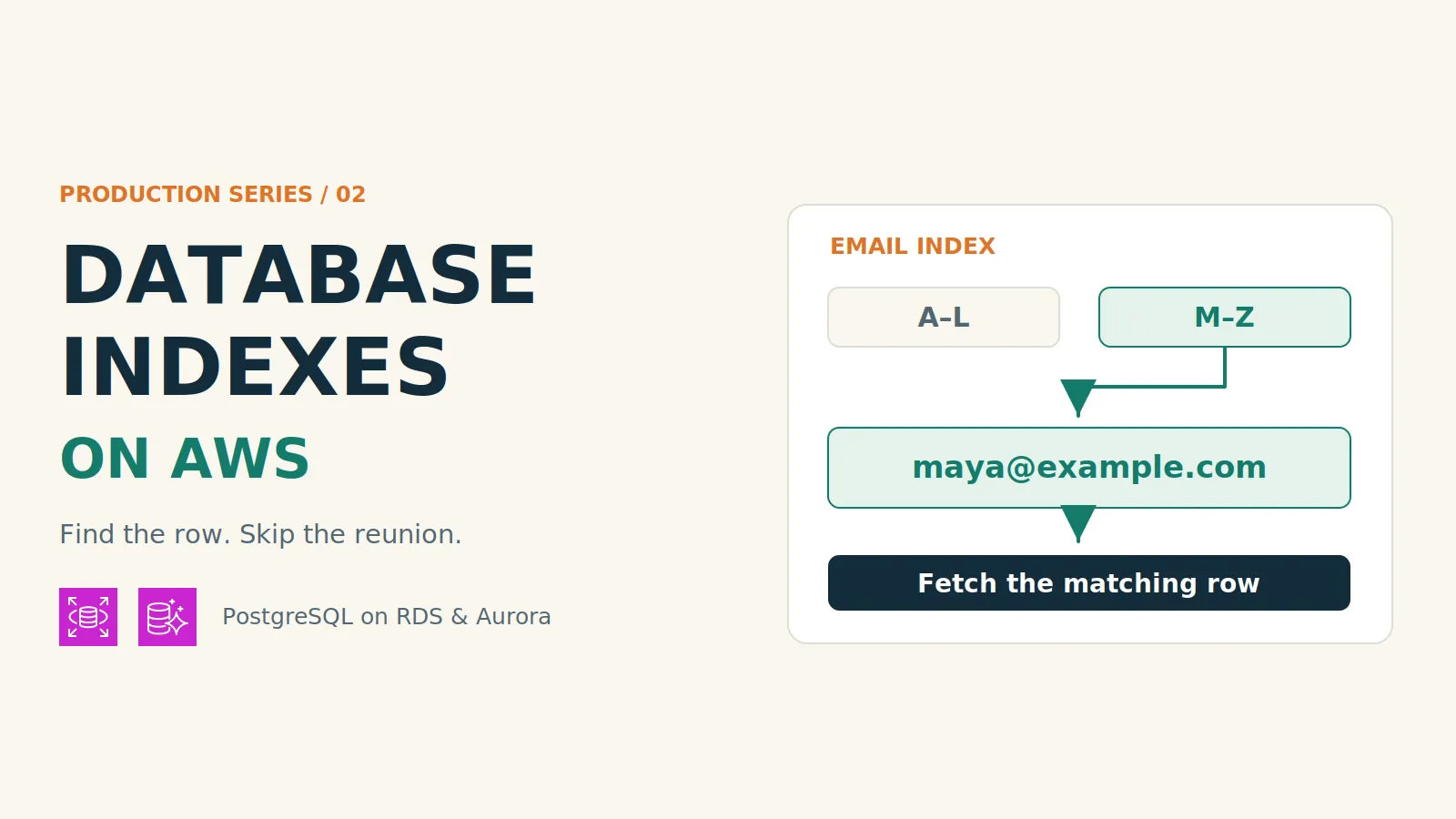
Backend Engineer Interview Concepts for Production Series - Part 2: Database Indexes on AWS
Learn when database indexes speed up queries, when they add overhead, and how to weigh the trade-offs through real-world examples on Amazon RDS and Aurora.
Series: Backend Interview Concepts to Know for Production (4 articles)
- 2Backend Engineer Interview Concepts for Production Series - Part 2: Database Indexes on AWS This article

Note: Companion video found here .
A database index is an extra data structure that helps a database find matching rows without checking the entire table. It can make a query more efficient, at the cost of additional storage and work when data changes. The trick is matching the index to the question your application asks.
You open a food delivery app and sign in.
Spinner. Still spinning.
Somewhere, a database is checking a million customers to find your email address. You wanted lunch. It scheduled a meet-and-greet.
In Part 1, we used idempotency to stop one purchase from becoming two burritos. In Part 2 of Backend Engineer Interview Concepts for Production, let's help the app find your account before you lose interest in both.
Why can finding one account take so much work?
Imagine the app keeps customer accounts in a
users table. To find Maya's account, it asks:SELECT id, display_nameFROM usersWHERE email = 'maya@example.com';In everyday language: “Find the account with this email address, and give me its ID and display name.”
The query looks small. The amount of work behind it might not be.
Without a useful index on
email , PostgreSQL may perform a sequential scan: read through the table and check the email condition against each row. A hundred customers? Usually manageable. A million customers, with lots of people signing in at lunchtime? All that checking adds up.An existing index on
id doesn't give the database a direct route to an email address. Looking up an account by ID and looking it up by email are different questions.What does a database index actually do?
Think of a cookbook's index. To find guacamole, you look up the word and turn to the listed page. You don't reread the entire cookbook while your avocado quietly expires.
A database index works on a similar principle. It keeps searchable values in a structure that helps the engine locate the corresponding rows. In PostgreSQL, a common choice is a B-tree: an ordered search structure that lets the database narrow its search through branches instead of checking every value. It supports equality lookups, ranges, and ordered queries. PostgreSQL index types
For the account lookup, the index definition could look like this:
CREATE INDEX users_email_idx ON users (email);That means “maintain an index of the email values in the users table.” PostgreSQL uses a B-tree by default here. The database can search that structure for Maya's email, find the row's location, and fetch her account details.

The query and answer stay the same. The route to the answer changes.
The table itself doesn't have to become alphabetically sorted by email. The index is a separate structure maintained alongside it. That distinction matters when we get to the costs.
How does the database choose whether to use an index?
SQL describes the result you want. The query planner decides how to get it.
It considers the query, available indexes, and statistics about the data, then chooses an execution plan: the steps for reading, filtering, joining, or sorting rows. Those statistics help it estimate how much work different plans will require. PostgreSQL planner statistics
Creating an index adds an option. It doesn't force the planner to choose it.
One important idea is selectivity: how much a condition narrows the results. Finding one email among a million accounts narrows them dramatically. Finding every active account when 95% are active barely narrows them at all.
For the second query, reading the table directly may be cheaper than following a huge number of index entries back to individual rows. A sequential scan can be a sensible decision. The database hasn't forgotten your index; it may have done the math.

Two queries against the same table can deserve different plans.
PostgreSQL's
EXPLAIN makes that decision visible. It shows the plan the database expects to use. A few labels tell much of the story:Plan label | What it means |
|---|---|
Seq Scan | Read through the table and check its rows. |
Index Scan | Use an index to locate matches, then fetch table rows. |
Sort | Put the results into the requested order as a separate step. |
EXPLAIN ANALYZE adds actual execution information by running the query. These plans help explain why a query does work; elapsed time alone doesn't tell the whole story. PostgreSQL EXPLAIN guide A second example: “Show me my latest orders”
Maya gets into the app and opens her order history. She wants her latest 20 orders, not the latest 20 orders from everyone who has ever been hungry.
The database question looks like this:
SELECT id, created_at, total_centsFROM ordersWHERE customer_id = 42ORDER BY created_at DESC, id DESCLIMIT 20;This says: “Find customer 42's orders, put the newest first, and return 20.” The ID gives a consistent order when two orders have the same timestamp.
An index on
customer_id can help find her orders. But the app also cares about their order. A composite index, which uses multiple key columns, can support both parts of the question:CREATE INDEX orders_customer_recent_idxON orders (customer_id, created_at DESC, id DESC);Think of its entries as grouped by customer, then arranged newest first within each customer. The database can go to Maya's section, read the first 20 matching entries, fetch the order details, and stop. A suitable plan can avoid collecting and separately sorting all her orders. PostgreSQL indexes and ordering

Customer first, then time: the arrangement matches the order-history screen.
Putting time first creates a different arrangement: recent orders across all customers. That could suit a restaurant's live orders feed, but it isn't the same access pattern as one customer's history.
Column order matters because an index is an arrangement of data. Having the right column names somewhere in it isn't the whole design. The exact benefit depends on the query, data, and database engine. PostgreSQL multicolumn indexes
When should you consider an index—and when might you skip one?
An index is worth considering when an important query repeatedly searches a large amount of data to return a small subset, or spends substantial work sorting or joining rows that a suitable index could help locate.
The question is how much useful work it saves, and how often that saving matters. A plan that repeatedly reads thousands of rows to return one is a useful clue.
What the app needs | How to think about indexing |
|---|---|
A frequent lookup of one email in a large customer table | A strong candidate: an email index can skip most unrelated accounts. |
One customer's latest 20 orders | A composite index can help with both finding that customer's entries and returning them in order. |
A lookup in a tiny table of delivery-zone codes | A scan may already be cheap. An extra performance index might add little value. |
An unsorted export of every order | A lookup index usually offers little help because the query needs all the rows anyway. |
The same lookup an existing equivalent index already supports | Another index may add maintenance without adding a useful access path. |
A slow query is a reason to investigate, not proof that an index is missing. Locks, an expensive join, or fetching far more data than the screen needs can also make a request slow. The execution plan helps distinguish these situations.
And a rarely used query isn't automatically unimportant. A critical customer-support lookup may deserve an index even if it runs less often than the home page. Frequency, user impact, and the work saved belong in the same decision.
What do faster reads cost?
Every index takes space, and the database has to keep it consistent with the table. A new customer means a new table row and a new entry in the email index. Changing an indexed email address requires maintenance too.
Three trade-offs follow:
- Read benefit: the database may examine fewer rows or avoid a separate sort.
- Write overhead: inserts, deletes, and relevant updates have more structures to maintain.
- Storage and memory: indexes occupy storage and compete for cache space.
For our app, a busy order-history screen may justify the extra work when an order is created. For an event table that receives constant inserts and is only read through occasional full exports, an additional lookup index might get little use while still costing storage and write effort.
Indexing every column is like creating a filing cabinet for every possible question. Eventually, filing a new document becomes the full-time job.

The read saving has to justify the ongoing storage and maintenance cost. A write-heavy table can still need indexes; it makes their cost more significant.
The query also has to fit the index. An index on
email doesn't directly index the result of lower(email) . A case-insensitive lookup may need an indexing design that matches that expression. The same column appearing in the SQL isn't enough. PostgreSQL expression indexes Where do Amazon RDS, Aurora, and CloudWatch fit?
The same indexing principles apply when PostgreSQL runs on AWS. Here's how the services connect to our app:
AWS service | Its role in this example |
|---|---|
Amazon RDS for PostgreSQL | Runs the relational database with managed operations such as backups and maintenance. The PostgreSQL engine stores the tables and indexes and plans the queries. |
Amazon Aurora PostgreSQL-Compatible Edition | Offers another way to run a PostgreSQL-compatible application, with Aurora's managed storage and availability architecture. Index design still matters. |
Amazon CloudWatch Database Insights | Helps show database load, contributing SQL, and waits, giving the team evidence about where queries spend effort or wait for resources. |
AWS handles substantial database operations work; your application's questions still determine which indexes are useful. Service details: Amazon RDS , Amazon Aurora , and Database Insights .
Now imagine account lookups slow down during the lunch rush. Database Insights might reveal that the email lookup is a major contributor to database load. PostgreSQL's execution plan might then show a table scan behind that tiny-looking query.
Together, those clues explain the problem: a frequently used feature is asking the database to do far more reading than its answer requires. A suitable email index could reduce that work. If the evidence instead points to lock waits, adding an index might not address the cause.

Solid arrows show SQL requests. Dashed arrows show monitoring data. Official AWS service icons; networking and authentication are omitted to focus on the query.
That's the AWS value here: managed database services plus visibility into the workload. A larger database instance may provide more capacity, but a well-matched index can reduce how much work each request needs in the first place. The lunch rush is busy enough without introducing every customer to Maya.
A few questions worth clearing up
Doesn't a primary key already have an index?
In PostgreSQL, a primary key automatically creates a unique index. A primary key on
id still doesn't provide a direct lookup by email . If email already has a suitable unique constraint, its index can support the lookup; there is no need for an equivalent extra index. PostgreSQL constraints What is a covering index?
It's an index that contains all the values a particular query needs. That can allow an index-only scan, reducing trips back to the table. PostgreSQL may still visit table rows to check their visibility, and storing extra values makes the index larger. Covering indexes and index-only scans
Are DynamoDB secondary indexes the same thing?
They address a related need: answering a different question about your data. But a DynamoDB global secondary index has its own partition key and optional sort key, and its updates propagate asynchronously. It has different design rules from a PostgreSQL B-tree. DynamoDB global secondary indexes
How would you explain database indexes in an interview?
An index is an extra data structure that helps a database find rows efficiently. I'd match it to the query's filters and ordering, then consider how many rows the query needs. An email lookup and a customer's recent orders can benefit from different indexes. I'd check the execution plan and weigh the read benefit against storage and write overhead.
The point to remember is the connection between the question and the arrangement of the data. Finding Maya by email and finding her latest orders need different routes. Good indexes make those routes available.
Next in the series: transactions and isolation levels. Two customers, one item left in stock, and a database that needs to keep the story consistent.
Architecture icons: AWS Architecture Icons , distributed through AWS Icons for PlantUML . Diagrams are original illustrations for this article.
Series: Backend Interview Concepts to Know for Production (4 articles)
- 2Backend Engineer Interview Concepts for Production Series - Part 2: Database Indexes on AWS This article
Enjoyed reading this content? Let the author know!
Your likes, comments, shares, and saves help creators reach more builders.

Loading recommendations
Loading article