
I Let AI Agents Plan My AWS Migration: A Real AWS Transform Story (Part 1)
A real story of assessing, planning and migrating an old application with the agentic AI capabilities of AWS Transform.
Series: AWS Transform (2 articles)
- 1I Let AI Agents Plan My AWS Migration: A Real AWS Transform Story (Part 1) This article

Series: Agentic AI for migration and modernization
- Part 1 (this post): I Let AI Agents Plan My AWS Migration: A Real AWS Transform Story
- Part 2: I Let AI Agents Modernize My Legacy App: AWS Transform Custom + AI-DLC workflows
Why I wanted to share this
For years, moving servers to AWS meant stitching tools together. AWS Application Migration Service (MGN) copied the servers, and for bigger programs Cloud Migration Factory on AWS coordinated the waves and automation. Both work well, but the thinking around them (what is running, what will it cost, which strategy, which order) was still manual work in spreadsheets and workshops.
When I tried AWS Transform , that thinking became a conversation with AI agents. I was impressed enough to run a complete, real migration end to end and share exactly what happened, including the parts that didn't go perfectly.
Where it all started
LegacyMart is a small online store selling coffee makers, shirts and cricket bats. Like many real businesses, its software was built years ago and quietly kept running: one application handling products, customers and orders (a monolith), on Java 8, with its database on the same server, inside the company's own data center.

The store before the move: served by the data center server
dc1-legacymart-01 on Java 1.8.My goal was to leave the data center, pay only for what the store really needs, and do it without closing the doors for a single day. I also didn't want the usual weeks of spreadsheets and meetings just to understand where to begin.
Everything in this story happened in a real AWS account. Only the account number is hidden.
How AI agents changed the plan
Instead of starting with spreadsheets, I started with a conversation. AWS Transform is an AWS service built around agentic AI: AI agents that understand a goal, plan the work, use tools to do it, and check back with a person before key decisions.
The journey had five simple steps:
Discover what I have → Assess cost and size with the AI agent → Decide a strategy, where the agent recommends and I choose → Plan a move customers won't notice → Migrate with AWS Transform MGN.
Step 1: Knowing what I have
I started with four honest questions about the server:
- How big is the server? 2 CPUs, about 4 GB memory
- How busy is it? Only about 6% CPU on average
- What runs on it? The web store and its database
- Who uses it? Customers, through a web browser
I saved these facts in a small spreadsheet for the AI agent.
Insight: the database living on the same server shapes every decision that follows. Migrations are won or lost on these basics.
Step 2: Asking the AI agent instead of filling in spreadsheets
Instead of filling in forms, I had a conversation:
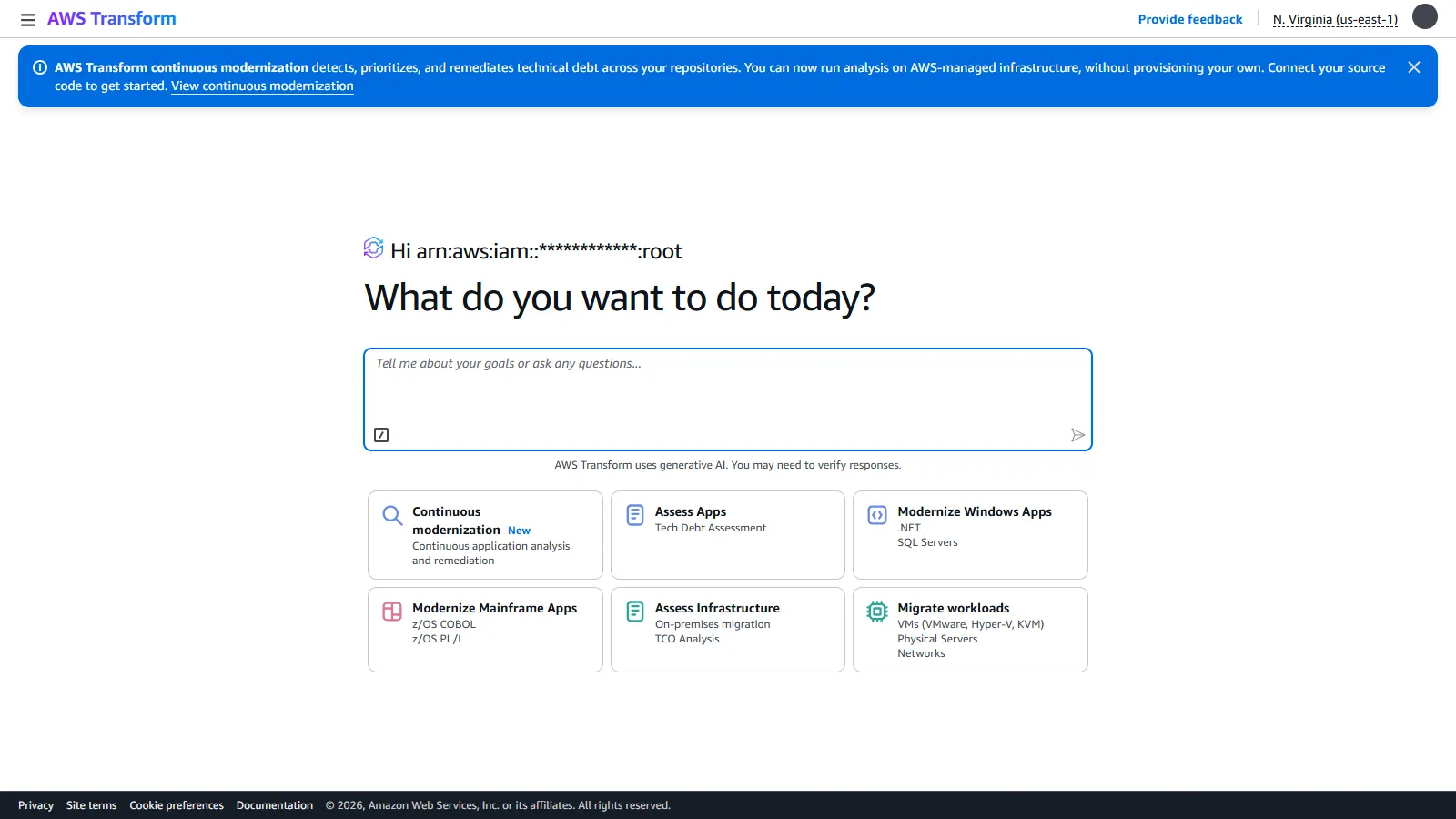
- Switched on AWS Transform in the AWS console with one click.
- Told the agent: "I want to assess my infrastructure for migration readiness."
- The agent picked the right type of assessment and created a project workspace and a job.
- Uploaded the spreadsheet from Step 1.
- The agent analysed it and produced a business case.

No forms to learn: you start by saying what you want to do.
What the agent found: the cost

About $1,197 a year on AWS pay-as-you-go, or $605 with a 3-year commitment, plus ready-to-share PDF, PowerPoint and Excel reports.
It also estimated $65,375 a year for the current data center, which seemed far too high for one small server. When asked why, the agent explained that without real costs it had used industry averages.
Insight: AI speeds up the business case, but the numbers are only as good as the data behind them. Replace estimates with real costs before making decisions.
What the agent found: the right size

Because the server was mostly idle, the agent recommended a smaller, cheaper server (1 CPU, 2 GB) and explained its reasoning.
I accepted it. Migration is the easiest moment to stop paying for capacity you don't use.
Step 3: The strategy debate, AI versus human judgment
There are seven common strategies for moving an application, known as the "7 Rs":
- Retire: Switch it off
- Retain: Keep it where it is
- Relocate: Move the whole virtual platform
- Rehost: "Lift and shift": copy it as it is
- Replatform: Move it with small improvements
- Repurchase: Replace it with a SaaS product
- Refactor: Rebuild it for the cloud
I asked the agent where to start.

The agent recommended Replatform and explained why not simply rehost and why not rebuild first.
My decision: Rehost first, modernize second (in Part 2):
- Lower risk: nothing inside the application changes on moving day.
- One change at a time: if something breaks, I know exactly why.
- Faster exit: leave the data center first, then improve on AWS.
Insight: agentic AI gives a well-argued second opinion in minutes. The final decision still belongs to the people who know the deadline, the risk and the team.
Step 4: Planning a move customers never notice
- Add a "front door" (a load balancer), so customers always use the same address.
- Copy the server in the background while the store keeps trading.
- Rehearse on a test copy without touching real customers.
- Switch the front door to AWS.
- Keep the old server as a safety net.
Production Note: This demo used the load balancer's default AWS address over plain HTTP. For a production workload with a custom domain and HTTPS, also account for: DNS & TTL - Update your domain's DNS record to point to the load balancer (an Alias record in Amazon Route 53). Lower your DNS TTL at least 24-48 hours before cutover so changes propagate quickly.* Hybrid Network Connectivity: The load balancer requires a private link, such as AWS Direct Connect or AWS Site-to-Site VPN, to route traffic back to on-premises IP addresses (simulated here via VPC Peering).* SSL/TLS Certificates: Provision and attach an HTTPS certificate from AWS Certificate Manager (ACM) to the load balancer before switching DNS.
Step 5: Moving day with AWS Transform MGN
AWS Transform MGN is the same proven MGN engine, renamed in June 2026 because it now powers AWS Transform's migrations. It copies a whole server, keeps the copy up to date, and lets you test and switch when ready. You can drive it from its own console (as I did here) or let the AWS Transform agentic workflow drive it for you.
Where does Cloud Migration Factory fit now? It hasn't gone away. For large programs with hundreds of servers, AWS Transform handles assessment and wave planning, Cloud Migration Factory runs the waves with repeatable automation, and AWS Transform MGN does the copying and cutover. For a single application like LegacyMart, MGN on its own is enough.
5a. Copy the server
A small agent installed on the old server copied its entire disk to AWS, with no restart and no code changes.

Healthy, fully copied, and the next action is clear: ready for testing.
Insight: my copy stayed stuck at "Initiating" at first. The cause was missing permissions for the migration service, not the network. Check permissions first.
5b. Rehearse without touching customers
- Placed a test order (#26) on the live store.
- Launched a test copy on AWS while customers stayed on the old server.
- Opened the copy in a browser: order #26 was there, so the data had arrived.

"Test in progress" while the real store kept serving customers.
5c. Switch over
To prove customers wouldn't notice, a small script behaved like a busy shopper throughout, with a page visit every second and an order every five seconds.
- Launched the final copy on AWS.
- Caught up on orders placed in the meantime.
- Paused orders for a moment and confirmed both databases matched.
- Pointed the front door to AWS.
- Finalized the migration.

Every stage done, from "Not ready" to "Cutover complete".
How it went

Same store and same web address for customers, now served from AWS (
aws-legacymart-01).- Page visits during the move: 1,112 of 1,112 worked
- Time to switch servers: About 1.3 seconds
- Orders lost: None
- Orders that failed: 5, over 26 seconds
Why 5 orders failed: one step in my own switch-over script failed silently, so the front door moved to AWS a few seconds before the new database was ready. I fixed it within half a minute.
The biggest lesson: rehearse the exact switch-over steps during testing, with pretend customers, so surprises happen before moving day and not on it.
Key Takeways
- AI agents turn weeks of assessment into a conversation: cost, size and strategy in one sitting.
- Check the agent's inputs: real cost data makes the business case credible.
- Keep people in charge of decisions: the agent recommended Replatform; I chose Rehost first, for good reasons.
- A move without closing the store is achievable, and measurable.
- Rehearse the switch-over itself, not just the copy.
What's next
LegacyMart now lives on AWS, but it is still an old Java 8 application. In Part 2, an AI agent in AWS Transform upgrades the code in under an hour, Kiro with AI-DLC workflows reviews the plan like a team of specialists, and an automated pipeline moves the store onto modern containers while it stays open.
Which strategy would you choose first for your oldest application, and why?
Series: AWS Transform (2 articles)
- 1I Let AI Agents Plan My AWS Migration: A Real AWS Transform Story (Part 1) This article
Enjoyed reading this content? Let the author know!
Your likes, comments, shares, and saves help creators reach more builders.

Loading recommendations
Loading article