
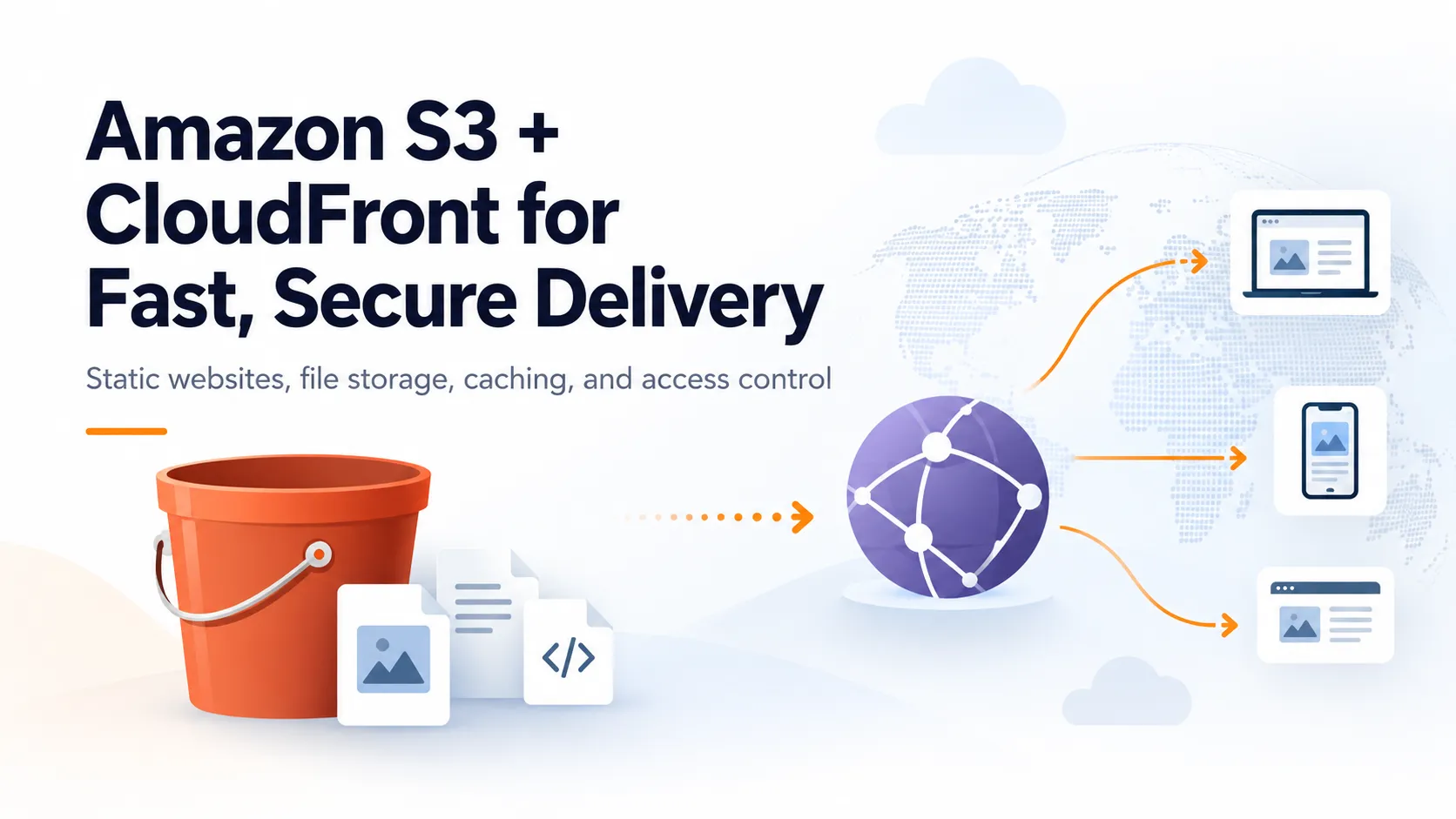
Amazon S3 + CloudFront: A Better Way to Deliver Static Content
Learn how Amazon S3 and CloudFront work together to store and securely deliver static websites, images, JavaScript, CSS, and other files to users around the world.

SWE
Amazon S3 is usually one of the first AWS services developers learn.
Upload a file.
Store it in a bucket.
Retrieve it later.
Simple.
But when you start building real applications, another question appears:
Should every user around the world download my files directly from S3?
Often, a better architecture is:
User
 ↓
Amazon CloudFront
 ↓
Amazon S3
S3 stores the content.
CloudFront delivers it.
Understanding that separation is useful for everything from static websites to images, downloadable files, and frontend assets.
What S3 Does
Amazon S3 is object storage.
You can store files such as:
index.html

app.js

styles.css

logo.png

video.mp4

document.pdf
Inside an S3 bucket.
Conceptually:
my-website-bucket

├── index.html
├── assets/
│   ├── app.js
│   └── styles.css
└── images/
    └── logo.png
S3 becomes the origin where the original version of your content lives.
What CloudFront Adds
CloudFront is AWS's content delivery network.
Instead of every user going directly to your origin, users request content through CloudFront.
The flow becomes:
User
 ↓
CloudFront
 ↓
S3
CloudFront can cache copies of content closer to users.
For example, imagine your S3 origin is serving an image:
/images/product.pngThe first request may need to reach the origin.
CloudFront can then cache the object.
Future requests can often be served from CloudFront's edge infrastructure instead of repeatedly going back to S3.
Why Caching Matters
Suppose 50,000 users request the same JavaScript bundle:
/assets/app.jsWithout effective caching, the origin may repeatedly serve the same content.
With CloudFront:
User
 ↓
CloudFront cache
 ↓
Return cached app.js
The origin does not necessarily need to handle every request.
This can improve performance and reduce unnecessary origin traffic.
The Security Problem
There is an important architectural question:
If users access everything through CloudFront, should they also be able to bypass CloudFront and access the S3 origin directly?
In many architectures, the answer is no.
Instead, you can keep the S3 bucket private and allow CloudFront to access it.
AWS provides Origin Access Control, commonly called OAC, for this purpose.
The architecture becomes:
Users
  ↓
CloudFront
  ↓
Origin Access Control
  ↓
Private S3 Bucket
Users interact with CloudFront.
CloudFront is authorized to retrieve content from S3.
The bucket itself does not need to become publicly readable.
Why This Is Better Than a Public Bucket
Making an S3 bucket public may seem easy during development.
But "easy" and "good architecture" are not always the same thing.
With a private S3 origin and CloudFront, you gain a much cleaner model:
Internet
   ↓
CloudFront
   ↓
Private S3
instead of:
Internet
   ├── CloudFront
   └── Public S3
There is only one intended public delivery path.
One Important Detail About OAC
When using CloudFront Origin Access Control with S3, use a normal S3 bucket origin rather than an S3 website endpoint.
That distinction matters.
The secure architecture is:
CloudFront
 ↓
S3 bucket origin
 ↓
Private objects
rather than treating S3 static website hosting as the protected origin.
This catches many developers when they configure CloudFront for the first time.
Add HTTPS
Another benefit of putting CloudFront in front of your content is HTTPS delivery.
A typical production architecture becomes:
https://example.com
        ↓
CloudFront
        ↓
S3
If you own a custom domain, AWS Certificate Manager can be used with CloudFront to provide the TLS certificate.
Then users interact with your application using HTTPS instead of reaching storage endpoints directly.
Cache-Control Matters
CloudFront caching does not mean you should cache every object forever.
Different files have different lifetimes.
For example:
logo-v4.pngmight be safe to cache for a long time if the filename changes whenever the content changes.
But:
index.htmlmay need a shorter cache duration because it changes more frequently.
A common frontend strategy is content hashing:
app.a82f19.js
styles.22ac91.css
When the application changes, the filename changes.
That makes long-lived caching safer because a new deployment produces new object names.
What Happens During Deployment?
Imagine a React application.
After building it, you might have:
dist/
├── index.html
└── assets/
    ├── app.72f01.js
    └── app.a381c.css
Deployment might look like:
Build application
      ↓
Upload files to S3
      ↓
CloudFront serves files
      ↓
Users receive application
If necessary, you can also invalidate CloudFront cached objects when content must be refreshed before its normal cache expiration.
Think Carefully About Invalidations
It can be tempting to invalidate:
/*after every deployment.
That works, but a better caching strategy can often reduce how much invalidation is required.
Hashed assets solve much of the problem.
Old:
app.oldhash.jsNew:
app.newhash.jsThe browser requests a completely new object.
Your deployment strategy and caching strategy should work together.
A Practical Architecture
A simple frontend hosting architecture could look like:
Domain
  ↓
CloudFront
  ↓
Private S3 Bucket
With:
AWS Certificate Manager
→ HTTPS certificate

Origin Access Control
→ CloudFront-to-S3 authorization

Cache policies
→ control caching behavior
This is simple, scalable, and removes the need to operate a web server just to serve static files.
S3 Is Storage. CloudFront Is Delivery.
This is the mental model I find most useful:
S3
= Where the file lives

CloudFront
= How the file reaches users efficiently
That separation makes the architecture easier to understand.
Final Takeaway
If you are storing static content on AWS, do not think only about where the file is stored.
Think about the complete delivery path:
Storage
 ↓
Security
 ↓
Caching
 ↓
HTTPS
 ↓
User
S3 and CloudFront complement each other well because each service solves a different problem.
S3 gives you durable object storage.
CloudFront gives you global content delivery, caching, and a controlled public entry point.
Together, they create a strong foundation for delivering static content on AWS.
Enjoyed reading this content? Let the author know!
Your likes, comments, shares, and saves help creators reach more builders.

Loading recommendations
Loading article