
Agents for Humans: EventBridge Scheduler to AgentCore
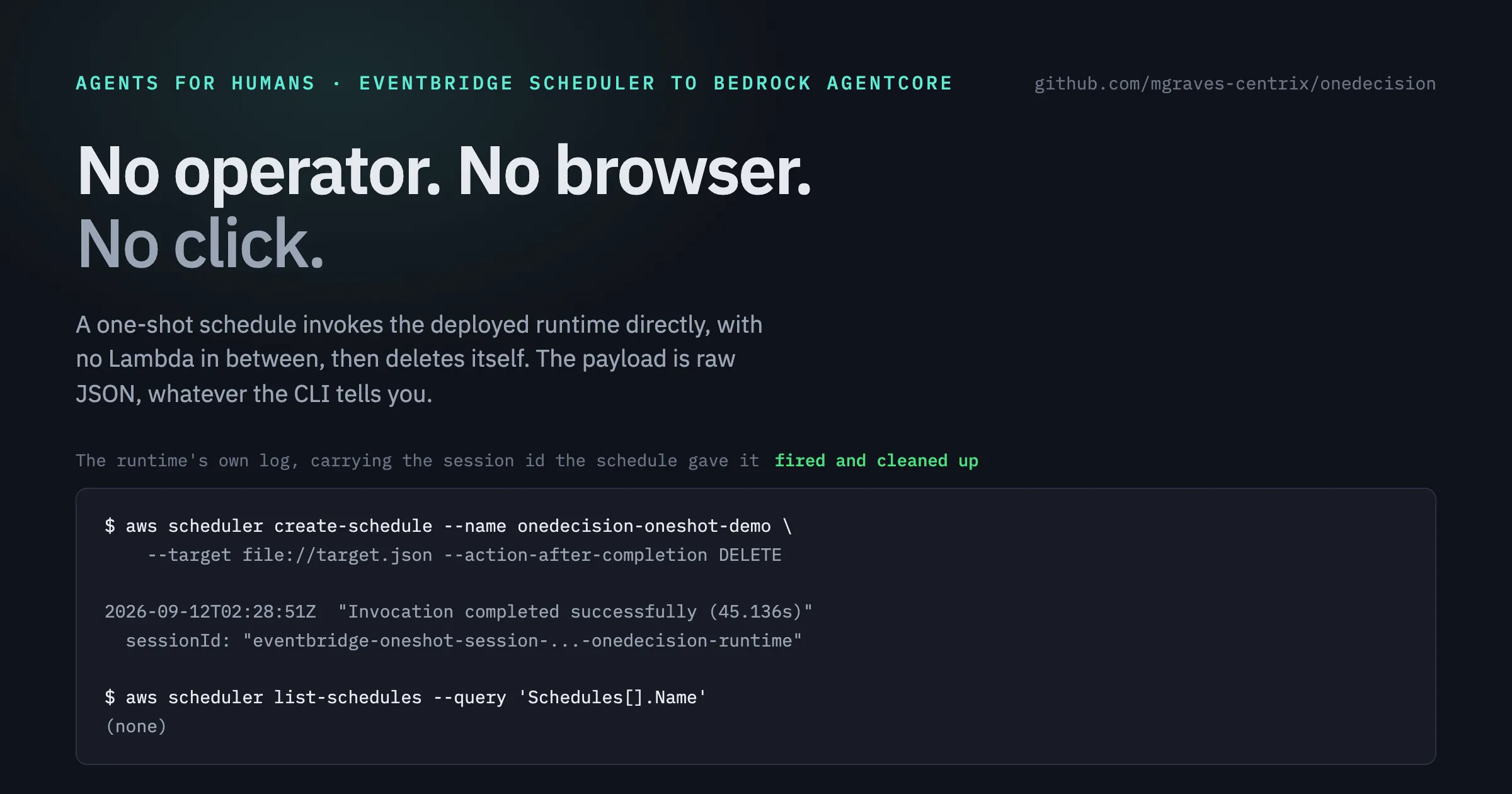
EventBridge Scheduler can invoke Bedrock AgentCore directly, with no Lambda in between. The payload is raw JSON, whatever the CLI tells you.
Series: Building OneDecision (3 articles)
- 2Agents for Humans: EventBridge Scheduler to AgentCore This article

Two things about pointing EventBridge Scheduler at Amazon Bedrock AgentCore Runtime, neither
of them in the CLI help.
of them in the CLI help.
You do not need a Lambda in between. And the payload you put in the schedule is raw JSON,
even though the AWS CLI rejects raw JSON and demands base64 for the same field. Getting that
backwards cost us two firings and produced an error message that points at the wrong thing.
even though the AWS CLI rejects raw JSON and demands base64 for the same field. Getting that
backwards cost us two firings and produced an error message that points at the wrong thing.
What follows is from a one-shot schedule that invoked our deployed agent with nobody
watching, then deleted itself.
watching, then deleted itself.
You do not need a Lambda in between
EventBridge Scheduler's universal target can call the AgentCore data plane directly:
1
arn:aws:scheduler:::aws-sdk:bedrockagentcore:invokeAgentRuntime
The schedule's
Input is the API request as JSON:1
2
3
4
5
6
{
"AgentRuntimeArn": "arn:aws:bedrock-agentcore:us-west-2:<account>:runtime/<name>",
"Payload": "{\"case_id\": \"CASE-2002\", \"event_key\": \"eventbridge-oneshot-...\"}",
"RuntimeSessionId": "eventbridge-oneshot-session-...-onedecision-runtime",
"ContentType": "application/json"
}The execution role needs one action, scoped to the runtime:
1
2
{"Effect": "Allow", "Action": "bedrock-agentcore:InvokeAgentRuntime",
 "Resource": ["<runtime-arn>", "<runtime-arn>/*"]}
Put
aws:SourceAccount on the trust policy for scheduler.amazonaws.com, and setActionAfterCompletion: DELETE on a one-shot schedule so it removes itself.The payload is raw JSON, not base64
This cost us two firings.
instinct, and the AWS CLI enforces it, rejecting raw JSON with:
InvokeAgentRuntime's payload is a blob, so base64 is theinstinct, and the AWS CLI enforces it, rejecting raw JSON with:
1
Invalid base64: "{"case_id":"CASE-2003",...}"
Follow that instinct in the schedule and the runtime logs:
1
2
"level": "WARNING", "message": "Invalid JSON in request (0.000s):
 Expecting value: line 1 column 1 (char 0)"
The schedule delivered; the handler received base64 text and could not parse it. Scheduler
passes the member through as written. Send raw JSON in the schedule's
passes the member through as written. Send raw JSON in the schedule's
Payload, and usefileb:// with raw JSON for the CLI. Its own error message points the wrong way.With that corrected, the runtime logged what we were after:
1
2
2026-09-12T02:28:51Z  "Invocation completed successfully (45.136s)"
  sessionId: "eventbridge-oneshot-session-...-onedecision-runtime"
Forty-five seconds is a real investigation on Claude Opus 5. The session ID is the one the
schedule supplied, which is what ties the run to the schedule rather than to a human at a
terminal.
schedule supplied, which is what ties the run to the schedule rather than to a human at a
terminal.
What it does not give you
The universal target is fire-and-forget. Scheduler does not read the response, so the
decision card that invocation produced went nowhere. Our agent had done forty-five seconds
of real work and nothing was listening.
decision card that invocation produced went nowhere. Our agent had done forty-five seconds
of real work and nothing was listening.
So the Lambda comes back, for anything past a demo. Not because Scheduler cannot reach the
service, but because a scheduled sweep has to list what is unhandled, build a payload per
item, and record what came back. That is code, not target configuration.
service, but because a scheduled sweep has to list what is unhandled, build a payload per
item, and record what came back. That is code, not target configuration.
A second limit, specific to how we deploy: each AgentCore session seeds its own SQLite
database, so a scheduled firing proves the gated path runs unattended. It does not carry
state from one firing to the next. We say that plainly rather than let it be assumed.
database, so a scheduled firing proves the gated path runs unattended. It does not carry
state from one firing to the next. We say that plainly rather than let it be assumed.
Debugging notes that cost us time
aws logs filter-log-events --start-time ... returned zero events for a window thatdefinitely had them, including with no filter at all. The
agentcore logs --since 10m CLIreturned them immediately. If your filter counts look impossible, check the tool before
concluding anything about the system. We reported "0 invocations" twice before realizing
the query was at fault.
Also: a
ResourceNotFoundException from get-schedule after the fire time is expected when ActionAfterCompletion: DELETE is set. It means the schedule fired and removed itself, not that the invocation worked. The runtime logs tell you that.When to use this at all
Mostly, don't. For event-shaped work, push instead: an event bus or a queue in front of the
same gated path handles work when it happens and gives you backpressure. A schedule only fires on the clock.
same gated path handles work when it happens and gives you backpressure. A schedule only fires on the clock.
Scheduler earns its place on time-based work, where there is no event to wait for. A nightly
sweep. Anything stuck in a waiting state past its SLA. A retry of failed verifications. If
you are reaching for cron to fake an event you already have, a reviewer will notice, and
they will be right.
sweep. Anything stuck in a waiting state past its SLA. A retry of failed verifications. If
you are reaching for cron to fake an event you already have, a reviewer will notice, and
they will be right.
OneDecision is a Strands Agents project built for the Agents for Humans hackathon: https://github.com/mgraves-centrix/onedecision
Series: Building OneDecision (3 articles)
- 2Agents for Humans: EventBridge Scheduler to AgentCore This article
Enjoyed reading this content? Let the author know!
Your likes, comments, shares, and saves help creators reach more builders.

Loading recommendations
Loading article