
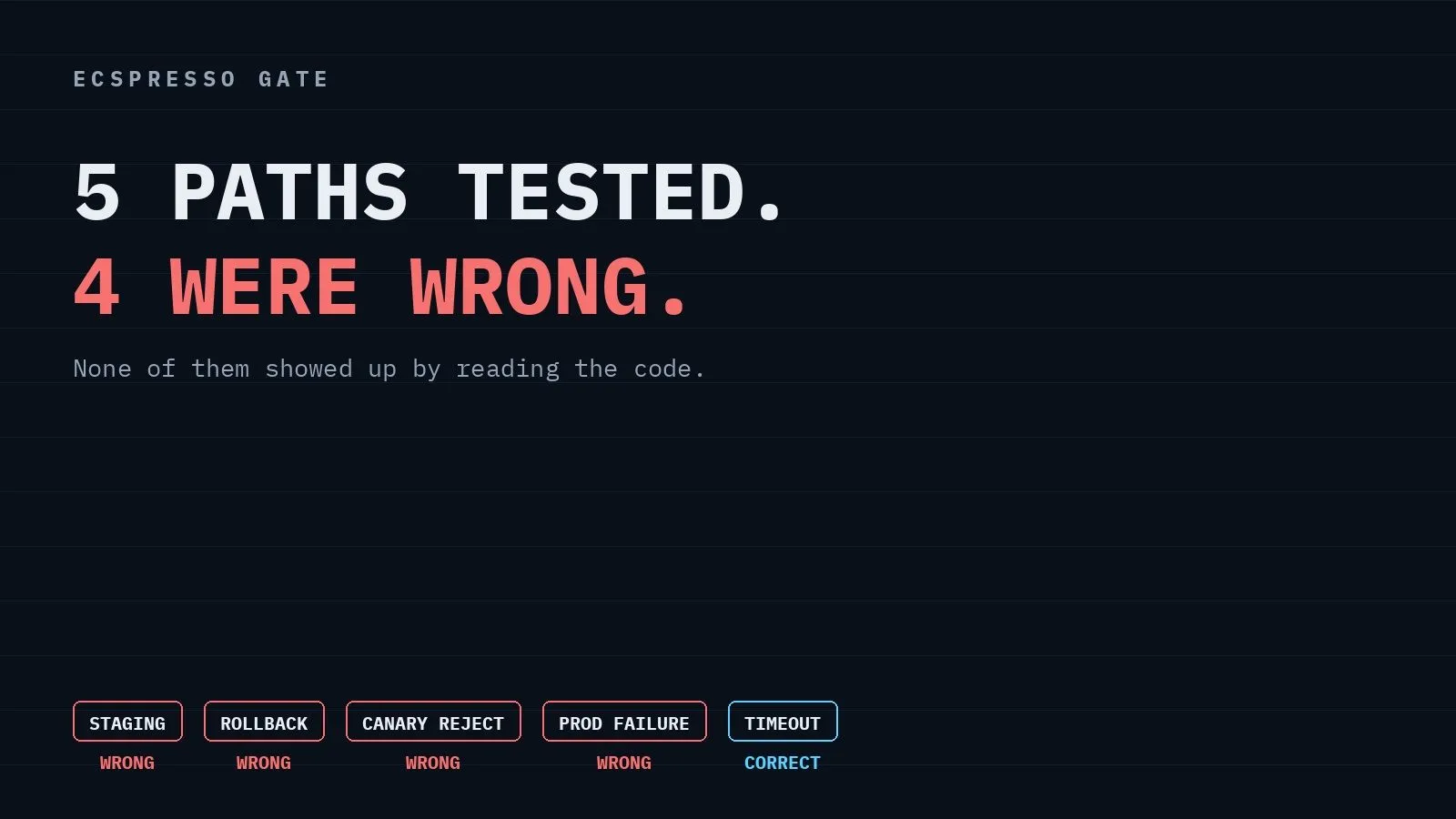
I Broke Every Branch of My Deploy Pipeline. Four Were Wrong
I deliberately broke my own ECS release pipeline five ways. Four failure paths did the wrong thing, and none of them showed up by reading the code.
Series: AWS Cloud Operation (4 articles)
- …
- 3I Broke Every Branch of My Deploy Pipeline. Four Were Wrong This article

I Broke Every Branch of My Deploy Pipeline. Four Were Wrong.
I built a release pipeline where an AI agent decides whether a change is healthy enough to move from staging to canary, and a human decides whether it goes to full production. Then I spent an afternoon deliberately breaking it.
Four branches did not do what I designed them to do. None of them would have shown up by reading the code.
What I was building
The idea is simple enough. A new image tag flows through three ECS services:

The AI gets to make the first call on its own. If staging looks healthy, it promotes to canary without asking anyone. The second hop, canary to full production, always waits for a human to click Approve in Slack.
The part I cared about most is that this is not a prompt instruction. The Lambda running the AI decision has exactly one permission:
bedrock:InvokeModel. It cannot read ECS state, and it cannot write to ECS at all. It receives a health-check result as JSON and returns a decision as JSON. Something else has to act on that decision.That "something else" is a Step Functions pipeline, and the only identity in the whole system that can register a task definition or update a service is the CodeBuild project it invokes. I verified this rather than assuming it:
1
2
3
4
5
6
ecspresso-gate-ai-gate-role                   ecs:UpdateService  implicitDeny
ecspresso-gate-health-check-role              ecs:UpdateService  implicitDeny
ecspresso-gate-slack-interactivity-role       ecs:UpdateService  implicitDeny
ecspresso-gate-slack-notify-role              ecs:UpdateService  implicitDeny
ecspresso-gate-state-machine-role             ecs:UpdateService  implicitDeny
ecspresso-gate-execute-build-role             ecs:UpdateService  allowed
That is
aws iam simulate-principal-policy against the deployed roles. Five deny, one allow.The deploys themselves run through ecspresso , which turns an ECS service into three files you can keep in git. I picked it over raw CloudFormation because
ecspresso deploy blocks until the service is actually stable, which turned out to matter more than I expected.
The happy path worked on the first try
Slack card posted, signature verified, task token resolved,
SendTaskSuccess fired, card replaced with "Approved by @… Shipping to full production." Full production went to 3/3 running and the ALB started answering from three distinct task IPs.I could have stopped there and written this article. The pipeline demonstrably worked.
Then I started breaking things
The deploy that failed without rolling back
I built an image that exits non-zero the moment it starts, pushed it as
:broken, and ran the pipeline.The execution failed. Nothing rolled back.
My state machine only branched to rollback when a health check came back unhealthy. But a broken image never gets that far.
ecspresso deploy waits for the service to stabilize, the service never stabilizes, and the deploy command itself fails. That failure was uncaught, so the execution died on the spot with a broken revision still registered.The fix was a
Catch on each deploy state, which is obvious in hindsight. What is not obvious is that the health-check branch reads like it covers this case. It does not. A health check only runs if the deploy succeeded.The rollback that had permission to do everything except the one thing it needed
With the
Catch in place, I ran the same broken image again. This time rollback fired. And failed:1
AccessDeniedException: not authorized to perform: ecs:ListTaskDefinitionsThis one puzzled me for a minute, because the execute role has
ecs:*. What it also has is a condition:1
2
3
4
5
Action: ecs:*
Resource: "*"
Condition:
StringEquals:
"ecs:cluster": arn:aws:ecs:.../cluster/ecspresso-gate-clusterI had scoped it by cluster deliberately. This role can do anything to this cluster and nothing to any other. That felt like a reasonable boundary.
Task definitions are not cluster-scoped resources. The
ecs:cluster condition key does not apply to them, so every task-definition API silently falls outside the allow. RegisterTaskDefinition was already in a separate unconditioned statement — I had added it early on because deploys failed without it — but ListTaskDefinitions was not, because deploys never call it. Only rollback does.So the role could deploy fine and could not roll back, and the only way to find that out was to make it roll back.
The canary that stayed in production after being rejected
This is the one I would not have caught by staring at the code, because the code did exactly what it said.
I ran a release, waited for the Slack card, and clicked Reject & Rollback Canary. The card updated to "Rejected by … Rolling back canary." The execution ended in
ReleaseFailed. Everything looked right.Then I hit the production ALB a few times:
1
2
3
{"stage": "full",   "hostname": "ip-10-0-0-221..."}
{"stage": "full",   "hostname": "ip-10-0-1-206..."}
{"stage": "canary", "hostname": "ip-10-0-1-100..."}
One in three requests was still being served by the canary I had just rejected.
ecspresso rollback reverts the task definition to the previous revision. It does not scale the service down. Since the canary service is attached to the production target group — that is how it gets real traffic — reverting its revision leaves it right where it was, serving production.The mistake was conceptual, not mechanical. I had named the state
RollbackCanary and reached for the rollback command because that is what the name suggested. But a canary is a place you try a version, not a version you preserve. When the answer is no, you do not want the previous canary back. You want no canary. It is now WithdrawCanary, and it runs ecspresso scale --tasks 0.Staging and full production still use
rollback, where reverting to the previous revision is exactly right.The canary that survived a production failure
Last one. I pinned the prod-full task definition to the broken image, left staging and canary on the good one, and approved the release.
DeployProdFull failed on the ecspresso timeout. RollbackFull ran and put production back on the revision it started from, 3/3 running. Good.But
RollbackFull went straight to ReleaseFailed, which meant ScaleDownCanary never ran, and the canary was still sitting in the production target group.In my test both were on the same version, so nothing visibly broke. Change the numbers slightly — a canary on the new build, production rolled back to the old one — and you have two different versions of the app splitting production traffic, with the pipeline reporting failure and walking away.
RollbackFull now routes through WithdrawCanary before it fails the execution.The thing that worked better than I expected
While the broken production deploy was failing, I polled the production ALB once a minute. Ten samples across the failure and the rollback. Every one of them answered.
minimumHealthyPercent: 100 is doing the work there. ECS will not stop a healthy task to make room for a replacement that never becomes healthy, so a bad revision cannot displace anything. Production stayed up through a deploy that was, from the pipeline's point of view, a complete failure.I knew that setting existed. Watching it hold under an actual bad deploy is different from knowing it.
The timeout
The last branch was the approval timeout.
RequestApproval has TimeoutSeconds: 3600, and there is no way to test an hour-long timeout except to wait an hour.So I posted the card, did something else, and came back:
1
2
3
09:49:31  RequestApproval
10:49:31  WithdrawCanary
10:50:24  ReleaseFailed
Exactly 3600 seconds, error
States.Timeout, caught, canary withdrawn, production untouched. A release nobody looks at does not sit half-deployed forever.What I would tell myself before starting
Test the paths you expect never to run. All four bugs were in failure handling, and all four were invisible until something actually failed. Two of them (
ListTaskDefinitions, the canary that would not leave) produced no error on the happy path at all.Also: the boundary you draw in IAM has to match how the API is actually shaped, not how you picture your system. Scoping by cluster felt clean and mostly worked. Task definitions live outside that boundary, and I only learned where the edge was by walking into it.
The code is on GitHub at yama3133/ecspresso-gate-agent if you want to look at the state machine or the IAM policies.
Thanks for reading.
Series: AWS Cloud Operation (4 articles)
- …
- 3I Broke Every Branch of My Deploy Pipeline. Four Were Wrong This article
Enjoyed reading this content? Let the author know!
Your likes, comments, shares, and saves help creators reach more builders.

Loading recommendations
Loading article