
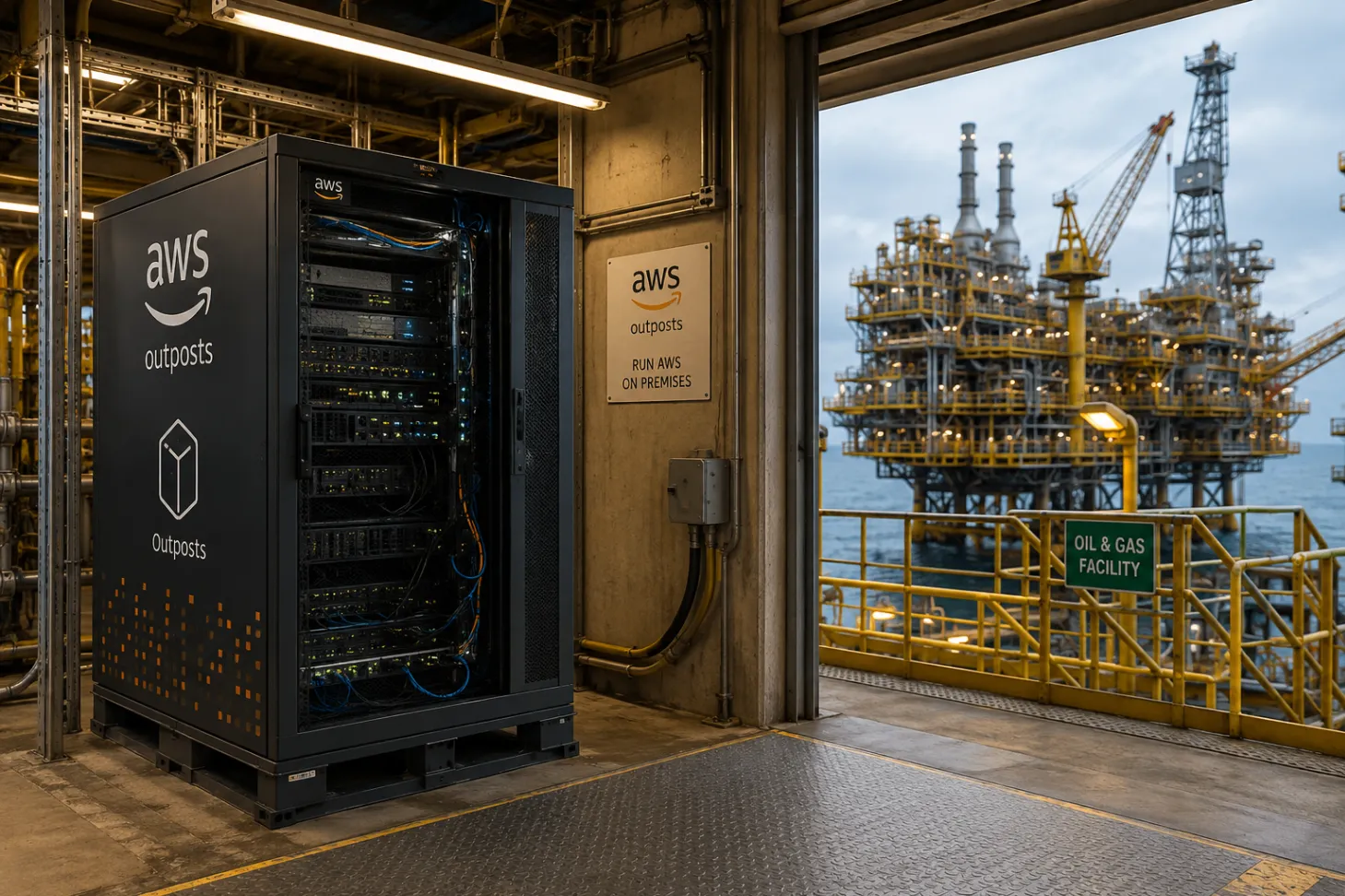
AWS Outposts: Bringing the Cloud to Your Data Center
With Outposts, you can build and operate hybrid architectures using the same AWS tools, automation, and operational experience available in AWS Regions.

AWS User Group Coracao do Rio Grande Leader | Solutions Architect
AWS Outposts: Bringing the Cloud to Your Data Center
Moving everything to the public cloud sounds great on paper, but reality is often more complicated. Whether you are dealing with strict data privacy laws, legacy equipment, or applications that need lightning-fast response times, you sometimes just need your workloads to run locally.
This is exactly where AWS Outposts comes in. It bridges the gap between on-premises infrastructure and the cloud by bringing AWS services, APIs, and tools straight to your own data center or edge location.
What Exactly is AWS Outposts?
Think of Outposts as a physical extension of an AWS Region. It is a fully managed service where AWS literally ships, installs, and maintains hardware in your facility.
Instead of juggling different management platforms for your local servers and your cloud environments, you get to use the exact same AWS Management Console, CLI, and Infrastructure as Code (IaC) tools you already know. You build and operate your hybrid architecture as if it were all running natively in the cloud.
Why Teams Love It (The Benefits)
The ultimate goal of Outposts is consistency. There is no need for your team to learn a new virtualization platform or management interface. If they can use AWS, they can use Outposts.
Here are the biggest advantages:
- Ultra-Low Latency: When your applications need single-digit millisecond response times, you can't afford the round-trip to a remote AWS Region. Outposts keeps compute power right next to your end users or industrial equipment.
- Data Residency & Compliance: If your industry regulations dictate that sensitive data cannot cross physical or geographic borders, Outposts lets you process and store that data locally while still utilizing cloud services for management.
- Simplified Operations: Say goodbye to hardware lifecycle management. AWS handles the installation, firmware updates, capacity monitoring, and physical hardware replacement.
- True Hybrid Architecture: You can keep latency-sensitive components running locally, while effortlessly sending data to a parent AWS Region for heavy-lifting tasks like AI, analytics, or long-term backup.
Where Does Outposts Shine?
AWS Outposts is the go-to solution for scenarios where the cloud is too far away, but traditional on-premises infrastructure is too rigid.
Industry | Common Outposts Scenario |
|---|---|
Manufacturing | Running production lines close to factory equipment while sending telemetry data to AWS for predictive maintenance. |
Healthcare | Processing large medical imaging files locally for fast access, while archiving long-term patient records in the cloud. |
Telecommunications | Deploying 5G network functions directly at the edge, close to customers, with centralized cloud management. |
Financial Services | Powering high-frequency trading platforms that demand ultra-low latency, or satisfying strict data residency laws. |
Edge Computing | Running critical applications in remote or disconnected locations like mining sites, cruise ships, or research stations. |
Under the Hood
Deployment Models
Currently, the primary deployment model is Outposts Racks. These are fully managed, standard racks installed in your data center, packing enough compute and storage capacity for serious enterprise workloads. (Note: AWS previously offered compact "Outposts Servers" for smaller spaces, but new sales for those have been discontinued).
Networking
An Outpost physically sits in your building, but logically, it is tethered to a parent AWS Region.
- It seamlessly extends your Amazon VPC into your on-premises environment.
- You manage traffic using Outposts Subnets and a Local Gateway (LGW).
- It allows local traffic to stay safely on your local network while maintaining a secure bridge to the parent Region for cloud services.
Security
You do not have to reinvent your security posture. Outposts leverages the exact same native AWS security services you already use:
- IAM for access control
- VPC Security Groups and Network ACLs for firewalling
- AWS KMS for encryption
- CloudTrail and Config for auditing and compliance
Pro Tips for Outposts Success
If you are planning an Outposts deployment, keep these best practices in mind:
- Automate Everything: Use Infrastructure as Code (like Terraform, CloudFormation, or AWS CDK) to ensure your on-premises deployments mirror your cloud deployments perfectly.
- Mind Your Capacity: Unlike a public AWS Region, a physical Outposts rack has finite limits. Plan your compute and storage capacity carefully!
- Divide and Conquer: Be strategic. Keep only your latency-sensitive or heavily regulated workloads on the Outpost, and offload scalable, resource-heavy tasks to the parent AWS Region.
- Design for Resilience: Build hybrid redundancy into your architecture so your applications can survive unexpected network drops between your facility and the AWS Region.
- Centralize Management: Rely on Amazon CloudWatch for monitoring and AWS Systems Manager for patching to keep your operations streamlined.
Ultimately, AWS Outposts gives you the best of both worlds: the physical proximity and control of a local data center, powered by the operational consistency and automation of the AWS Cloud.
Enjoyed reading this content? Let the author know!
Your likes, comments, shares, and saves help creators reach more builders.

Loading recommendations
Loading article