
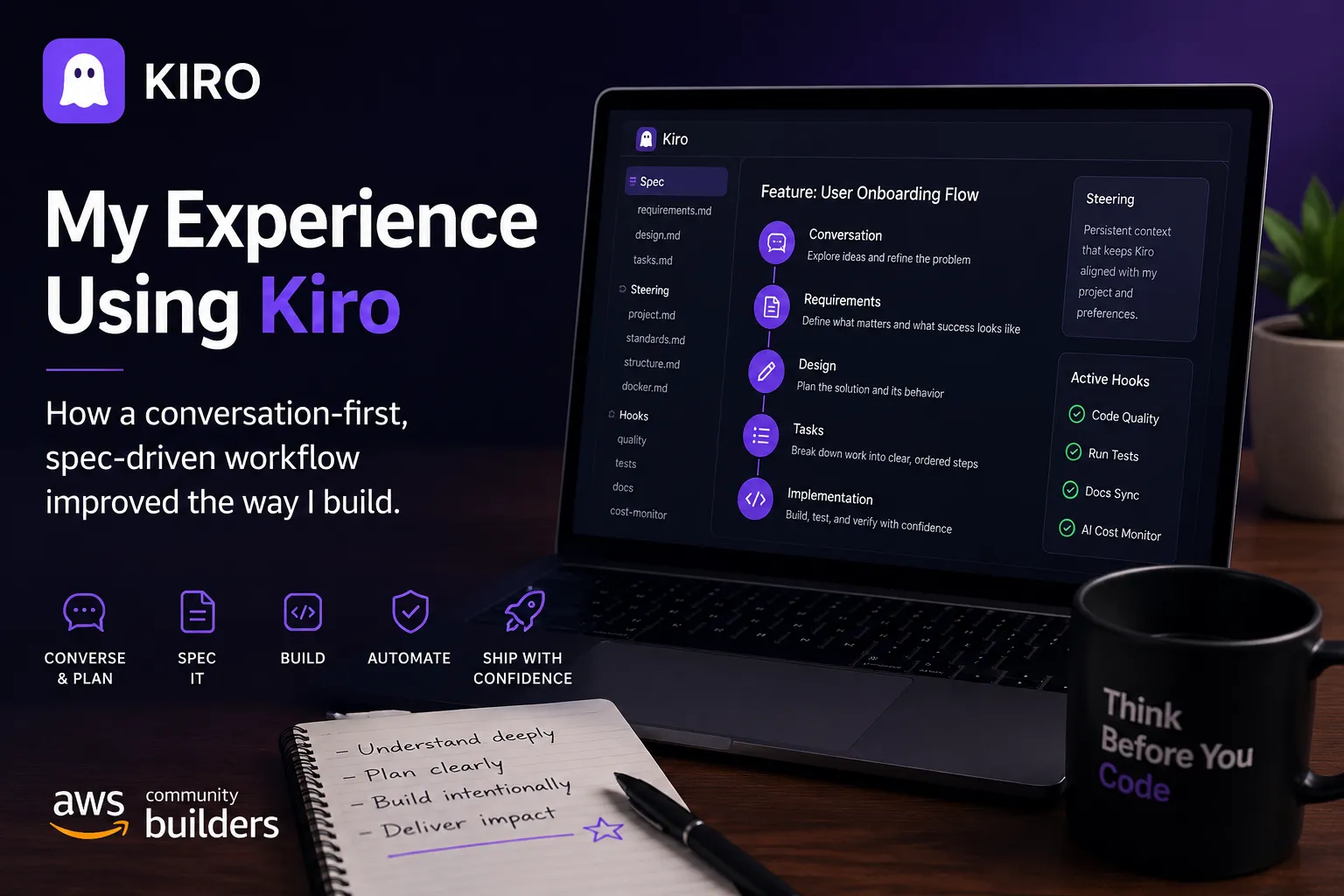
How My Experience Using Kiro Changed the Way I Build Software
AI coding assistants can do more than generate code. In this article, I share how Kiro has become part of my daily development workflow and the practical habits that have helped me plan better, reduce rework, and build more intentionally.

I'm always curious about tools that can improve the software development experience. Over the past few months, one tool that has genuinely changed how I approach development is Kiro.
Like many engineers, I initially thought of AI coding assistants as tools that simply generated code faster. Kiro challenged that assumption. Instead of helping me write more code, it has helped me think more clearly before writing any code at all.
Starting with Brainstorming Instead of Code
One of the biggest changes in my workflow is that I now begin almost every feature with a conversation.
Rather than immediately opening my editor and coding, I explain the idea to Kiro, ask questions, explore alternatives, and think through potential challenges. Sometimes it's a new feature, sometimes it's improving an existing workflow, and other times it's simply deciding which approach makes the most sense.
Those early conversations have saved me from implementing solutions that I would have ended up redesigning later.
Planning Before Building
Another habit I've developed is using Kiro's specification (Specs) workflow before jumping into implementation.
Instead of keeping requirements in my head or scattered across notes, I let Kiro help organize ideas into structured specifications. Specs encourages me to answer questions like:
- What problem am I solving?
- What should success look like?
- What should stay unchanged?
- What edge cases should I consider?
I've found myself using this process for new features and bug fixes. Spending a little extra time thinking through the expected behavior has significantly reduced the number of regressions I introduce.
It's a simple habit, but one that has made development much more intentional.
Kiro Learns How You Like to Work
One feature I've grown to appreciate is Steering.
Instead of repeatedly explaining my preferred coding style, project structure, or development practices, I can define them once and let Kiro use that context in future conversations.
Over time it begins to feel less like starting from scratch every session and more like collaborating with someone who already understands your project and the way you like to work.
That continuity makes a noticeable difference.
Small Automation, Big Productivity
I also enjoy using Kiro's hooks to automate repetitive tasks.
Whether it's formatting code, running checks, or keeping documentation updated, these small automations remove many of the little interruptions that normally break concentration.
Rather than remembering to run several commands manually, I can stay focused on solving the problem in front of me.
It's Not About Writing Code Faster
One thing I've realized after using Kiro is that the biggest productivity gain isn't necessarily speed.
It's clarity.
When I spend more time understanding the problem before implementation, I spend much less time fixing mistakes afterward. Features tend to come together with fewer rewrites because there's already a clear understanding of what "done" should look like.
Ironically, slowing down at the beginning has helped me finish work sooner.
What I've Learned
If you're just getting started with Kiro, here are a few things I'd recommend:
- Start every feature with a spec instead of immediately writing code.
- Take advantage of specifications they help organize your thinking as much as your implementation.
- Spend a little time setting up Steering so Kiro understands your preferred workflow.
- Automate repetitive tasks with hooks whenever possible.
- Kiro is more than an AI coding assistant. Think of it as a development partner that helps you reason through problems.
Final Thoughts
Every developer has a different workflow, and there isn't a single tool that fits everyone. Kiro has become part of how I think through software development from the first idea to the final implementation.
As someone building AI-powered applications and experimenting with new technologies, I've found that Kiro encourages something that's often overlooked in modern development: taking the time to think before building.
And in my experience, that's where the biggest productivity gains come from.
I'm looking forward to seeing how Kiro continues to evolve, and I'm excited to keep exploring how it fits into my day-to-day development workflow.
Enjoyed reading this content? Let the author know!
Your likes, comments, shares, and saves help creators reach more builders.

Loading recommendations
Loading article