
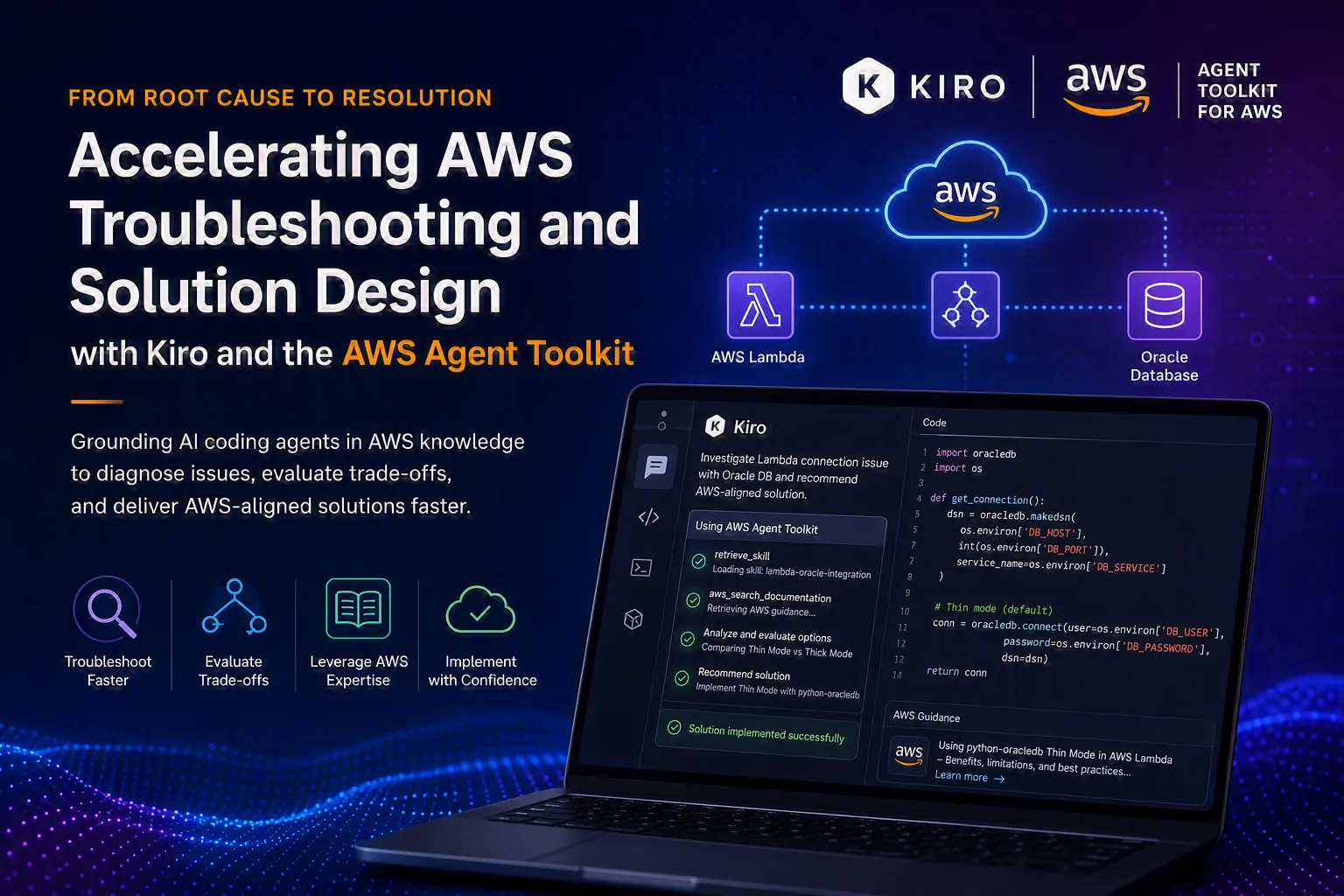
From Root Cause Analysis to AWS-Aligned Solutions with Kiro and the AWS Agent Toolkit
As organizations embrace new ways of working with AI-powered development tools, success increasingly depends on grounding AI agents in trusted domain expertise. This post demonstrates how Kiro and the AWS Agent Toolkit work together to accelerate troubleshooting, reduce context switching, and help engineers make informed architectural and implementation decisions using AWS-specific knowledge.

The rise of AI-powered engineering tools such as Kiro and Claude Code has dramatically changed how developers investigate, troubleshoot, and resolve software issues. However, the problems themselves have not fundamentally changed.
Whether it's a service failing to connect to a database, an intermittently unresponsive user interface, or connection pools collapsing under load, the underlying questions remain the same:
- Is the issue caused by credentials, networking, or firewall configuration?
- Are query timeouts, thread starvation, or resource exhaustion responsible for the degradation?
- Is the bottleneck rooted in configuration, capacity planning, or application behavior?
These are the same classes of problems engineers faced a decade ago in J2EE and Oracle environments, and they continue to surface in today's cloud-native and serverless architectures. The difference is not in the nature of the challenges, but in our ability to diagnose issues, evaluate implementation options, and validate AWS-aligned solutions faster. Traditionally, engineers investigate these problems by switching between documentation, architecture references, and development environments. While AI coding agents help automate many tasks, they are most effective when grounded in accurate, domain-specific knowledge.
In this blog post, we explore how Kiro, powered by the AWS Agent Toolkit, uses AWS-curated skills, documentation, and best practices to help engineers troubleshoot issues, evaluate implementation options, and deliver AWS-aligned solutions more efficiently through real-world use cases.
Throughout this post, Kiro serves as the AI coding agent, while the AWS Agent Toolkit provides access to AWS-curated skills, documentation, implementation guidance, and best-practice guardrails. By grounding the agent in AWS-specific knowledge, the Toolkit helps Kiro troubleshoot issues, evaluate implementation trade-offs, and recommend AWS-aligned solutions with greater confidence and consistency.
Before diving into the use case, let's first understand what the AWS Agent Toolkit is and how to configure it.
What is Agent Tool Kit?
The Agent Toolkit for AWS equips AI coding agents with the tools, contextual knowledge, and governance controls needed to operate effectively across AWS services.
In this model, Kiro acts as the AI coding agent, while the AWS Agent Toolkit provides the AWS-specific tools, documentation access, skills, and guardrails that enable the agent to make better-informed decisions.
How to Get Started with the AWS Agent Toolkit and Kiro ?
Prerequisite: Need to have AWS credentials with right permission configured.
1. Update your MCP server configuration (mcp. json) with following details,

Fig 1 - MCP server configuration
2. Create Kiro’s global steering with following rules.
These rules guide the Kiro agent in determining when and how to invoke the appropriate tools exposed through the MCP server configured in the previous step.

Fig 2 - Global steering rule for Kiro's Agent
One of the key capabilities of the MCP server is the retrieve_skill tool, which allows agents to load task-specific AWS skills containing curated expertise, implementation guidance, best architectural practices, and reference materials. By grounding the agent in AWS-authored knowledge, it helps reduce guesswork, improves recommendation quality, and increases consistency across complex troubleshooting and implementation tasks. The value of the AWS Agent Toolkit is not simply that it helps agents generate code, but that it grounds their recommendations in AWS-specific knowledge, documentation, and best practices.
The following example demonstrates how combining AWS-curated skills and documentation enables Kiro to accelerate troubleshooting, evaluate implementation trade-offs, and recommend an AWS-aligned solution. In this example, the challenge was not only identifying the root cause of the failure but also selecting the most appropriate AWS-aligned implementation approach.
Case Study: Oracle DB + Lambda service integration issue
Python-based AWS Lambda function needs to be connected to an Oracle database using the python-oracledb library. During execution, function fails with
1
2
3
4
5
"DatabaseError: DPI-1047: Cannot locate

a 64-bit Oracle Client library:

"/opt/oracle/instantclient/libclntsh.so:

cannot open shared object file:

No such file or directory"
The error occurs because the application is attempting to connect in “Thick Mode,” which requires the external Oracle Instant Client libraries. Packaging application with this library would violate the AWS Lambda hard limit of 250MB for unzipped deployment packages/layers. The team needed to identify both the root cause and the most appropriate implementation approach to address the issue within AWS Lambda deployment constraints.
How Kiro, powered by the AWS Agent Toolkit, Solved It
- Described the problem as mentioned above to Kiro Agent
- It leveraged the aws_search_documentation tool provided by the AWS Agent Toolkit to retrieve AWS-recommended guidance and evaluate the trade-offs between python-oracledb Thin Mode and Thick Mode running within a Lambda container image.

Fig 3 - search documentation tool call from AWS MCP server
Before evaluating the solution options, Kiro invoked the retrieve_skill tool to load relevant AWS implementation guidance and best practices associated with Lambda-based integrations with OracleDB. It helped to understand constraint and recommend AWS aligned implementation strategy.
- Additionally, Kiro used the AWS Agent Toolkit's documentation retrieval capabilities to gather AWS guidance on database connection pooling considerations.

Fig 4 - search documentation tool for DB connection pool details
- After validating the trade-offs, Kiro proposed the required Thin Mode implementation changes and generated supporting unit tests to validate the solution.
- After implementing the recommended changes, the Lambda function was successfully deployed and established connectivity with the Oracle database.
Without the AWS Agent Toolkit, developers often need to navigate multiple documentation sources, community forums, and iterative prompting cycles to investigate and validate potential solutions. By providing AWS-curated documentation, skills, and implementation guidance directly within the IDE, the Toolkit helps reduce context switching, minimizes unnecessary iterations and accelerates AWS-aligned resolution.
Conclusion
One of the biggest advantages of the AWS Agent Toolkit is that it grounds AWS expertise directly into the development workflow. Rather than switching between documentation sites, the AWS Console, terminal windows, and development tools, engineers can access AWS-recommended guidance, architectural best practices, and troubleshooting assistance directly within Kiro. This not only reduces context switching but also helps teams move more efficiently from problem identification and architectural evaluation to validated AWS-aligned implementations.
As AI-assisted development becomes increasingly common, grounding agents in AWS-specific knowledge and best practices will be critical to deliver accurate recommendations and production-ready outcomes.
Enjoyed reading this content? Let the author know!
Your likes, comments, shares, and saves help creators reach more builders.

Loading recommendations
Loading article