
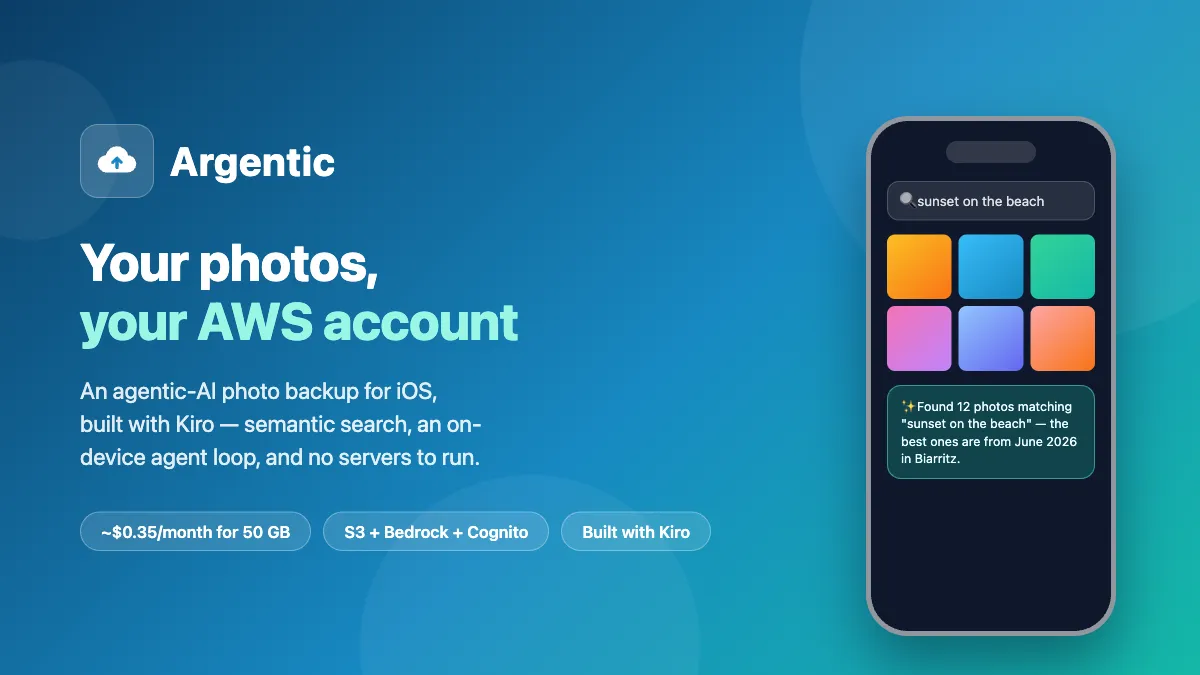
Your photos, your AWS account: building an agentic-AI photo backup for iOS with Kiro — no servers
Argentic backs up an iPhone photo library to the owner's own S3 bucket for ~$0.35/month, with on-device semantic search and a Bedrock-powered assistant — zero servers to run. This is the architecture story and the Kiro agentic-development workflow behind it, with the real ADRs published.
Series: NGDE (1 article)
- 1Your photos, your AWS account: building an agentic-AI photo backup for iOS with Kiro — no servers This article

Like a lot of people, I was paying a monthly subscription for photo storage while being, professionally and personally, an AWS customer with an account that could store the same photos for a fraction of the price. S3 Intelligent-Tiering stores rarely-viewed photos at about $0.004/GB/month: for a typical 50 GB library, that lands around $0.35/month — total.
So I built Argentic : an iOS app that backs up your photo library to a bucket you own, makes it searchable by meaning ("sunset on the beach"), and gives you an AI assistant that can find, describe, and propose cleanup of your photos.
Two things make it worth writing about:
- There is no server anywhere. No Lambda, no API Gateway, no container. The iPhone talks to S3, Cognito, and Bedrock directly, with short-lived credentials scoped to the signed-in user.
- It was built end-to-end with Kiro as the engineering agent — and the actual architecture decision records from those sessions are published on my site . This article is both the architecture story and the workflow story.
What the app does
- Automatic backup of photos, videos and Live Photos to your S3 bucket, uploaded straight into Intelligent-Tiering
- Semantic search — a CLIP-family model (MobileCLIP-S0, CoreML) runs on the iPhone and embeds both your photos and your queries into the same vector space; the index lives in S3 Vectors, in your account
- AI assistant — a chat agent (Claude Haiku via Amazon Bedrock) with read-only tools: search, describe a photo, storage stats, and a deletion proposal pattern where the agent selects candidates but only you can confirm
- AI Memories — a warm monthly recap of last month's photos, generated from captions already sitting in the vector index
- Household sharing — family members sign in with their own Apple ID and get an IAM-isolated space in the same bucket
The architecture: your AWS account is the backend

The auth chain does all the heavy lifting: Sign in with Apple → Cognito Identity Pool (enhanced flow) → temporary STS credentials on the device.
From there, the app presigns its own uploads, lists its own prefixes, queries its own vector index and invokes its own model. Every AWS call in the app is made with credentials that expire within the hour and that IAM confines to the signed-in user's data.
From there, the app presigns its own uploads, lists its own prefixes, queries its own vector index and invokes its own model. Every AWS call in the app is made with credentials that expire within the hour and that IAM confines to the signed-in user's data.
An agent loop that runs on the phone. The assistant is a plain Converse tool-calling loop — on the device:
1
2
3
4
5
6
7
8
9
10
11
for _ in 0..\<Self.maxToolRounds {
    let output = try await client.converse(input: ConverseInput(
        inferenceConfig: .init(maxTokens: Self.maxTokens),
        messages: history,
        modelId: Self.modelId,
        system: [.text(Self.systemPrompt)],
        toolConfig: .init(tools: Self.toolConfig())
    ))
    // append the assistant message, surface text to the UI,
    // execute requested tools, append results, loop…
}
Running an agent on a consumer device with the owner's credentials forces you to treat guardrails as architecture, not as an afterthought:
- IAM allows exactly one model ID — the role can't invoke anything else
maxTokenscap, bounded tool rounds, bounded history - A history-repair invariant: if a tool round fails midway (throttle, expired session), the conversation history can end with a dangling
toolUse— and the next call gets rejected by Bedrock. Before every send, the app rolls the history back to the last complete exchange.
That one came from a real bug in my pocket. - A CloudWatch alarm emails the account owner if the assistant ever exceeds 1M input tokens in an hour. Normal conversations use a few thousand.
- The agent never deletes anything. It proposes; a human confirms in the UI. The bucket is the only copy of nothing (your photos stay on the phone), but the pattern generalizes.
Semantic search without a per-photo AI bill
Captioning every photo with a cloud model would mean a per-photo cost forever and photos leaving the account. Instead, everything per-photo runs on-device: Apple Vision produces labels and OCR, MobileCLIP-S0 produces a 512-dim embedding, and the app pushes vector + metadata to S3 Vectors at upload time (with a self-healing backfill pass for history). Queries go the other way: your text is embedded on-device and S3 Vectors returns the nearest photos in ~100ms. Bedrock only ever sees the single thumbnail you explicitly ask the assistant to look at.
Multi-tenancy in one IAM policy line
Family sharing is enforced by AWS, not by app code, using Cognito policy variables:
1
arn:aws:s3:::\<bucket\>/photos/${cognito-identity.amazonaws.com:sub}/*
Each Apple ID maps to a stable Cognito identity; each identity is confined to its own prefix. A tenant cannot read — or delete — another tenant's photos even with a raw S3 client. An admin-managed
entitlements.json per tenant gates features (assistant, semantic search, delete, storage quota).What it costs
| Item (50 GB library, one user) | Monthly |
|---|---|
| Photos (Intelligent-Tiering, mostly archive tiers after 90 days) | ~$0.25 |
| Thumbnails + vector index | ~$0.10 |
| Assistant (Claude Haiku, normal usage) | pennies |
| Total | ~$0.35 |
Built with Kiro: the workflow that shipped it
This is the part I get asked about most. A few patterns did the heavy lifting:
1. Cross-session memory. The repo carries an
AGENTS.md pointing to a project memory file with a "resume point" at the top: current state, in-flight operations, next commands, known traps. Every session starts with "load the project" and continues exactly where the last one stopped — including multi-day operations like a 48-hour Glacier restore running in the background while app features shipped in parallel.2. Decide → persist → implement. Every significant feature started as an ADR written before the code, in a recorded Q&A (one question at a time, recommendation first). ADR-002 pins the trade-off table that chose on-device embeddings over cloud captioning; ADR-003 documents the multi tenant design including its sequencing trap: deploying the strict IAM role before shipping the new app version would have bricked the installed app. The order — migrate data, ship the app, then tighten IAM — is written down as a first-class engineering artifact. Those files are published as-is, lightly redacted .
3. Verification gates everything. Every change ended with a build and the test suite (91 tests and counting); every infrastructure change ended with a real deployment. The CloudFormation template failed its first real deploy because IAM descriptions only accept ASCII — an em-dash, caught only because the agent actually deployed the stack rather than declaring the
template "valid".
template "valid".
4. A feature day, end to end. The multi-tenant day went: morning — decision + ADR; midday — implementation with the test suite green; afternoon — server-side migration of 1,700+ objects, verified counts, then the strict IAM role deployed in the right order; evening — shipped on TestFlight and validated on-device. One day, because nothing had to be re-explained and every step left verifiable artifacts.
5. Honest division of labor. The human decided the product pivots, the naming, and every destructive or irreversible action. The agent decided — and executed — everything reversible, and stopped to ask when it wasn't.
Update, October 2026: from TestFlight to the App Store
Argentic is now on the App Store , free, in 175 countries. Getting there took a few more lessons than the code did:
Argentic is now on the App Store , free, in 175 countries. Getting there took a few more lessons than the code did:
- Apple review. The first submission was rejected under guideline 3.1.1, because the setup screen looked like it sold something. Argentic sells nothing: you pay AWS directly for your own storage. The fix was wording, not code, plus a demo stack for the reviewers.
- Account deletion with no backend. Apple requires in-app account deletion (guideline 5.1.1(v)). With no developer server, "delete the account" means deleting the user's own data and identity in their own AWS account, from the phone. That decision is ADR-005.
- Consent before the AI sees anything. The assistant now asks once, before its first request, and names where the model runs (the EU, Japan, Australia or, in Singapore, globally).
A 30-day Trash. Deleted photos stay restorable for 30 days, using S3 versioning in your own bucket; the IAM policy scopes each family member to their own deleted photos. - Model choice, measured. I tested Claude Sonnet 5.5 against Haiku 4.5 on a fixed set of trick questions: Sonnet scored higher (100 % vs 88.9 %) but its first word came 4.6 times later, so the assistant stays on Haiku.
- The EU needs one more form. Approved apps stay invisible in the 27 EU countries until the developer files the Digital Services Act trader status.
What's next
- Streaming responses for the assistant (ConverseStream)
- Apple Foundation Models (iOS 27) as an offline fallback brain — the
newLanguageModelprotocol lets the same session code swap between the
on-device model and Bedrock - Presigned video streaming, and a "Free Up Space" feature gated on S3 versioning as a safety net
Try it
- Get the app: Argentic on the App Store (free)
- Deploy your stack (about 5 minutes, console or CloudShell, no terminal needed): deployment guide
- Read the decision trail: architecture decision records
Costs are indicative, eu-west-1 pricing. Your photos never leave your account; the only AI that sees a photo is the one you explicitly point at it.
Series: NGDE (1 article)
- 1Your photos, your AWS account: building an agentic-AI photo backup for iOS with Kiro — no servers This article
Enjoyed reading this content? Let the author know!
Your likes, comments, shares, and saves help creators reach more builders.

Loading recommendations
Loading article