

7 AWS Services That Still Cost You Money
Deleting your main AWS resources does not always stop the charges. In this article, you’ll learn how to identify seven AWS resources that can remain active and continue generating costs, helping you avoid unexpected charges before they appear on your bill.

One of the biggest misconceptions about AWS is believing that terminating an Amazon EC2 instance immediately stops every related charge. Unfortunately, that isn’t always the case.
Many AWS services and resources can continue generating charges even after you think you’ve removed your entire environment. In many situations, the primary resource has been deleted, but storage, networking, backups, monitoring, or logging resources remain active.
In this article, you’ll learn about seven AWS services and resources that commonly continue generating charges and what you should check before considering your environment completely removed.
1. Elastic IP Addresses
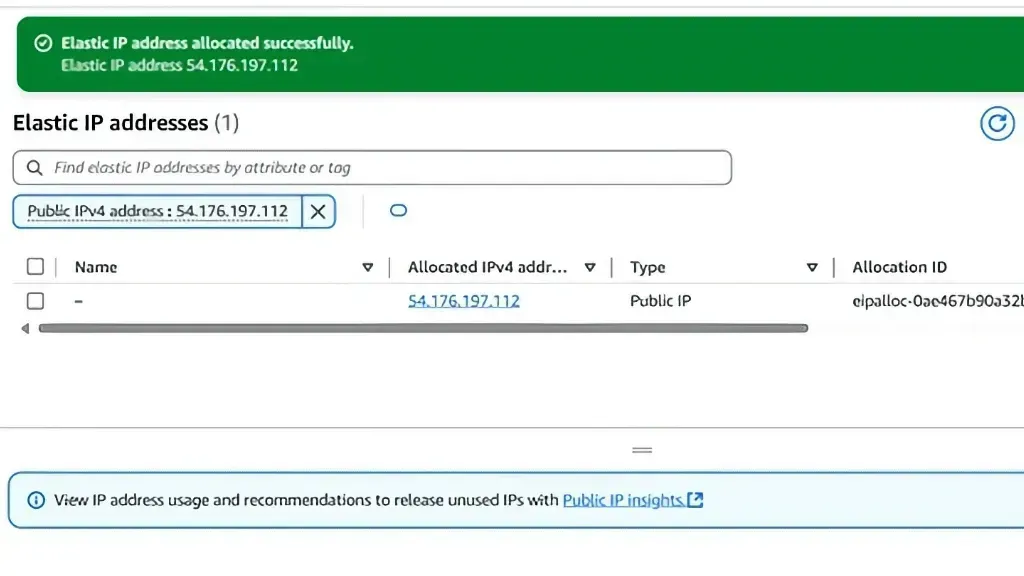
Many people terminate an Amazon EC2 instance but forget to release the associated Elastic IP address.
AWS charges for public IPv4 addresses, including Elastic IP addresses. Even after the associated resource has been removed, an Elastic IP that remains allocated to your account can continue generating charges until it is released.
Before considering your environment fully cleaned up:
- Release any Elastic IP addresses you no longer need.
- Review your Elastic IP inventory in the Amazon EC2 console.
2. Amazon EBS Volumes
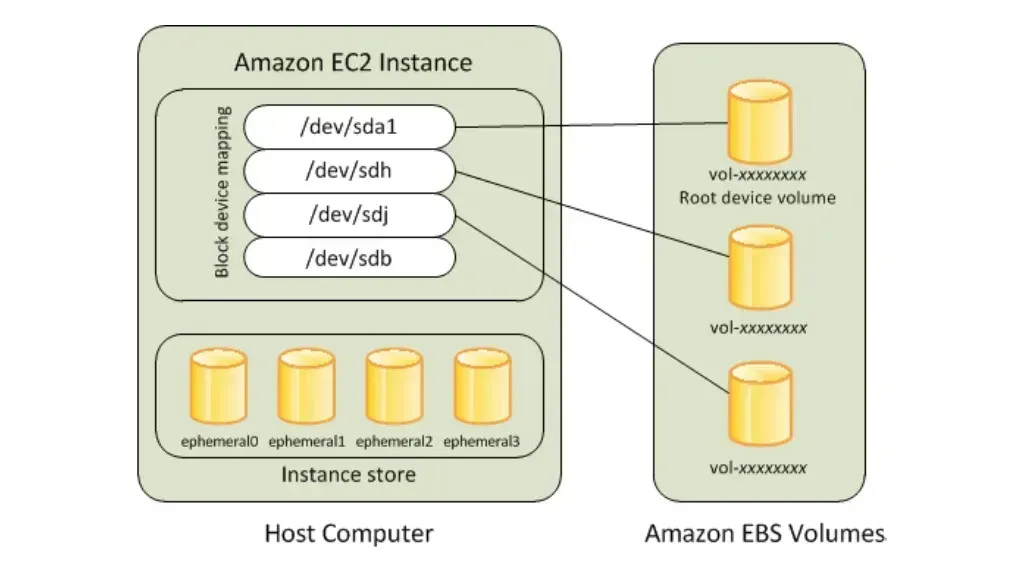
Terminating an Amazon EC2 instance does not always delete its Amazon EBS volumes.
Whether a volume is deleted depends on the Delete on Termination setting. If this option is disabled, the volume remains in your account and continues generating storage charges.
Before considering your environment fully cleaned up:
- Check for unattached Amazon EBS volumes.
- Delete any volumes that are no longer needed.
3. EBS Snapshots
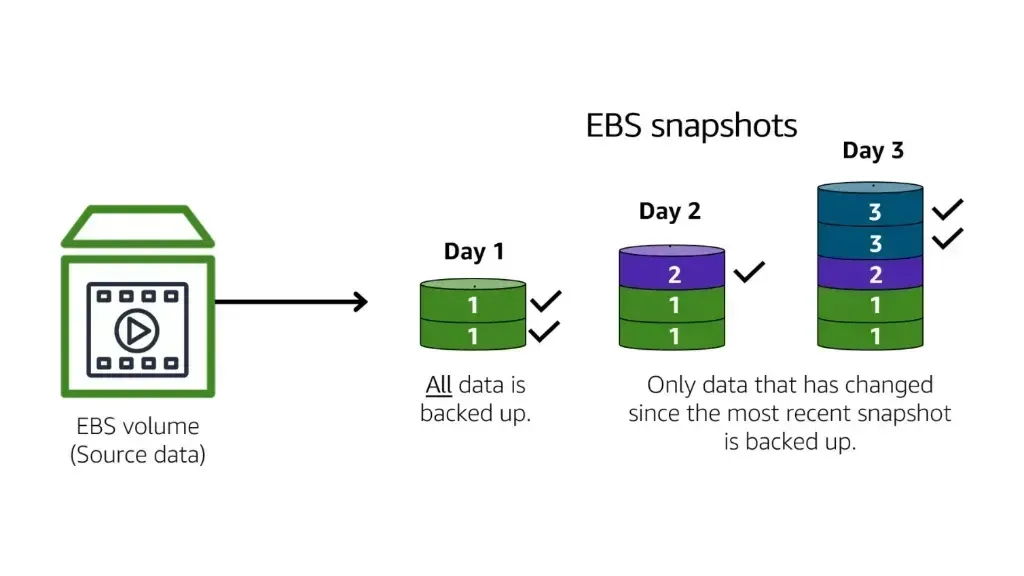
Amazon EBS snapshots are often created during backups, testing, or system updates, but they’re frequently forgotten afterward.
Snapshots are billed separately from EBS volumes and are not automatically deleted when an instance or volume is removed.
Before considering your environment fully cleaned up:
- Review older snapshots.
- Keep only the snapshots required for backup or disaster recovery.
4. NAT Gateway

This is one of the most common unexpected charges for people new to AWS.
A NAT Gateway incurs an hourly charge for as long as it remains provisioned, even if no instances are using it. Data processing charges may also apply whenever traffic flows through it.
Deleting all your Amazon EC2 instances without deleting the NAT Gateway means it can continue generating charges.
Before considering your environment fully cleaned up:
- Delete NAT Gateways that are no longer needed.
- Release the associated Elastic IP addresses after deleting the NAT Gateway.
5. Application Load Balancer
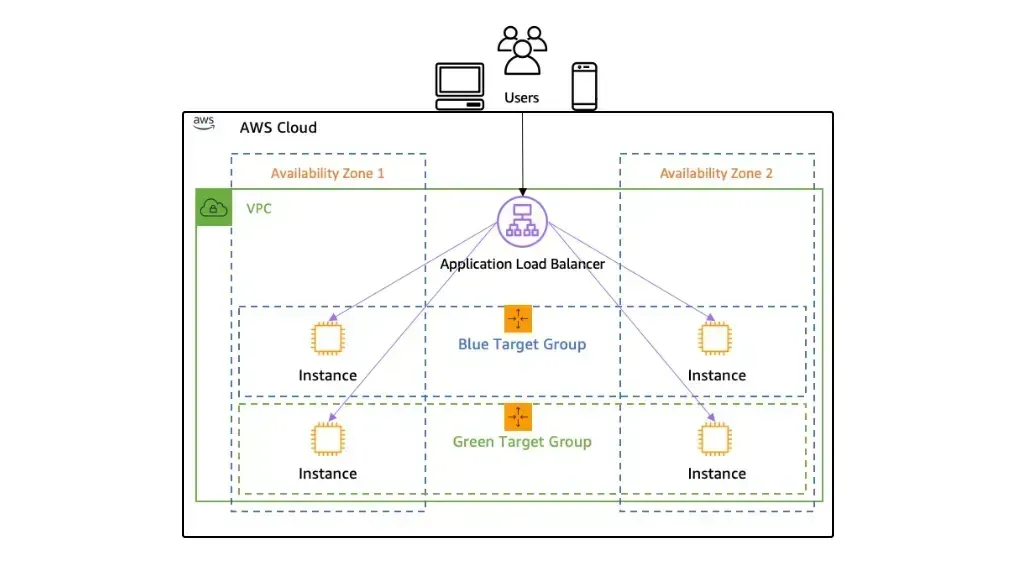
Deleting your application servers does not automatically delete the Application Load Balancer.
As long as the load balancer remains active, it continues generating charges.
Before considering your environment fully cleaned up:
- Review your existing Load Balancers.
- Remove those that are no longer serving applications.
6. CloudWatch Logs

Many applications send logs to Amazon CloudWatch Logs.
Even after an application has been deleted, its log groups may remain stored indefinitely if no retention policy has been configured, continuing to generate storage charges.
Before considering your environment fully cleaned up:
- Configure appropriate log retention policies.
- Remove log groups that are no longer required for operations, auditing, or compliance.
7. Amazon S3
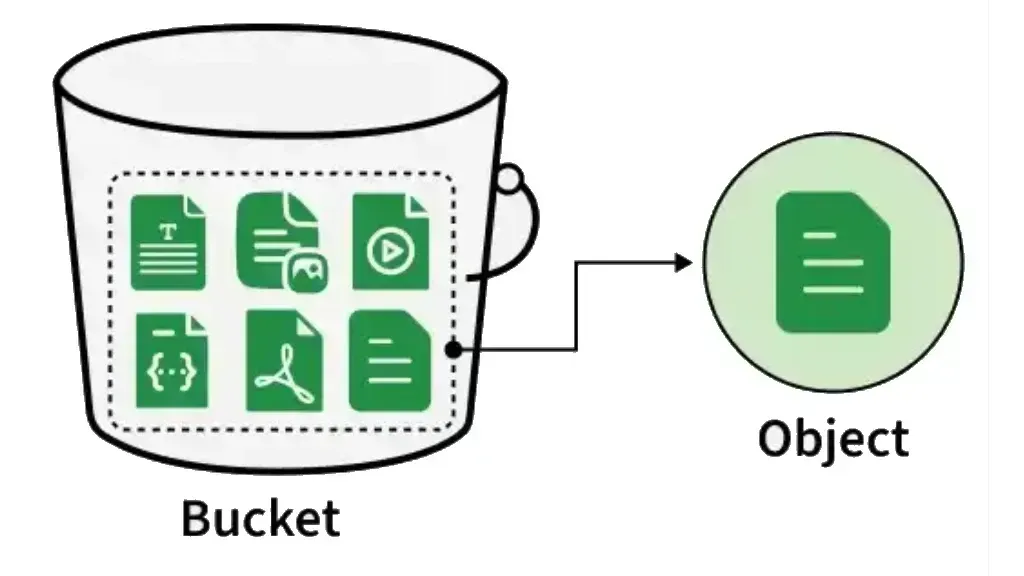
Amazon S3 buckets are often forgotten after temporary projects or testing environments.
Although storage costs may seem small at first, backups, installation files, versioned objects, and large datasets can remain stored for months or even years.
Before considering your environment fully cleaned up:
- Review the contents of your buckets.
- Delete objects or buckets that are no longer needed.
- Configure S3 Lifecycle rules to transition or automatically remove data when appropriate.
Simple Final Checklist
Before considering your AWS environment completely removed, review the following:
- Elastic IP Addresses
- Amazon EBS Volumes
- Amazon EBS Snapshots
- NAT Gateways
- Application Load Balancers
- Amazon CloudWatch Logs
- Amazon S3 Buckets
Also remember to review every AWS Region where you created resources, since charges can originate from resources deployed outside your current Region.
Taking a few minutes to review these resources can help prevent unexpected charges on your next AWS bill.
Conclusion
Unexpected AWS charges often happen because supporting resources have independent lifecycles from the primary workload.
Making this checklist part of your environment cleanup process can help reduce unnecessary costs, avoid resource sprawl, and reinforce good cloud cost management practices.
Enjoyed reading this content? Let the author know!
Your likes, comments, shares, and saves help creators reach more builders.

Loading recommendations
Loading article