
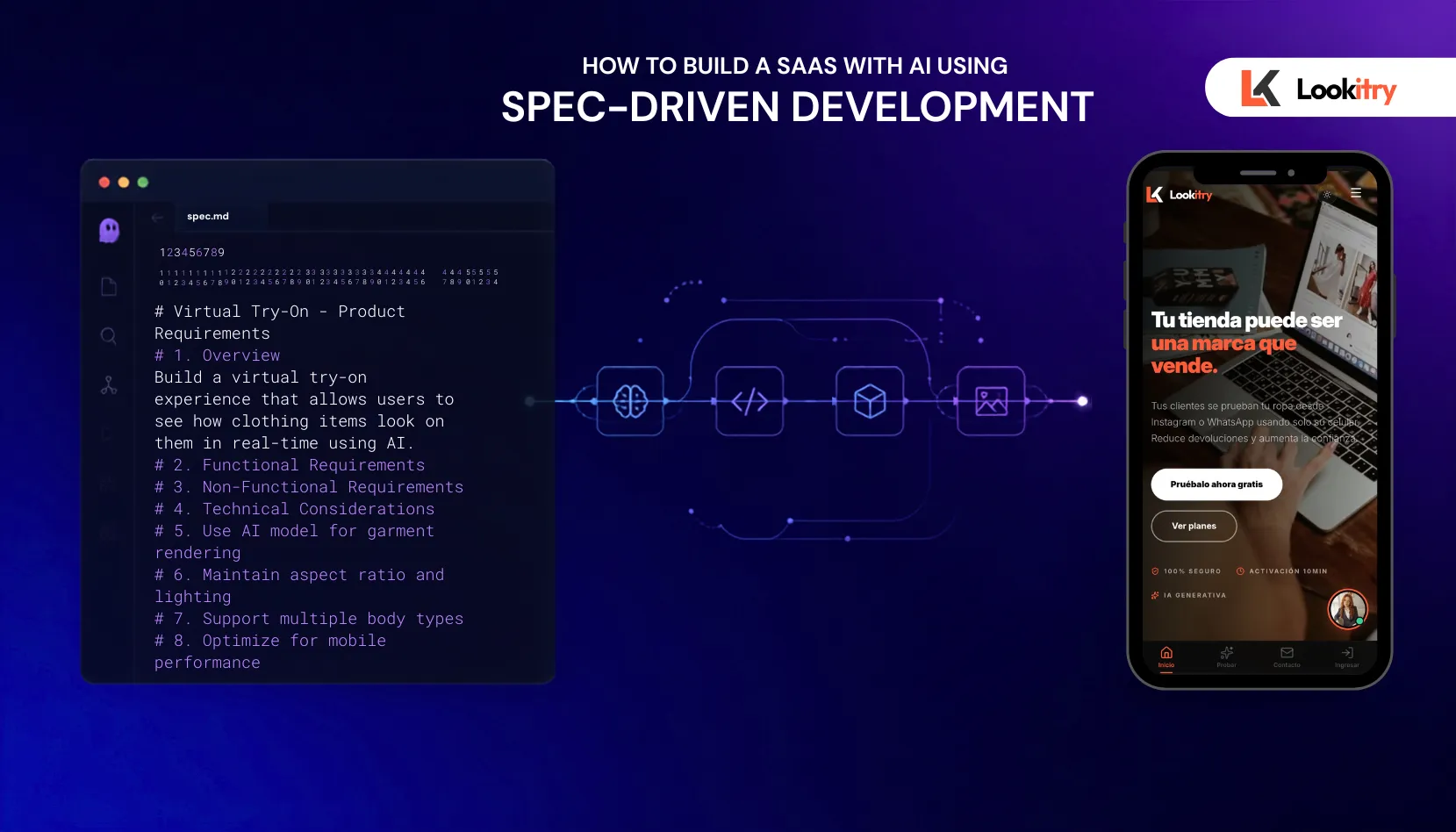
How to Build a SaaS with AI Using Spec-Driven Development in Kiro IDE
Step-by-step breakdown of how Lookitry — an AI virtual try-on platform accepted into AWS Activate — was built using Kiro's spec-driven development workflow from requirements to production.

What We're Building
Lookitry is a B2B SaaS that gives fashion brands an AI-powered virtual fitting room. A customer uploads a selfie, picks a garment, and sees how it looks on them — in seconds. Brands embed it via a widget script or customizable mini-landing page.
The platform handles:
- AI image generation (garment inpainting on real body photos)
- Multi-tenant subscription billing (COP and USD)
- Brand dashboards with analytics
- Embeddable zero-impact widget for any e-commerce platform
- WooCommerce plugin for one-click integration
It was accepted into AWS Activate and Google Cloud for Startups.
🔗 Architecture showcase: github.com/depper-IA/lookitry-showcase
Why Spec-Driven Development?
Building a SaaS solo means you're the architect, the developer, the QA, and the PM. Without structure, you end up with:
- Features that contradict each other
- Half-built components you forgot about
- No documentation for when you revisit code 3 weeks later
Spec-Driven Development (SDD) in Kiro solves this. Before writing any code, Kiro helps you define:
- Requirements — What exactly are we building? With acceptance criteria.
- Design — How does it fit the existing architecture?
- Tasks — What's the implementation checklist?
Only THEN does the agent write code. The specs become your documentation AND your verification criteria.
The Technical Architecture
The platform uses a decoupled architecture with strict separation of concerns:
1
2
3
4
5
6
7
8
9
┌──────────────┐          ┌──────────────┐          ┌──────────────┐

│   Frontend   │  ──API── │   Backend    │  ──────  │  AI Pipeline │

│  Next.js 14  │          │  Express/TS  │          │  (Async)     │

└──────────────┘          └──────┬───────┘          └──────────────┘

                                 │

                    ┌────────────┼────────────┐

                    ▼            ▼            ▼

               Supabase      Storage      Payments

               (Postgres)    (S3-compat)  (Wompi/PayPal)
Key Engineering Decisions
- Self-hosted S3-compatible storage instead of managed cloud storage — cost optimization for high-volume image processing
- Async orchestration — decouples AI inference from the main API for reliability and easy model swapping
- Dual JWT auth — access + refresh tokens for secure multi-tenant isolation
- Zero-impact embeddable widget — engineered to avoid CSS/JS collisions with any host storefront
SDD in Practice: Building a Real Feature
Let me walk through how the premium mini-landing editor was built — a feature that lets brands customize their try-on landing pages with drag-and-drop.
Phase 1: Requirements
I described the feature to Kiro in spec mode:
1
2
Brands need to customize their mini-landing pages: change colors,

upload their logo, set a welcome message, and preview changes in real-time.
Kiro expanded this into structured requirements with Given/When/Then acceptance criteria:
- REQ-1: Brand admin MUST be able to edit landing page colors (primary, secondary, background)
- REQ-2: Brand admin MUST be able to upload a custom logo (max 2MB, PNG/SVG/WebP)
- REQ-3: Changes MUST render in a real-time preview panel
- REQ-4: Published changes MUST reflect on the public mini-landing within 30 seconds
- REQ-5: Editor MUST be accessible (WCAG AA contrast ratios)
No ambiguity. Every requirement is testable.
Phase 2: Design
Kiro generated a technical design:
- Where the editor lives in the existing app structure
- Database schema changes (new
landing_configJSON column) - API endpoints (GET/PATCH
/api/brands/:id/landing-config) - How real-time preview works (local state → publish → CDN invalidation)
- Which existing components to reuse vs. create new
Phase 3: Tasks
The design became a numbered implementation checklist:
1
2
3
4
5
6
7
8
9
1.1 Add landing_config column to brands table (migration)

1.2 Create PATCH endpoint for landing config

1.3 Add input validation with Zod schema

2.1 Build ColorPicker component

2.2 Build LogoUploader with drag-and-drop

2.3 Build LivePreview iframe component

2.4 Wire editor form to API

3.1 Add CDN cache invalidation on publish

3.2 Update public mini-landing to read from landing_config
Phase 4: Implementation
With specs, design, and tasks defined, Kiro implemented each task. The agent had full context of WHY each piece existed because the specs were right there in the conversation.
Total time: idea to deployed feature in ~4 hours (vs. 2-3 days without SDD structure).
The AI Generation Pipeline
The core of Lookitry is a multi-step AI pipeline that processes user photos and generates realistic try-on results. The specifics are proprietary, but what matters for this article is how SDD helped build it:
- The spec defined exact latency requirements (target: under 15 seconds)
- Each failure mode had documented fallback behavior — no silent errors for end users
- The pipeline was designed as decoupled async stages, making it easy to swap AI providers without touching the rest of the system
Without SDD, I would have built a monolithic pipeline that worked for the happy path but broke on edge cases. The spec forced me to think through every failure scenario upfront.
Kiro Features That Made This Possible
Steering Files
Persistent project context in
.kiro/steering/:- Architecture overview
- Naming conventions and API patterns
- Auth flow documentation
- Testing strategy
Every Kiro conversation loads this context automatically. No re-explaining the project each session.
Hooks
Event-driven automations:
- Lint on save (catches issues instantly)
- Schema validation when API files change
- Doc sync reminders when endpoints are added
Spec Mode vs. Vibe Mode
- Spec mode for features that touch multiple files or need architectural decisions
- Vibe mode for quick fixes, one-file changes, exploratory work
The key insight: knowing WHEN to use each mode is what makes you productive.
What SDD Changed
Before
1
2
3
Idea → start coding → realize I need a different approach → refactor →

add feature → conflicts with another feature → hack a fix →

ship something fragile
After
1
2
3
Idea → requirements (scope locked) → design (architecture decided) →

tasks (ordered checklist) → implement (focused) → verify (check spec) →

ship (documented, maintainable)
The biggest change: I stopped writing code I'd later delete. The design phase catches architectural problems before a single line is written.
Results
| Metric | Value |
|---|---|
| Product status | Production with paying customers |
| Programs | AWS Activate + Google Cloud for Startups |
| Payment integrations | Wompi (COP) + PayPal (USD) + manual invoicing |
| Client integration | Widget script + WooCommerce plugin |
| Dev time reduction | ~50% faster on new features with SDD |
| AI pipeline latency | 8-15 seconds per generation |
5 Lessons From Building a SaaS with SDD
1. Specs are not overhead — they're insurance. Every hour on requirements saves 3-4 hours of rework.
2. The AI agent is only as good as its context. Steering files and project conventions make the difference between an agent that guesses and one that nails it.
3. SDD works best for medium-to-large features. A one-line fix doesn't need specs. A new payment integration does.
4. Keep specs alive. When I changed a feature, I updated the spec first. Stale specs are worse than no specs.
5. The design phase saves money. Catching that your schema doesn't support a future feature BEFORE implementation is priceless.
Resources
- Lookitry: lookitry.com
- Architecture Showcase: github.com/depper-IA/lookitry-showcase
- Kiro IDE: kiro.dev
- My Kiro Power (Kommo CRM): github.com/depper-IA/kommo-kiro-power
Built entirely with Kiro using Spec-Driven Development. From first requirement to production — the specs guided every decision.
Enjoyed reading this content? Let the author know!
Your likes, comments, shares, and saves help creators reach more builders.

Loading recommendations
Loading article