
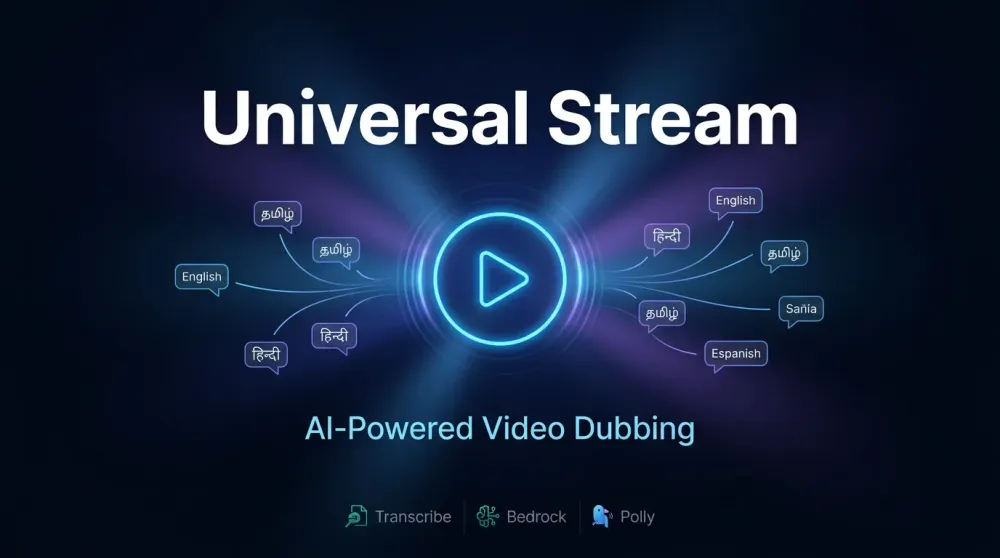
AIdeas: Universal Stream
Language shouldn't limit great content, my app Universal Stream uses AWS AI services like Transcribe, Polly, Bedrock to automatically dub any video into a new language in minutes, making content accessible to global audiences without expensive studios.

App Category
Creative Expression - Universal Stream breaks language barriers in video content industry, enabling creators from various different parts of the world to share their work with global audiences in their native language or a global language like English.
My Vision
Language should never be a barrier to viewing great content. Universal Stream is an AI powered video dubbing platform that automatically transcribes, translates, and dubs any video into a target language, preserving speaker identity through gender-aware voice synthesis.
I built a full-stack web application where users upload a video in any language, select a target language, and receive a professionally dubbed output, all in minutes, with no manual editing required. Typical processing time is 3–5 minutes for a standard video, with transcription and dubbing fully automated end-to-end.
Why This Matters
Over 500 hours of video are uploaded to the internet every minute, yet most of this content stays locked behind large doors called language barriers. For example, Creators in Tamil Nadu, produce incredible regional content that never reaches the global audiences simply due to language problem. Universal Stream changes that, a single upload produces a dubbed version ready for any market.
This matters for:
- Content creators who want global reach without expensive dubbing studios
- Educators who want to share their knowledge to the world
- Businesses expanding into multilingual markets
How I Built This
Architecture overview:
plaintext
User → Next.js Frontend → FastAPI Backend (EC2 t3.medium)↓Amazon S3 (video storage)↓Amazon Transcribe (speech-to-text,auto language detection)↓Meta Llama 3.3 70B via Amazon Bedrock(context-aware translation)↓Amazon Polly (neural TTS,gender-aware voice selection)↓ffmpeg (audio-video merge)↓S3 presigned URL → User download
Key technical decisions:
- Auto language detection via Amazon Transcribe so that there is no need for users to specify source language
- Speaker Identification - detects multiple speakers and assigns gender appropriate Polly voices to each
- Generative engine voices in Polly (us-east-1) for the most natural-sounding output
- Llama 3.3 70B for translation which handles cultural nuance better than rule-based translation
- Deployed on AWS using Dokploy + Docker Compose on EC2, with Traefik for SSL and routing
Demo
In our demo, we dubbed a real speech by the Spanish Prime Minister from Spanish to English - the source language was automatically detected by Amazon Transcribe, translated with cultural context preserved by Llama 3.3 70B via Amazon Bedrock, and dubbed using Amazon Polly's neural generative voices - fully automated in under 5 minutes with no manual editing.
What I Learned
- Multi region AWS architecture - Transcribe and S3 must share the same region, while Bedrock and Polly generative engine are only available in us-east-1. Managing cross-region service calls was a key architectural challenge. Through this I learned that it is easier said than done to integrate multi regional infrastructural tech into a single application
- Speaker Identification complexity - separating speakers and mapping gender-appropriate voices requires careful coordination between Transcribe segments and Polly synthesis. It is still buggy in certain places but works well in most of the cases, I had to use zcr and frequency modulation to find the male and female pitch
- Deployment on EC2 with Traefik - routing conflicts between multiple Docker services on a single domain taught me how Traefik prioritizes rules and how isolated Docker networks interact with reverse proxies.
- Real-world AI latency - chaining four AI services (Transcribe → Bedrock → Polly → ffmpeg) means end-to-end processing takes 2-5 minutes for a typical video. Setting user expectations through real-time progress UI is as important as the pipeline itself.
Future Endeavour
My future vision for this project would be to implement this same technology pipeline to live streams so that people can access the same technology and never miss a moment during live streaming of sports, anime etc.
Enjoyed reading this content? Let the author know!
Your likes, comments, shares, and saves help creators reach more builders.

Loading recommendations
Loading article