I chose Asteroids because I have been building on this project for sometime now, and I stumbled on to this opportunity and decided to build on it more and add a couple of new features to it.
- Effective prompting techniques you discovered
Getting clarity on security questions I had when creating a high score feature on my project.
One effective technique I discovered was asking clear, focused questions, especially around security concerns, because I was able to connect to my DynamoDB while implementing a high score feature. This helped me get more accurate and helpful responses.
- How AI handled classic programming challenges
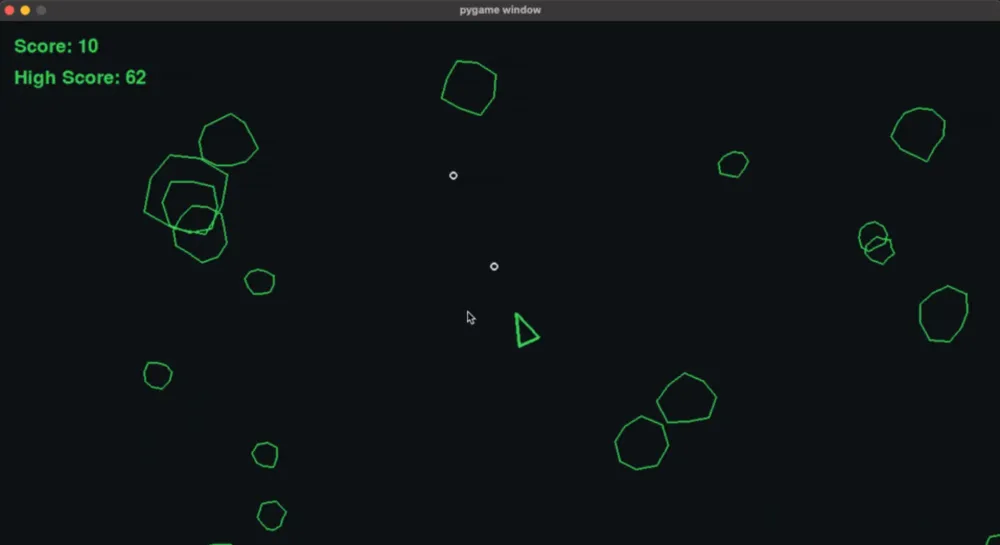
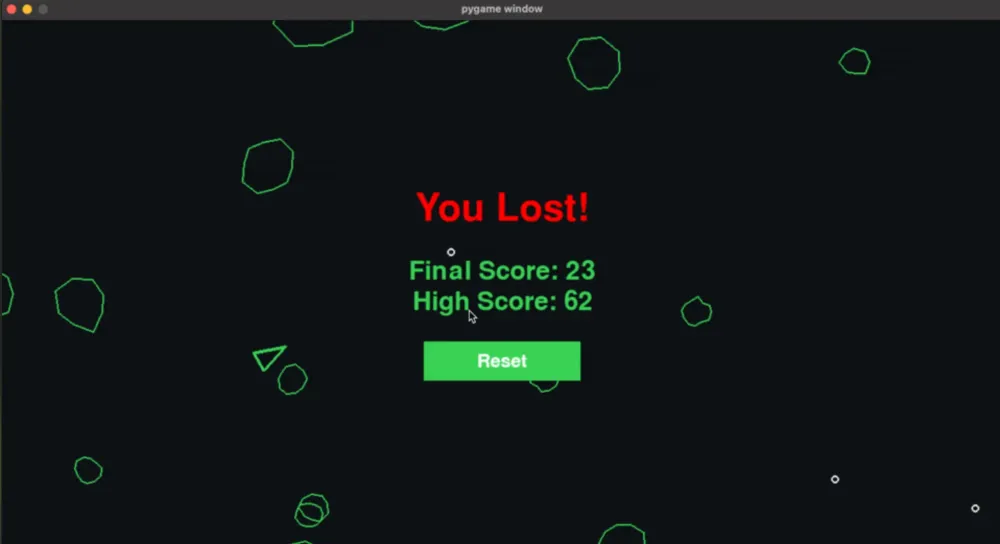
The AI was very affective, thorough, and responsive when helping build features and refine UI adjustments. It clearly explained which files would be modified, what changed, and why. It included helpful documentation and suggestions.
- Examples of development automation that saved you time
Adding new features was defiantly a breeze with having starter code already in place. The AI helped automate the setup and repetitive tasks saving a lot of time.
- Code examples of interesting AI-generated solutions
There were a few things I found interesting, One was that it adds comments to the code that it’s adding which I found helpful. Here’s an example.
1
2
3
4
5
6
7
8
def draw_score(screen, score, high_score=None):
  font = pygame.font.Font(None, 36)
  text = font.render(f"Score: {score}", True, "#39d353")
    screen.blit(text, (20, 20))
  # Display high score if available
  if high_score is not None:
    high_score_text = font.render(f"High Score: {high_score}", True, "#39d353")
    screen.blit(high_score_text, (20, 60))
Another was, for the conversation on q chat I wanted to know if I could export the conversation for review, other than manually copying the conversation I could not, but it did suggest for a new conversation I could have it export to a .txt file with the following command, `q chat > conversation_log.txt`, which I thought was neat.
Another neat suggestion was during a conversation in Q Chat, where I asked about exporting the chat log. While there wasn't a direct way to export an ongoing conversation, it did suggest that in a new session I could run the following command





Loading article