Ask your video: Analyze visual and audio speech in a RAG application
Learn how to create a containerized application to process and search video content using: AWS Step Functions for orchestration, Amazon ECS for parallel processing, Aurora PostgreSQL with pgvector and Amazon Bedrock for embeddings
In this second part of the series, you'll learn how to implement a containerized version of Ask Your Video using AWS Step Functions for orchestration. The application processes video content in parallel streams, enabling natural language search across visual and audio elements.
In Part 1: Building a RAG System for Video Content Search and Analysis, explored implementing a RAG system using jupyter notebook . While this approach works well for prototypes and small applications, scaling presents a principal challenges: Video processing demands intensive CPU resources, especially during frame extraction and embedding generation.
To address these constraint, this blog demonstrates a containerized application that offers improved scalability and resource management. The containerized architecture provides these key benefits:
This architecture creates a application for processing video content at scale.
Architecture Deep Dive
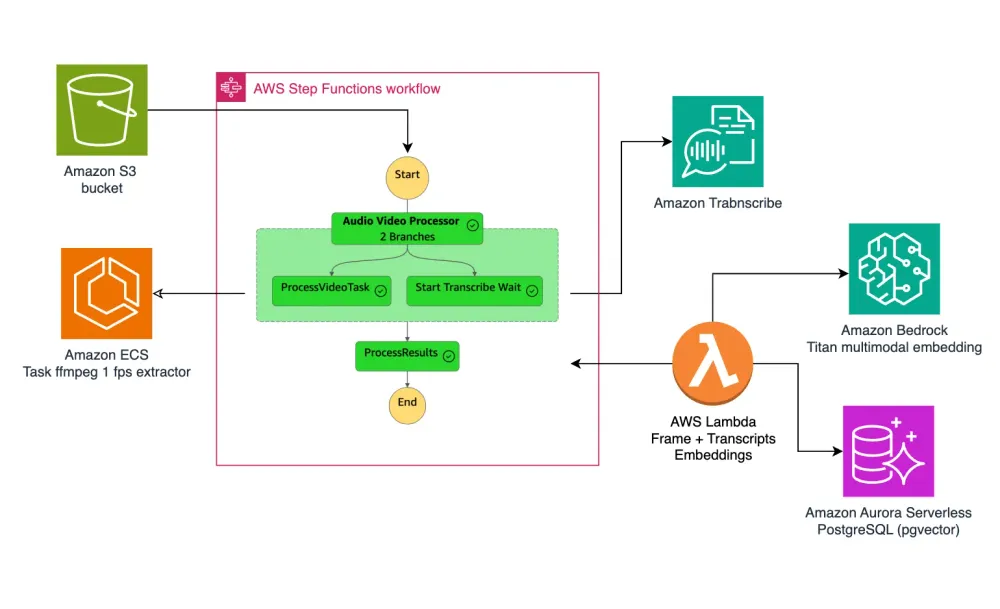
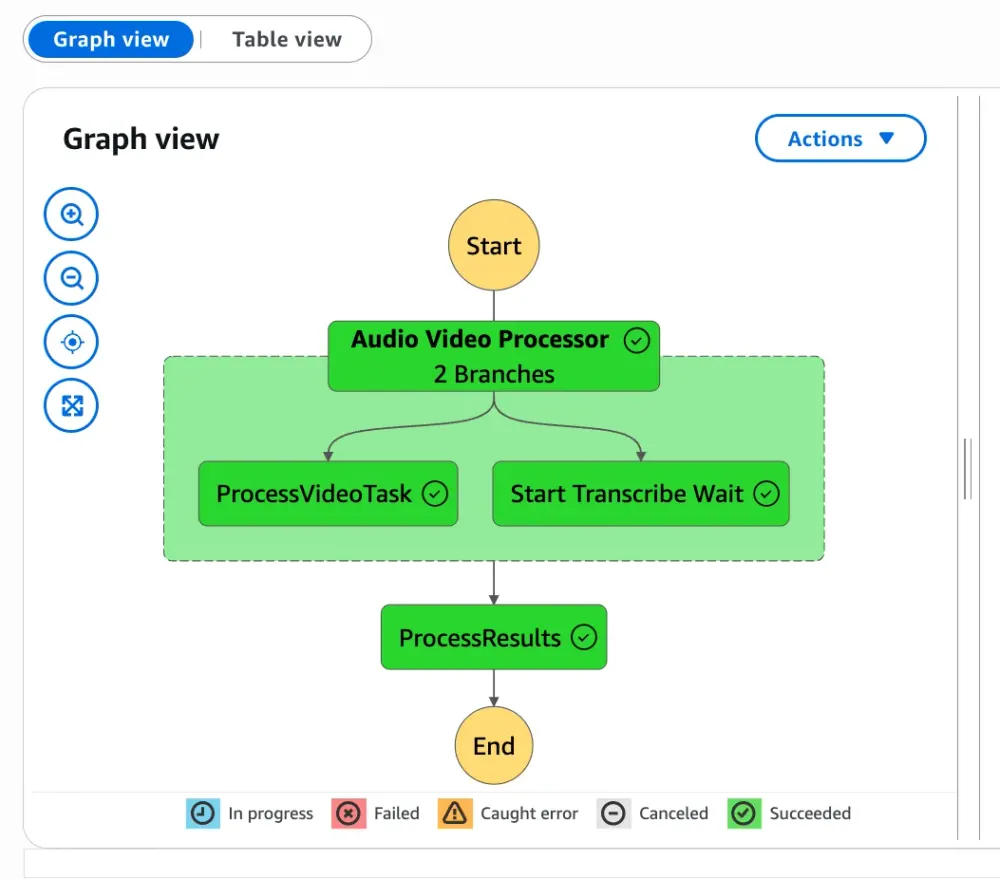
The solution uses AWS Step Functions to orchestrate a parallel workflow that processes both visual and audio content simultaneously:
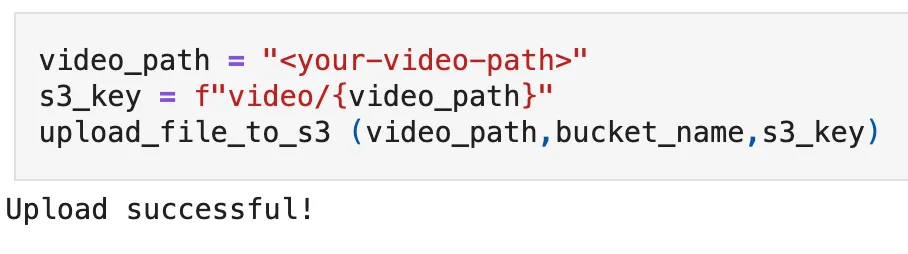
Trigger: When a video is uploaded to Amazon S3, it initiates the Step Functions workflow
Parallel Processing Branches: Visual Branch: - An Amazon ECS task runs a containerized FFmpeg process that extracts frames at 1 FPS - Each frame is processed to minimize storage costs by comparing frame similarity - Unique frames are sent to Amazon Bedrock for embedding generation
Audio Branch: - Amazon Transcribe processes the audio track with speaker diarization enabled - The transcription is segmented based on speaker changes and timing - Text segments are converted to embeddings using Amazon Bedrock
3 . Convergence: - A Lambda function processes both streams' outputs - Generates final embeddings using Amazon Bedrock Titan multimodal model - Stores vectors in Amazon Aurora PostgreSQL with pgvector
Container Implementation
Step 0: Clone the GitHub repository
1
2
git clone https://github.com/build-on-aws/langchain-embeddings
cd container-video-embeddings
Set up the environment:
Create a virtual environment:
1
python3 -m venv .venv
Activate the virtual environment:
1
2
3
4
5
# For Linux/macOS
source .venv/bin/activate

# For Windows
.venv\Scripts\activate.bat
Install dependencies:
1
pip install -r 04-retrieval/requirements.txt
Step 1: Deploy Amazon ECS Cluster for Audio/Video Embeddings Processing
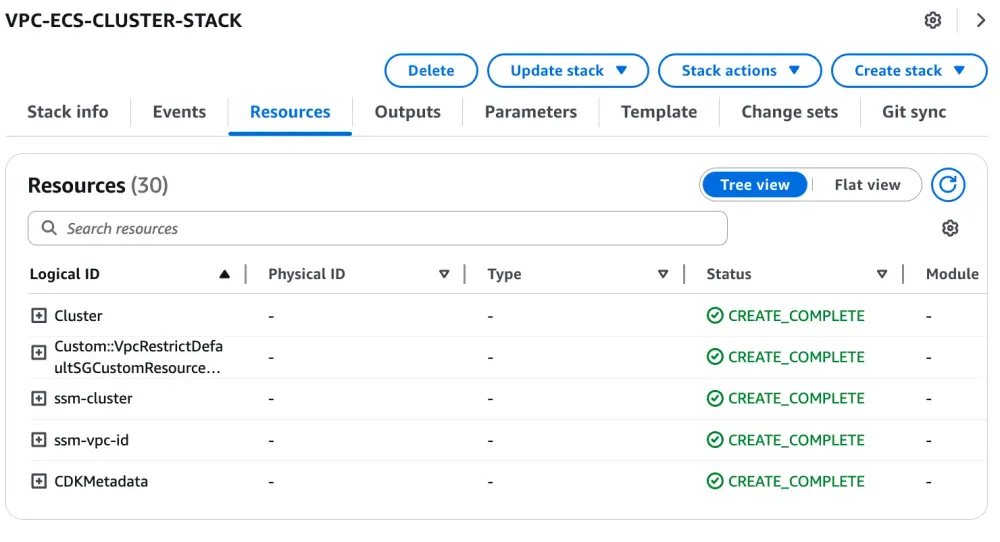
This CDK project creates the foundational infrastructure for an audio and video processing application that generates embeddings from media files. The infrastructure includes:
An Amazon ECS cluster named "video-processing"
A VPC with public and private subnets for secure networking
SSM parameters to store cluster and VPC information for use by other stacks
1
2
cd 01-ecs-cluster
cdk deploy
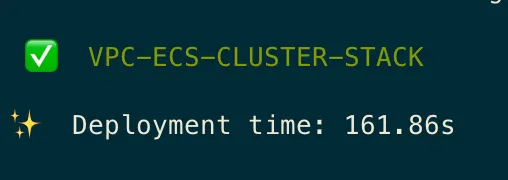
This deployment takes approximately 162 s.
Verify Deployment
After deployment, you can verify the resources in the AWS Cloudformation console:
Check parameters in the Systems Manager Parameter Store, necesary to deploy other stacks that are part of this application:
/videopgvector/cluster-name: Contains the ECS cluster name
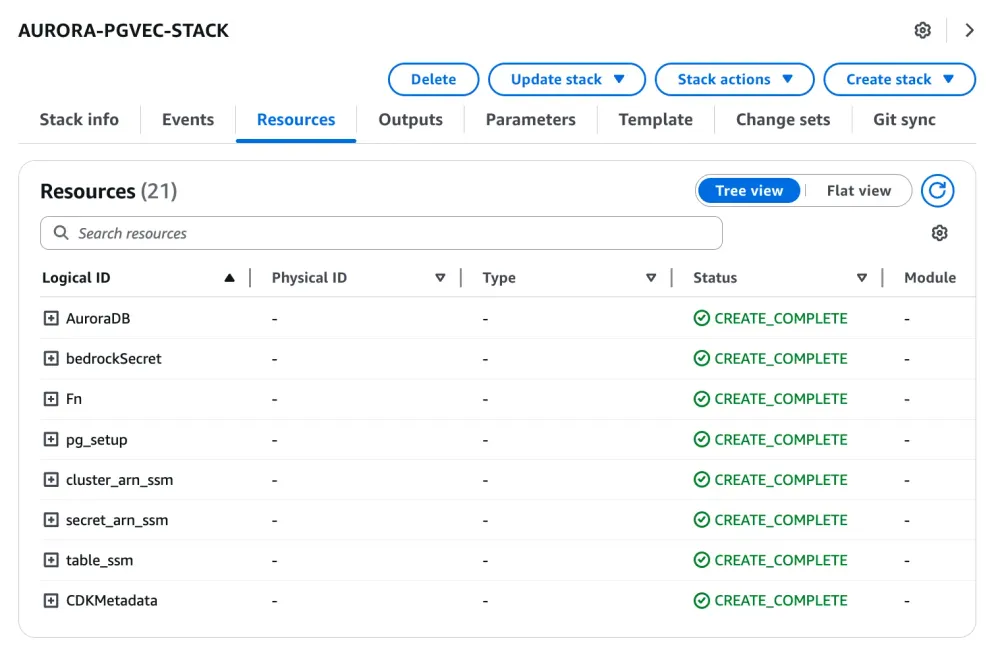
This CDK project creates an Amazon Aurora PostgreSQL database with vector capabilities for storing and querying embeddings generated from audio and video files.
The infrastructure includes:
An Aurora PostgreSQL Serverless v2 cluster with pgvector extension
Lambda functions for database setup and management
Security groups and IAM roles for secure access- SSM parameters to store database connection information
1
2
cd ../02-aurora-pg-vector
cdk deploy
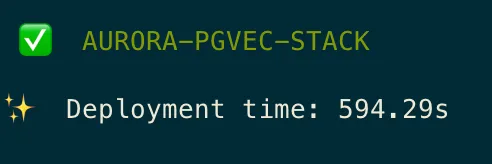
This deployment takes approximately 594.29s.
Verify Deployment
After deployment, you can verify the resources in the AWS Cloudformation console:
Check parameters in the Systems Manager Parameter Store, necesary to deploy other stacks that are part of this application:
/videopgvector/cluster_arn: Contains the Aurora cluster ARN
/videopgvector/secret_arn: Contains the secret ARN for database credentials
/videopgvector/video_table_name: Contains the table name for video embeddings
Step 3: Deploy Audio/Video processing workflow
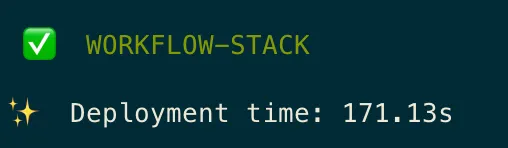
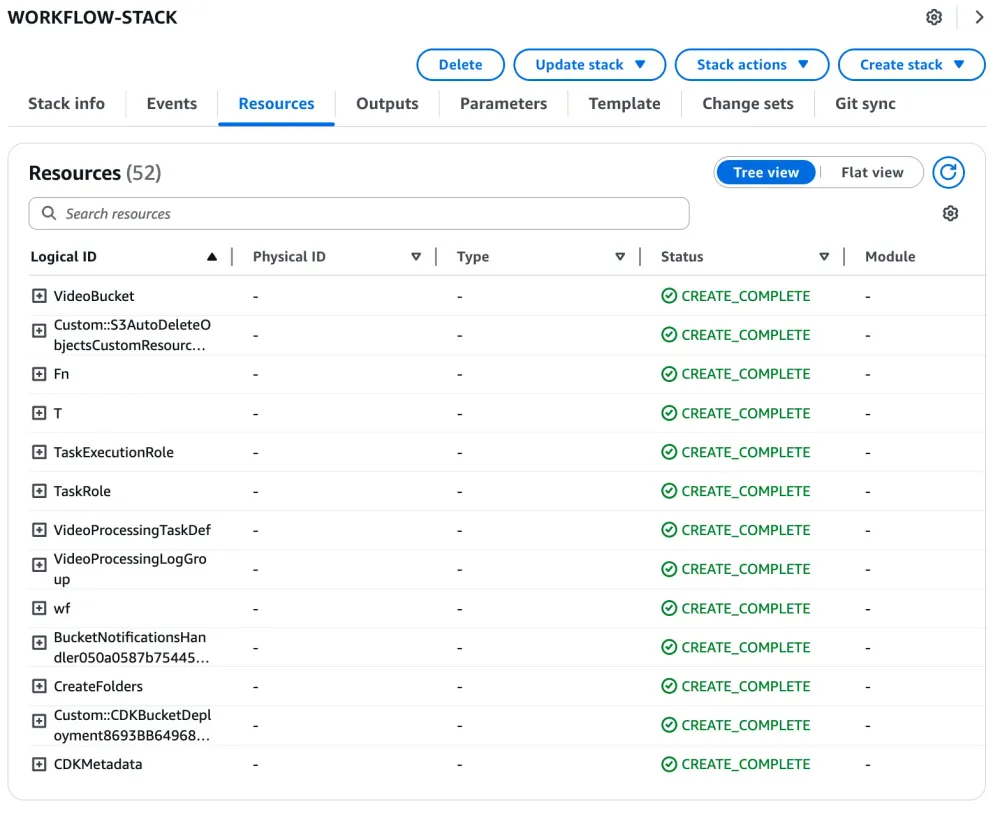
This CDK project creates a complete workflow for processing audio and video files to generate embeddings.
The infrastructure includes:
A Step Functions workflow that orchestrates the entire process
Lambda functions for various processing steps
An ECS Fargate task for video frame extraction
Integration with Amazon Transcribe for audio transcription
DynamoDB tables for tracking job status
S3 bucket for storing media files and processing results
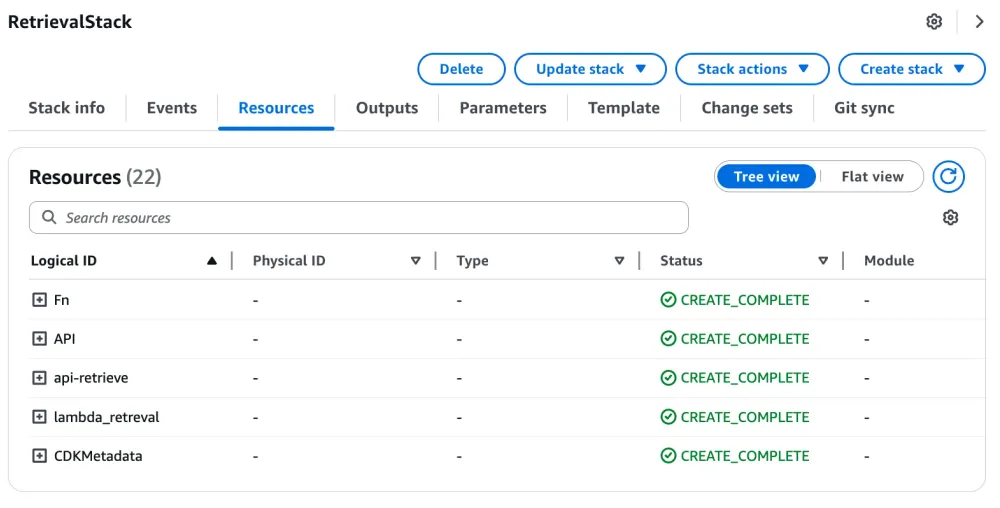
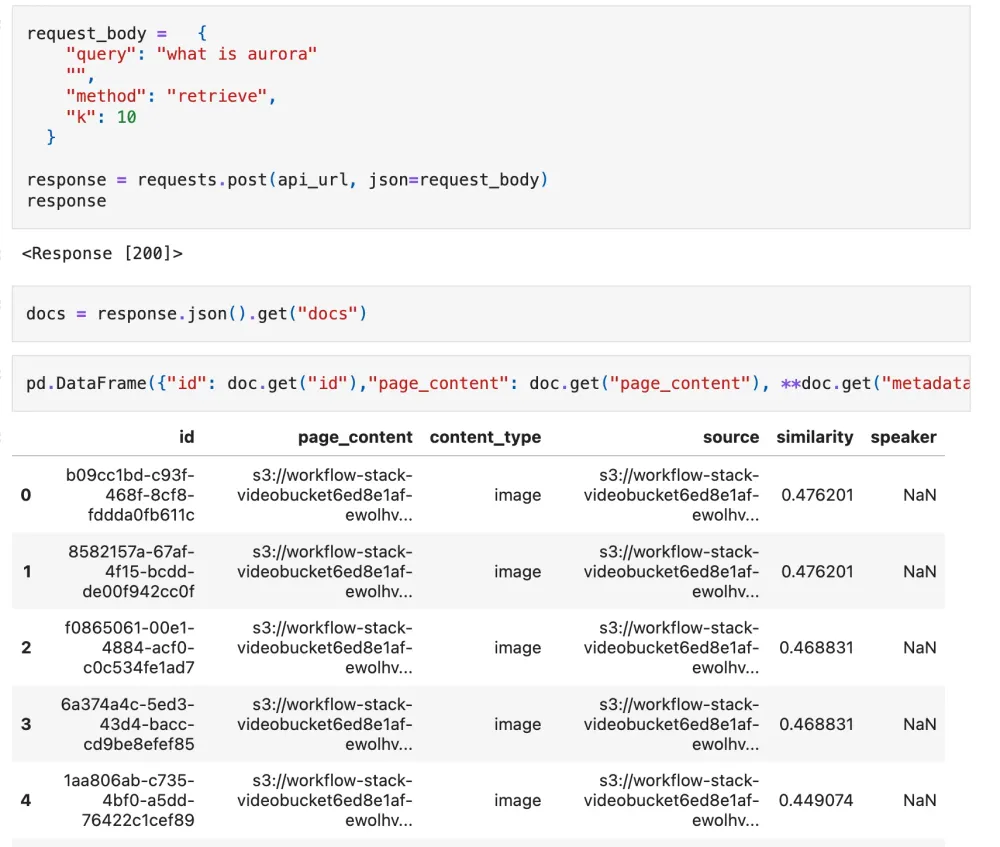
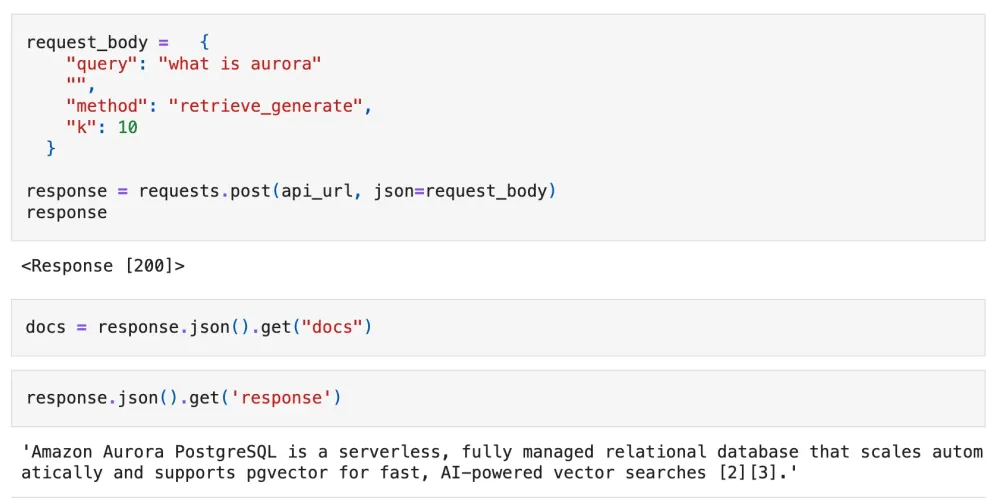
Test the retrieval API endpoints with different query parameters:
To method as retrieve: For basic search functionality.
To method as retrieve_generate: For enhanced search with generated responses.
Conclusion
This containerized implementation of Ask Your Video demonstrates how you can scale video content processing using AWS Step Functions and Amazon ECS. The parallel processing architecture significantly improves performance while maintaining cost efficiency through optimized resource utilization.
The solution provides several key advantages over traditional approaches:
Scalability: Handle multiple video files simultaneously without resource constraints
Reliability: Robust error handling and workflow orchestration through Step Functions
Cost optimization: Pay only for the compute resources you use with Fargate
Maintainability: Containerized components ensure consistent deployments across environments
The complete source code and deployment instructions are available in the GitHub repository. Try implementing this solution in your AWS environment and share your feedback on how it performs with your video content.



Loading article