
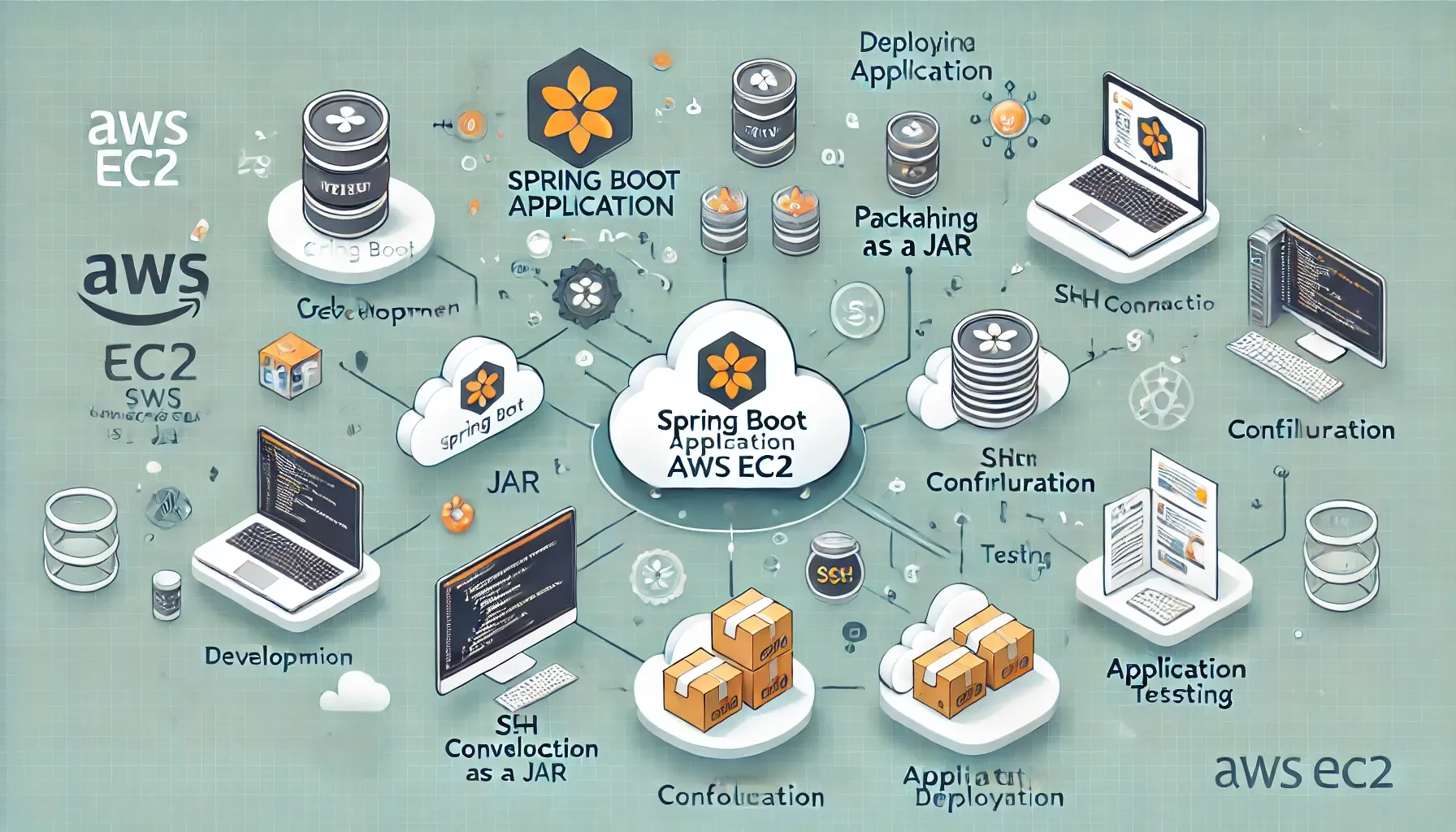
Step-by-Step Guide to Deploying a Spring Boot Application on AWS EC2 with Best Practices
This article explains how to launch a Spring Boot application on AWS EC2, a versatile cloud platform for hosting your apps. Whether you're working on a small project or managing large-scale deployments, AWS EC2 offers scalability, control, and a variety of integration options for your Spring Boot apps.

Features and Benefits of Deploying on EC2:
- Customisable Environment: EC2 allows you to modify the environment to your application's exact requirements, such as installing dependencies or changing application parameters.
- Scalability: AWS EC2 instances may be quickly scaled up or down to meet your traffic demands, ensuring performance efficiency.
- Cost optimisation is paying only for your resources and utilising AWS's pricing structures, such as spot instances, to cut expenses.
Setting Up an EC2 Instance for Spring Boot:
Launching an EC2 instance
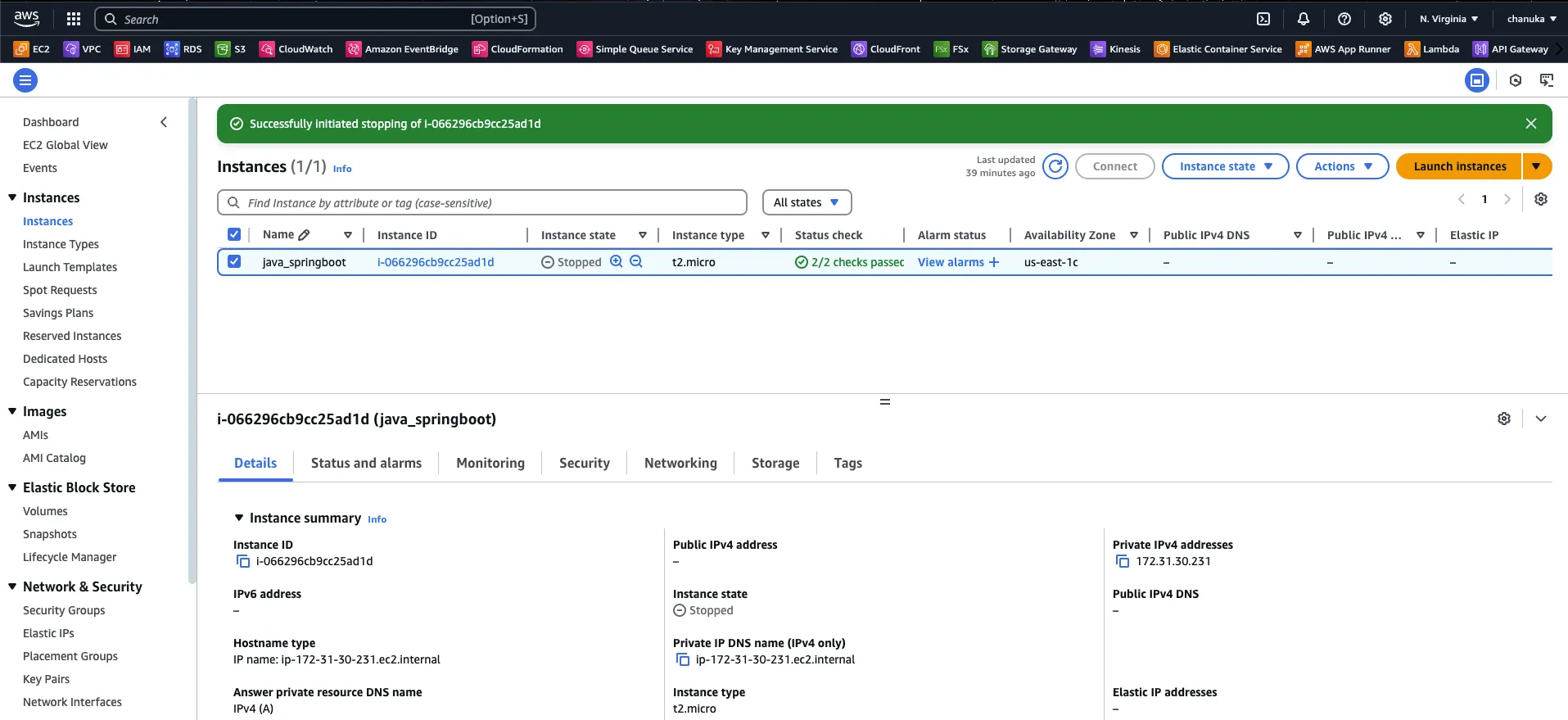
1. Access the AWS Management Console and search for EC2.
2. Click "Launch Instance" to configure the following:
- Select the suitable instance type for your application needs. T2 or T3 instances are more economical for modest to medium workloads.
- For Java compatibility, choose an operating system such as Amazon Linux AMI or Ubuntu.
Configuring Security Groups
Set up security groups to allow traffic into your application.
For a Spring Boot app running at port 8080:
- Allow inbound communication to port 8080 (HTTP).
- Enhance security by restricting access to other ports.
Deploying the Spring Boot Application
1. Preparing the Application
sample project: https://github.com/CDinuwan/JavaSpringbootAppDeploy.git
You should alter your pom file if you want to acquire a suitable jar name.
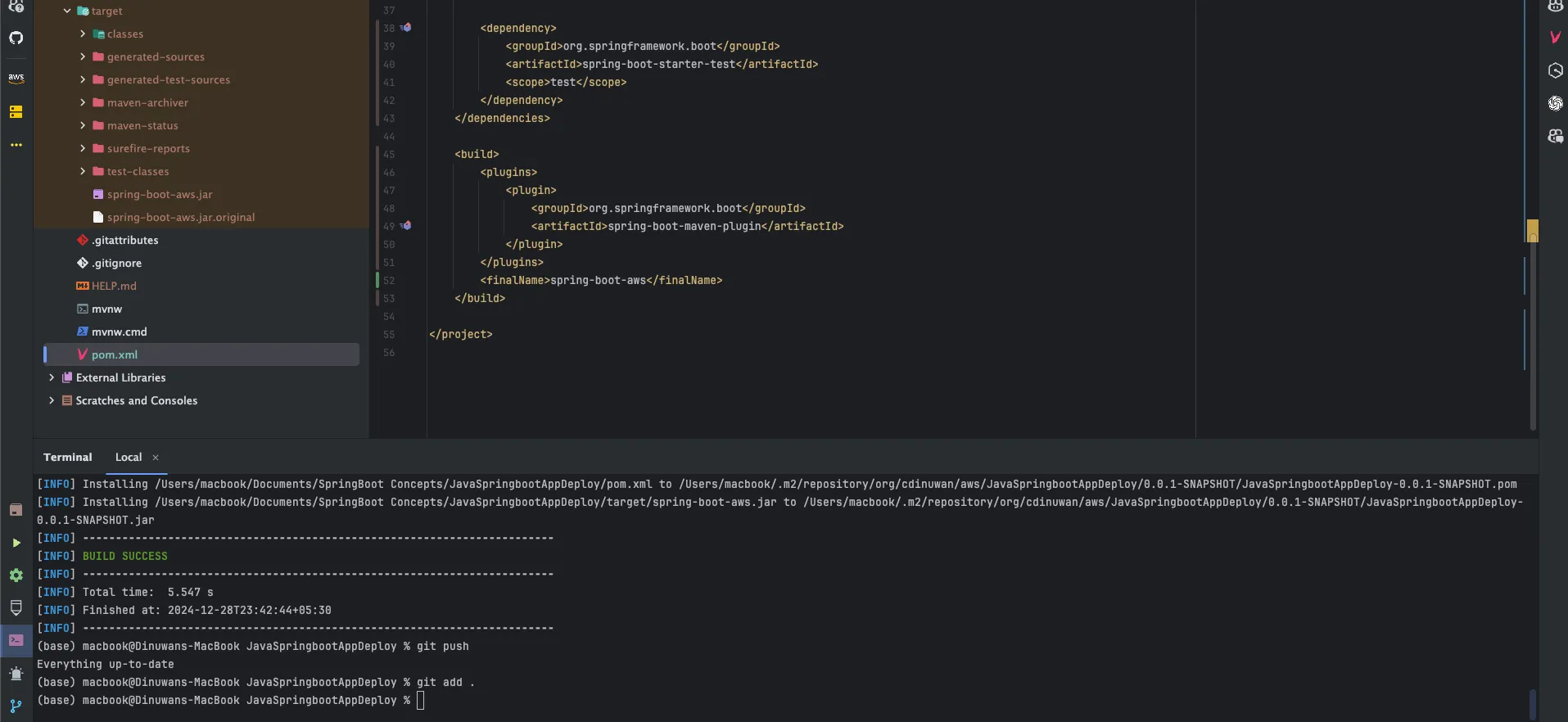
Then run the following command:
1
./mvn clean install- Connecting to the EC2 Instance
Use SSH to connect to your EC2 instance:
1
ssh -i "your-key.pem" ec2-user@your-ec2-instance-public-ip
Update the instance and install Java:
1
2
sudo yum update -y
sudo yum install java-17-amazon-corretto -y
Deploying the JAR File
Option 1: Using AWS S3
- Upload the JAR file to an S3 bucket as part of your CI/CD pipeline.
- Use the AWS CLI on the EC2 instance to download the JAR file:
1
aws s3 cp s3://your-bucket-name/your-app.jar /home/ec2-user/your-app.jar
Option 2: Using JFrog Artifactory
If your organization uses JFrog Artifactory for artifact management, retrieve the file using curl or get:
1
curl -u "your-username:your-password" -O "https://artifactory-url/path-to-your-artifact/your-app.jar"
Run the application:
1
java -jar your-app.jar
Enhancing the Deployment:
1. Setting Up a Reverse Proxy
Use NGINX or Apache to route traffic to your Spring Boot application:
Install NGINX:
1
sudo yum install nginx -y
Configure NGINX to forward requests to port 8080.
2. Enabling Auto-Restart
Create a systemd service file to ensure the application restarts automatically:
1
sudo nano /etc/systemd/system/springboot-app.service
Add the following:
1
2
3
4
5
6
7
8
9
10
[Unit]
Description=Spring Boot Application

[Service]
User=ec2-user
ExecStart=/usr/bin/java -jar /home/ec2-user/your-app.jar
Restart=always

[Install]
WantedBy=multi-user.target
Start and enable the service:
1
2
sudo systemctl start springboot-app
sudo systemctl enable springboot-app
Best Practices for Deployment:
- Use AWS CloudWatch for monitoring application logs and performance.
- Deploy the application behind an Elastic Load Balancer (ELB) for increased availability.
- To ensure security, use IAM roles and encrypt critical data.
What You Can Do with an EC2-Deployed Spring Boot Application:
- Use AWS tools to monitor resource utilisation and expenses.
- Scale the application dynamically to handle traffic spikes.
- Proactively handle performance issues by setting custom notifications.
Using EC2, deploying Spring Boot apps becomes more efficient, scalable, and managed.
Happy coding 🚀
Enjoyed reading this content? Let the author know!
Your likes, comments, shares, and saves help creators reach more builders.

Loading recommendations
Loading article