
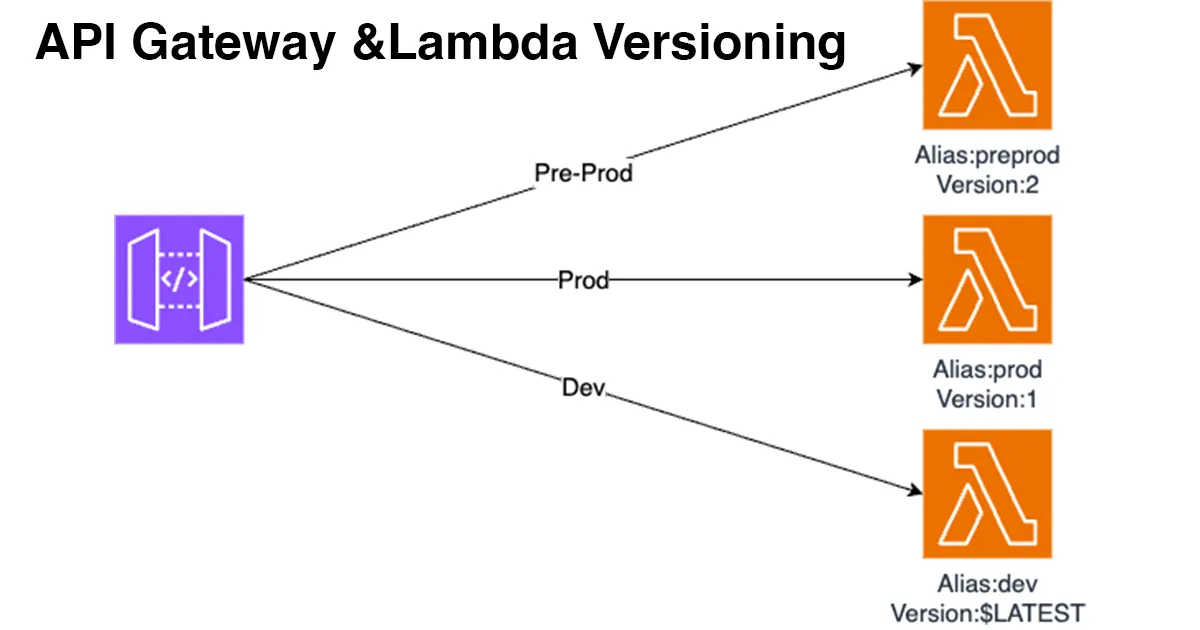
Lambda - API Gateway with Alias & Version
Learn to use Aliases & Versions in Lambda with API Gateway to manage environments (Dev, Pre-Prod, Prod) with distinct endpoints and versioning.


In this article, I will use the AWS Console to:
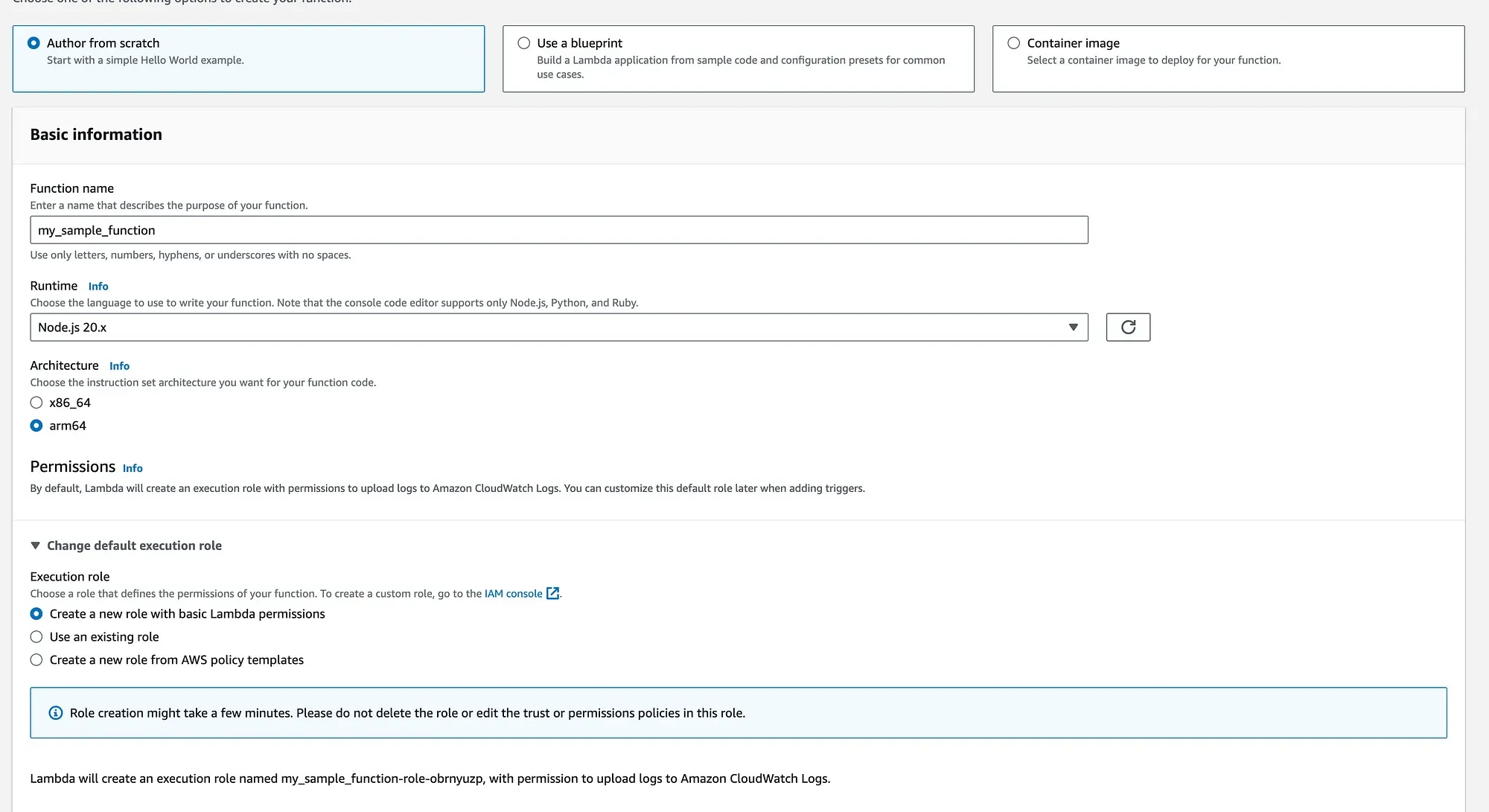
- Create a Lambda function.
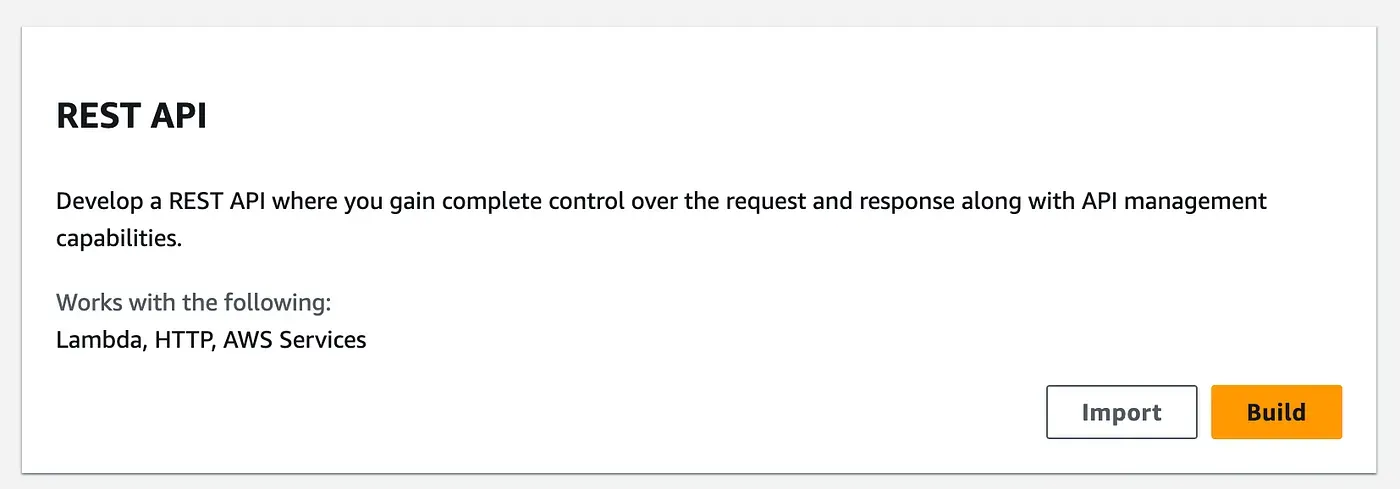
- Create a REST API with a GET endpoint.
- Create multiple stages with different stage variables.
- Link API Gateway to the Lambda function.
This approach is a good way to understand how things work. However, if you want to deploy this model in production, I suggest using CDK or CloudFormation to make it easier to maintain.
- Create your Lambda function
-
2. Create your API Gateway endpoint


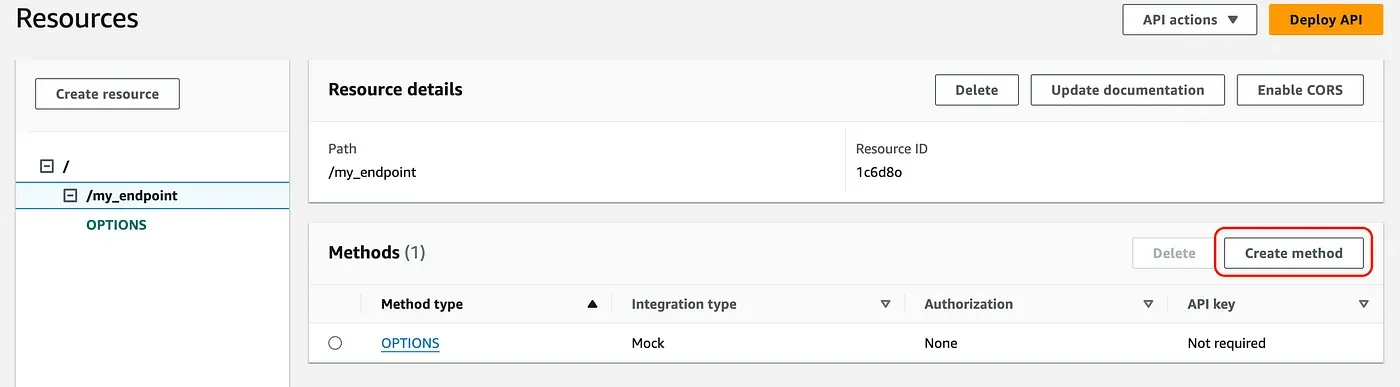
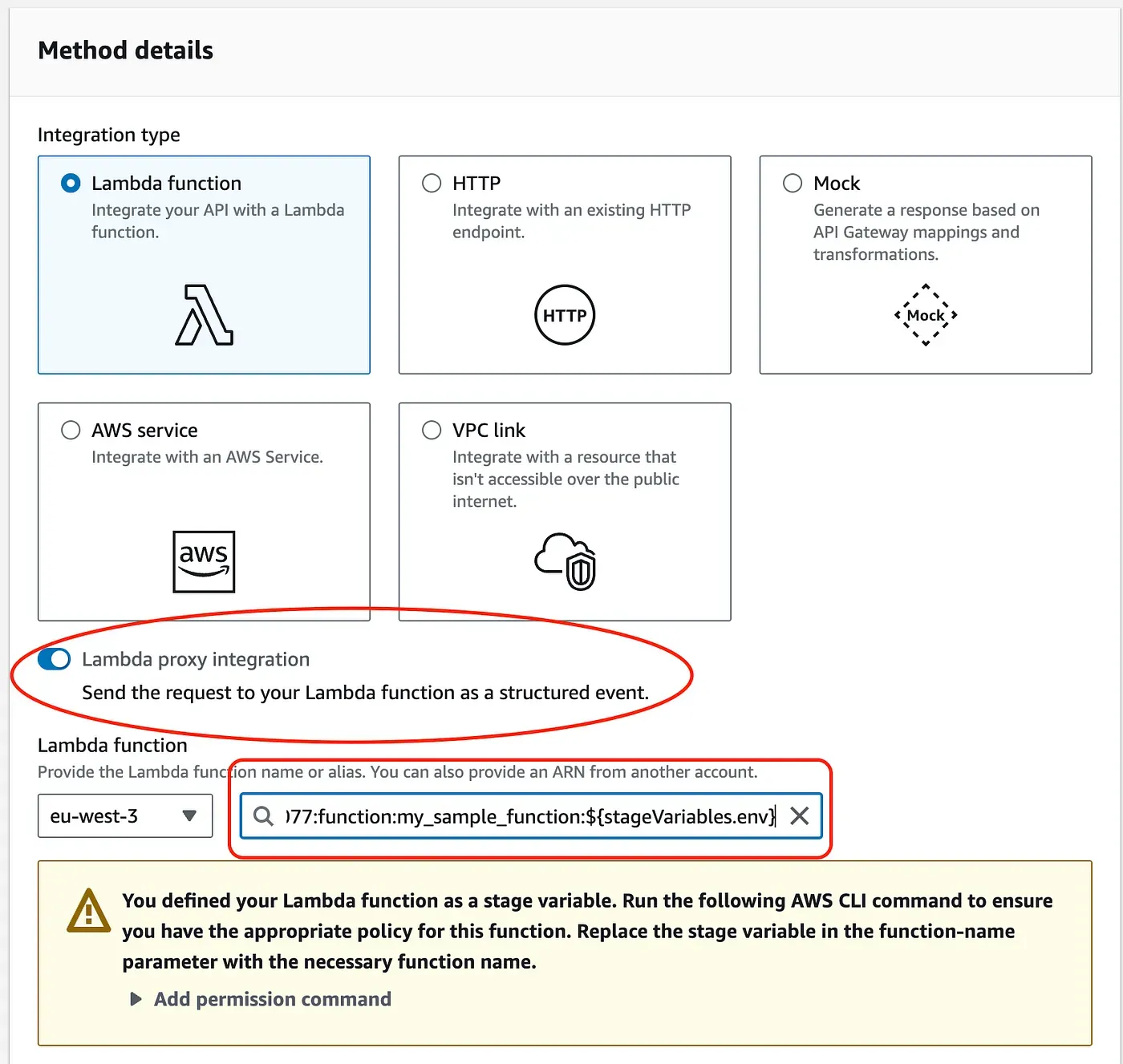
Here is the important thing : to use different environments, you need to provide your Lambda function’s ARN and add the following at the end of your ARN:
:${stageVariables.env} You can now deploy your API and get results from your Lambda function. Now, let’s deploy three different stages (as mentioned before).
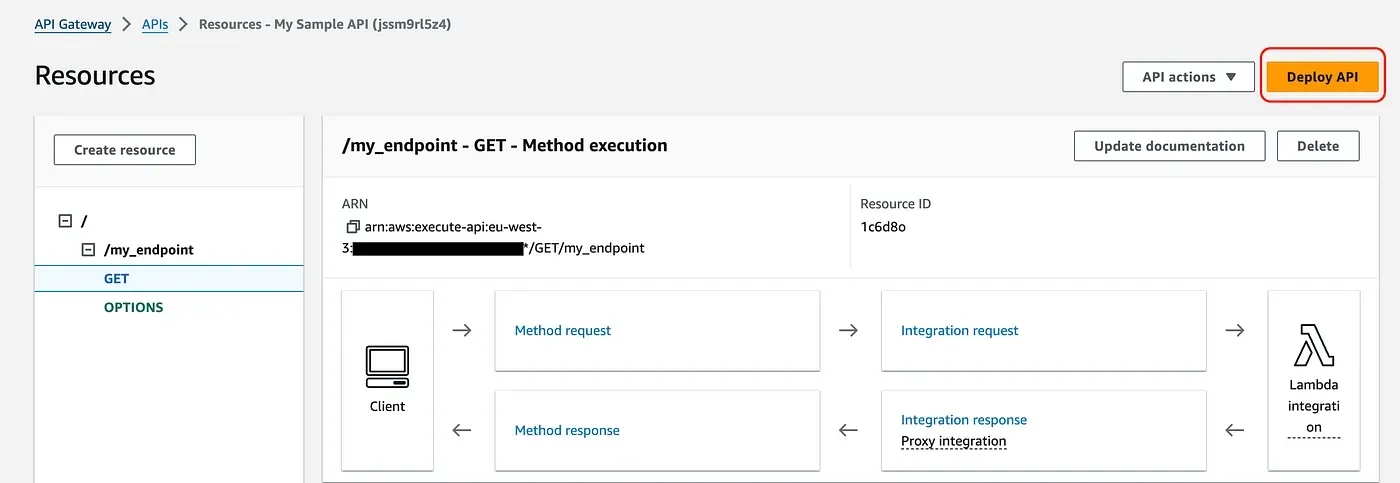
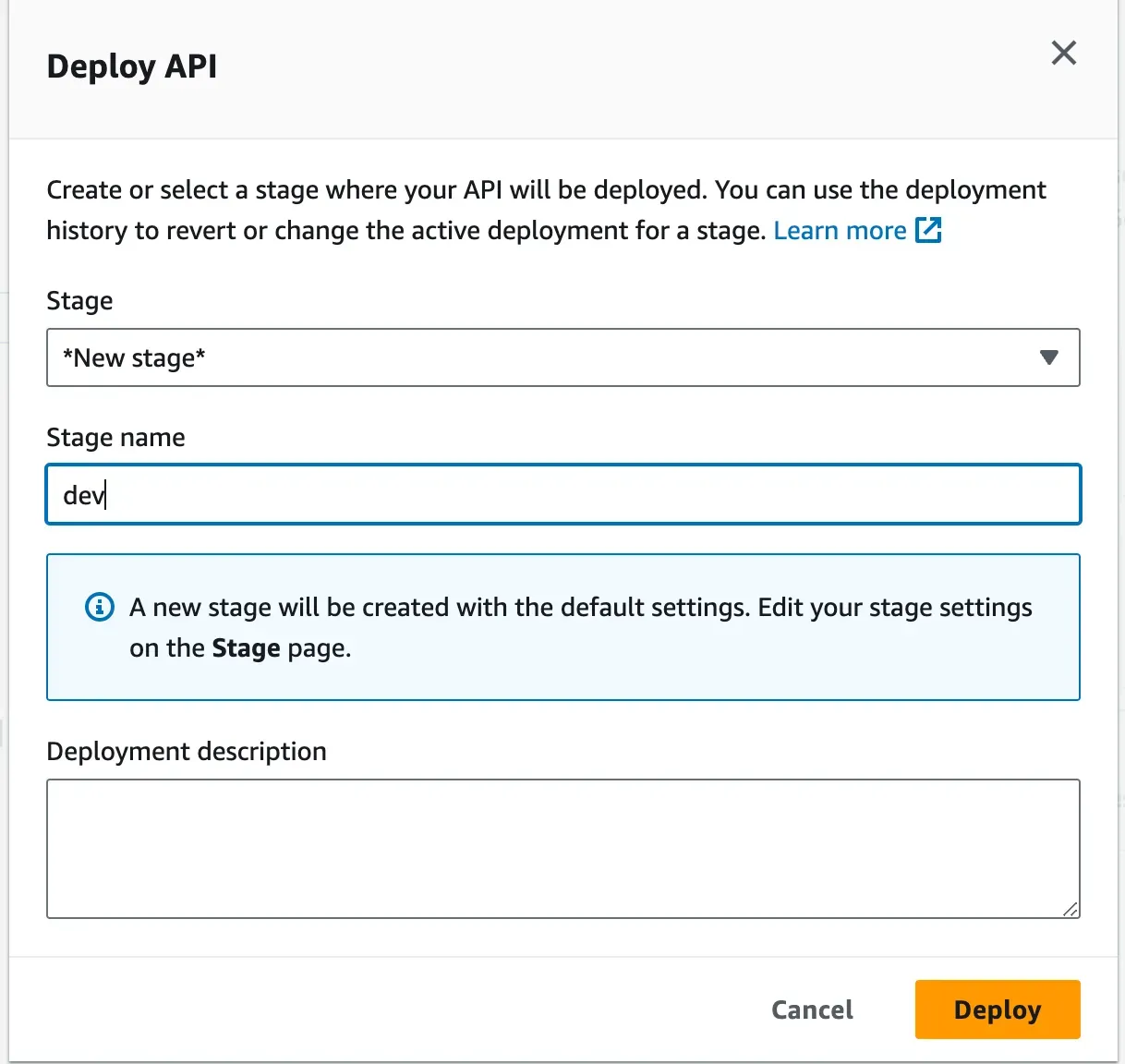
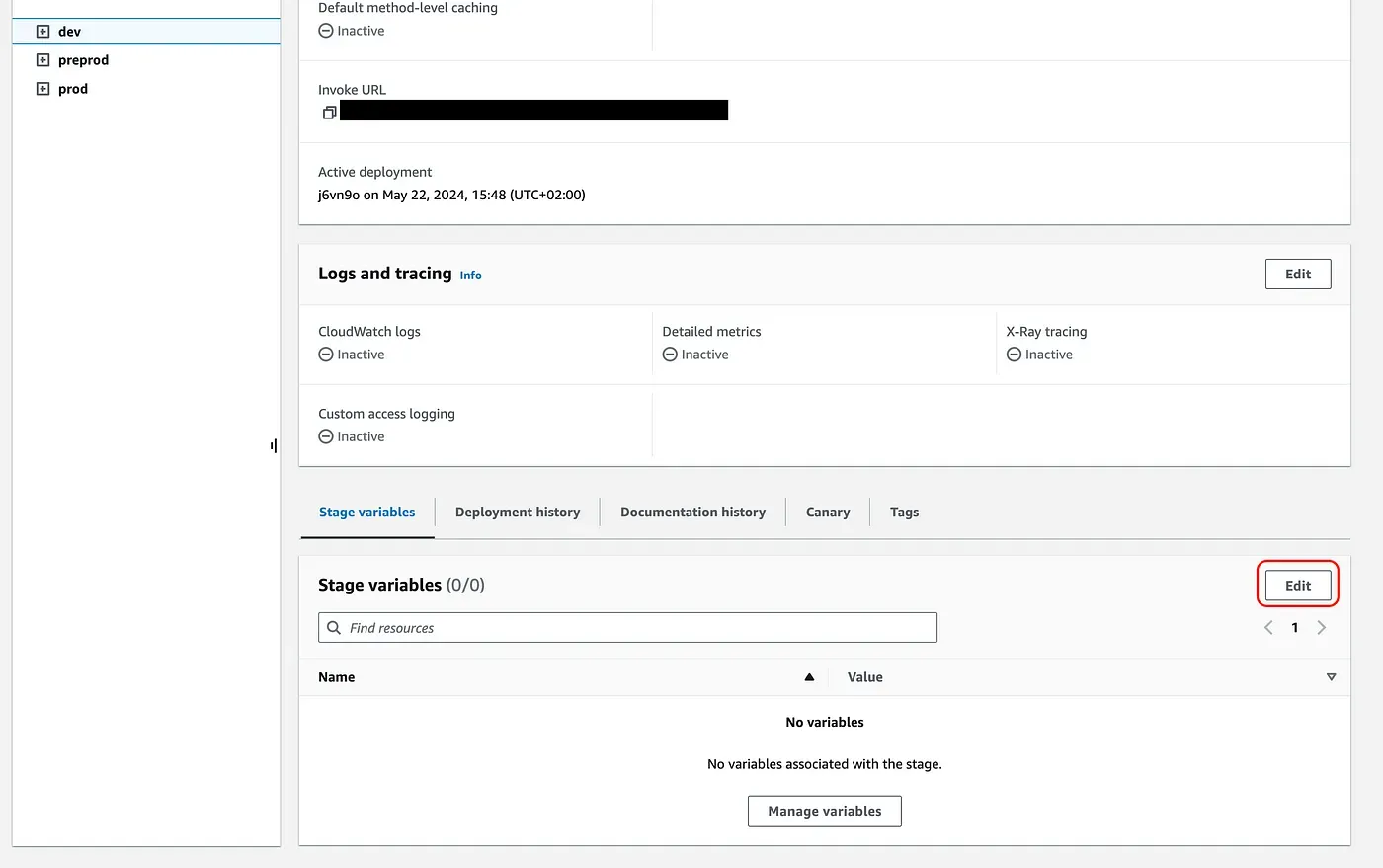
3. Add stage environment variable
All stages are created, for each one let’s add a “Stage Variable” called “env”
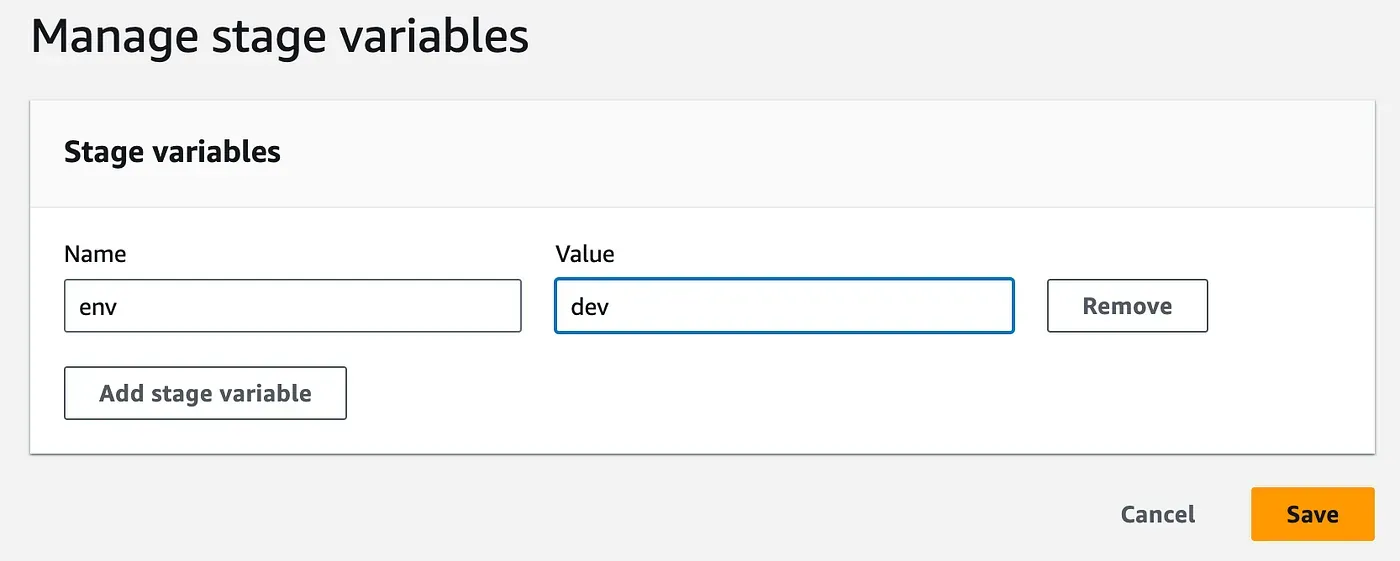
4. Setup is (almost) now complete.
Now you need to deploy each API Gateway stage again.
The last (but not least) step is to link your API Gateway stages to your Lambda Aliases (which are not created yet). You can create Lambda Aliases from the console, but I recommend using this little NodeJS script here . It will create your alias, but more importantly, it will add permission for API Gateway to call your lambda function.
Usage of the script : deployLambdaEnv.js [env_name] [function_name]
node deployLambdaEnv.js dev my_sample_function 
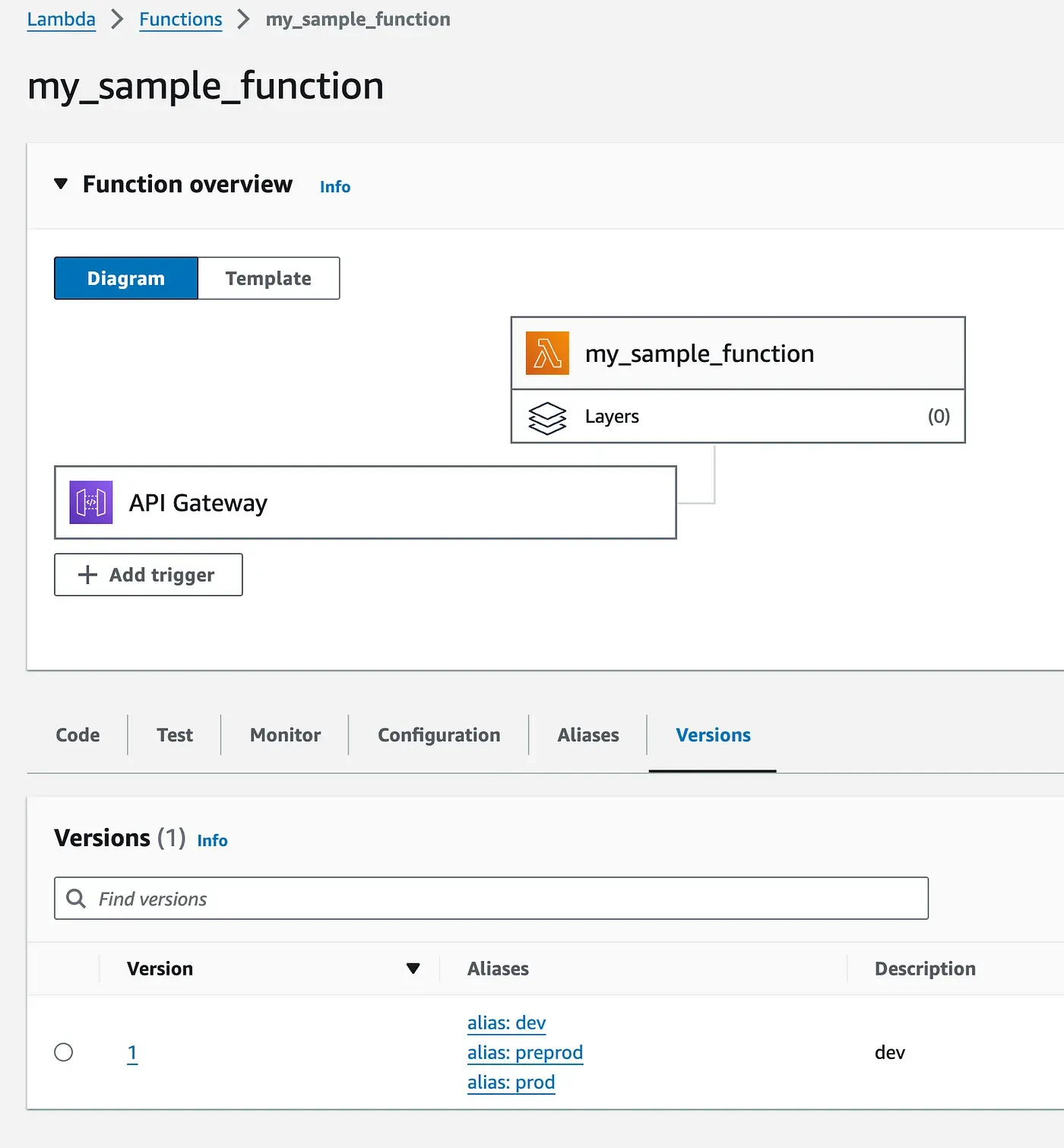
Now if you want to modify your Lambda function, just update the code and publish a new version. Then you can link this version to the stage you want.
5. Quick tips
I personnaly use $LATEST version on “dev” stage so everytime I update the code I can test it directly on my development environment. Go to “Alias Configuration” then “Edit” and select “$LATEST”
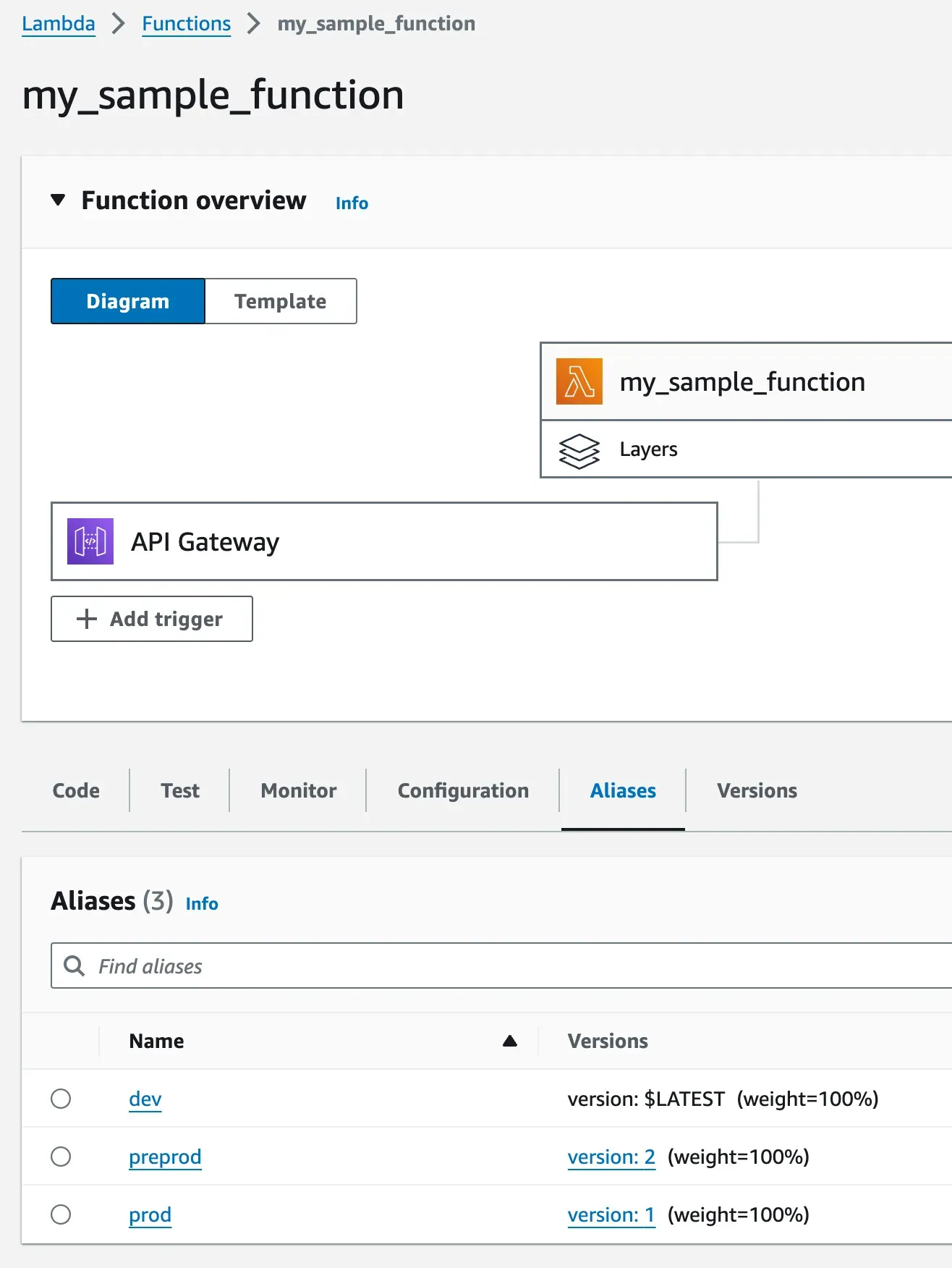
You can then integrate alias switching within your CI/CD process. For example, when you release a new version and merge your GitHub branch “preprod” into “prod,” the Lambda alias “prod” will automatically switch to the latest version.
have developed a custom CI/CD script to deploy my code and merge Lambda functions to the correct alias based on the GitHub branch. Let me know if you are interested in something like this.
Thanks for reading me !
Enjoyed reading this content? Let the author know!
Your likes, comments, shares, and saves help creators reach more builders.

Loading recommendations
Loading article