
Using Amazon Q Developer to update Valkey client code
How I used Amazon Q Developer to create sample code in Python using the new Valkey GLIDE client

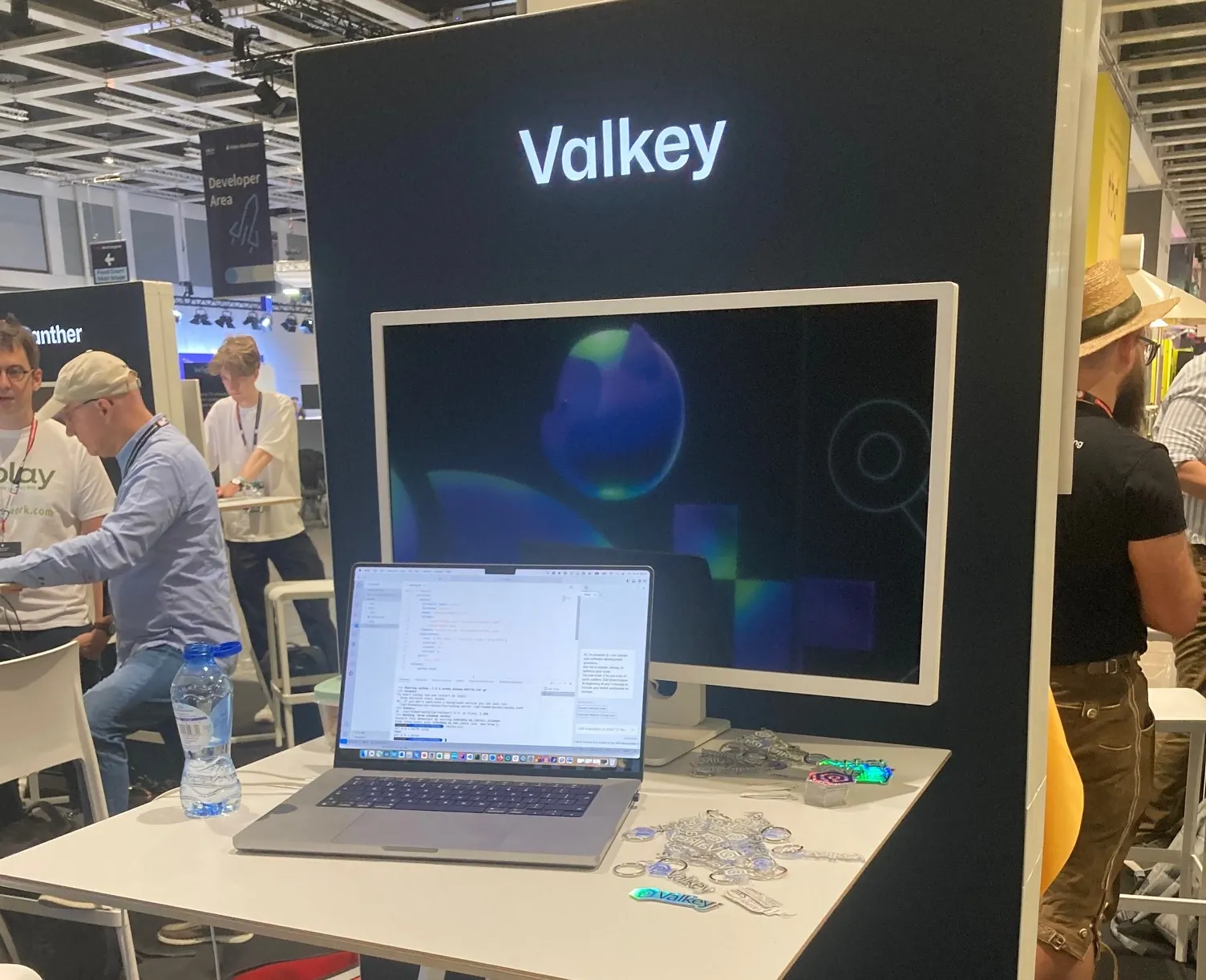
Today is the last day of WeAreDevelopers in Berlin. I have been speaking with developers over the past two days about Valkey , and as part of that I wanted to put together some demos to show. Yesterday I shared a post about how you can use Valkey with Finch (Getting started with Valkey and Finch ), but today I wanted to share how I used Amazon Q Developer to help me put together some demo code that demonstrated how Valkey works.
Amazon Q Developer helped me put together some simple demo applications that I have been demonstrating, that shows how Valkey works with existing as well as the new Valkey Python libraries, and how it is business as usual for developers as they transition to Valkey.
This is all good, but recently I read about a new Valkey client library, called GLIDE (Introducing Valkey GLIDE, an open source client library for Valkey and Redis open source ). I wanted to test this out using my simple demo application, so I thought I would get Amazon Q Developer to help me out, using the recently launched new capability that allows it to read the files in my local workspace to provide additional context.
The first thing I did was to clone the valkey glide client into the current workspace
git cloned https://github.com/valkey-io/valkey-glide/blob/main/python/README.mdI then cleaned it up a bit to remove all the non python stuff I was not interested in, which left me with
└── valkey-glide ├── examples │ └── python │ ├── README.md │ ├── cluster_example.py │ ├── requirements.txt │ └── standalone_example.py └── python ├── python │ ├── glide │ │ ├── __init__.py │ │ ├── async_commands │ │ │ ├── __init__.py │ │ │ ├── bitmap.py │ │ │ ├── cluster_commands.py │ │ │ ├── command_args.py │ │ │ ├── core.py │ │ │ ├── server_modules │ │ │ │ └── json.py │ │ │ ├── sorted_set.py │ │ │ ├── standalone_commands.py │ │ │ ├── stream.py │ │ │ └── transaction.py │ │ ├── config.py │ │ ├── constants.py │ │ ├── exceptions.py │ │ ├── glide.pyi │ │ ├── glide_client.py │ │ ├── logger.py │ │ ├── protobuf_codec.py │ │ ├── py.typed │ │ └── routes.py │ └── tests │ ├── __init__.py │ ├── conftest.py │ ├── test_async_client.py │ ├── test_config.py │ ├── test_proto_coded.py │ ├── test_pubsub.py │ ├── test_scan.py │ ├── test_transaction.py │ ├── test_utils.py │ ├── tests_server_modules │ │ └── test_json.py │ └── utils │ ├── cluster.py │ └── utils.pyI then went into the Amazon Q Developer settings, and enabled the Amazon Q Developer workspace settings
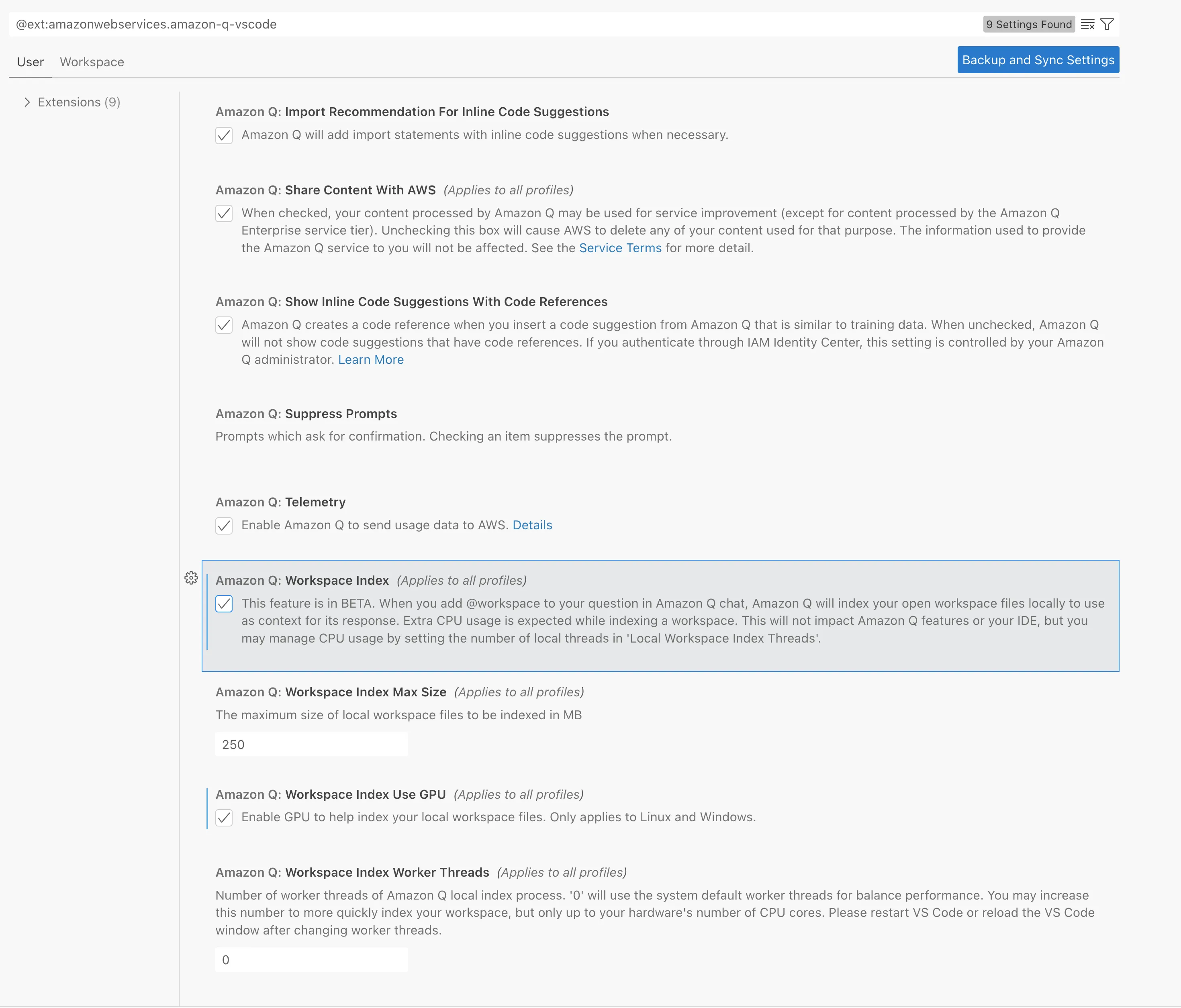
Which I could then confirm was working by checking out the logs (Output > Amazon Q Language Server).
I then used the following prompt
Amazon Q Developer "@workspace using the existing demo-app-with-valkey-library.py file, can you update this to use the Glide library, using the example in standalone_example.py. It will be accessing a Valkey server at 127.0.0.1."
and it then provided the following code
1
2
3
4
5
6
7
8
9
10
11
12
13
14
15
16
17
18
19
20
21
22
23
24
25
26
27
28
29
30
31
from flask import Flask, render_template, request, redirect, url_for
import asyncio
from glide import GlideClient, GlideClientConfiguration, NodeAddress
app = Flask(__name__)
# Create a GlideClient instance
async def create_glide_client():
addresses = [NodeAddress(host="127.0.0.1", port=6379)]
config = GlideClientConfiguration(addresses)
return await GlideClient.create(config)
glide_client = asyncio.get_event_loop().run_until_complete(create_glide_client())
def index():
if request.method == 'POST':
message = request.form['message']
asyncio.get_event_loop().run_until_complete(glide_client.rpush('messages', message))
messages = asyncio.get_event_loop().run_until_complete(glide_client.lrange('messages', 0, -1))
messages = [msg.decode() for msg in messages]
return render_template('index.html', messages=messages)
def delete():
asyncio.get_event_loop().run_until_complete(glide_client.rpop('messages'))
return redirect(url_for('index'))
if __name__ == '__main__':
app.run(debug=True)We can now run the application, but it does not load and generates this error.
RuntimeError: There is no current event loop in thread 'Thread-2 (process_request_thread)'.You know what I am about to say right....yup, back to Amazon Q Developer.
Amazon Q Developer "The code generates this error - "this errors with RuntimeError: There is no current event loop in thread 'Thread-2 (processrequestthread)'." Can you provide suggested code changes on how to fix"
It provides some details around the error and then provides updated code
1
2
3
4
5
6
7
8
9
10
11
12
13
14
15
16
17
18
19
20
21
22
23
24
25
26
27
28
29
30
31
32
33
34
35
36
37
38
39
40
41
42
43
44
45
46
from flask import Flask, render_template, request, redirect, url_for
import asyncio
from glide import GlideClient, GlideClientConfiguration, NodeAddress
app = Flask(__name__)
# Create an event loop
loop = asyncio.get_event_loop()
# Create a GlideClient instance
async def create_glide_client():
addresses = [NodeAddress(host="127.0.0.1", port=6379)]
config = GlideClientConfiguration(addresses)
return await GlideClient.create(config)
glide_client = loop.run_until_complete(create_glide_client())
def index():
if request.method == 'POST':
message = request.form['message']
print(message)
loop.run_until_complete(async_push_message(message))
glide_client = loop.run_until_complete(create_glide_client())
raw_messages = loop.run_until_complete(glide_client.lrange('messages', 0, -1))
return render_template('index.html', messages=raw_messages)
async def async_push_message(message):
print (message)
await glide_client.rpush('messages', message)
async def async_get_messages():
messages = await glide_client.lrange('messages', 0, -1)
return [msg for msg in messages]
def delete():
loop.run_until_complete(async_delete_message())
return redirect(url_for('index'))
async def async_delete_message():
await glide_client.rpop('messages')
if __name__ == '__main__':
app.run(debug=True)When I access this via a browser, it now loads but when I try and add a new message it generates a new error.
TypeError: can only concatenate list (not "str") to listI try using Amazon Q Developer to help me fix this problem, but this time it doesn't really help. This was the prompt I used
Amazon Q Developer "@workspace I am having issues with using rpush from the valkey-glide/python directory. It is generating an error when using rpush. Can you confirm that the code in demo-app-with-glide.py is using rpush correctly"
And whilst the output is helpful, the suggestions this time do not work.
I check the code , and it looks like rpush needs to have the format ("my_list", ["value2", "value3"]), and so I update the line
await glide_client.rpush('messages', message)to be
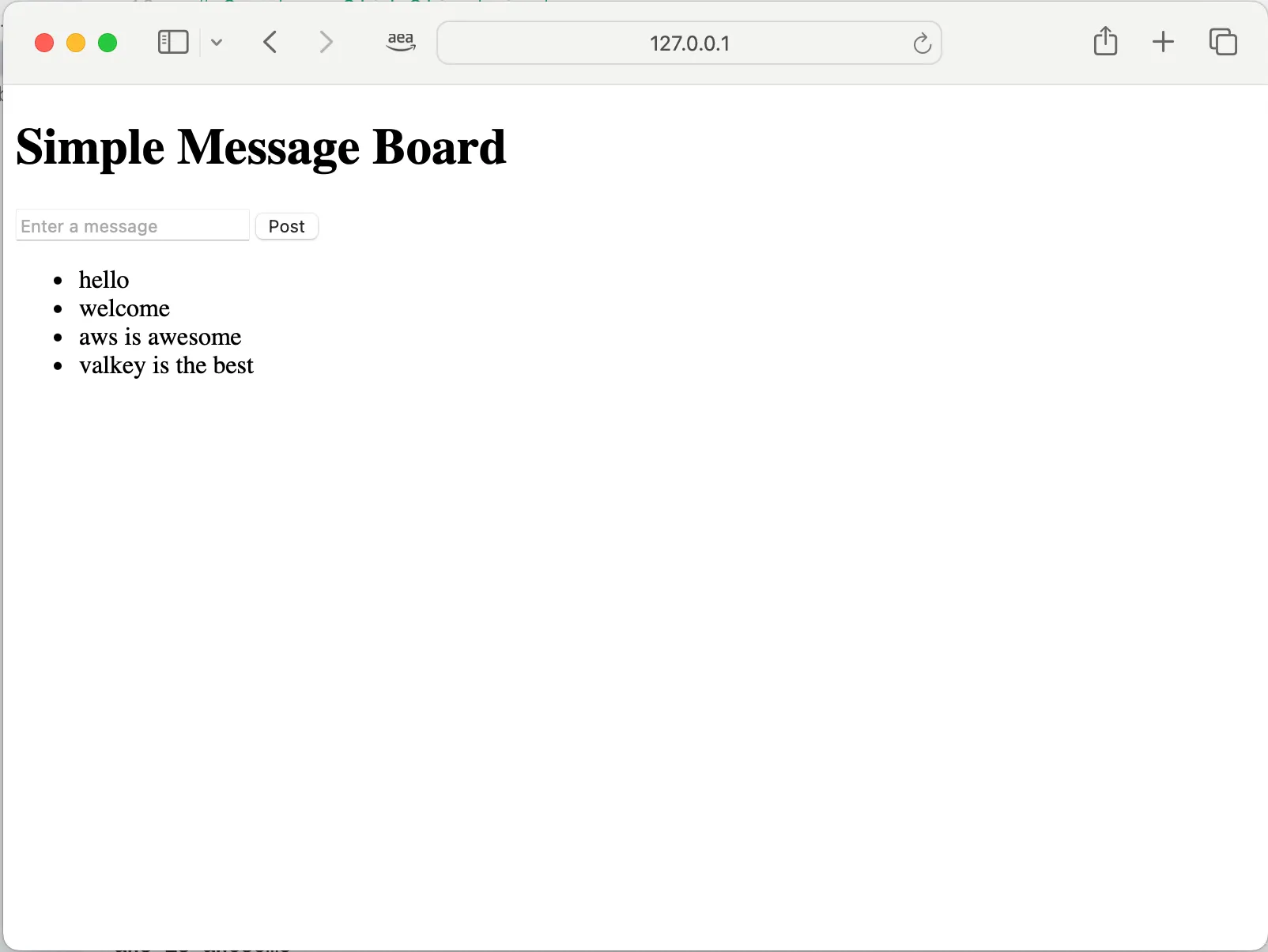
await glide_client.rpush('messages', [message])The code now runs, and we now have our simple demo app using the new Glide client. You can find all the code I (ok, Amazon Q Developer) created in the support GitHub repo
In this quick post, I wanted to share how I am using Amazon Q Developer together with the new capabilities that allow it to understand files in the local workspace. Amazon Q Developer was able to help me update code with new code that the underlying language models would not have known about. Whilst it is not always perfect, it is safe to say that it generated most of the code for me, helped me fix some of the problems, but then left it me to earn my keep!
How are you going to use Amazon Q Developer?
Enjoyed reading this content? Let the author know!
Your likes, comments, shares, and saves help creators reach more builders.

Loading recommendations
Loading article