

Getting started with Valkey and Finch
If you are using Finch and want to run Valkey, read this guide to show you how to get this up and running

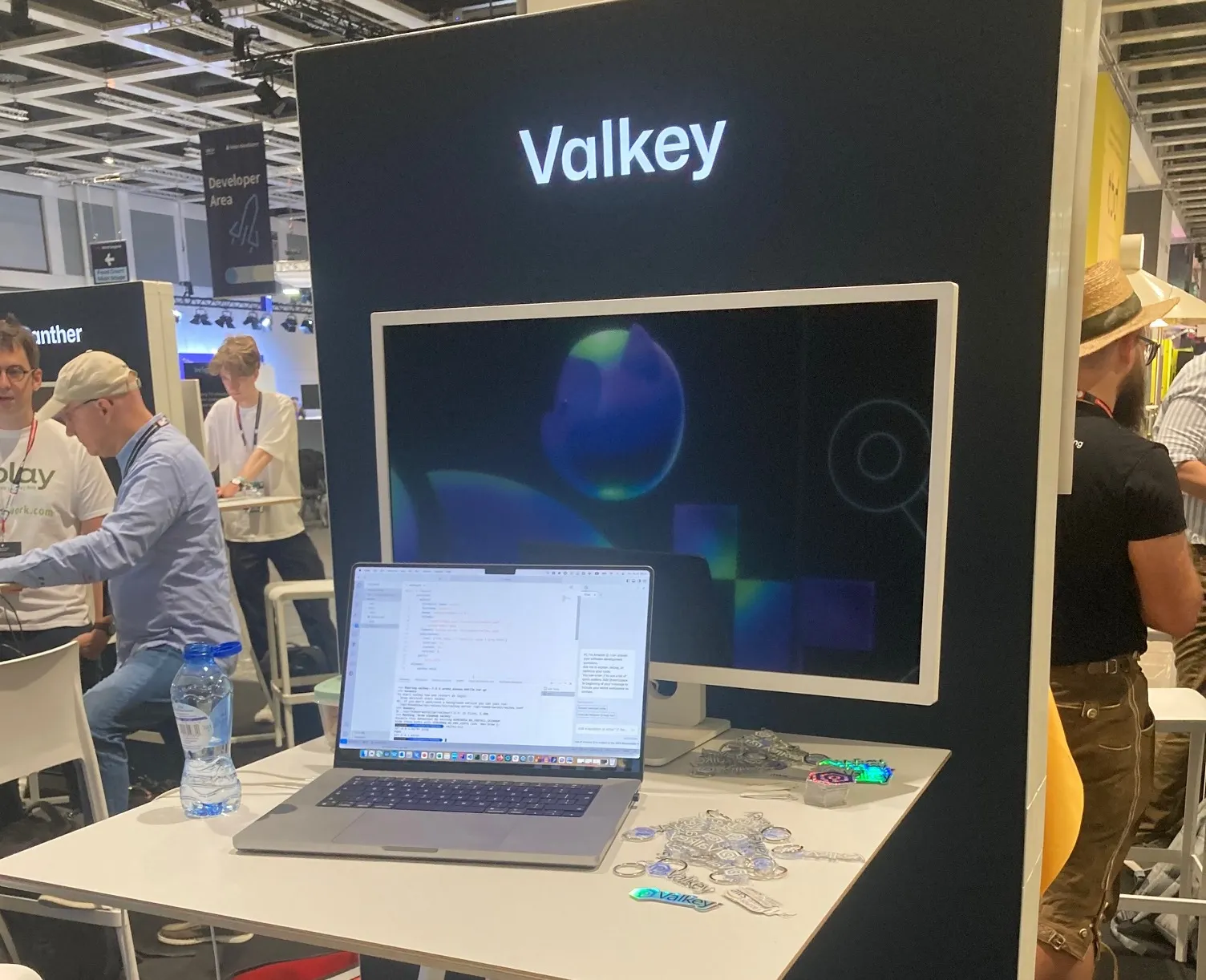
This week I am at the incredible WeAreDevelopers conference in Berlin, Germany. An expected fifteen thousand developers will be coming over the next couple of days to learn about the latest technologies, including open source projects like Valkey.
If you are not familiar with Valkey, it is an open source fork of Redis. I am on the Valkey booth helping to raise awareness with the developer community here. As I have been getting my demos and code samples together, I realised that I could not get Valkey working with Finch (Finch, an open source alternative to running Docker Desktop on your Mac and Windows environments). I spent a few minutes figuring this out, so want to quickly share this incase you want to run Valkey using Finch.
Error with existing Docker compose configurations
I initially used a Docker Compose file from my colleague Ricardo Ferreria (check out his awesome post, Getting Started with Valkey using Docker and Go ) but this generated the following error:
INFO[0000] Creating volume local-valkey_valkey-data
WARN[0000] Ignoring: service valkey: [HealthCheck]
INFO[0000] Ensuring image valkey/valkey:7.2.5
INFO[0000] Re-creating container valkey
INFO[0000] Attaching to logs
valkey |chown: changing ownership of '.': Permission denied
INFO[0000] Container "valkey" exited
INFO[0000] All the containers have exited Now this is an issue that I am familiar with. A while back, I created a post on how to run the project, mwaa-local-runner on Finch ( Using Finch to run Apache Airflow using mwaa-local-runner ) so I knew the issue was likely to be volume related.
I created a volume using the Finch cli
finch volume create valkey-data and then adjusted the configuration file so that I ended up with the following
services:
valkey:
container_name: valkey
hostname: valkey
image: valkey/valkey:7.2.5
volumes:
- ./conf/valkey.conf:/etc/valkey/valkey.conf
- valkey-data:/data
command: valkey-server /etc/valkey/valkey.conf
healthcheck:
test: ["CMD-SHELL", "redis-cli ping | grep PONG"]
interval: 1s
timeout: 3s
retries: 5
ports:
- 6379:6379
volumes:
valkey-data: This is what my directory tree looks like
└── finch
├── conf
│ └── valkey.conf
├── data
└── valkey.yml I then start up Valkey using the following command
finch compose -p local-valkey -f valkey.yml up And this time, success!
valkey |1:C 18 Jul 2024 06:11:03.711 * oO0OoO0OoO0Oo Valkey is starting oO0OoO0OoO0Oo
valkey |1:C 18 Jul 2024 06:11:03.711 * Valkey version=7.2.5, bits=64, commit=00000000, modified=0, pid=1, just started
valkey |1:C 18 Jul 2024 06:11:03.711 * Configuration loaded
valkey |1:M 18 Jul 2024 06:11:03.711 * Loading RDB produced by valkey version 7.2.5
valkey |1:M 18 Jul 2024 06:11:03.711 * RDB age 24 seconds
valkey |1:M 18 Jul 2024 06:11:03.711 * RDB memory usage when created 0.86 Mb
valkey |1:M 18 Jul 2024 06:11:03.711 * Done loading RDB, keys loaded: 0, keys expired: 0.
valkey |1:M 18 Jul 2024 06:11:03.711 * DB loaded from disk: 0.000 seconds
valkey |1:M 18 Jul 2024 06:11:03.711 * Ready to accept connections tcp And I can confirm this is working by using the valkey-cli tool which I have installed locally
valkey-cli
127.0.0.1:6379> ping
PONG
127.0.0.1:6379> So, if you are looking to give Valkey a try and want to use an open source alternative to Docker, then give this a try. You can find the code in the supporting GitHub repo here
If you are at WeAreDevelopers, pop by the Valkey booth. We would love to chat with you.
Enjoyed reading this content? Let the author know!
Your likes, comments, shares, and saves help creators reach more builders.

Loading recommendations
Loading article