

Apache Kafka is an open-source streaming platform that is used for building real-time data pipelines and streaming applications. Amazon Managed Streaming for Apache Kafka ( MSK ) is a fully managed service provided by AWS that makes it easy to set up, run and scale Apache Kafka clusters in the cloud.
Some of the key features of MSK include,
- Fully managed: MSK takes care of all the operational tasks, freeing users to focus on building their applications.
- High performance and scalability: MSK provides high-throughput and low-latency performance, making it ideal for demanding streaming applications. The service also supports easy scaling of clusters up or down as needed.
- Security: MSK provides end-to-end security features, including encryption of data in transit and at rest, network isolation, and fine-grained access controls.
- Easy integration: MSK integrates seamlessly with other AWS services, such as Amazon S3 and Amazon Kinesis, allowing users to easily process and store large amounts of data from various sources.
- Cost-effective: MSK provides a cost-effective solution for running Apache Kafka clusters in the cloud, as users only pay for the resources they use.
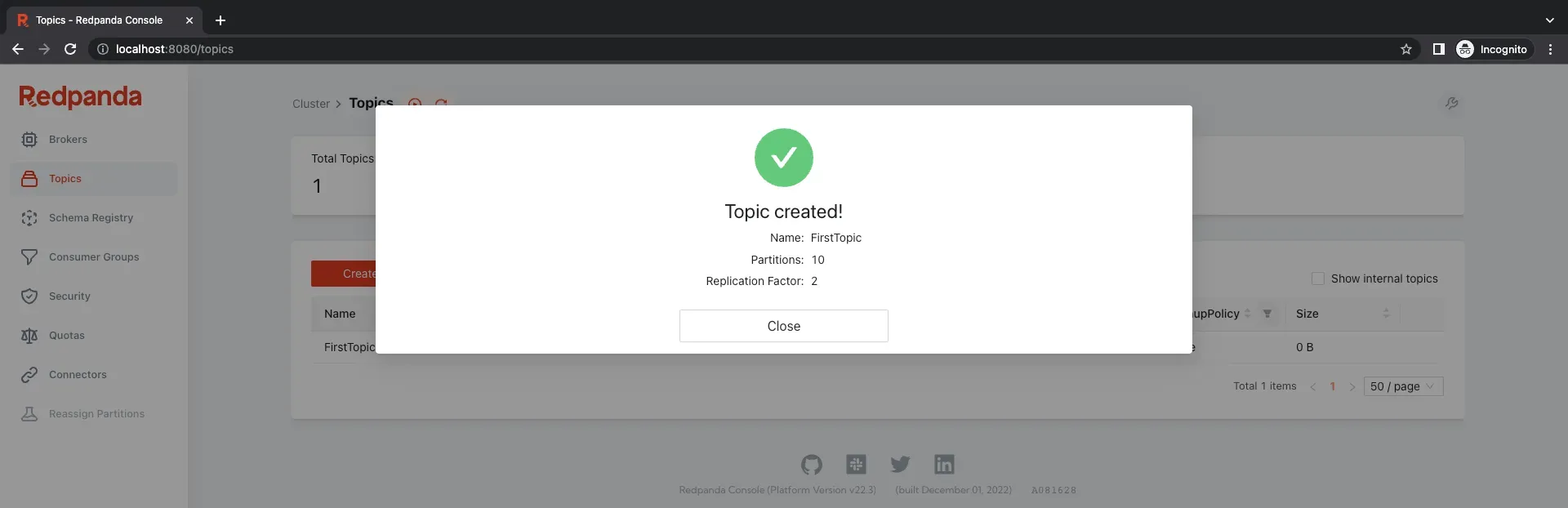
However, monitoring Apache Kafka clusters can be a complex and time-consuming task. This is where Redpanda-console comes in, providing a powerful monitoring and management tool for Apache Kafka. The tool provides a comprehensive and user-friendly interface for monitoring key metrics, such as cluster health, broker utilization, and topic status, as well as managing various tasks, such as creating and managing topics, managing consumer groups, and more.
Create a MSK cluster using Terraform
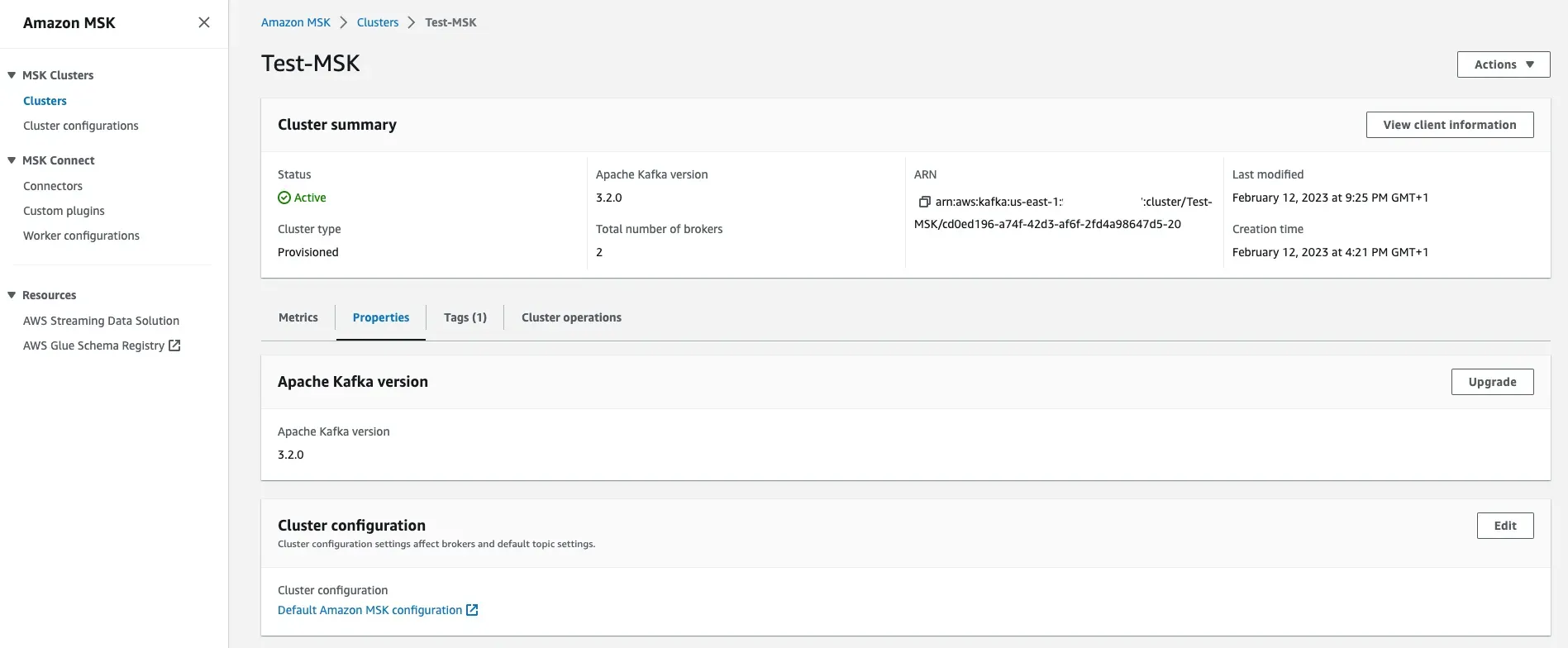
Using the terraform codes in the kafka-medium repository, it is possible to create a minimal MSK cluster without authentication and public access. To enable authentication and provide IAM role access, please refer the official AWS documents . Since Redpanda-console will be deployed on top of an EKS cluster, EKS should be up and running. Please change and add the correct VPC id, Subnet ids and correct Security Group id of the EKS nodes into the msk.tf file. Only after these variables are correctly configured, MSK cluster could be created,
terraform init
terraform plan
terraform apply 
Deploy Redpanda-Console
Copy the output values of the above command, those brokers are required to configure the connectivity from Redpanda-console. Since the EKS cluster is already created, now Redpanda-console helm chart can be deployed onto it. Helm chart with the sample values.yaml can be found in the same GitHub repository . Since Authentication is not enabled in MSK, there is no need to configure IAM role and ServiceAccount with required permissions. Only thing is, correct broker endpoints should be added in the values.yaml file.
cd {path-to-redpanda-helm-chart}/
helm upgrade -install redpanda-console -f values.yaml . -n redpanda 
Ingress resource could be configured if all the necessary pre-requisits are deployed and configured. Since this chart configuration does not have an ingress resource, below port forward command should be used to access Redpanda-console UI,
kubectl port-forward svc/redpanda-console 8080:8080 Now it is possible to access Redpanda-console from http://localhost:8080 . There is no authentication, because of that all the permissions are allowed for this user such as listing/creating/deleting topics.
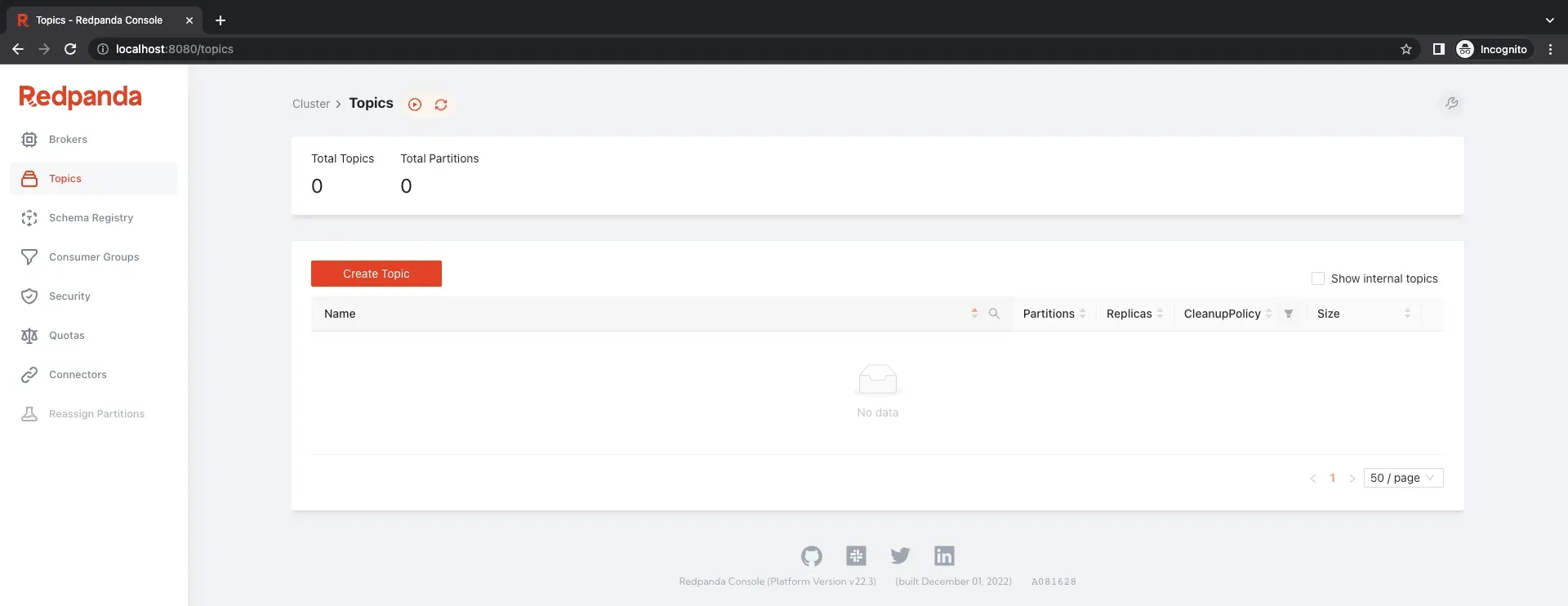
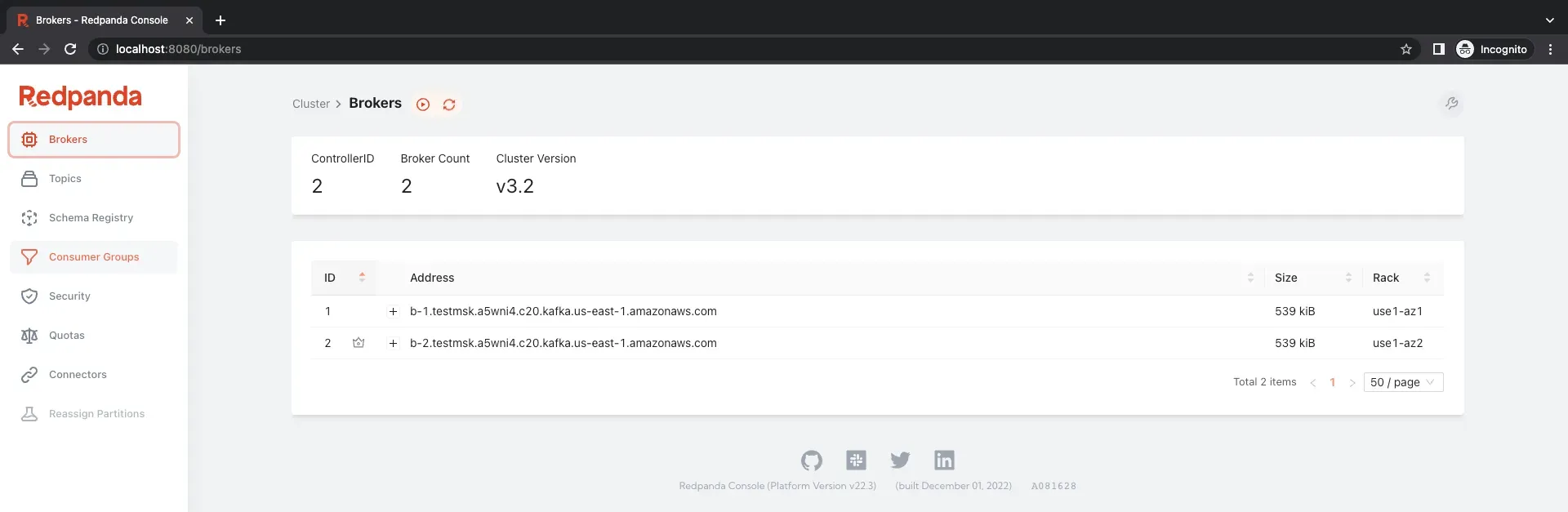
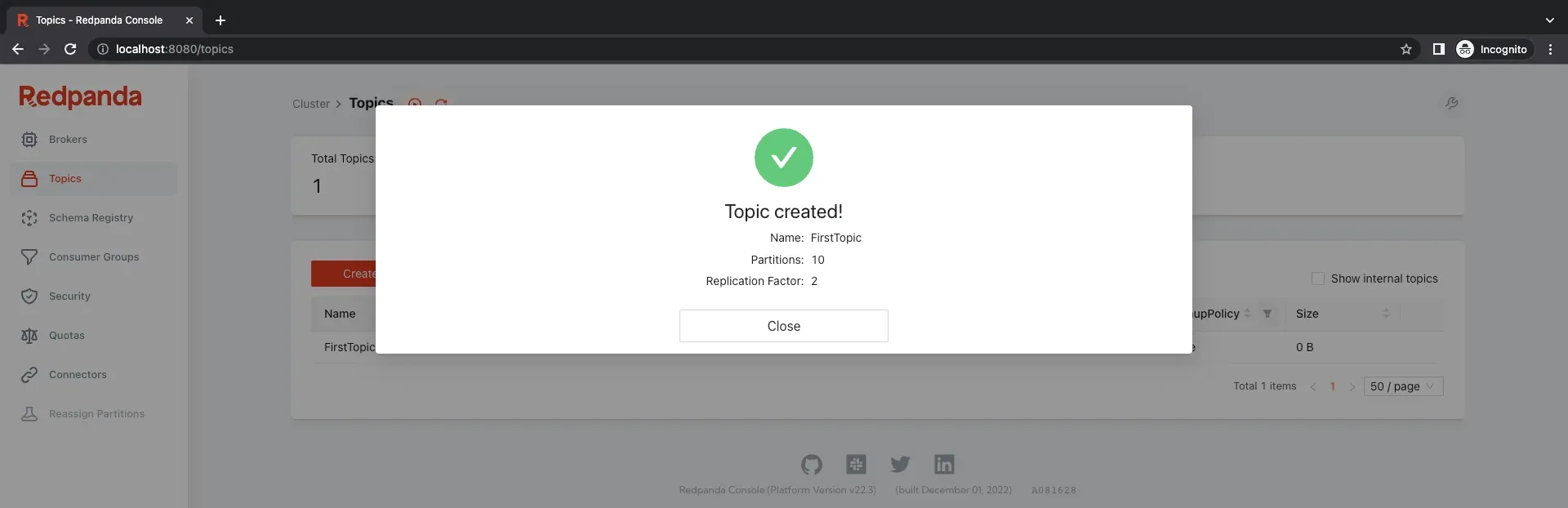
Redpanda-console is a powerful and user-friendly monitoring and management tool for Apache Kafka. Whether you’re building real-time data pipelines, streaming applications, or other use cases that require Apache Kafka, Redpanda-console makes it easy to monitor and manage your clusters, ensuring their performance and availability.
Enjoyed reading this content? Let the author know!
Your likes, comments, shares, and saves help creators reach more builders.

Loading recommendations
Loading article